Generate your own sarcophagus images with AI
Create your own images of sarcophagi and ancient tombs with our free AI image generator.
2 years ago
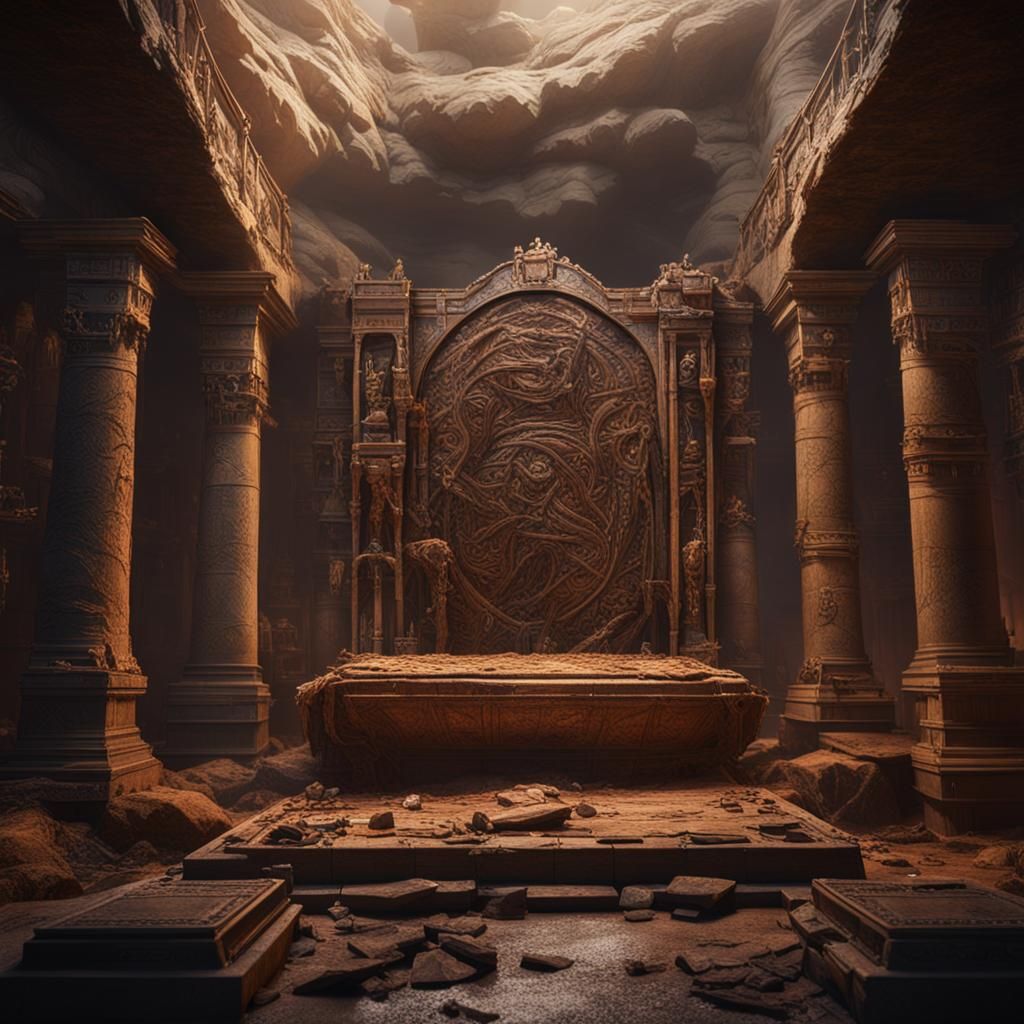
encasing the sarcophagus
Created 2 years ago · 3 comments· 0 likes
SDXL 1.0
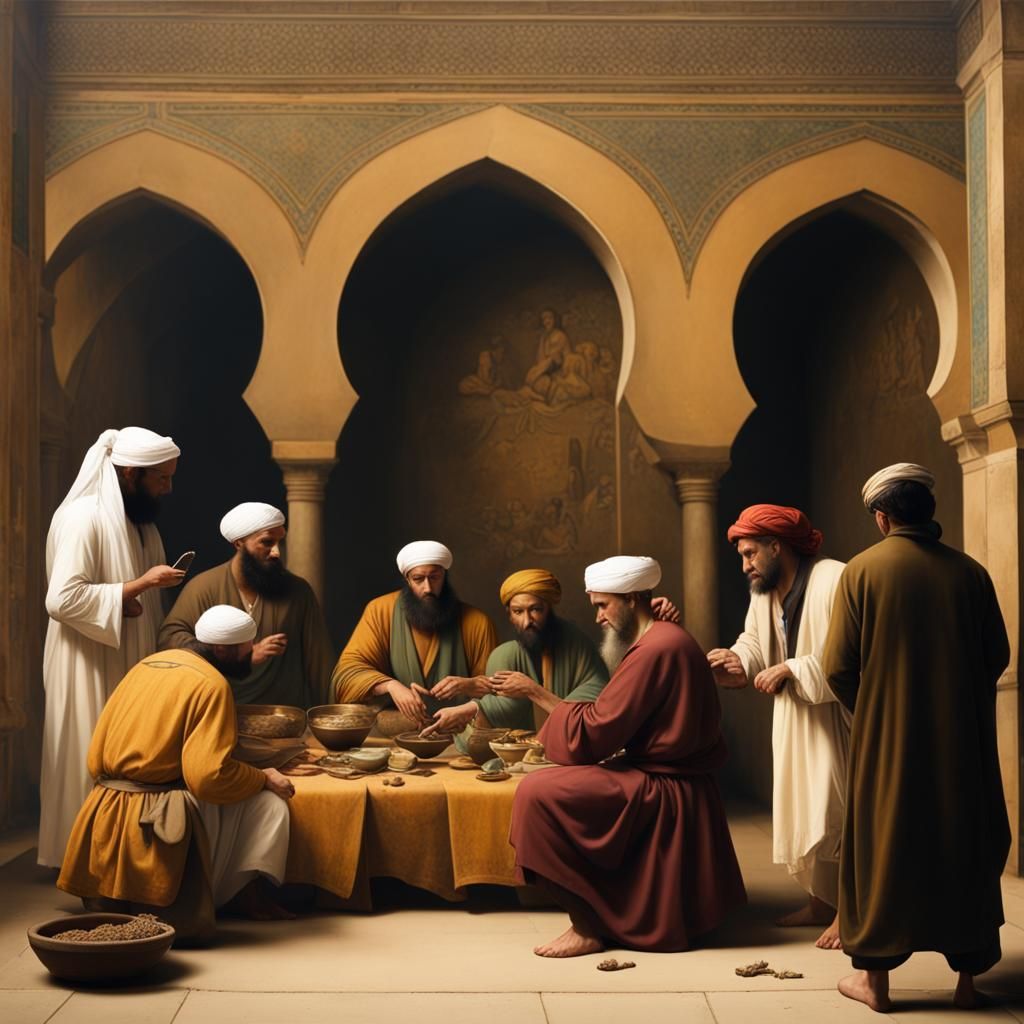
encasing the sarcophagus once more. The tremors subsided, leaving an eerie silence in their wake.
Creation Summary by Vincent
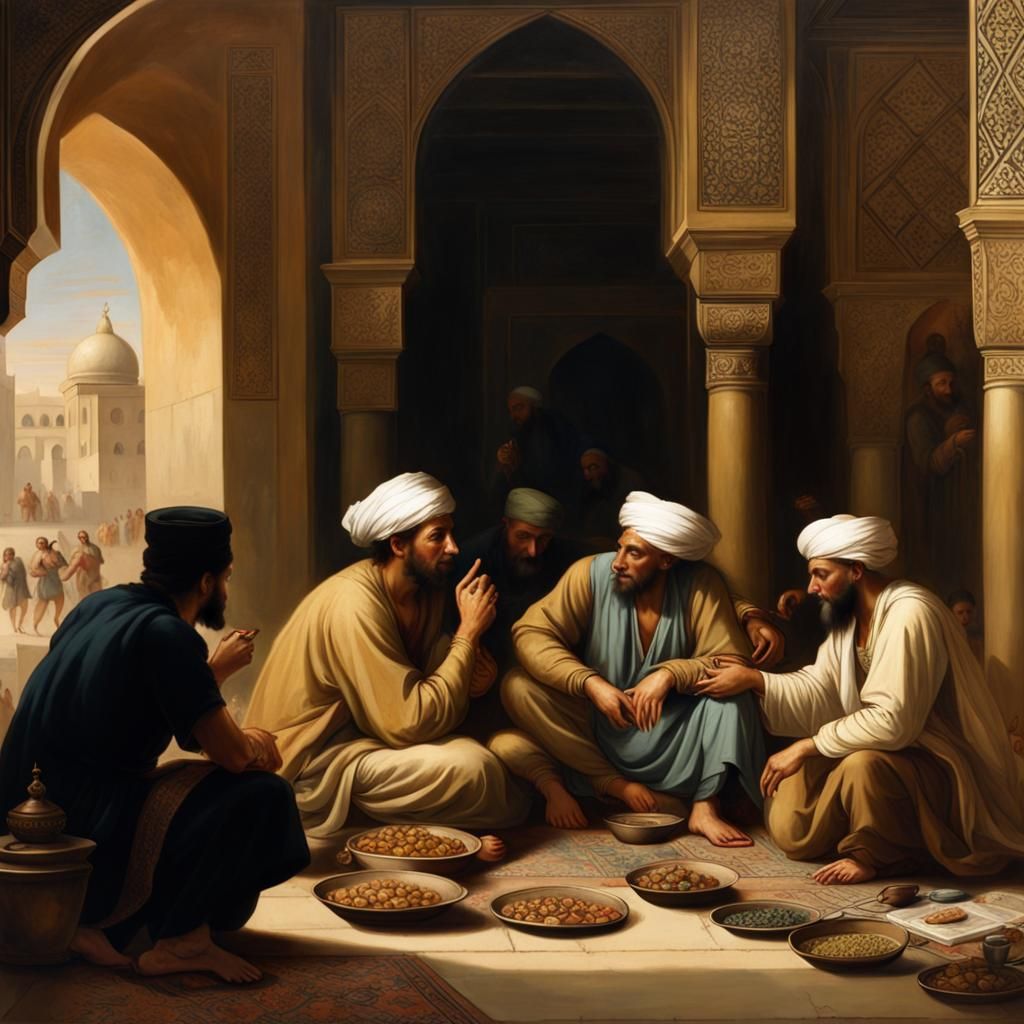
Encasing the Sarcophagus: Detailed Matte Painting
A detailed matte painting of a sarcophagus being encased. The image features deep colors, intricate details, and complementary colors, creating a fantastical concept art in 8k resolution.
Created by Hoddy on Feb 5, 2024 using the SDXL 1.0 AI image generator model.
3 Comments
Join the conversation

Jeremius @Jeremius
[Removed]
2024-02-05T18:31:47.146ZReply
Creation Settings
- Preset Style
NightCafe
- Text Prompts
- encasing the sarcophagus once more. The tremors subsided, leaving an eerie silence in their wake.Weight: 1detailed matte painting, deep color, fantastical, intricate detail, splash screen, complementary colors, fantasy concept art, 8k resolution trending on Artstation Unreal Engine 5Weight: 0.9
- Model
 CKPT
CKPT- Initial Resolution
Medium
- Aspect Ratio
1:1
- Runtime
Short
- Overall Prompt Weight
50%
- Refiner Weight
50%
- Sampling method
K_DPMPP_2M