

AI Creative Upscaler:
Upscale and Enhance Images with AI
The new Creative Upscaler by Stability AI can upscale your images to 4k resolution and create new details that weren't there before. Try it now or see some examples.
Describe in detail the image that you want.
Higher creativity lets the AI "hallucinate" more details, lower creativity will be closer to your start image
Credit costs are based on the output resolution
Note: Your image will be upscaled with Clarity Upscale which supersedes Stability's creative upscaler.
Creative Upscaler Examples
Drag the sliders to see the before and after
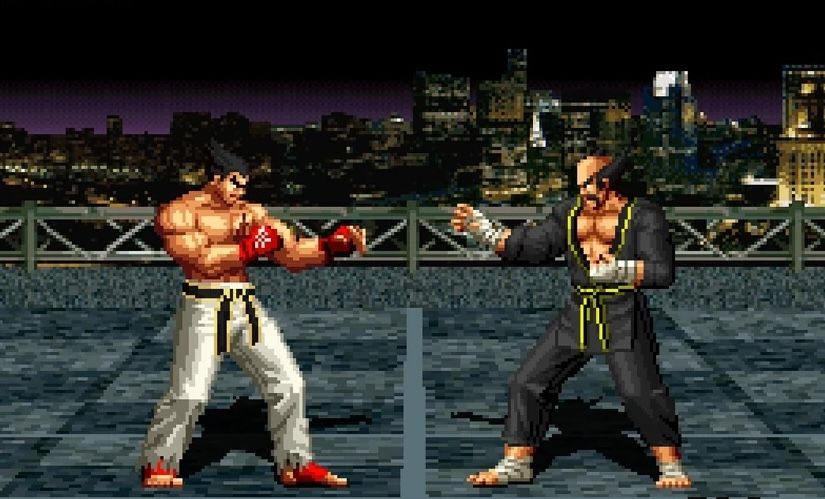
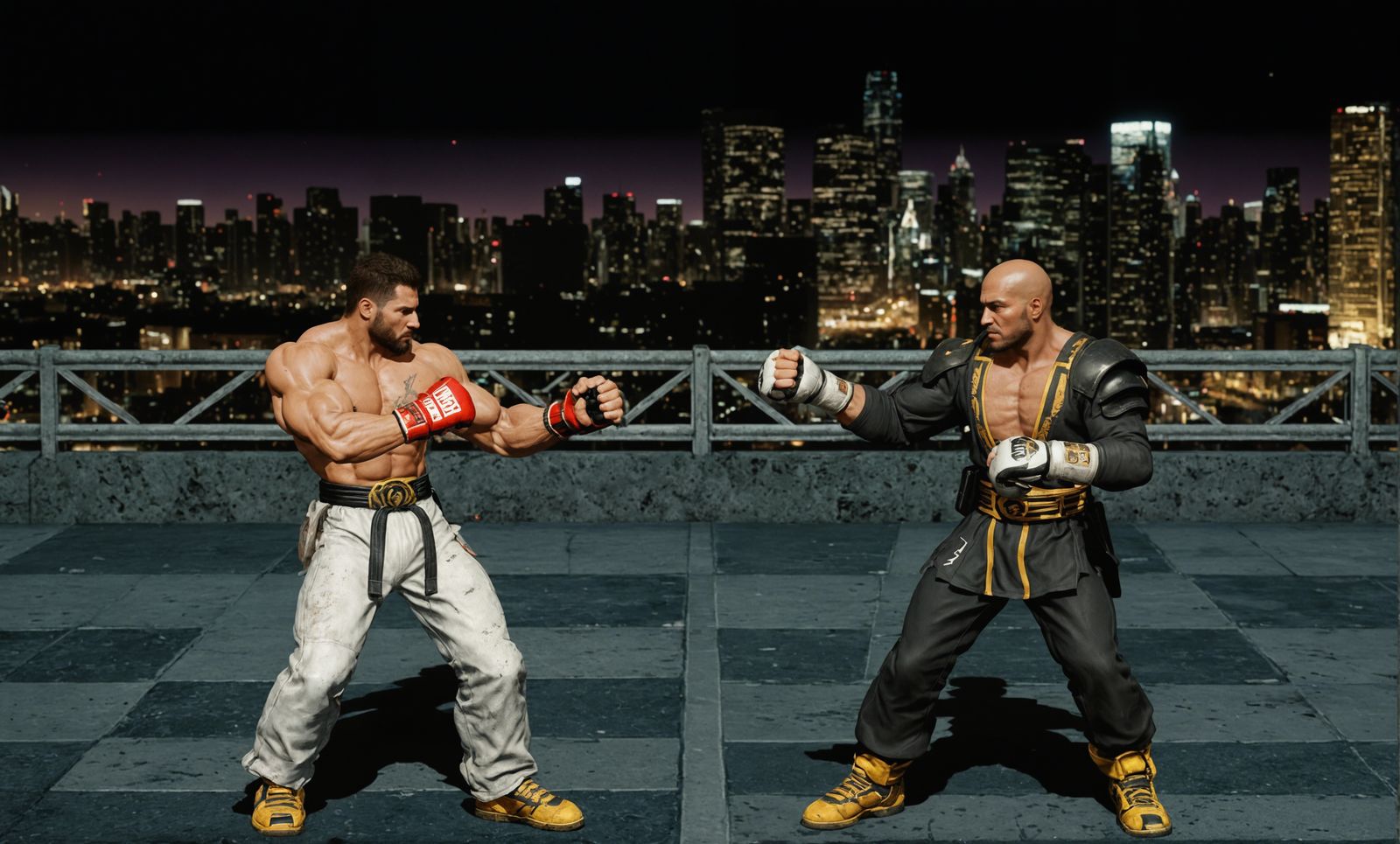
Completely re-imagine low-quality images.
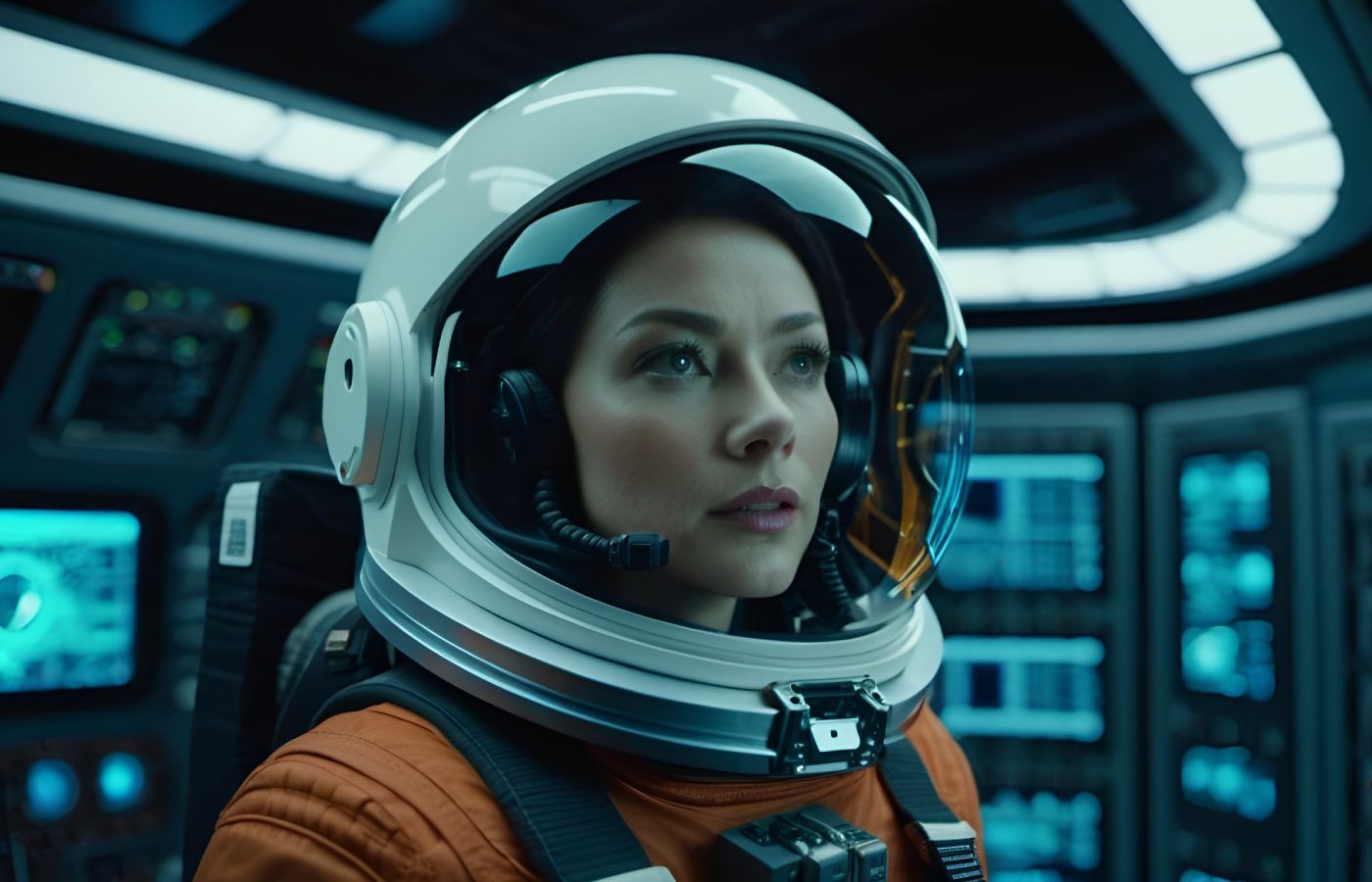

A high creativity setting allows the upscaler to create new details that weren't there before.
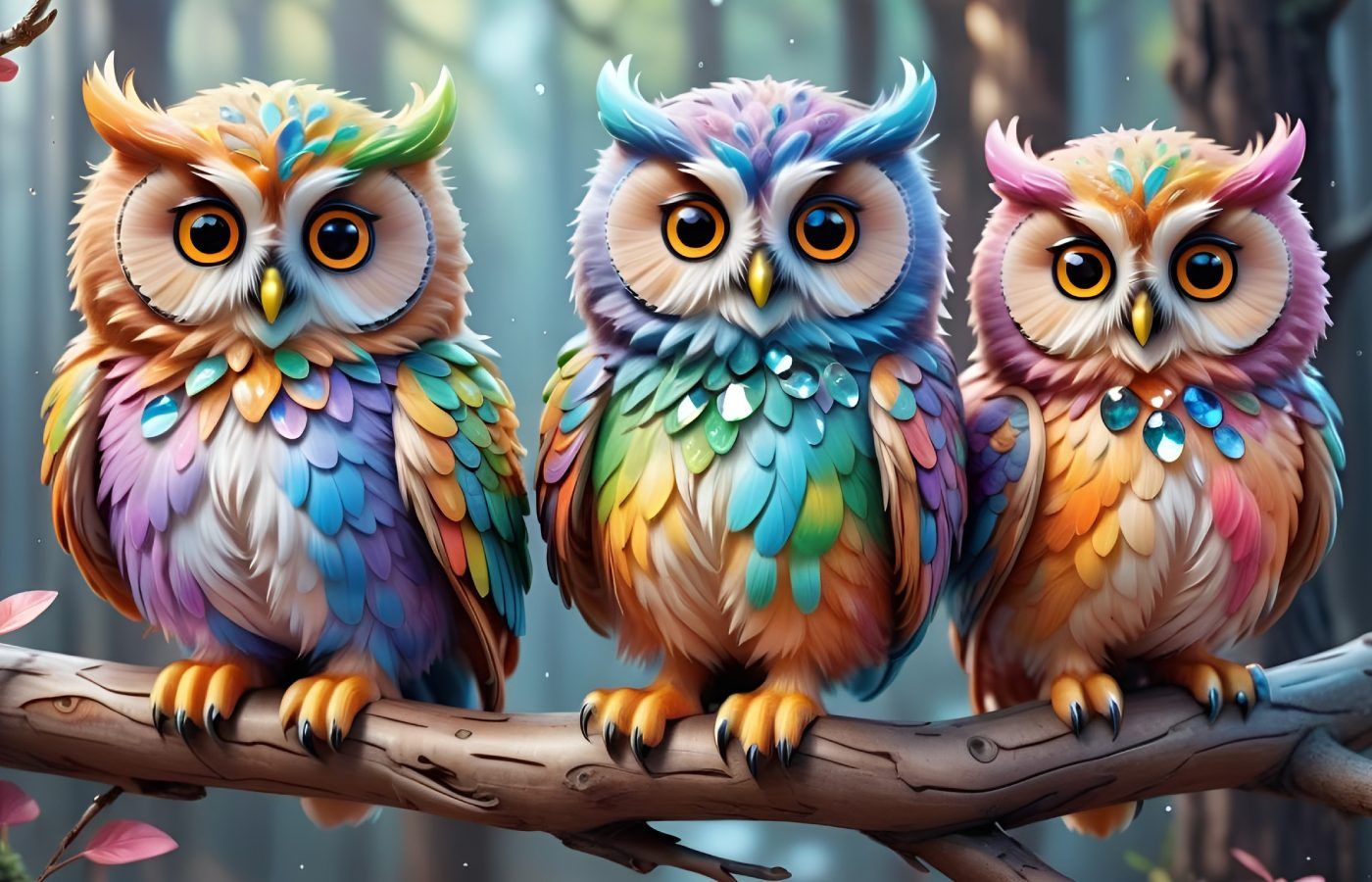
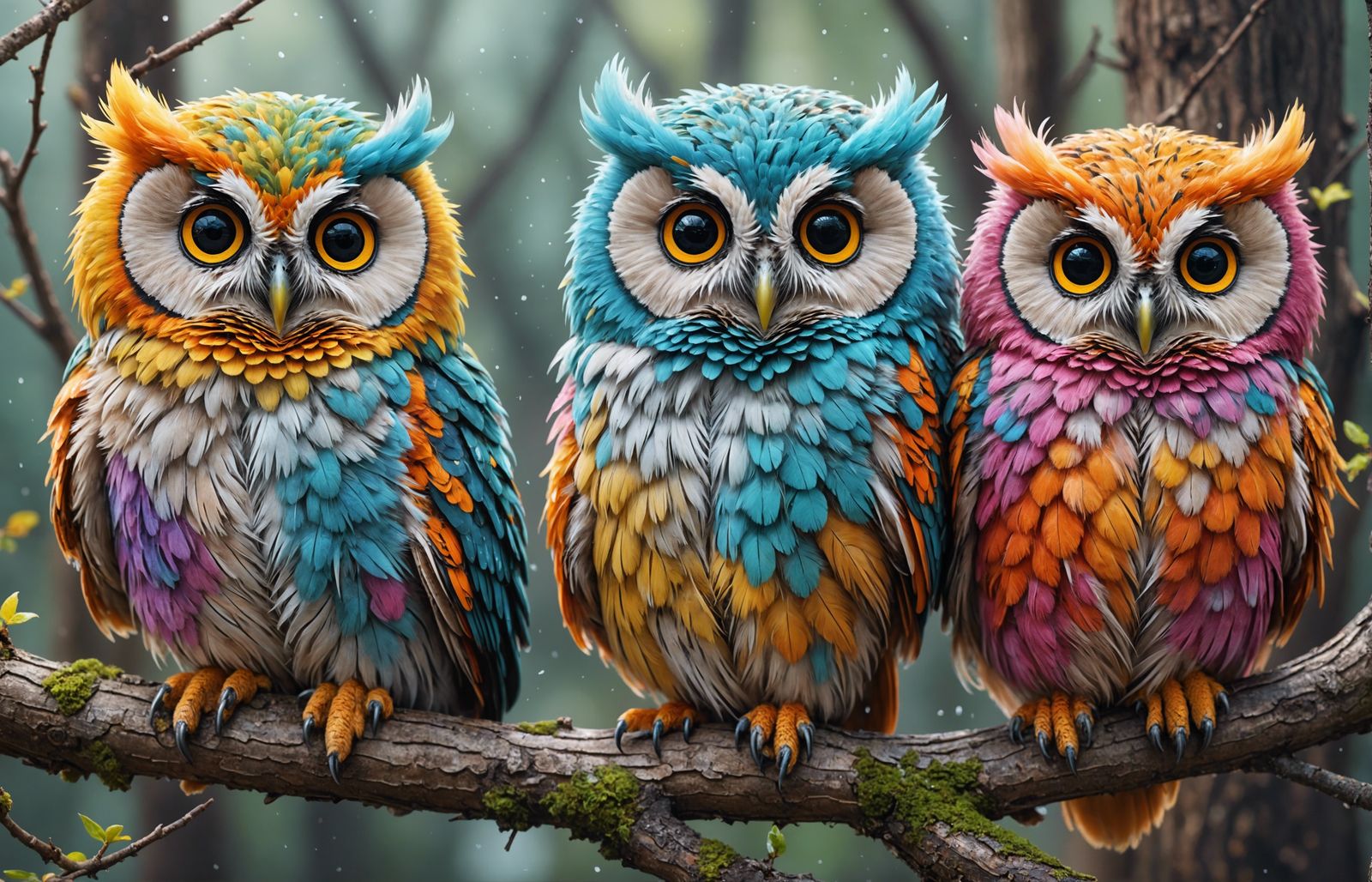
Transform your AI-generated images into high-resolution masterpieces.
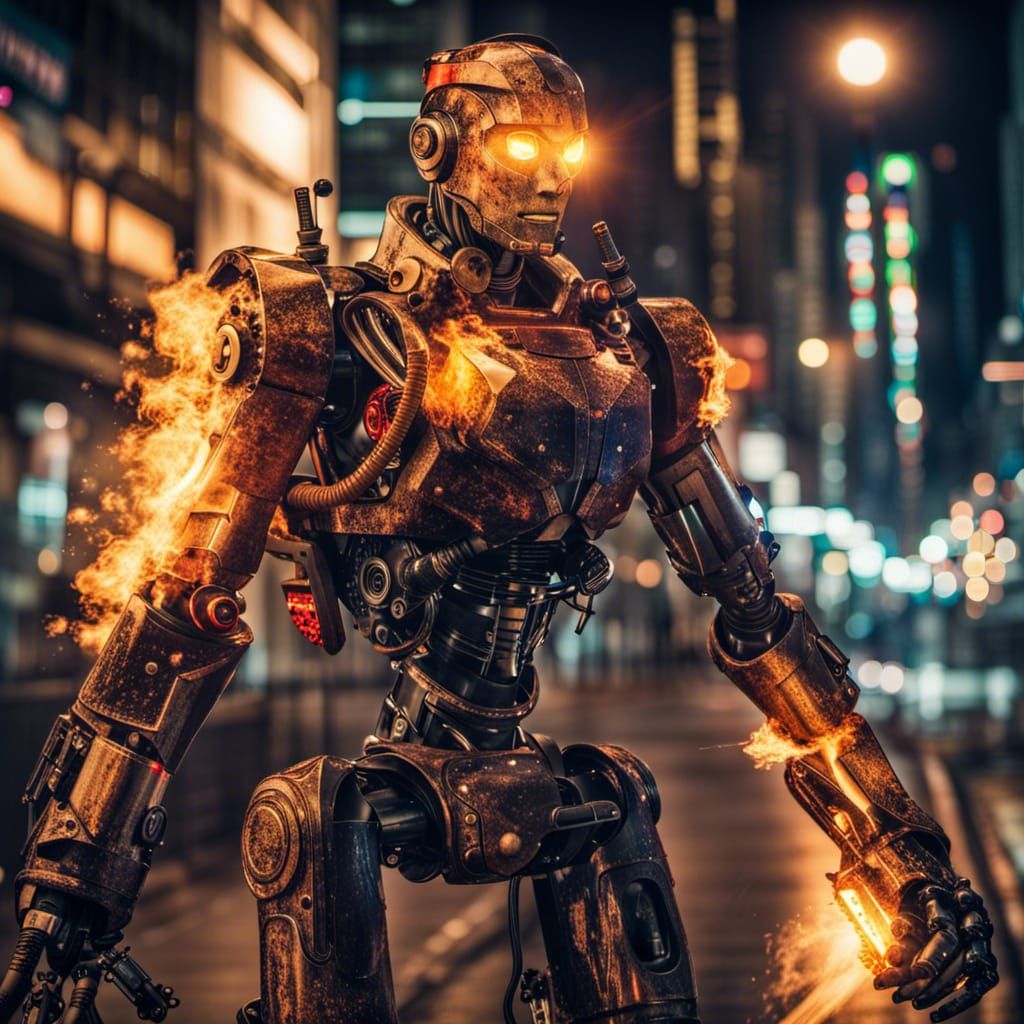
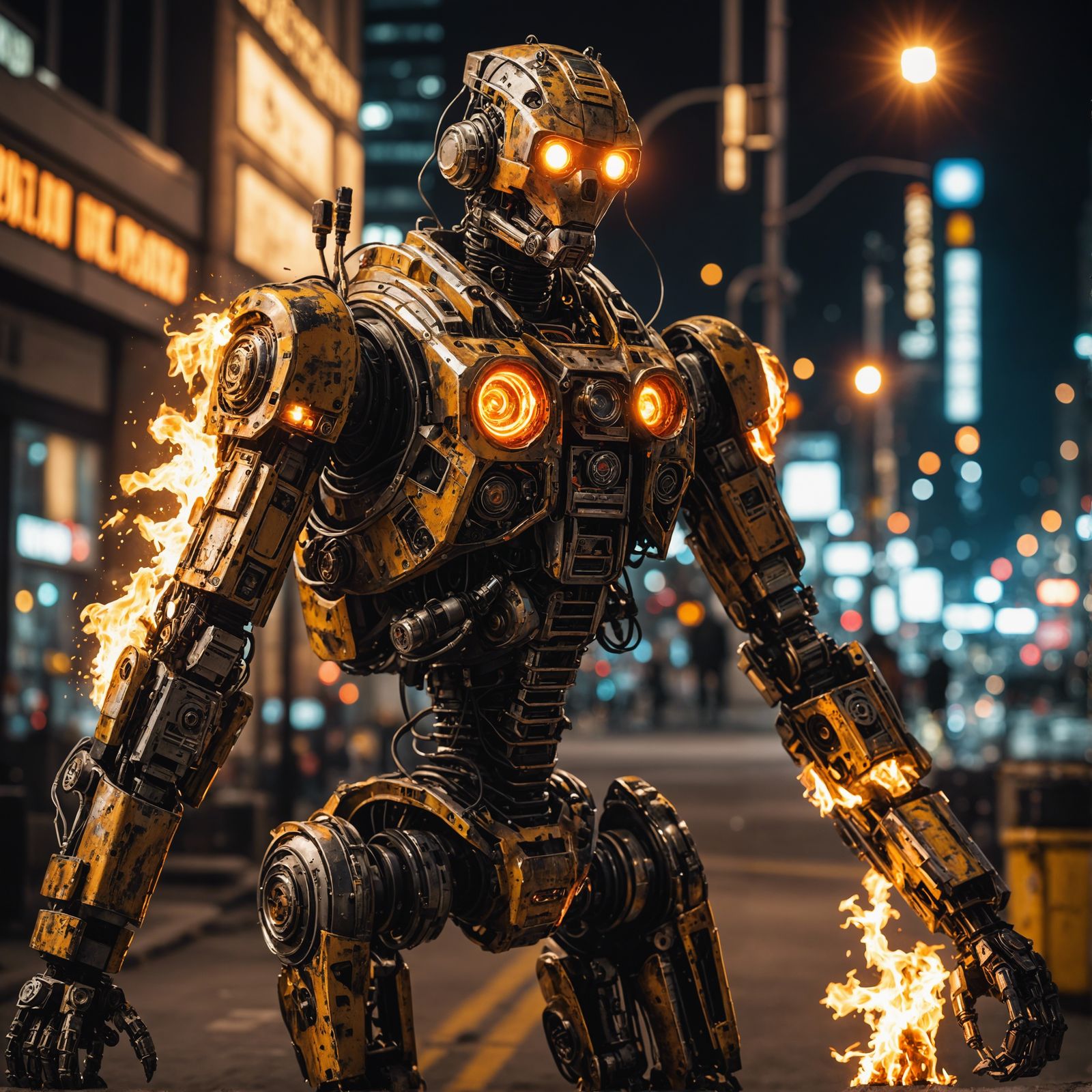
Sharper details and more realistic textures.
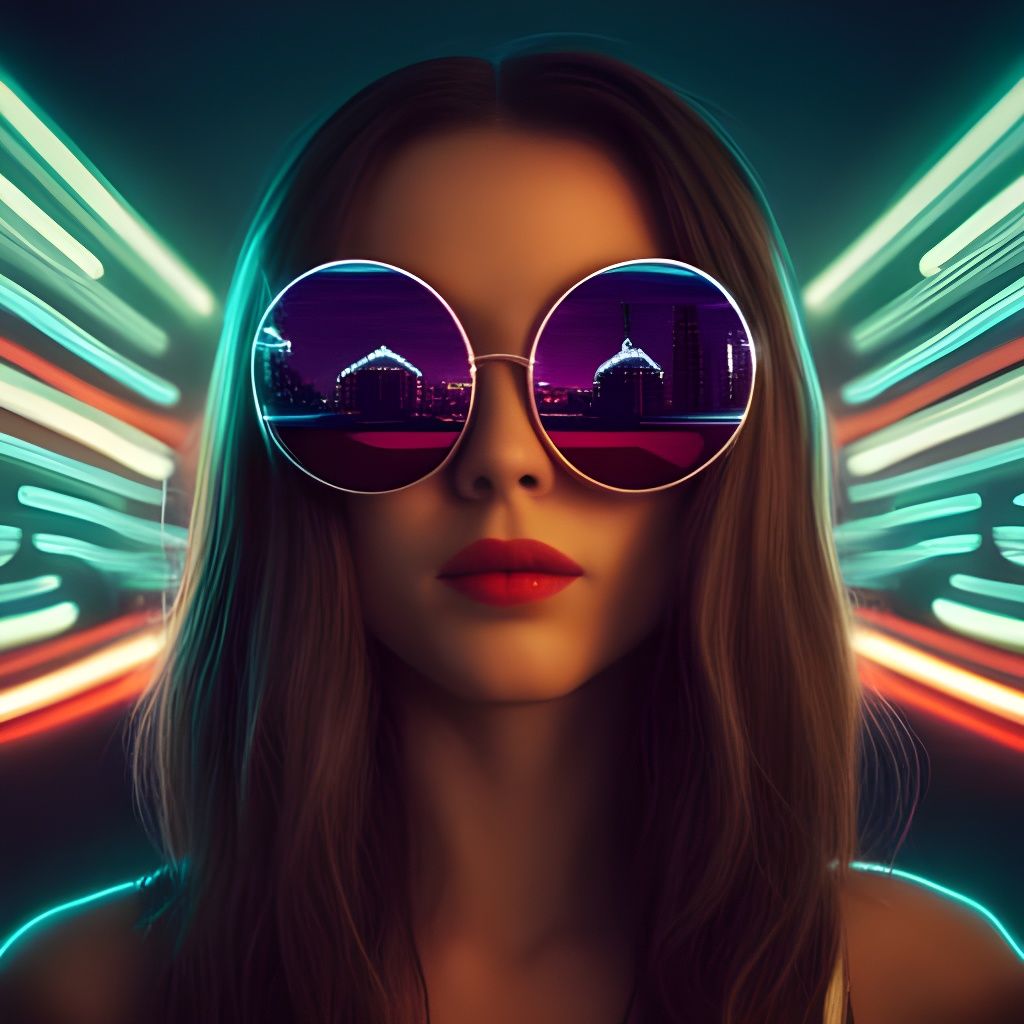
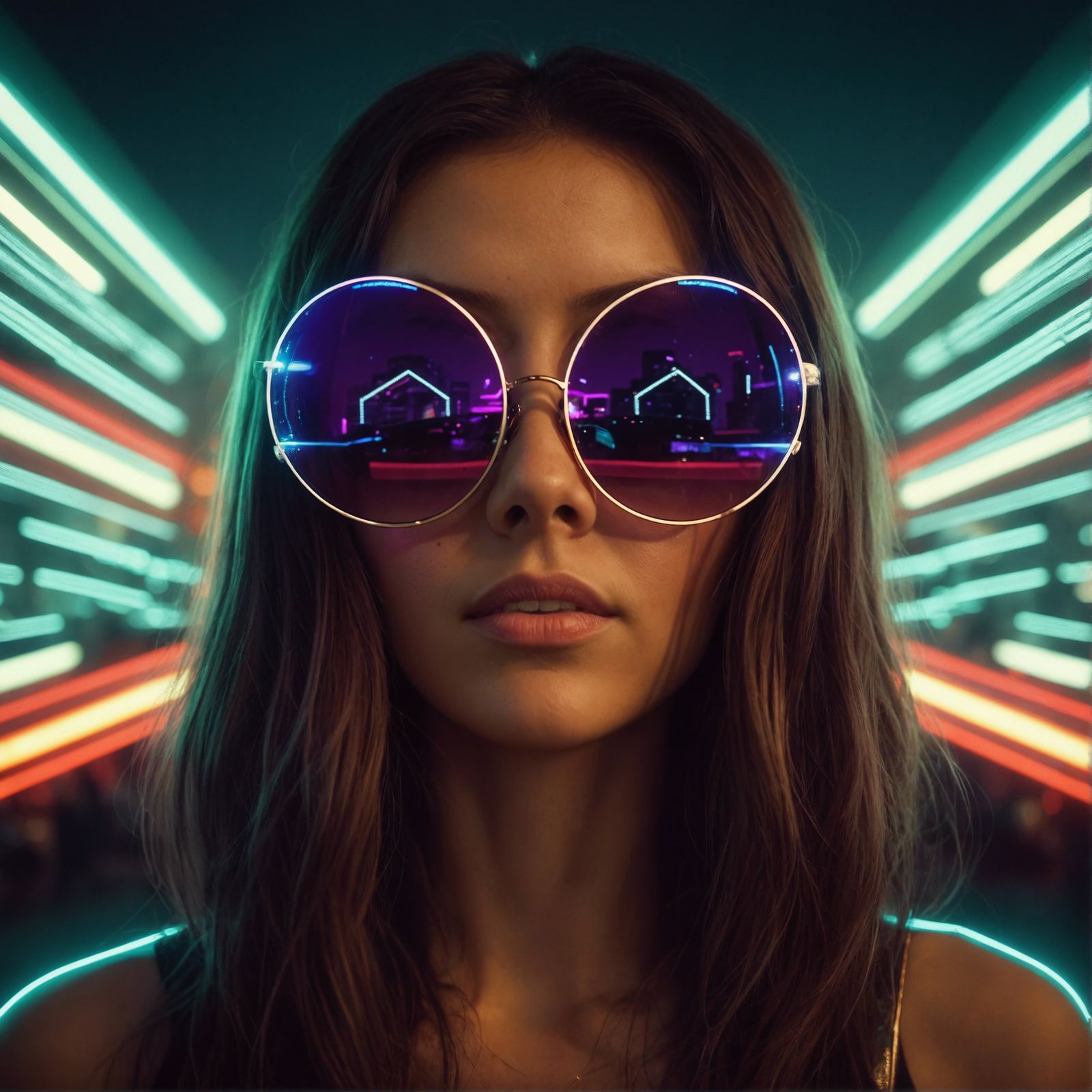
A lower creativity setting can retain more of the original image.
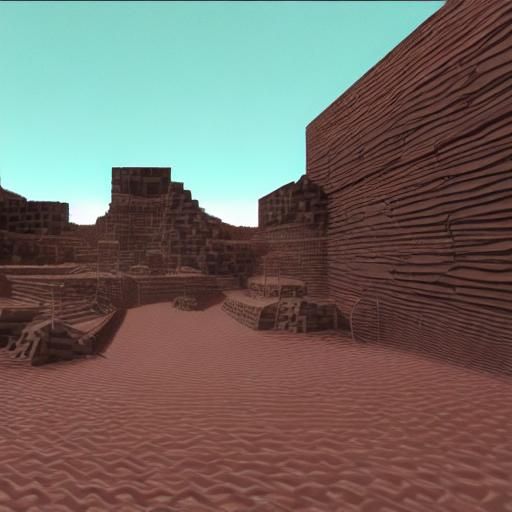
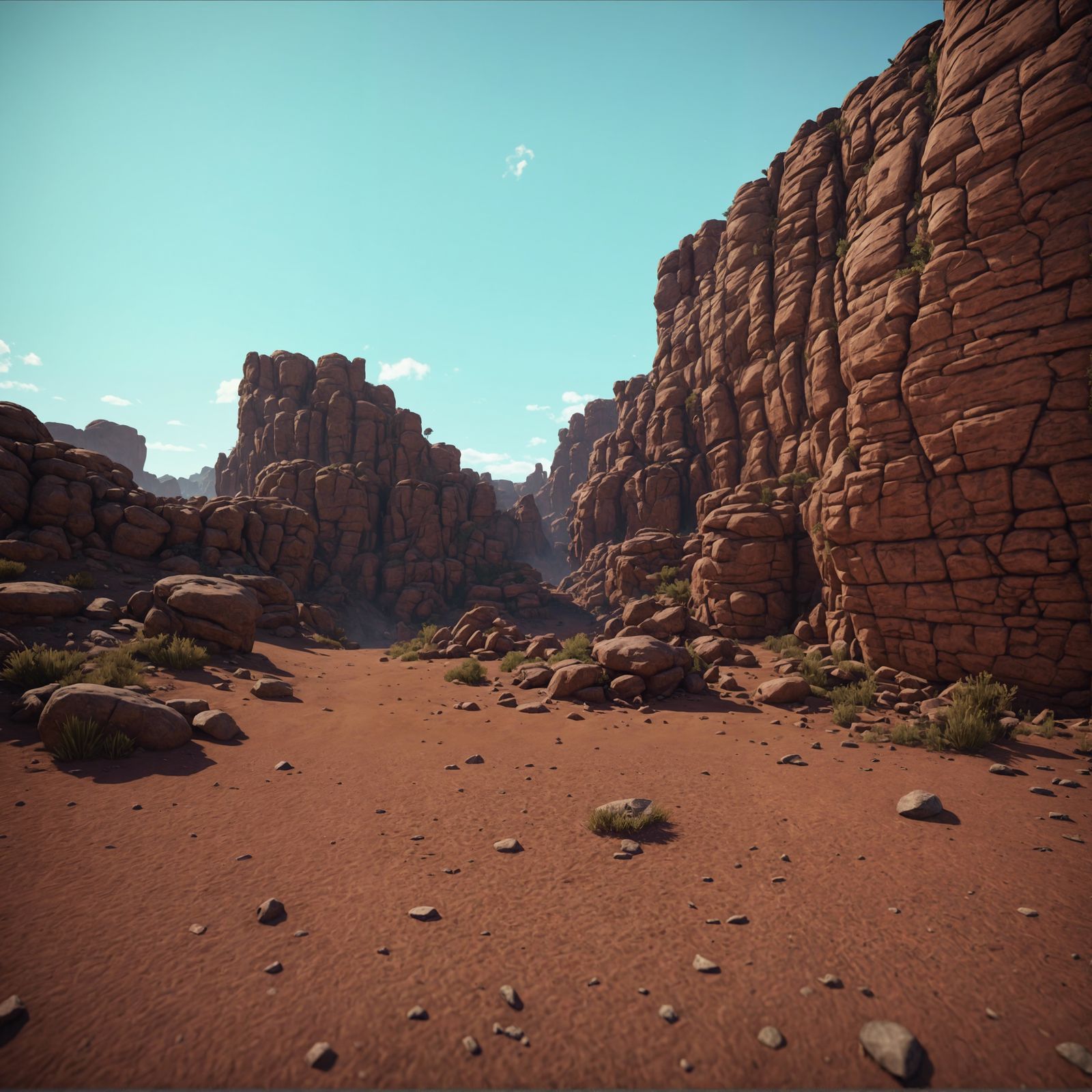
Bring boring, lifeless renders to life with the Creative Upscaler.
Upscale and enhance your images like never before
The Creative Upscaler by Stability AI is a best-in-class upscaler that not only increases the resolution of your images, but also adds new details that weren't there before.
It can upscale any low-quality image to 4k resolution (about 9 Megapixels) by combining the input image with a text prompt and "creativity" setting, then "hallucinating" new details to ensure your image looks crystal clear.
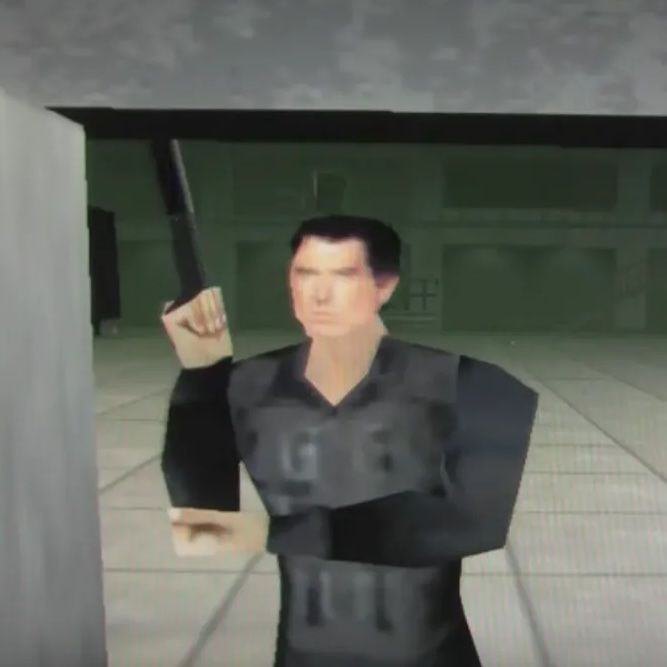
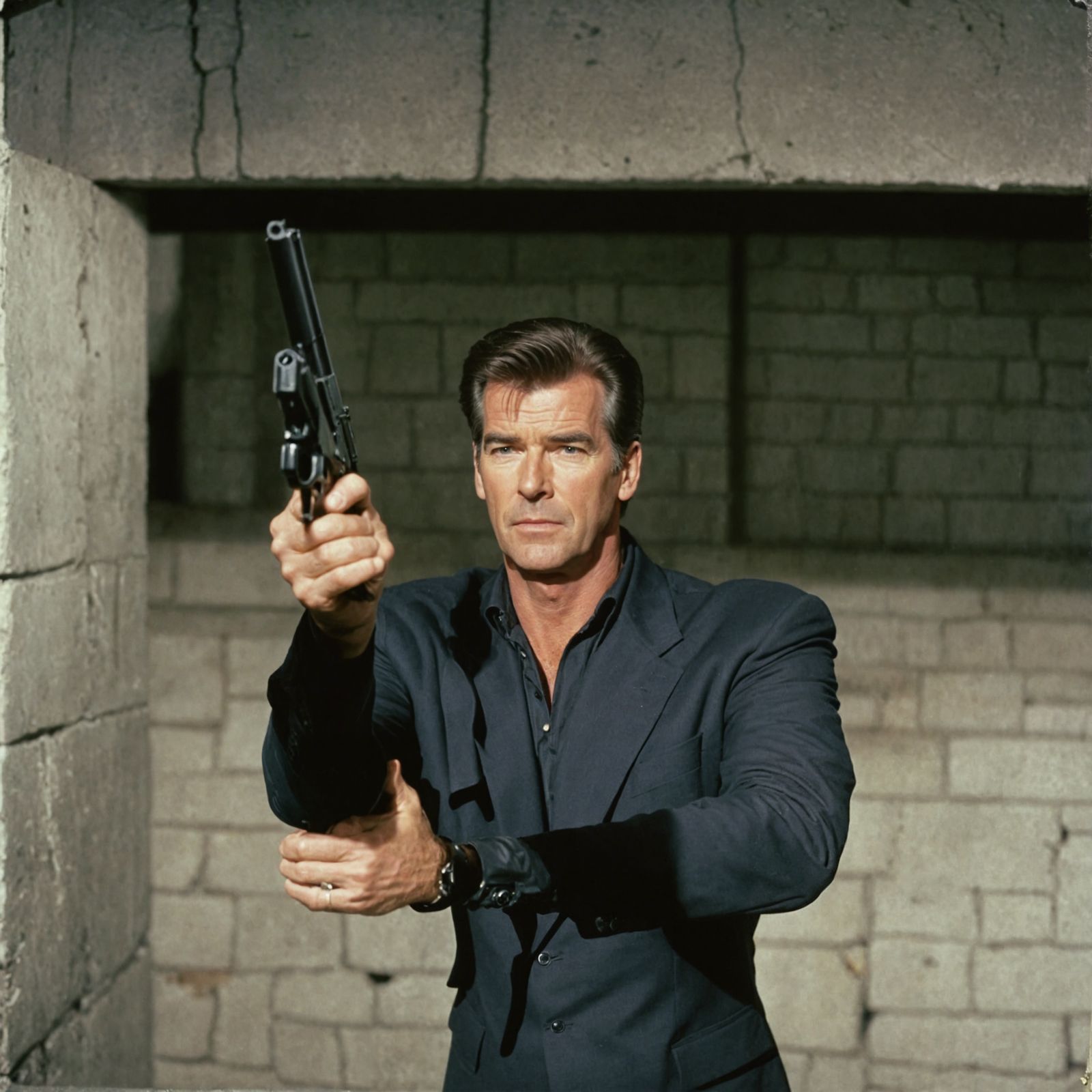
Completely re-imagine ultra low-quality images.
Add new details to your images
Most AI upscalers work by first making the image larger, then smoothing out artifacts and sharpening edges. They don't actually add anything to your image.
The Creative Upscaler is different. It uses a text prompt in conjunction with your image to create new details that weren't there before.
In this example, the prompt included the name "Pierce Brosnan" which resulted in an incredible transformation of the original low-poly video game art into a high-quality cinematic image of Pierce Brosnan as James Bond.
As Seen In








Creative Upscale Gallery
Browse some of the latest creative upscales from the NightCafe community.
No creations were found.
I love it so much because I love art so much. And you literally gave me a way to be an artist. Where I did not have that before...
— @teecie74
There's more to enjoy on NightCafe
Join a vibrant AI Art community
Millions of people use NightCafe's AI Art Generator every month to create, share and discuss AI art.
Create with friends
Start or join a chat room with your friends, then collaborate on AI Art, jam, or simply hang out while being creative.
Official daily AI Art challenges
Put your creativity and prompting skills to the test. Thousands of people enter and vote on each other's AI-generated creations every day.
Free to use
Free credits drop every day, plus earn rewards for participating in the community - all without paying a cent.
More AI models than anywhere else
Choose from Flux, DALL-E 3, Ideogram, Seedream, Nano Banana, SDXL, and many more AI image and video models.
Web and mobile AI generators
Create high quality AI generated images from your laptop, tablet or mobile and sync them across your devices.
Chat with other AI Artists
Join a chat room to discuss AI image generation, get tips and tricks, jam with other creators or even join a community challenge.
This is the most fun I've had on the internet in a long long time
— u/DocJawbone on Reddit
Get social with us and expand Your imagination
Join our communities
Come for the AI Image Generator...
Stay for the AI Art Community!
Share your AI images with the community, then browse, like and comment on images by other artists. You can even follow your favourite artists to see their AI images in your personal feed.
The NightCafe community is a positive, supportive and helpful group of people from all walks of life with just one thing in common - they love using their imagination to create art with AI!
Join our AI Art community on Discord, or simply scroll through the latest AI creations and leave a supportive comment on your favourites.
AI Image Generator Features
NightCafe at a glance
| 🖼️ AI Images Generated: | 616M+ |
| 🧠 AI Algorithms: | Stable Diffusion, DALL-E + more |
| 🎨 Style Choices: | Unlimited styles, sensible presets |
| 💸 Cost: | Unlimited free base generations |
This is fascinating and incredible stuff. I have so much fun with generative art tools, and this is next level!
— @makeanything
Creative Upscaler FAQs
Frequently Asked Questions about the Creative Upscaler and NightCafe
🎨 How do I use the Stability AI Creative Upscaler?
There are currently two ways to use the Creative Upscaler on NightCafe. The first is at the top of this page - upload an image, add a prompt and click "Enhance". The second way is to enhance an existing NightCafe creation - click the "Upscale" icon that overlays the image in the gallery, then choose "Creative Upscale".
❄️ What makes the Creative Upscaler special?
Unlike other AI upscalers, the Creative Upscaler doesn't just make your image larger, it adds new details that weren't there before. It's like a digital artist that can take your low-quality image and turn it into a high-quality masterpiece.
💸 Does it cost money to use the Creative Upscaler?
Yes. The Creative Upscaler is a premium feature. You must be a PRO member to use it, and it also costs credits to use.
🛠️ Why does the Creative Upscaler cost so much more than something like SDXL?
The Creative Upscaler uses a lot of compute power, and as such, it costs quite a bit more to use than the other AI algorithms on NightCafe. Over time, we expect the cost to come down as the technology improves and becomes more efficient.
🧠 What else can I do on NightCafe?
NightCafe uses multiple state-of-the-art machine learning algorithms such as Stable Diffusion, SDXL, DALL-E 2, Neural Style Transfer, VQGAN+CLIP & CLIP Guided Diffusion, and we implement the Real-ESRGAN algorithm that enhances your AI creations even further!
📱 What platforms does NightCafe work on?
NightCafe's generator works on the web, and can be installed to the home screen of your iPhone, Android phone or tablet so you can use your imagination anytime, anywhere.
🖼️ Do I own the images I generate?
Yes! As long as you own (or have permission to use) the original photo assets, we transfer any Copyright assignment to you - the creator. Please check the Copyright laws in your own country to confirm your local AI regulations. Copyright laws for AI-generated art are still evolving, and some jurisdictions will not grant any Copyright ownership at all.
Cheers to you, this awesome platform, and this incredible community. A heck ton of good days ahead.
— @shootwhatsmyname