Generate crystal-clear lightning images with AI
Start creating your own crystal-clear lightning images with AI. It's free and easy, so get started now!

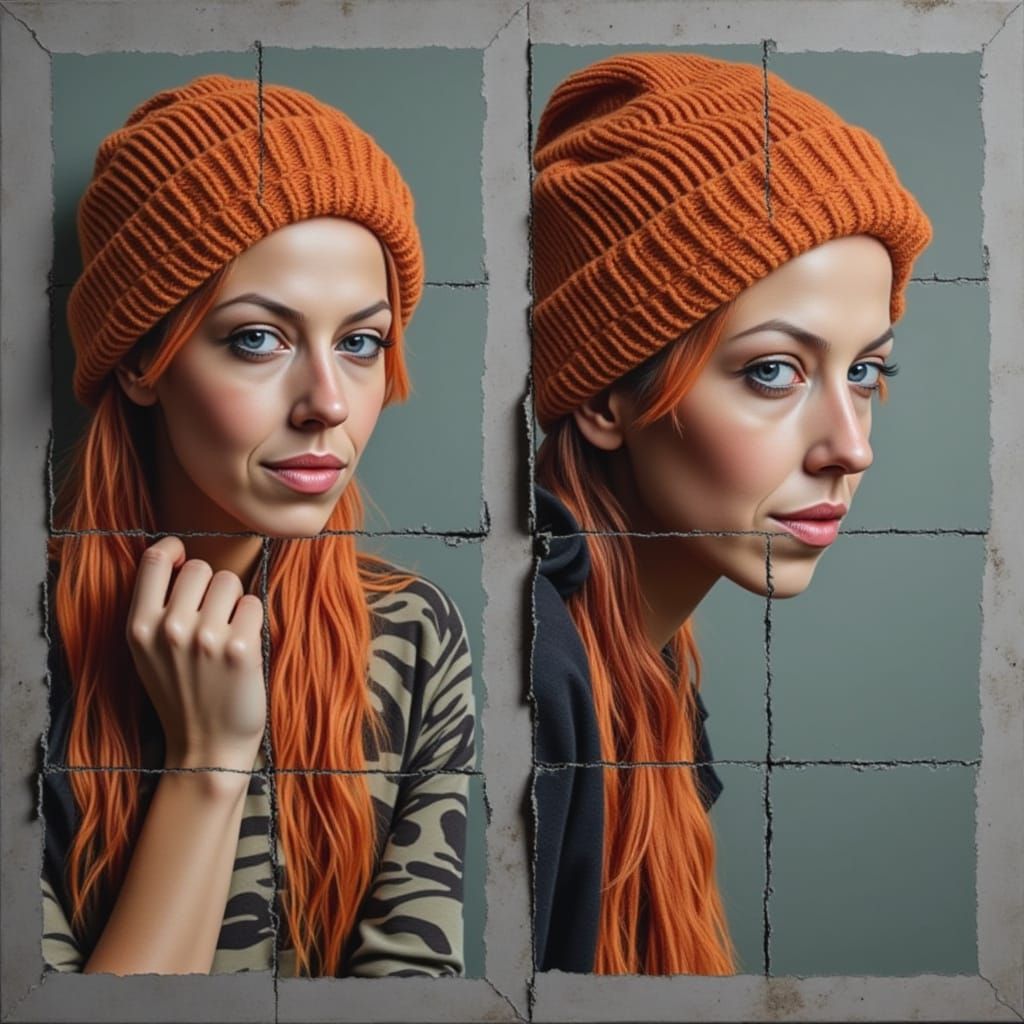
KOOKYARTSAI Start Images Method Using Crystal Clear XL Lightning (In Description)
Created a year ago · 0 comments· 0 likes
Crystal Clear XL Lightning
MODEL: Crystal Clear XL Lightning
Text Prompt: Input the text prompt you want to use
Start Image: Select a Start Image and then set Start Image to a setting anywhere between 5% and 55%. The prompt will overpower the start image if the setting is over 55%.
Overall Prompt Setting: Then Set Prompt weight between 50 and 65%
TIP 1: If you will like the image you get but want to do more to that image. Select evolve, and then select create. If you want a good amount of changes, leave the start image setting alone. If you want a few changes, lower it to 5 to 20%. You may have to evolve a few times over to get the desired image you want.
TIP 2: Select Evolve Image after you create it, and then pick Flux Schnell for the model. This will usually fix disfigured faces or bodies and make the image more realistic. . Again, it may take a few evolves to get to the desired final image.
No comments yet
Be the first to respond!

No comments yet.
Creation Settings
- Text Prompts
- surreal sci-fi fantasy landscape featuring an otherworldly city with towering, crystalline structures emitting a soft, ethereal blue light instead of lime green. The city should appear to be floating with some buildings suspended in mid-air. Include multiple waterfalls of shimmering blue liquid flowing ...Weight: 1
- Model
- Initial Resolution
Medium
- Aspect Ratio
1:1
- Runtime
Short
- Overall Prompt Weight
50%
- Noise Weight
50%
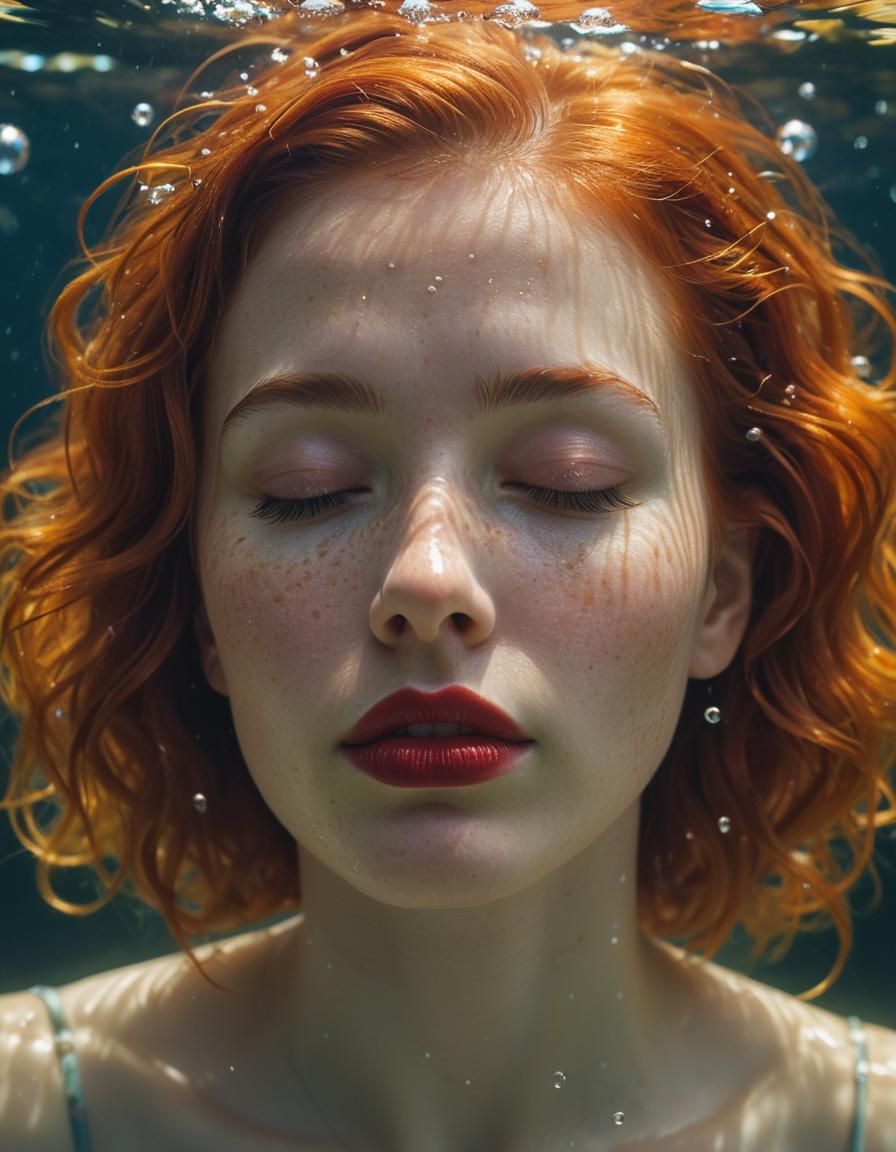
- Start Image