
Create Your Own Kuro Neko Images with AI
Easily generate cute black cat images with our free AI image generator. No design skills needed!
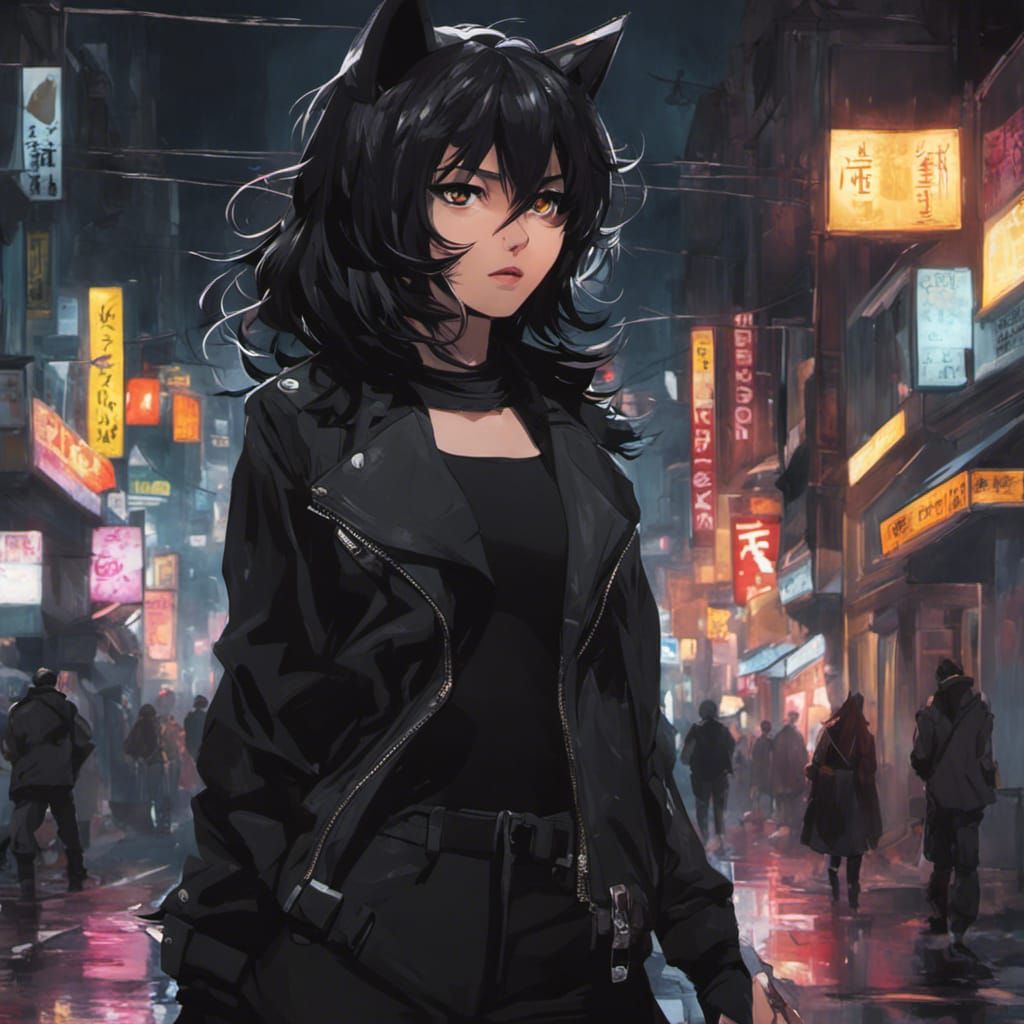
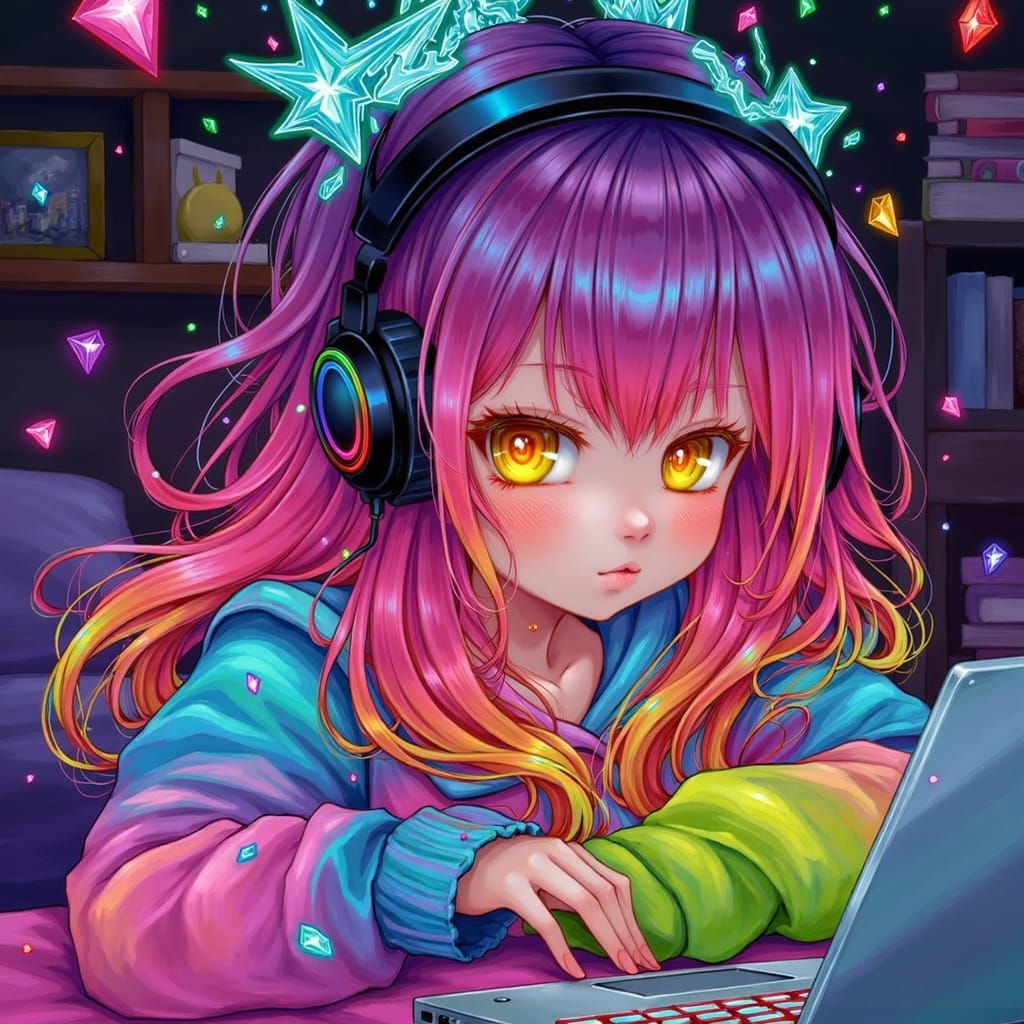
Kuro Neko
Created 2 years ago · 4 comments· 0 likes
SDXL 1.0
Today's tip is: You can use multiple prompts under the advance prompt editor. Increasing the weight of a prompt will tell the AI to focus on it more. Decreasing the weight will tell the AI that it is not as important. Setting a prompt in the negatives will tell the AI that you do not want those things in the image. I like to put my main prompt at 2, secondary prompt at 1, and the negative prompt at -3.
Please comment on this creation if you found this tip helpful :)
4 Comments
Join the conversation

Great tip! I've been overlooking the multiple prompts function, but it makes a lot of sense to use it so you can put more focus on the important features. Thank you!
Creation Settings
- Text Prompts
Touka Kaneki has hidden the prompt
- Model
 CKPT
CKPT- Initial Resolution
Medium
- Aspect Ratio
1:1
- Runtime
Short
- Overall Prompt Weight
50%
- Sampling method
K_DPMPP_2M
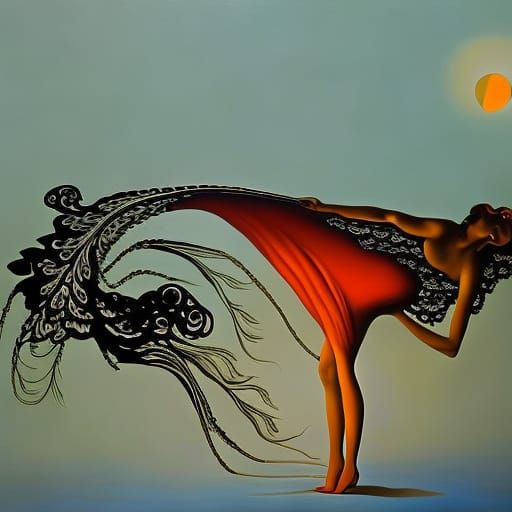
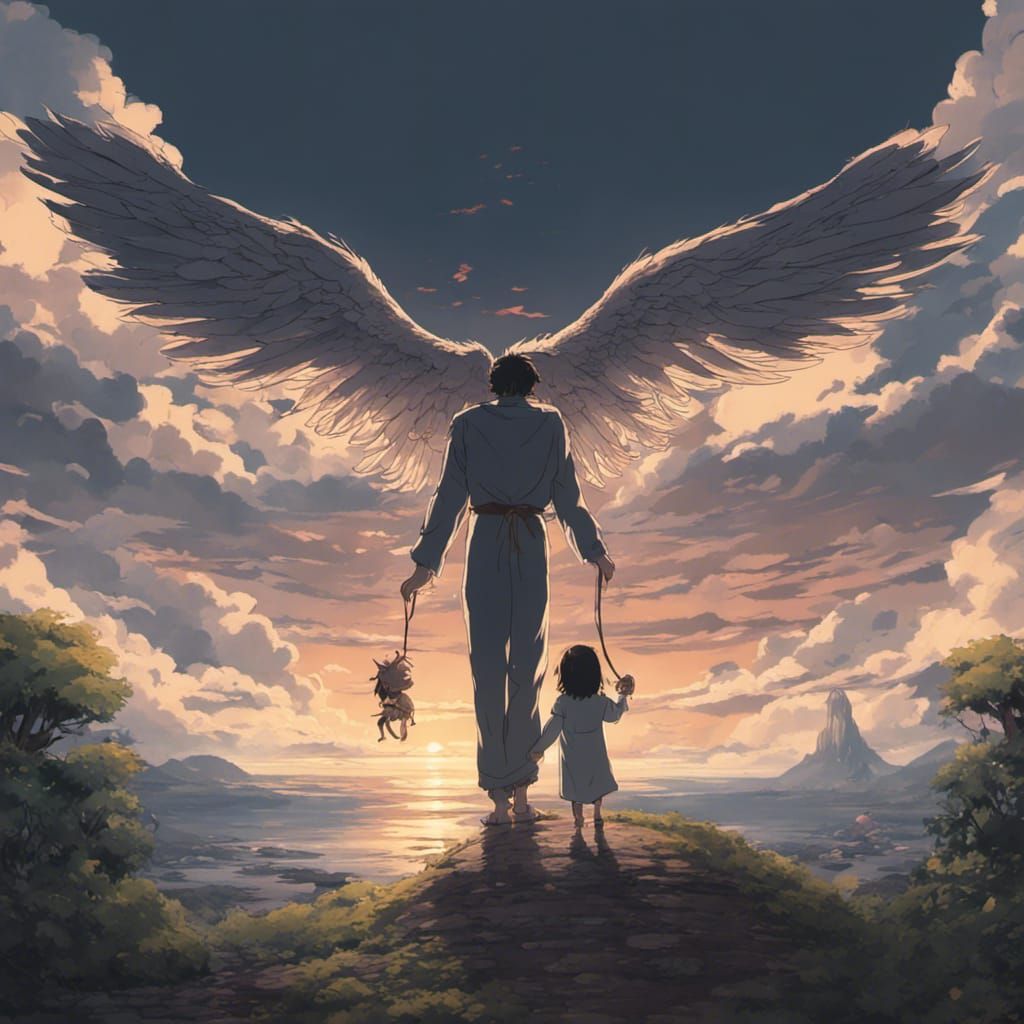
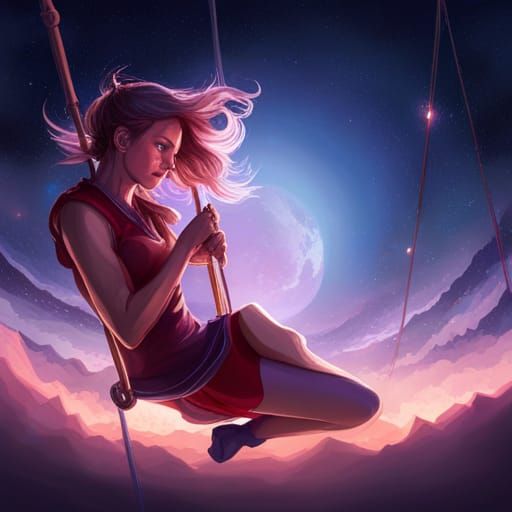
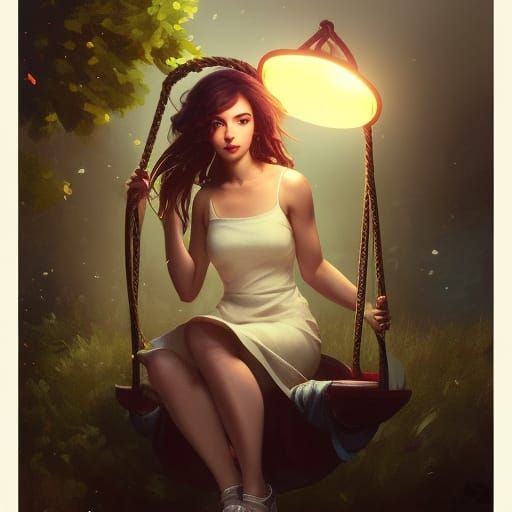
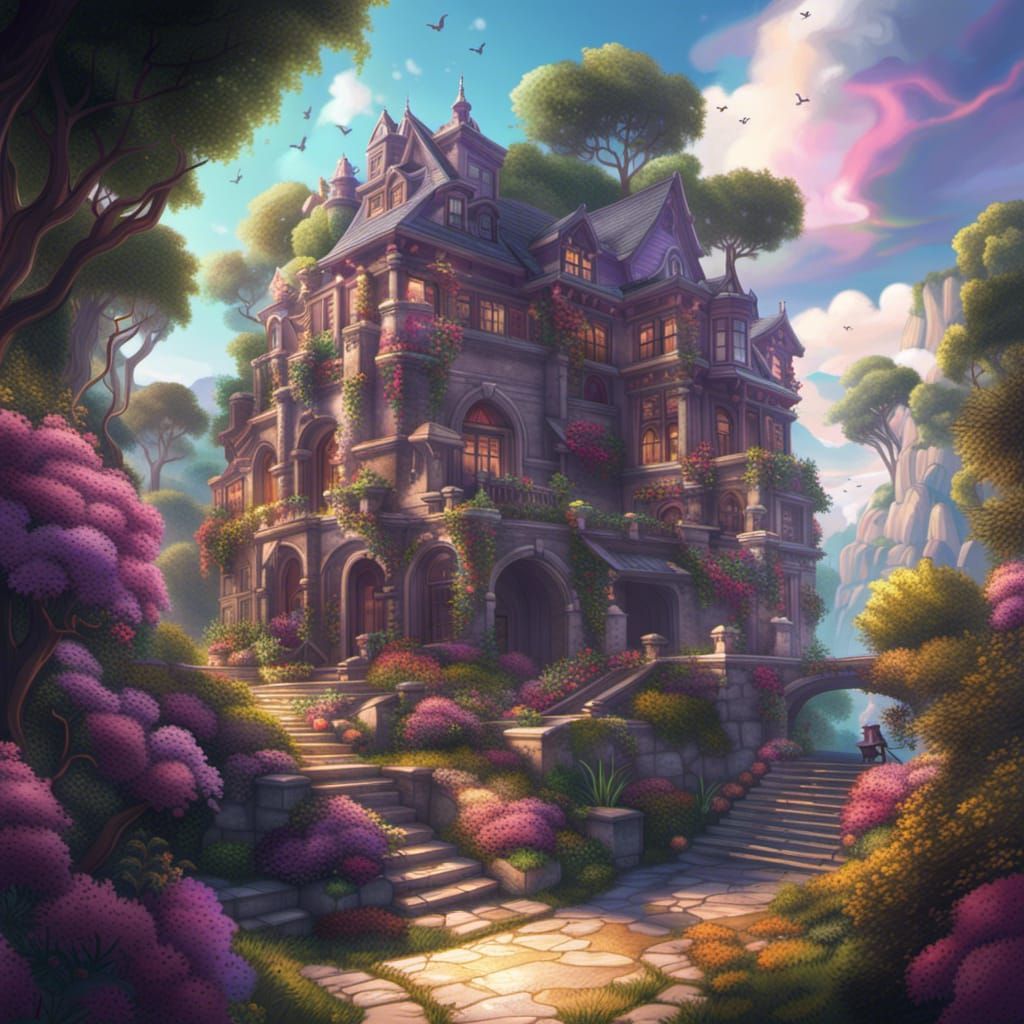
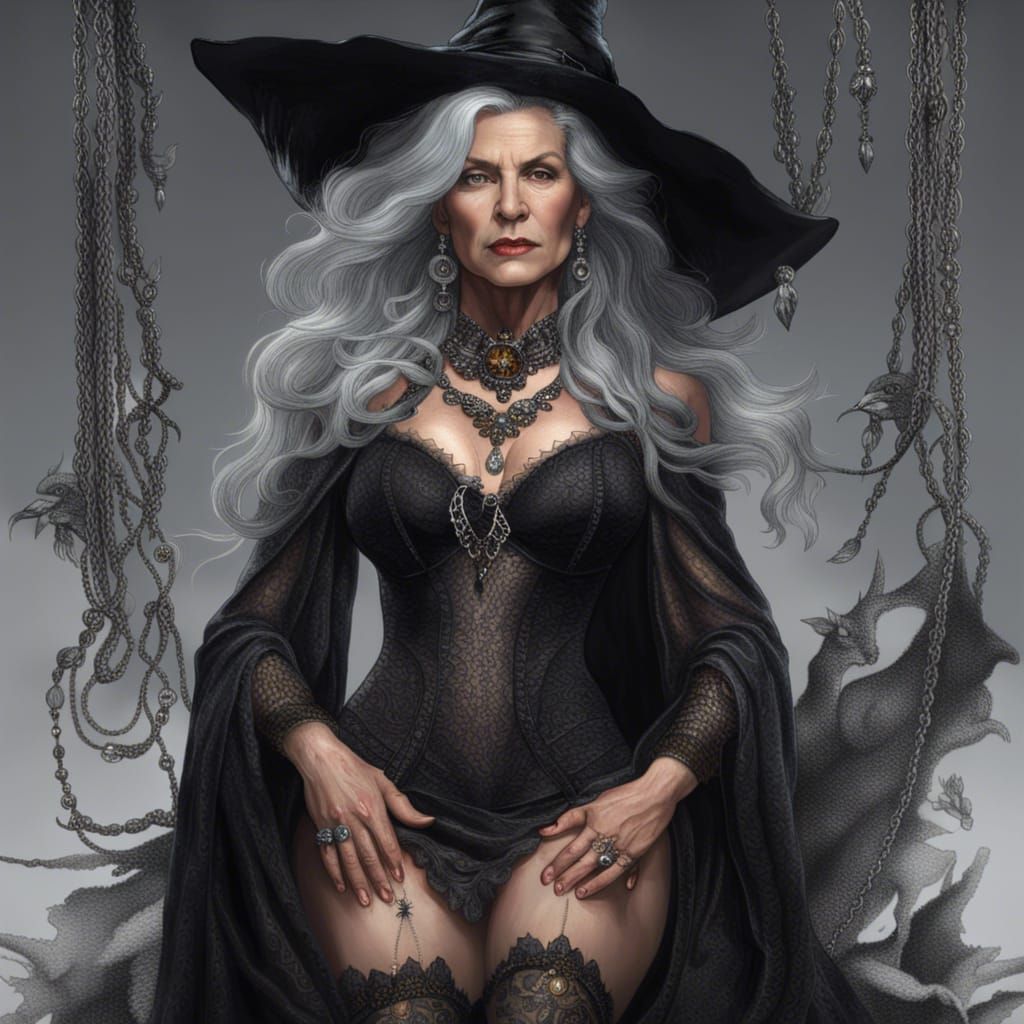
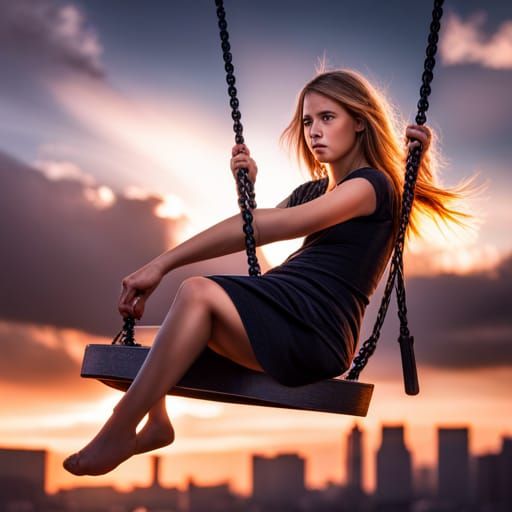
These are very good.