
All the best AI models in one place
Flux, Stable Diffusion, DALL-E, Ideogram, RunwayML and more. Try it now for free!
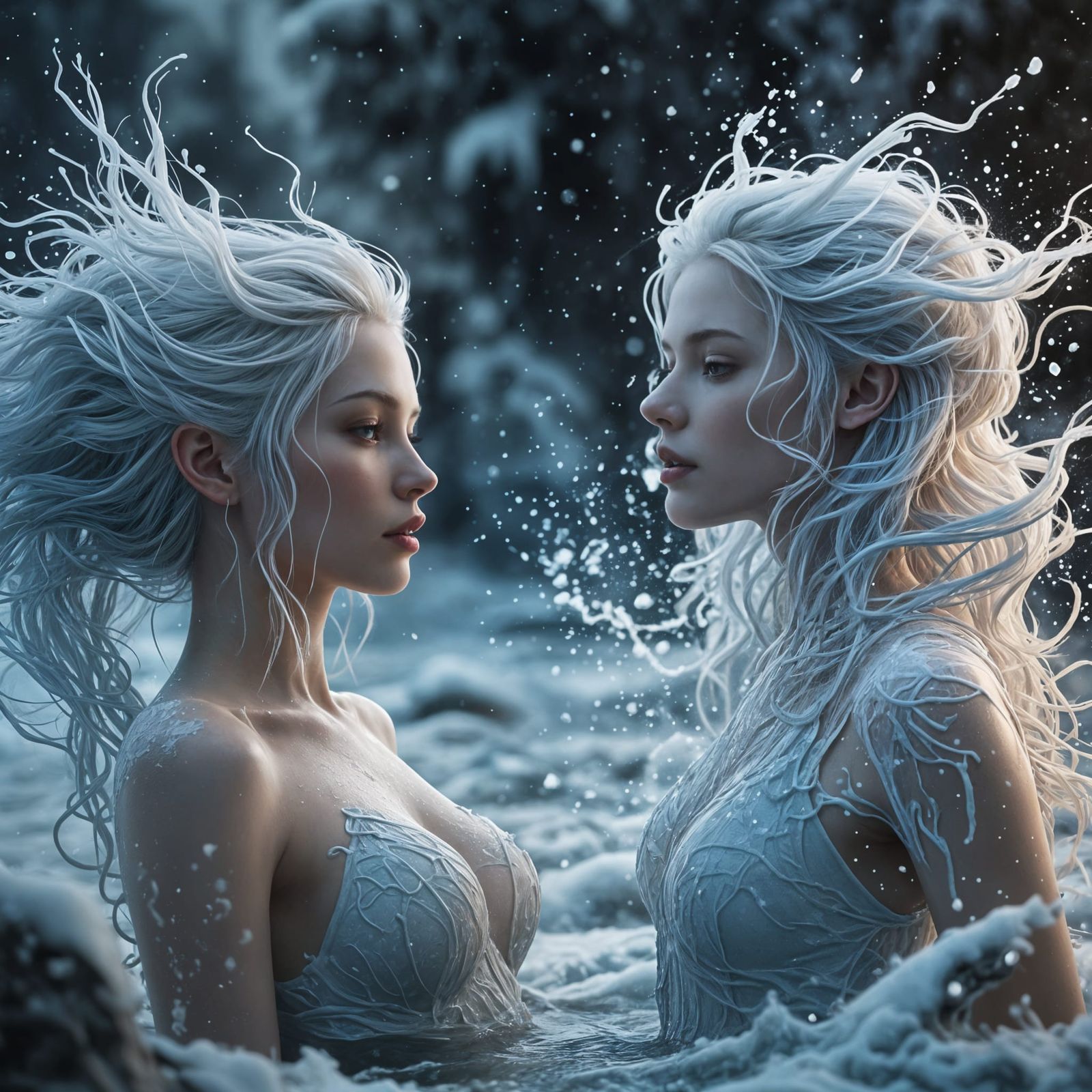

Clarity Upscaler: A comparative case study of it's degrees of creativity.
Created a year ago · 29 comments· 0 likes
Juggernaut XI Lightning
Clarity Upscaler: A comparative case study of it's degrees of creativity.
————————————————————————
Thanks to @BlazingLazers for letting me play with his incredible creation. It's a truly stunning work of art.
————————————————————————
Here is @BlazingLazers's incredible published work.
29 Comments
Join the conversation

Interesting comparison 😁 Thanks for doing the effort 🥰
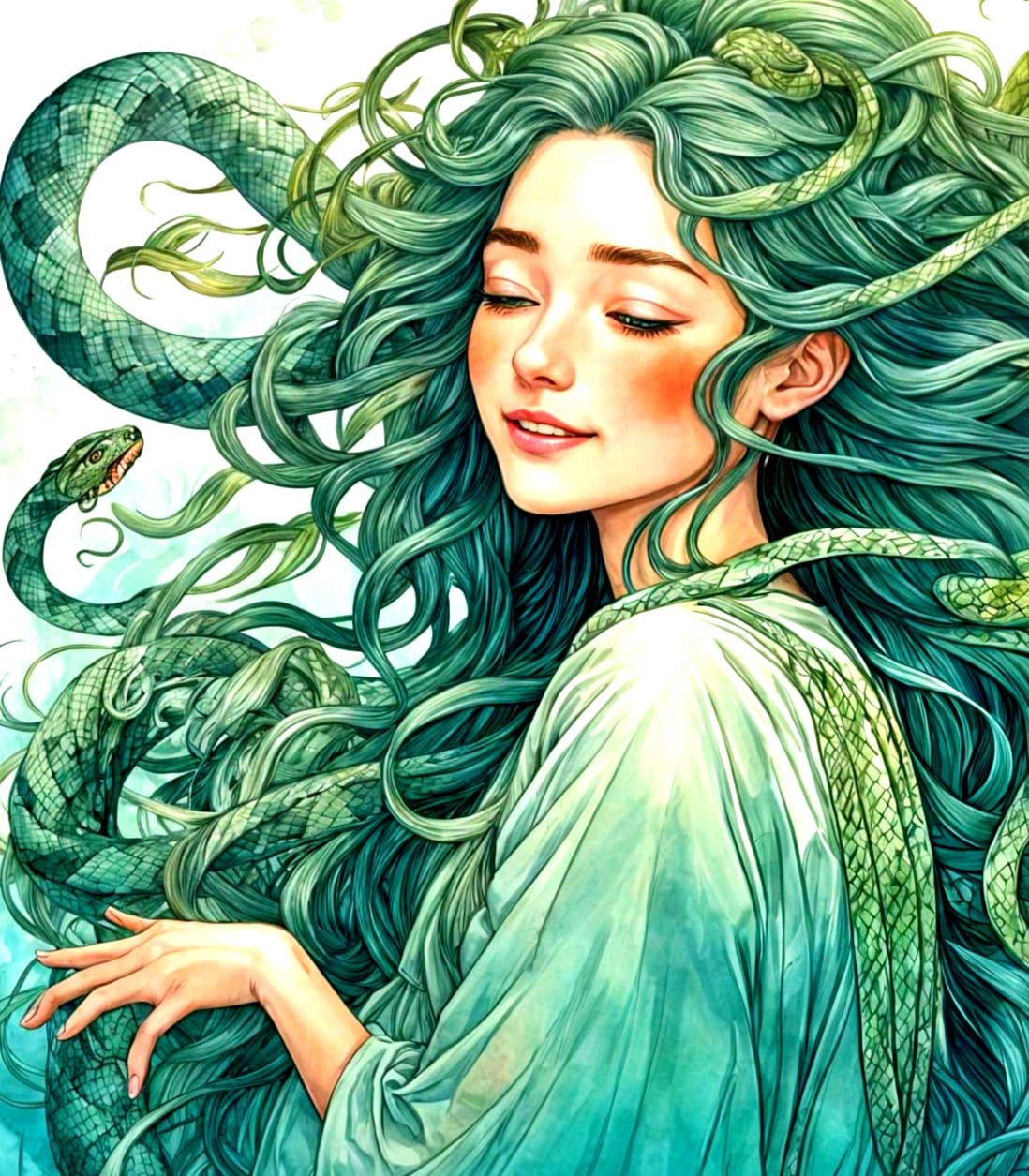
Thank you for that. Regardless of creativity %ages, there is no attempt to fix the issues in the original image, such as hair flying in multiple directions at once, or the thing appearing on lady left's chest, or the lack of strap on lady left, or the thing on lady right's elbow (that seems to turn into the neck of a bottle?). What's notable is what the AI identifies: it does not seem to identify clothing, for example, which is why it turns it into hair (maybe that is a result of the prompt).
If anyone is interested in this part, putting this experiment together cost six 4-credit upscales and one 2-credit fix-face,for a total of 26 credits.
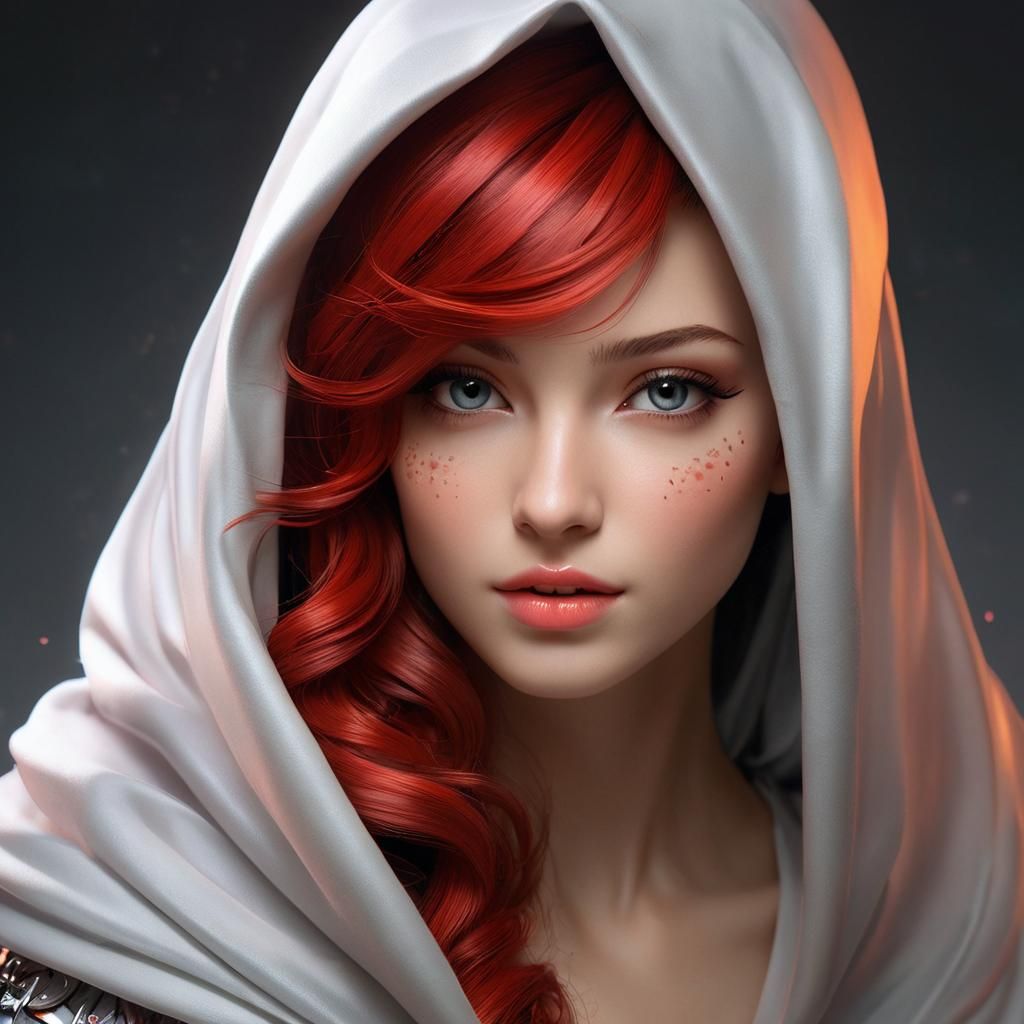
oh yeah! the shape of the women is defintly better
This project is about exploring the varying effects that the clarity upscaler exhibits at varying degrees of creativity. I love the clarity upscaler, but it's worth knowing what to expect from it.
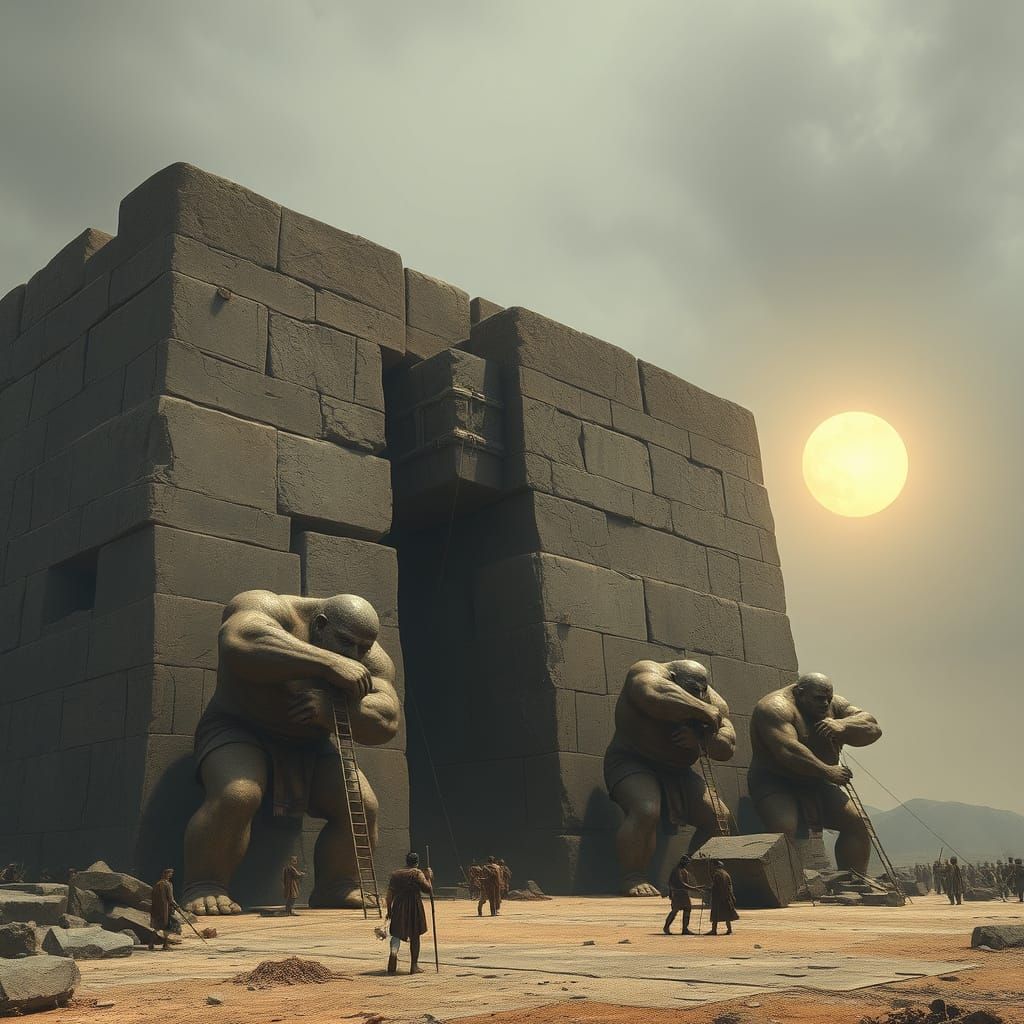
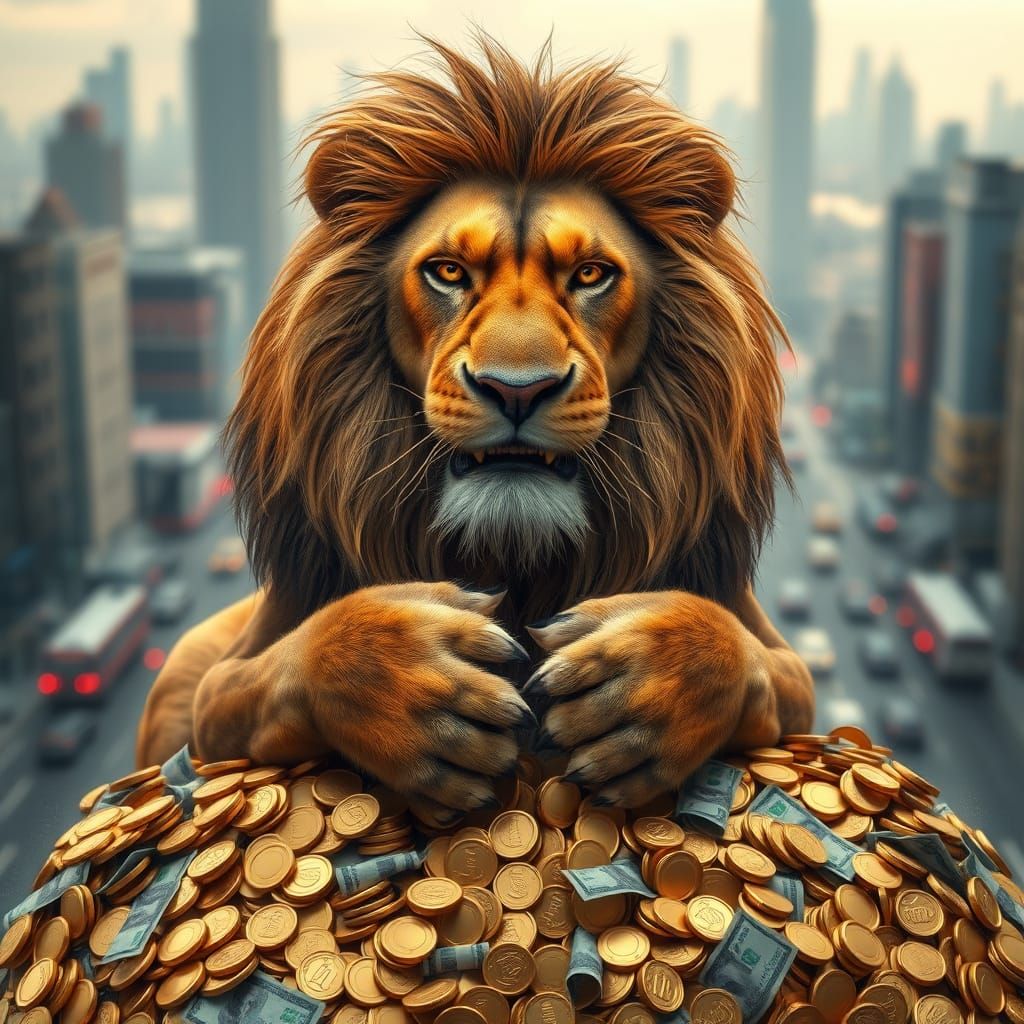
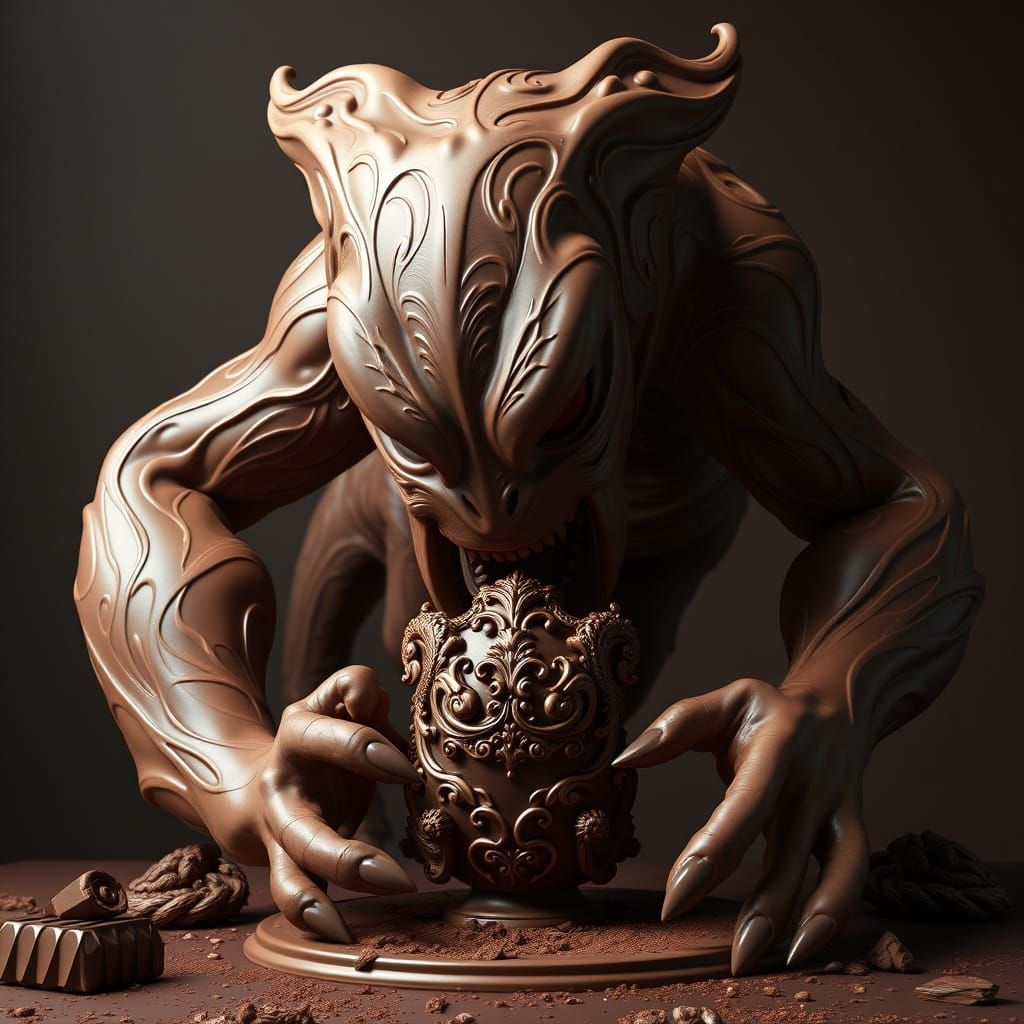
The Clarity upscaler's primary job IMHO, is to draw out the details in an image. Along the way, it can also actually perform an upscale as well. To do this, it uses an AI to magic up some details that don't exist in the original. For example, it might repair slightly malformed fingers, or unmask a face that is too covered by hair or resolution defects to see very well. The degree of creativity setting informs the AI just how hard to work at reinventing missing details. In the following replies are the notes for each image, from left to right:
Creation Settings
- Text Prompts
Dirty Old Biker has hidden the prompt
- Model
- Initial Resolution
Medium
- Aspect Ratio
1:1
- Runtime
Short
- Overall Prompt Weight
50%



Wonderful