
Design Your Own Beautiful Characters With AI
Design your own beautiful characters with AI. It's free and easy to create stunning images in any style you want.


a year ago
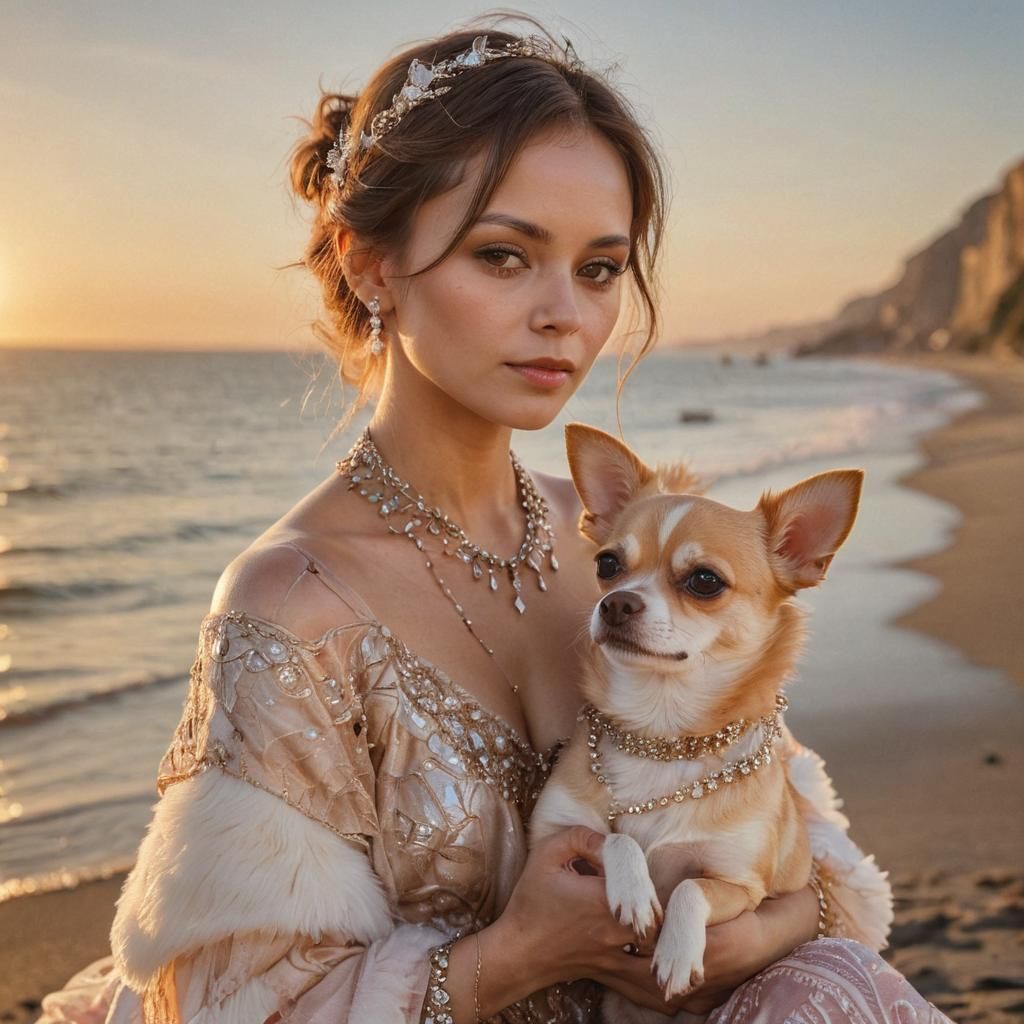
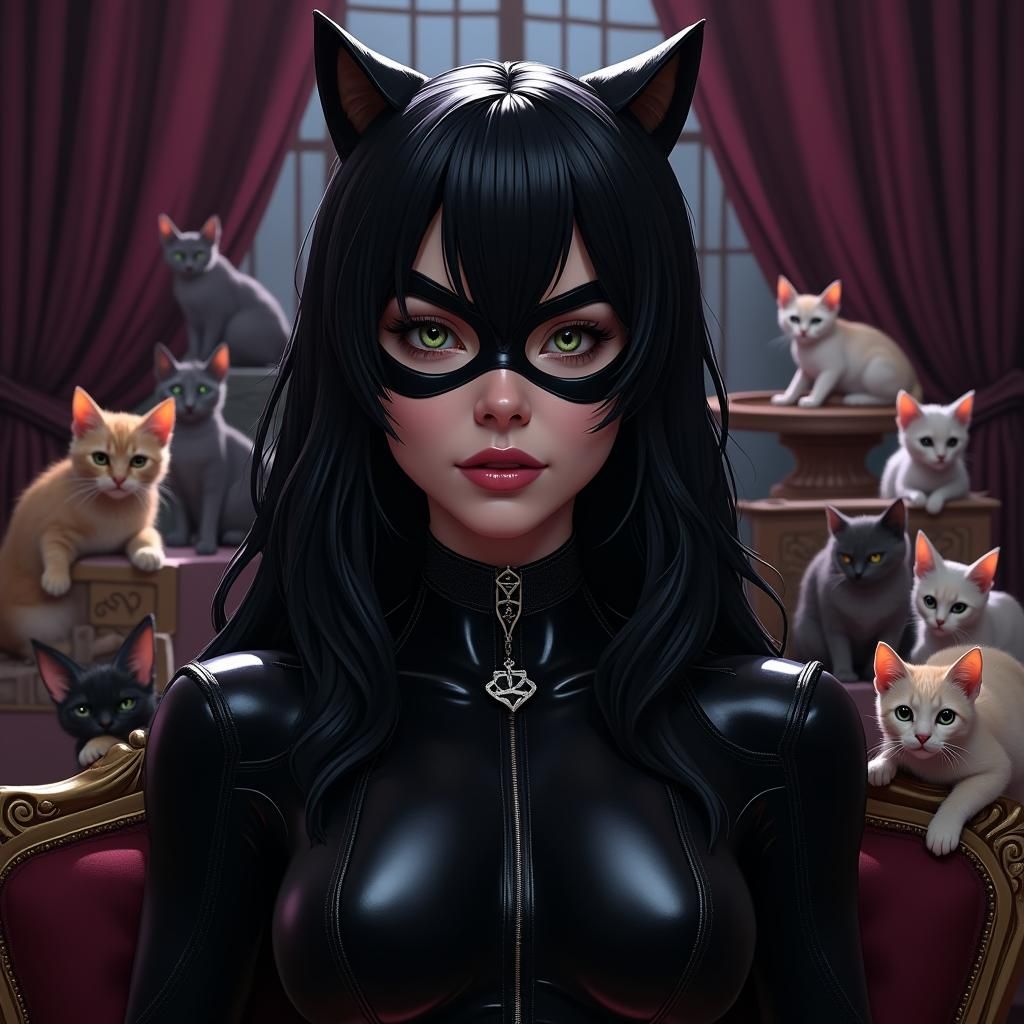
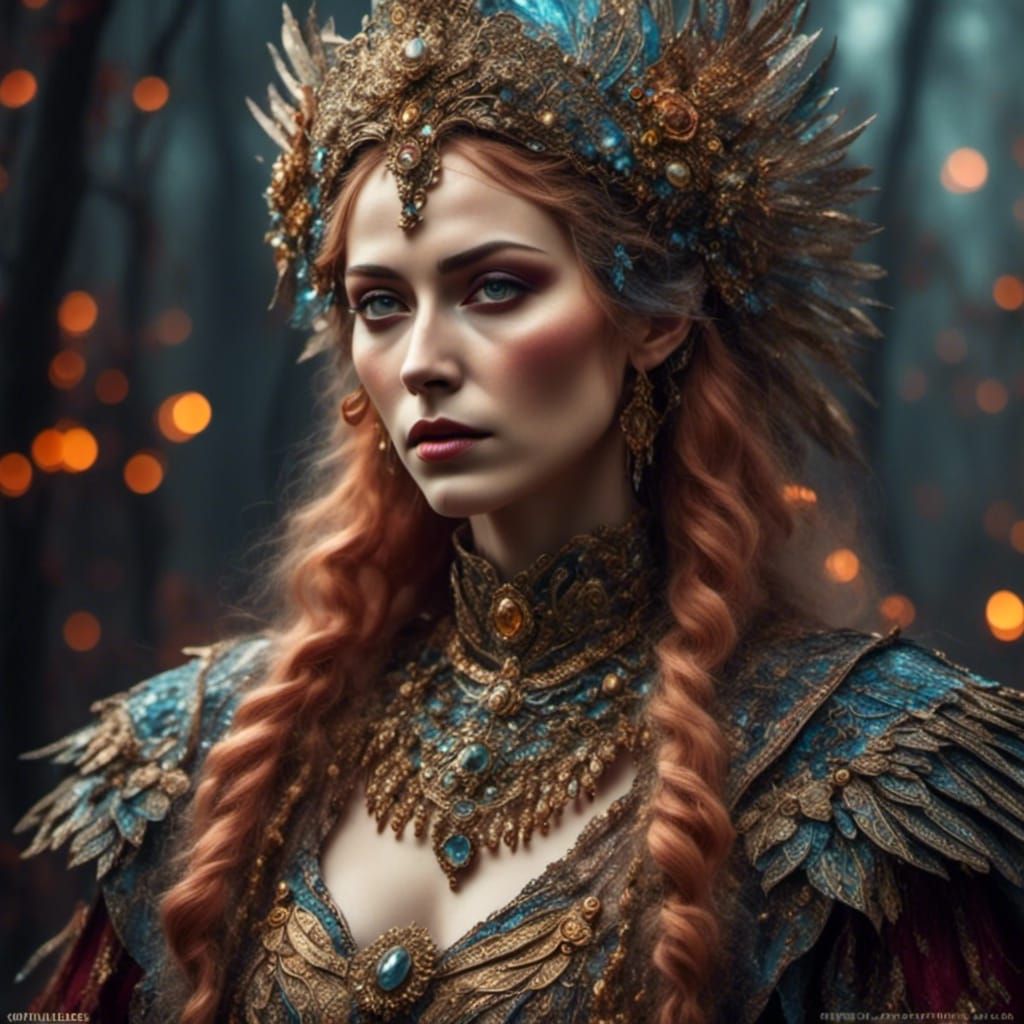
The most beautiful girl was designed with Industrial Intelligence
Created a year ago · 2 comments· 0 likes
Flux Schnell
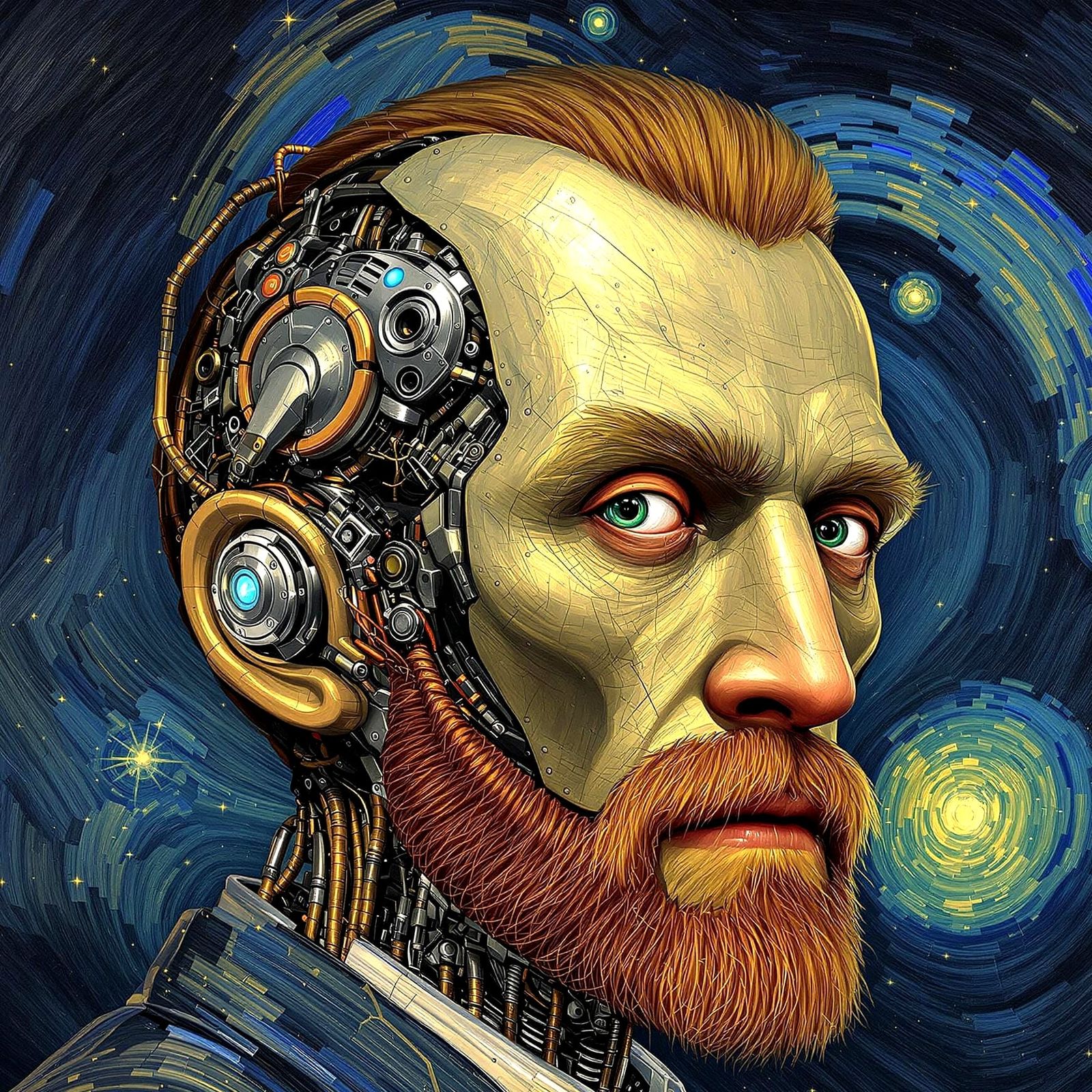
Creation Summary by Vincent
Industrial Intelligence Creates Beautiful Girl: Digital Art
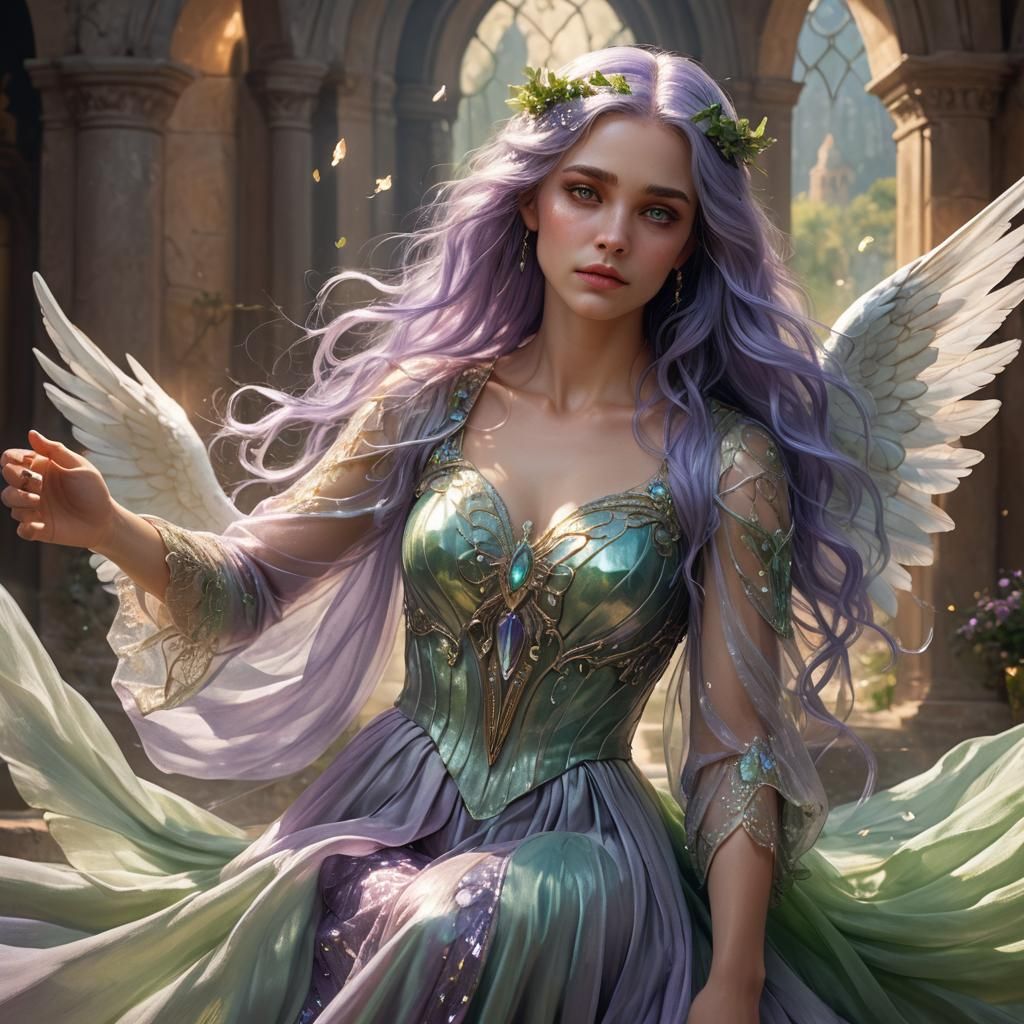
This image shows a beautiful woman designed with industrial intelligence. The digital painting features deep colors, intricate detail, and complementary colors in a fantasy concept art style.
Created by blutbaden on Sep 20, 2024 using the Flux Schnell AI image generator model.
2 Comments
Join the conversation


Amazing following! Please consider following back thanks 🫰
Creation Settings
- Preset Style
NightCafe
- Text Prompts
- The most beautiful girl was designed with Industrial IntelligenceWeight: 1detailed matte painting, deep color, fantastical, intricate detail, splash screen, complementary colors, fantasy concept art, 8k resolution trending on Artstation Unreal Engine 5Weight: 0.9
- Model
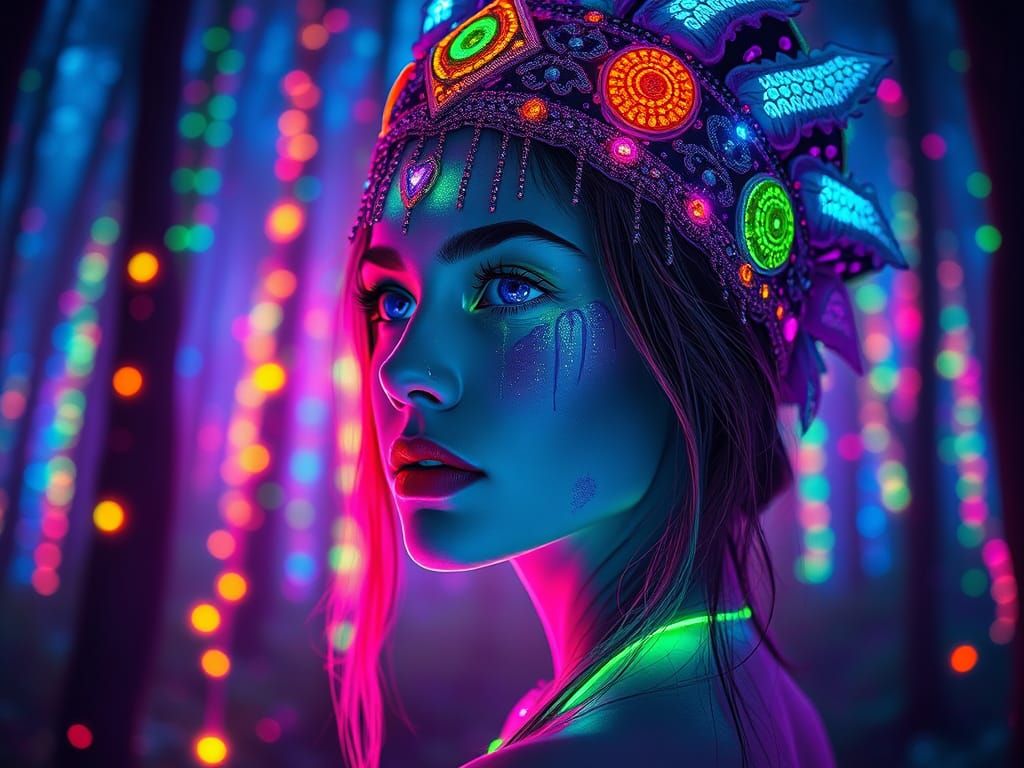 CKPT
CKPT- Initial Resolution
Medium
- Aspect Ratio
1:1
- Runtime
Short
- Overall Prompt Weight
50%





Well, Done!!