
Unleash Your Creative Magic with AI
Discover endless possibilities with our free AI image generator - create your own unique artwork with ease!
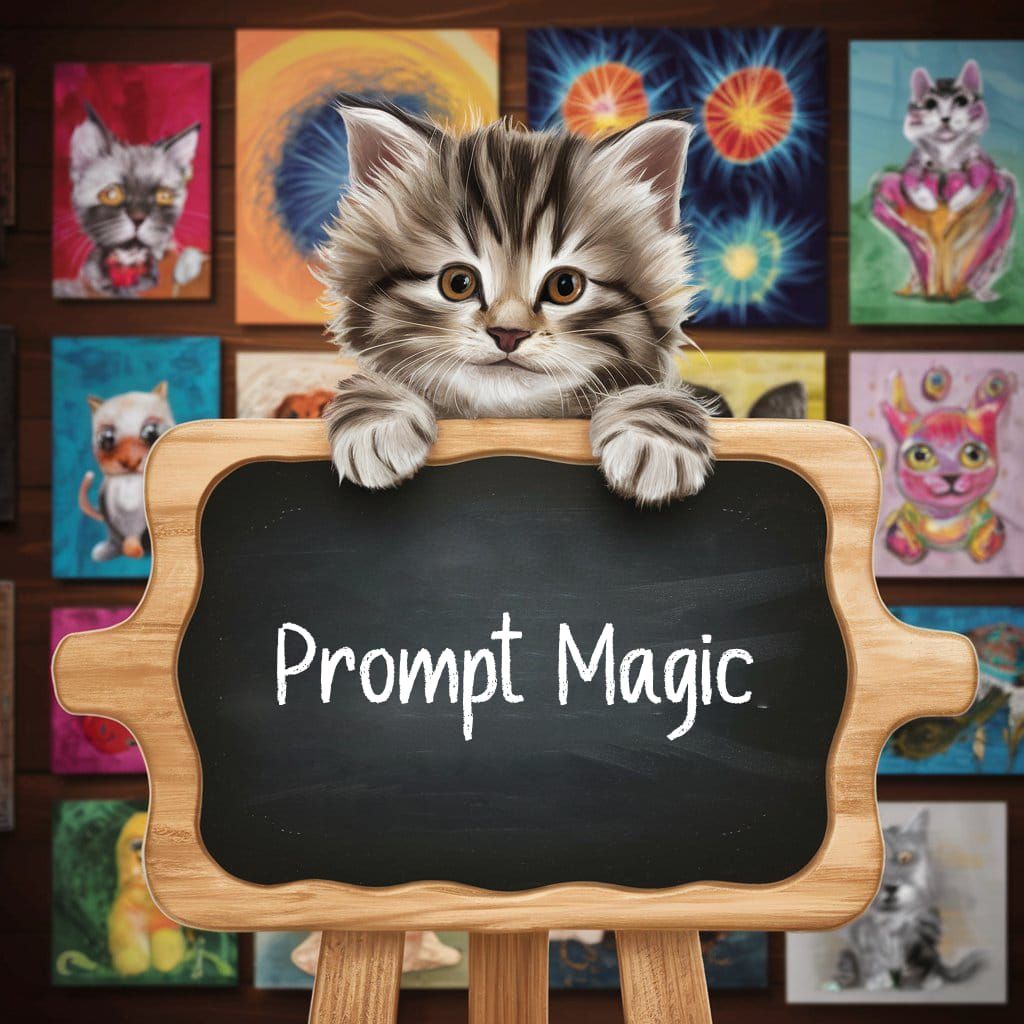
Prompt Magic
Created a year ago · 19 comments· 0 likes
Uploaded
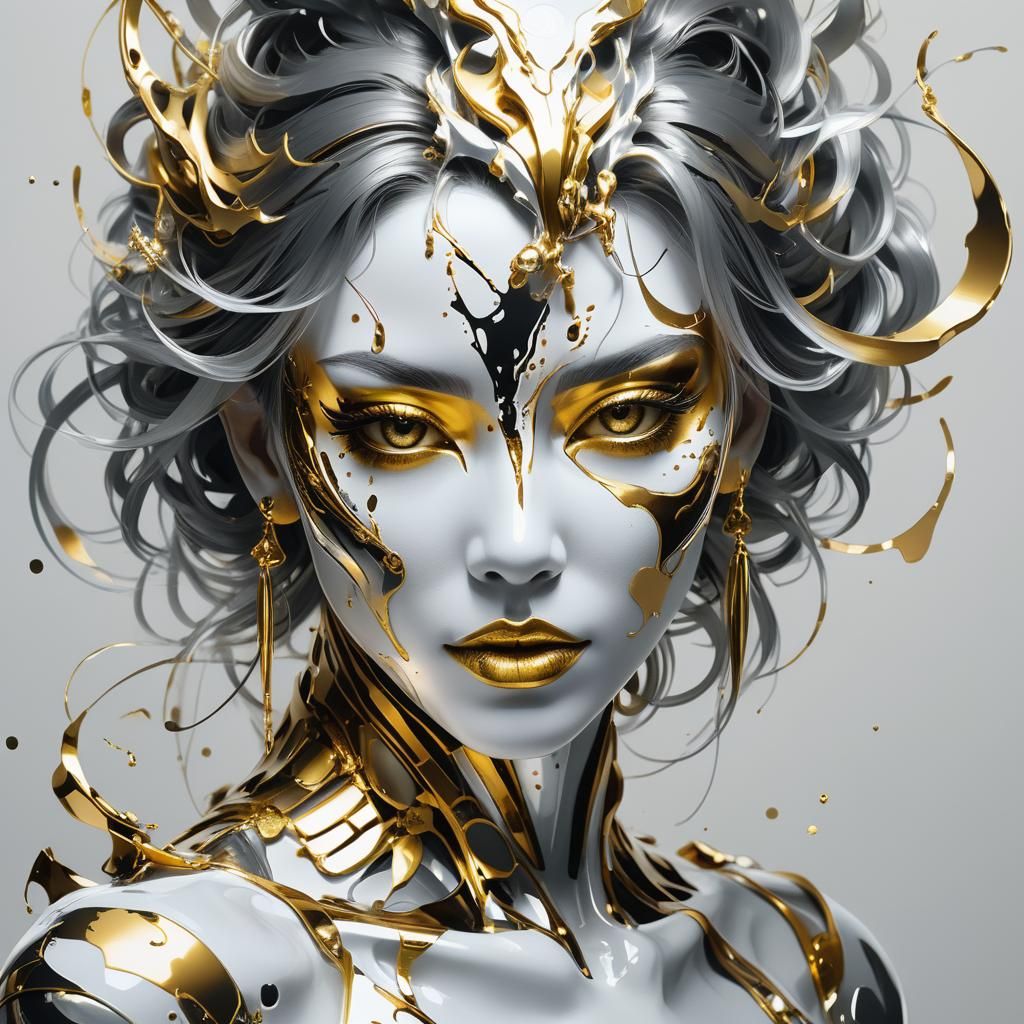
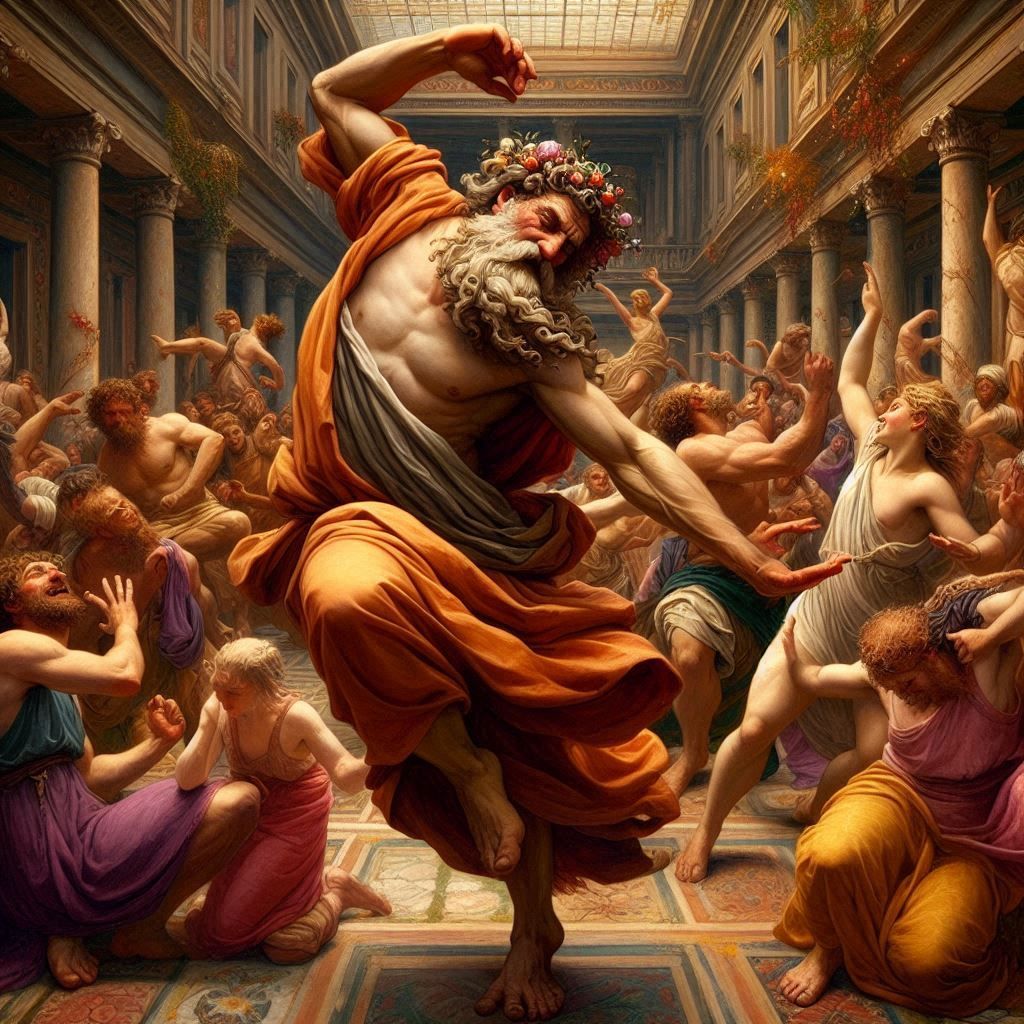
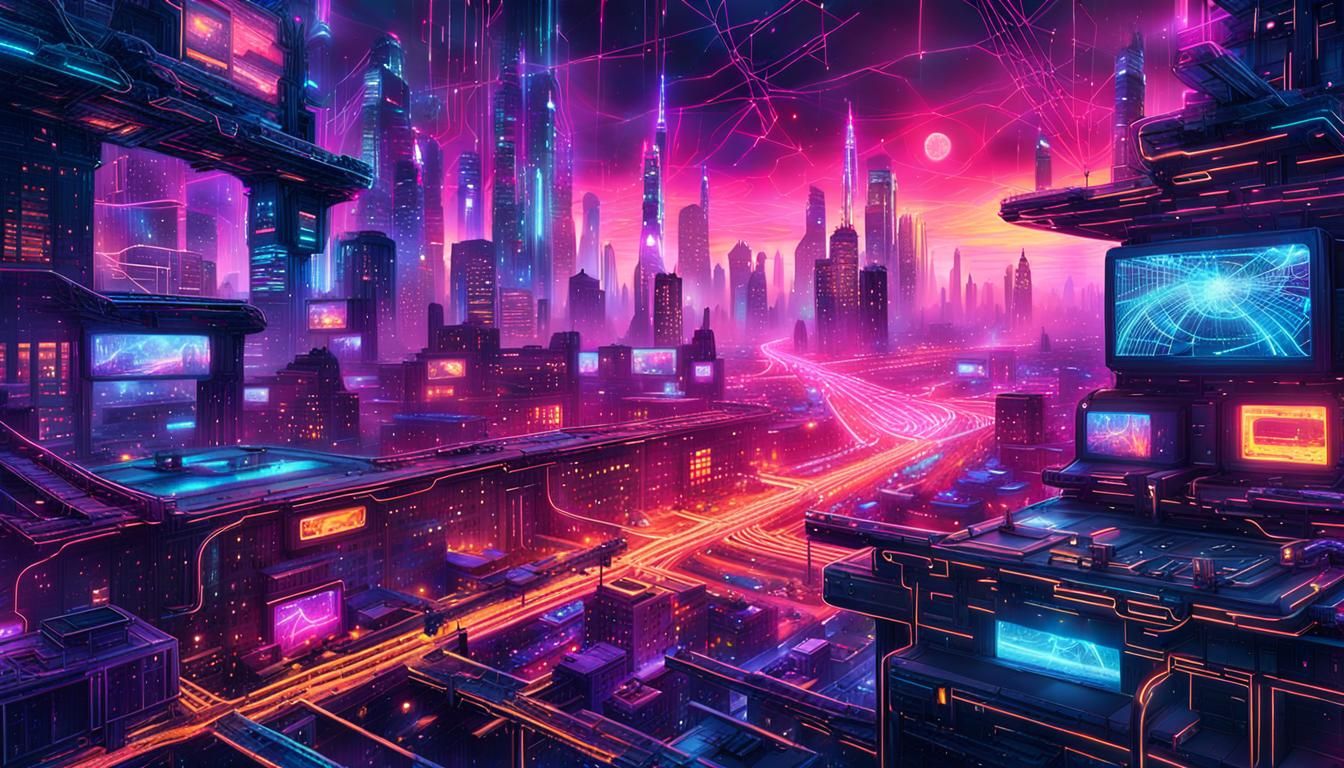
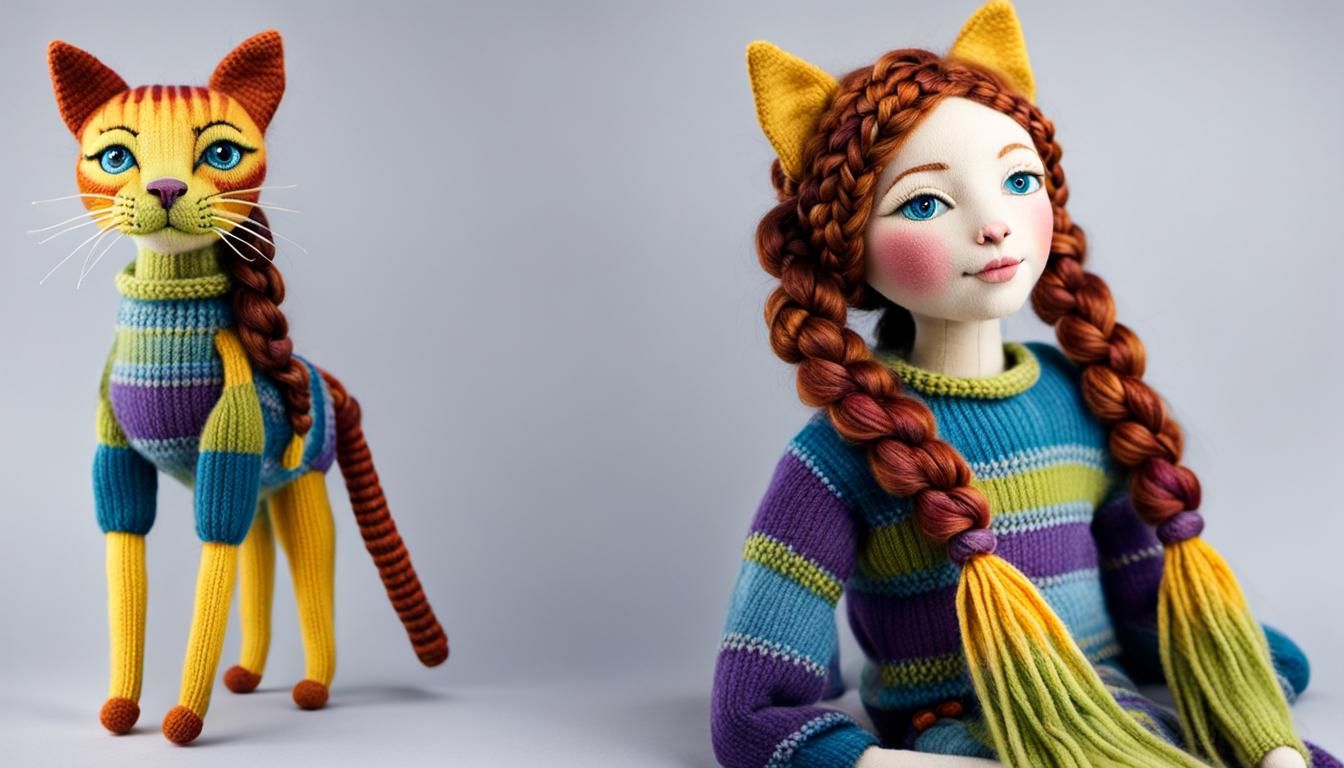
Nightcafe has just introduced a new feature called Prompt Magic, the switch is located right below the prompt box or in the Advanced Prompt Editor. Here is the official guide: “Some models on NightCafe have a feature called "Prompt Magic". When you enable prompt magic, your prompt will be automatically re-written and extended using AI to improve the quality of the image.”
In fact this feature was already available in DALL-E 3 (and not in DALL-E 2 even now) with another name called ‘Minimize Prompt Revision’ with ‘Off’ (default) allowing full revision or ‘On’ if we don’t want NightCafe (NC) to revise our prompts much, equivalent to ‘Use magic prompt’ Off.
We can take advantage of this functionality by using a free model like DreamShaper v8 to get a “beautifed” prompt first, modify it, then using the new prompt without using the prompt magic feature to make sure we know what we need rather than just letting NC revise our prompt automatically.
Good luck.
19 Comments
Join the conversation


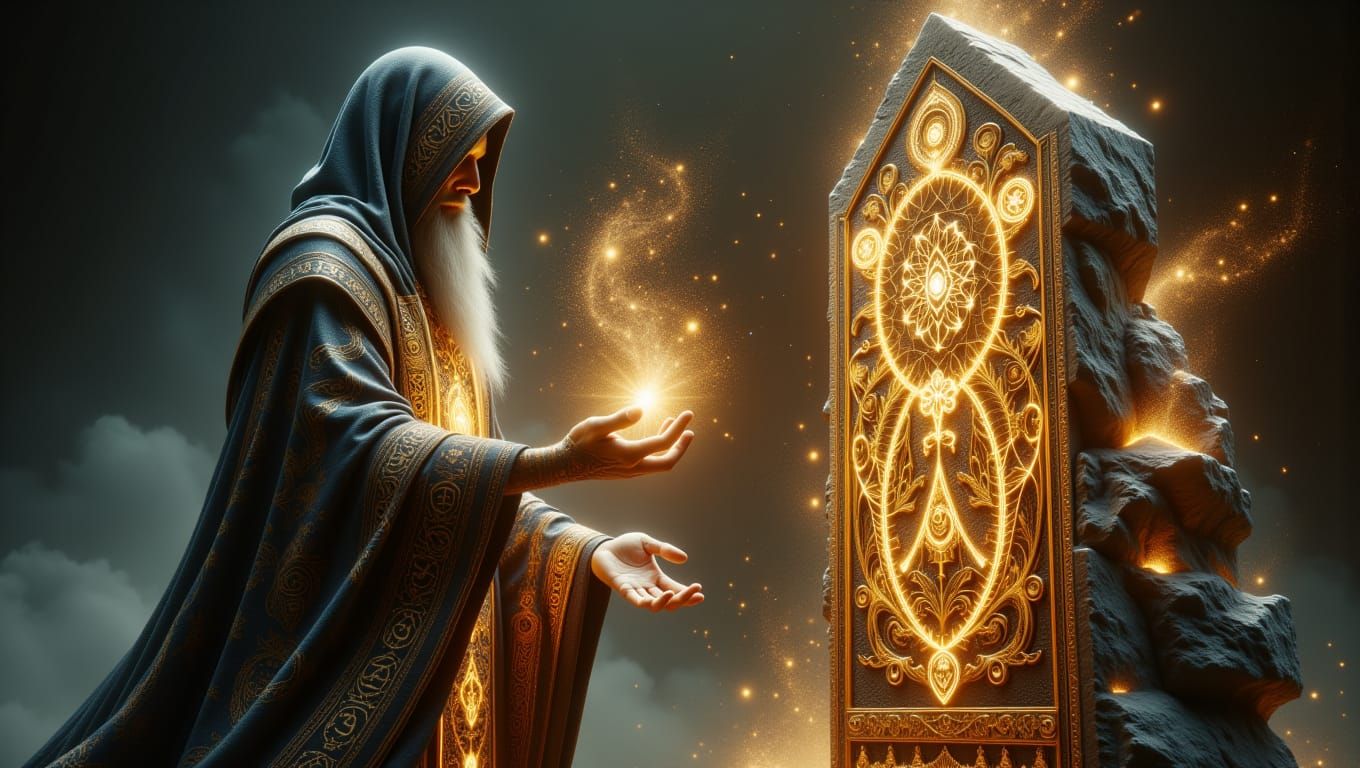
Thank you for a detailed dive into new features and tips! 😊❤️🙏

Thank you for this information, dear friend - good to know, Ive tried it too and wasn't entirely happy with it .... I guess practice makes perfect - and good friends who pass on their experiences😉🤗❤

Thank you for the explanation. I had a bit of a bad experience with the prompt magic when I used it in combination with loras. The lora effect changed completely. I will only use it for non-lora creations in the future.
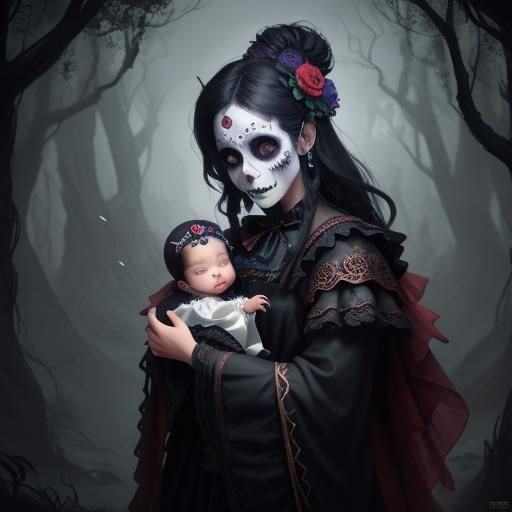
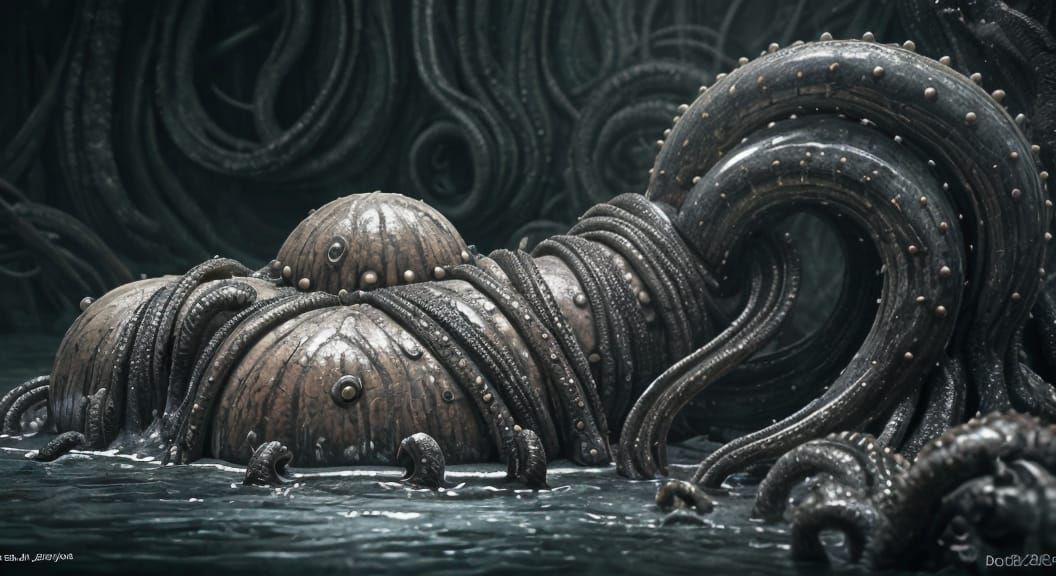
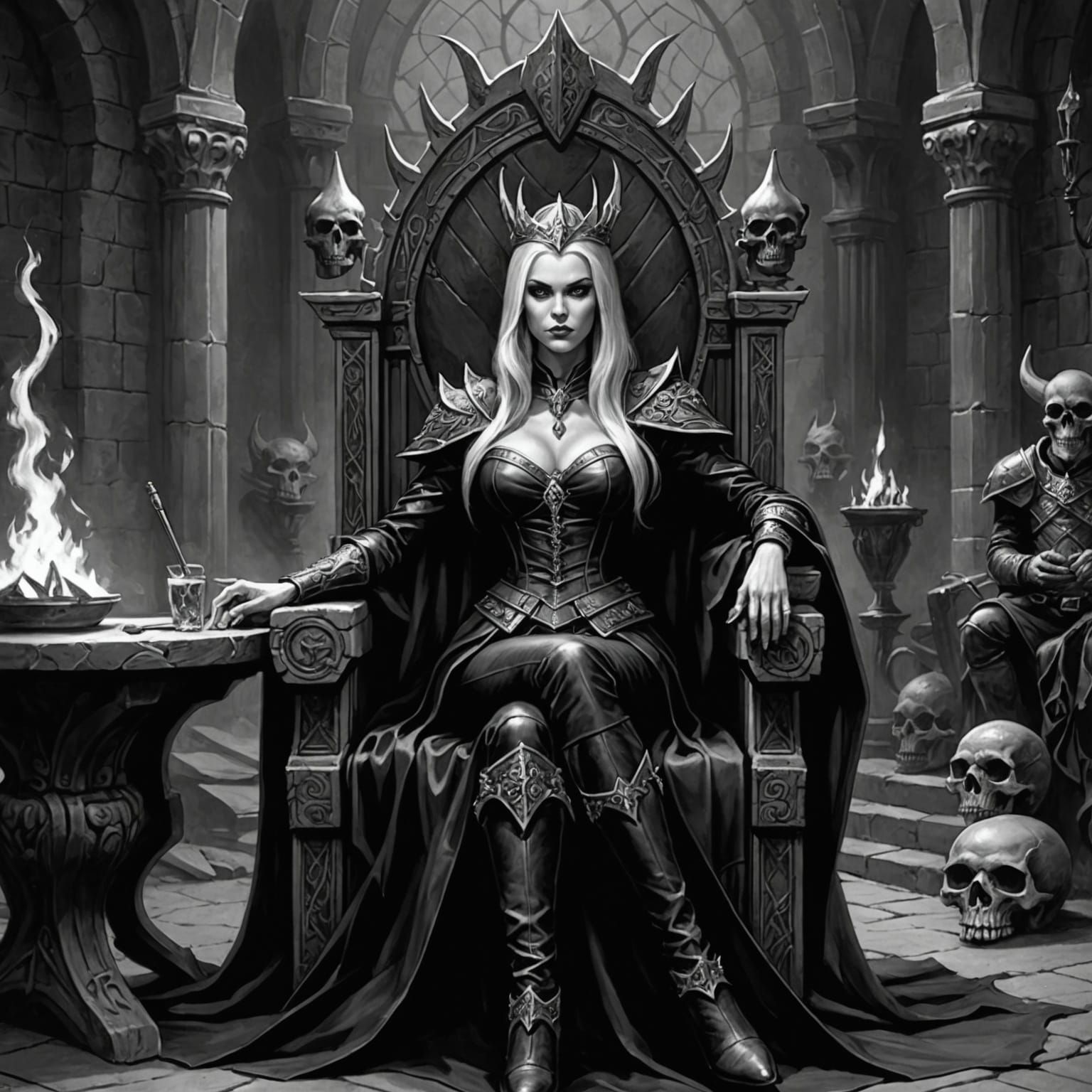
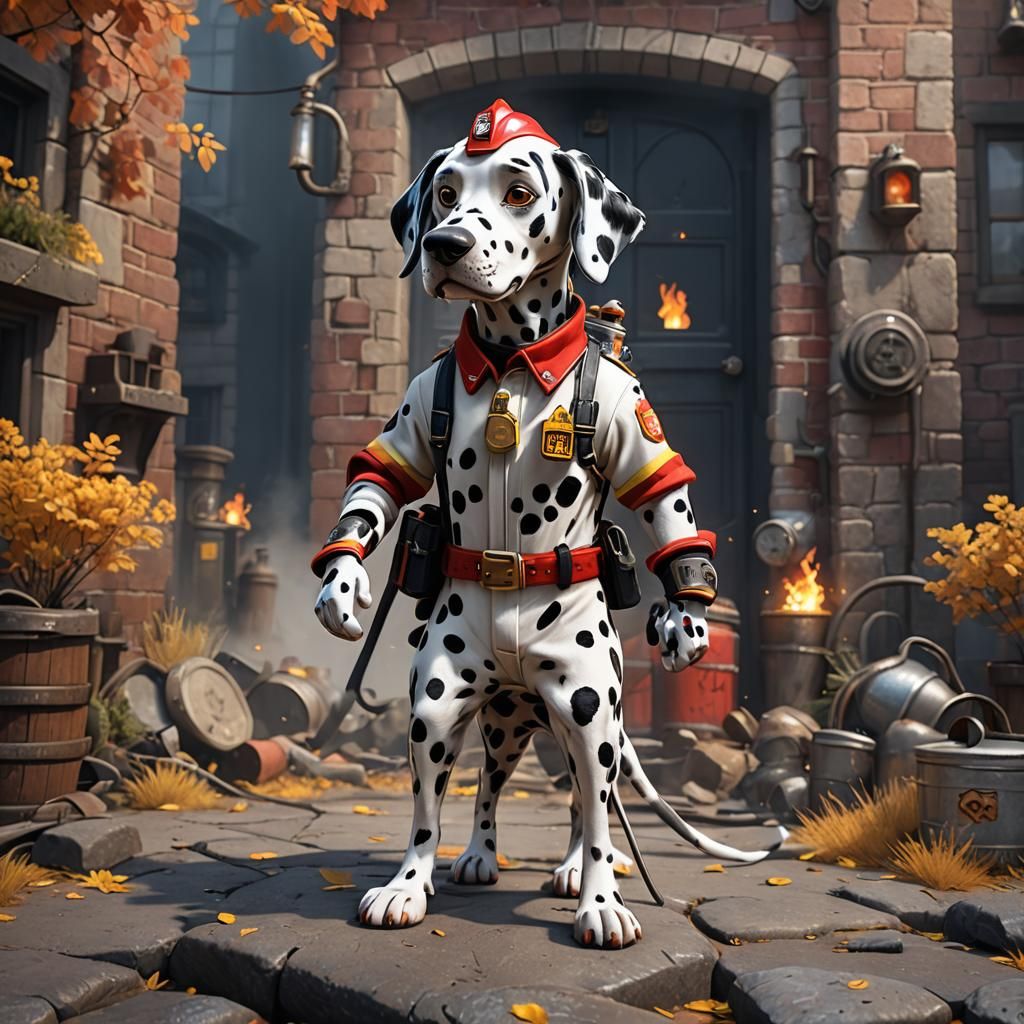
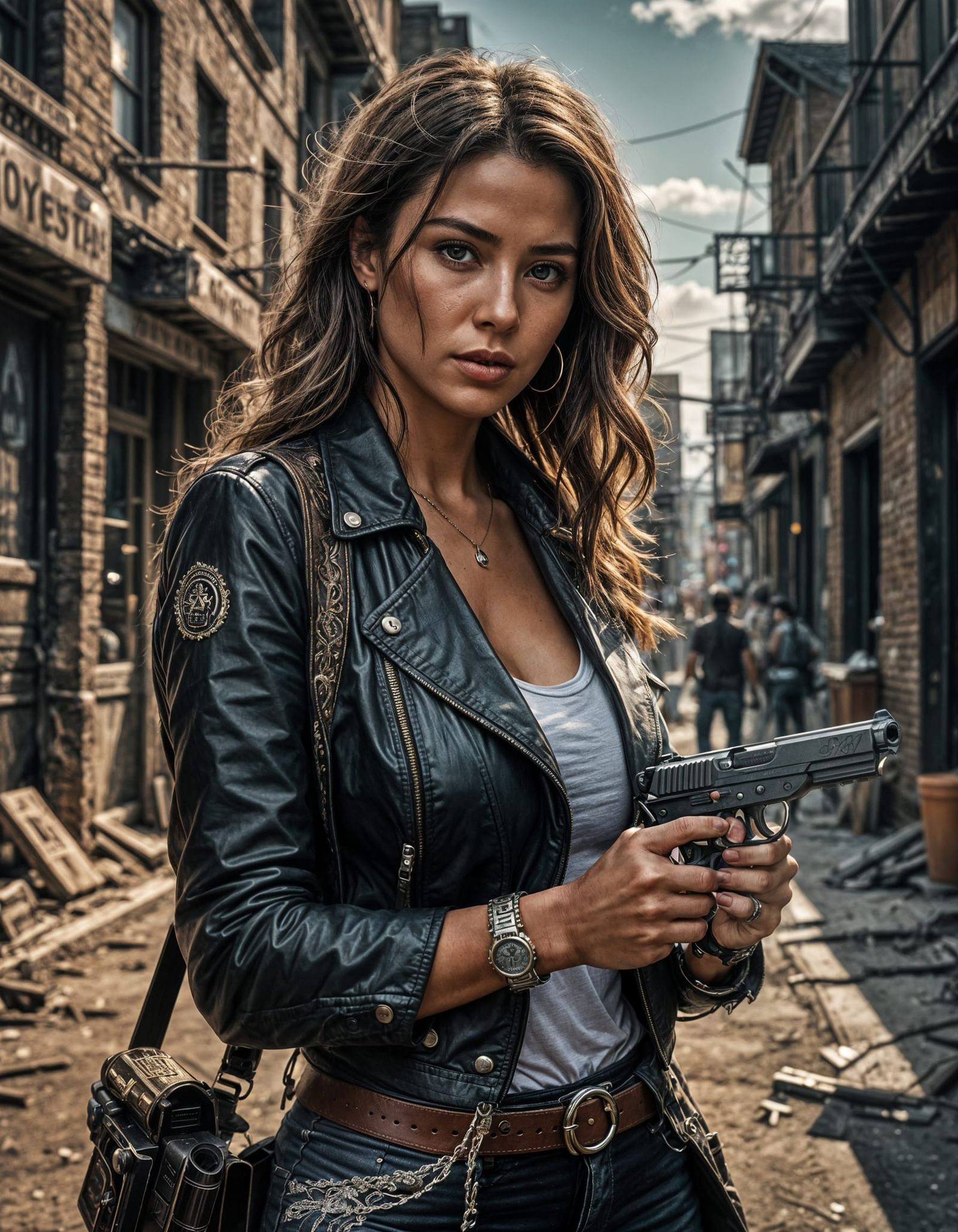
See with prompt magic:
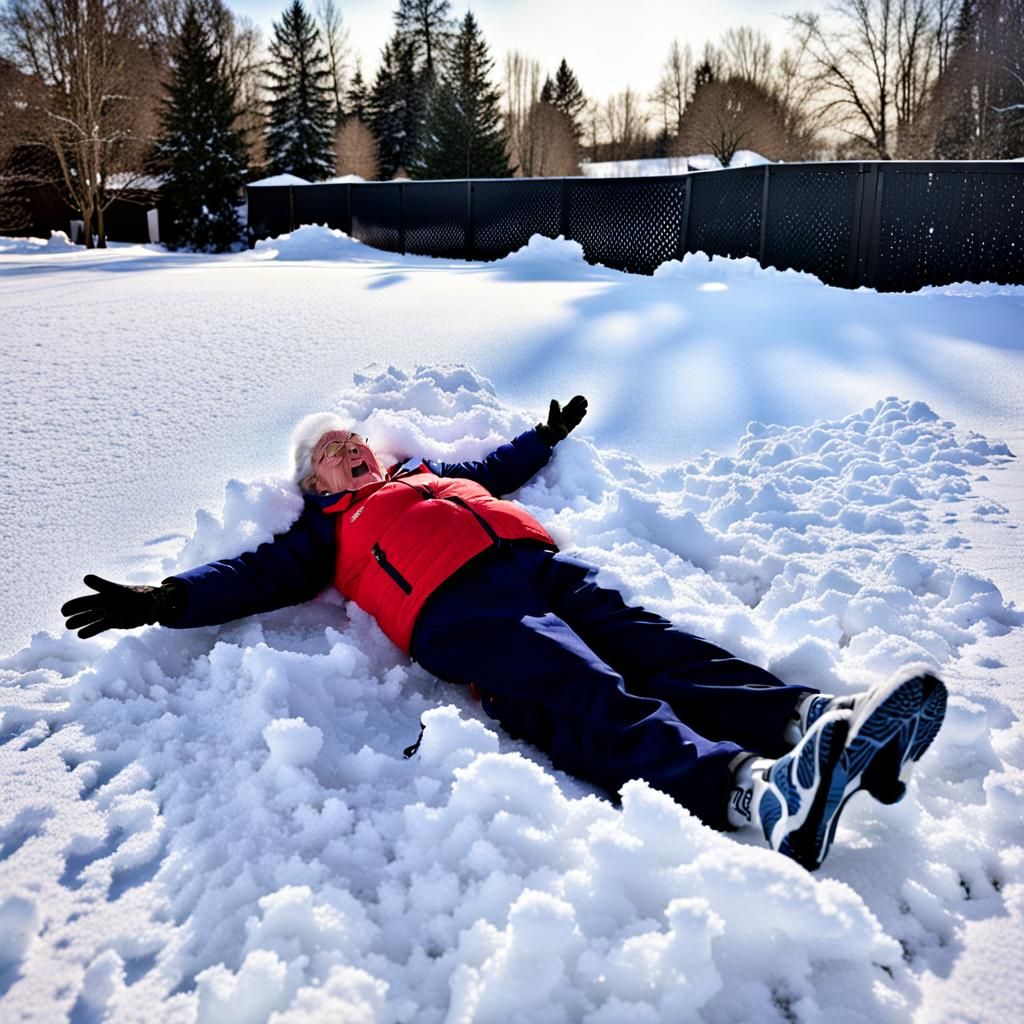
Without prompt magic:
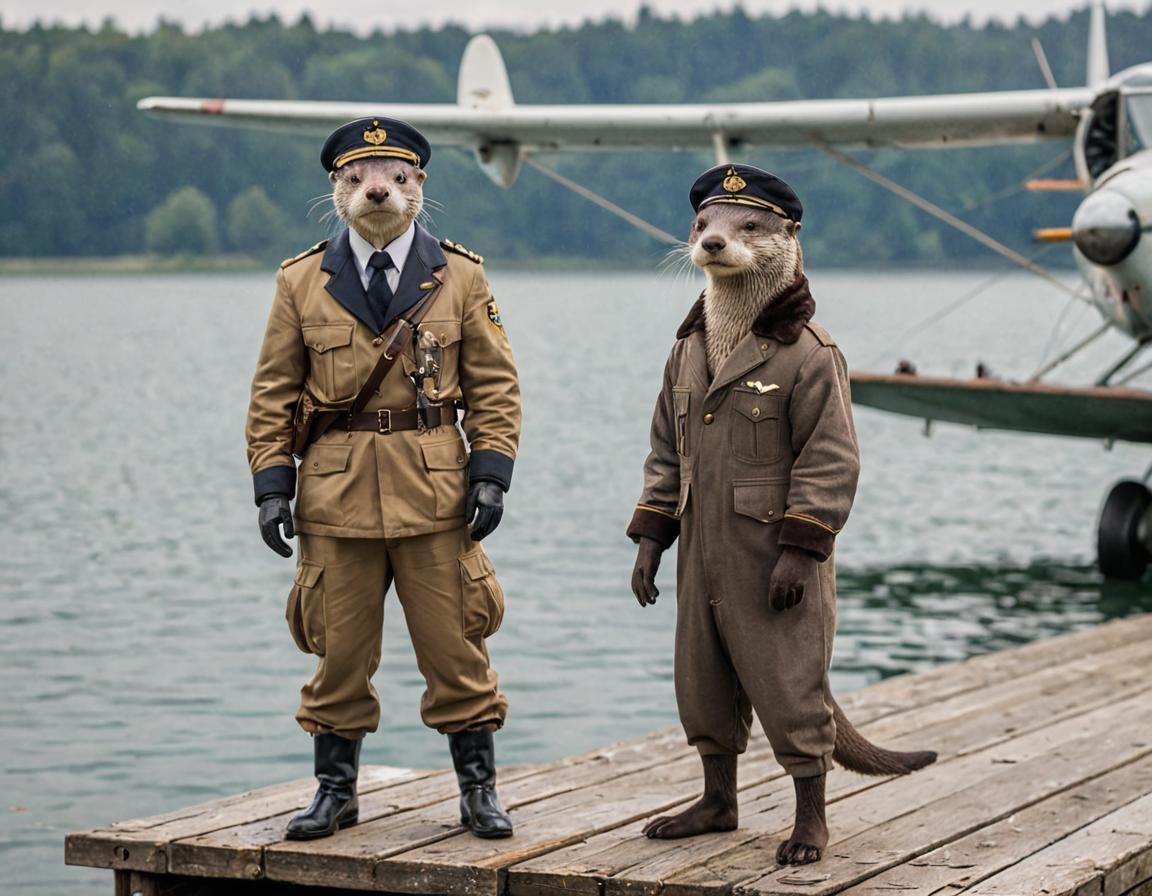
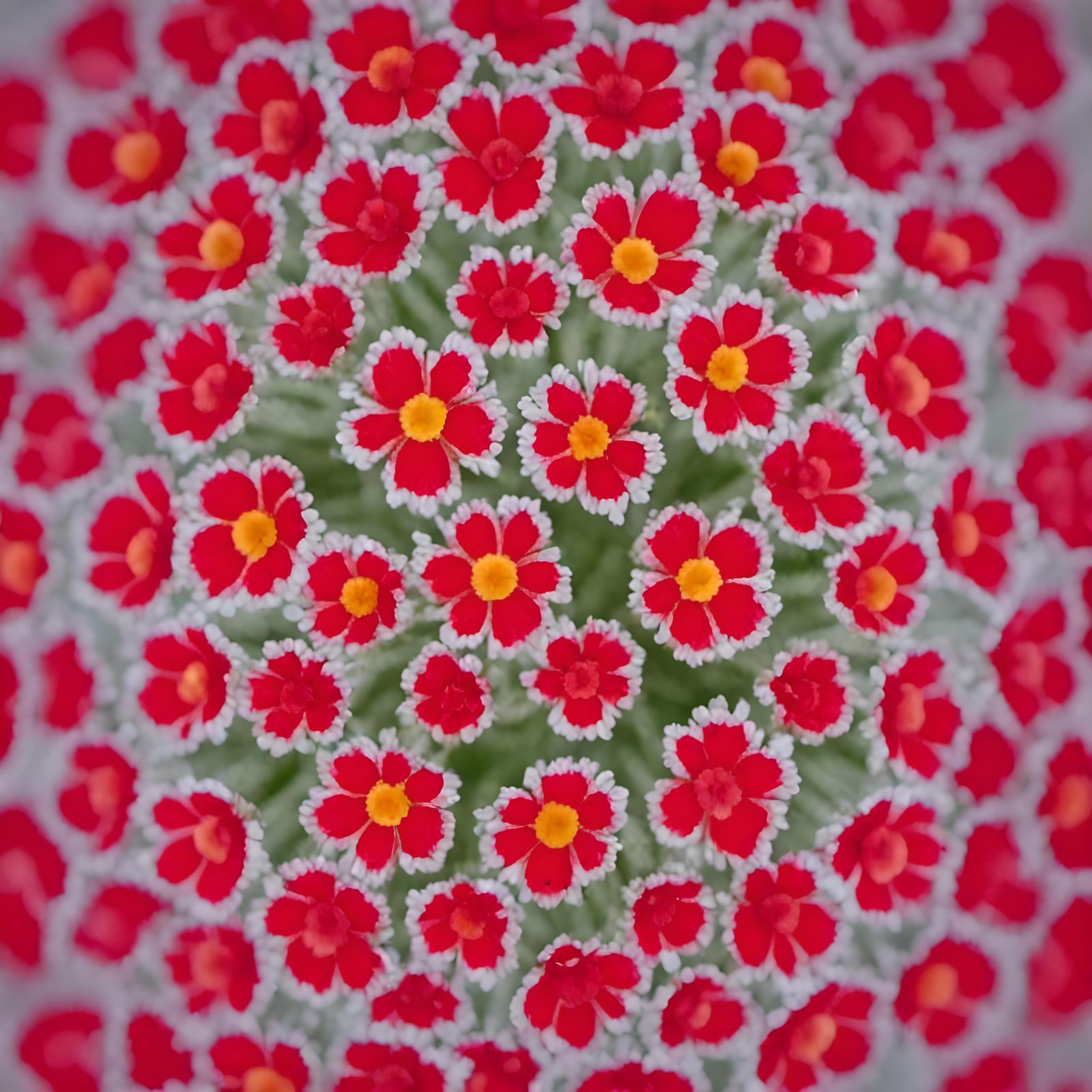
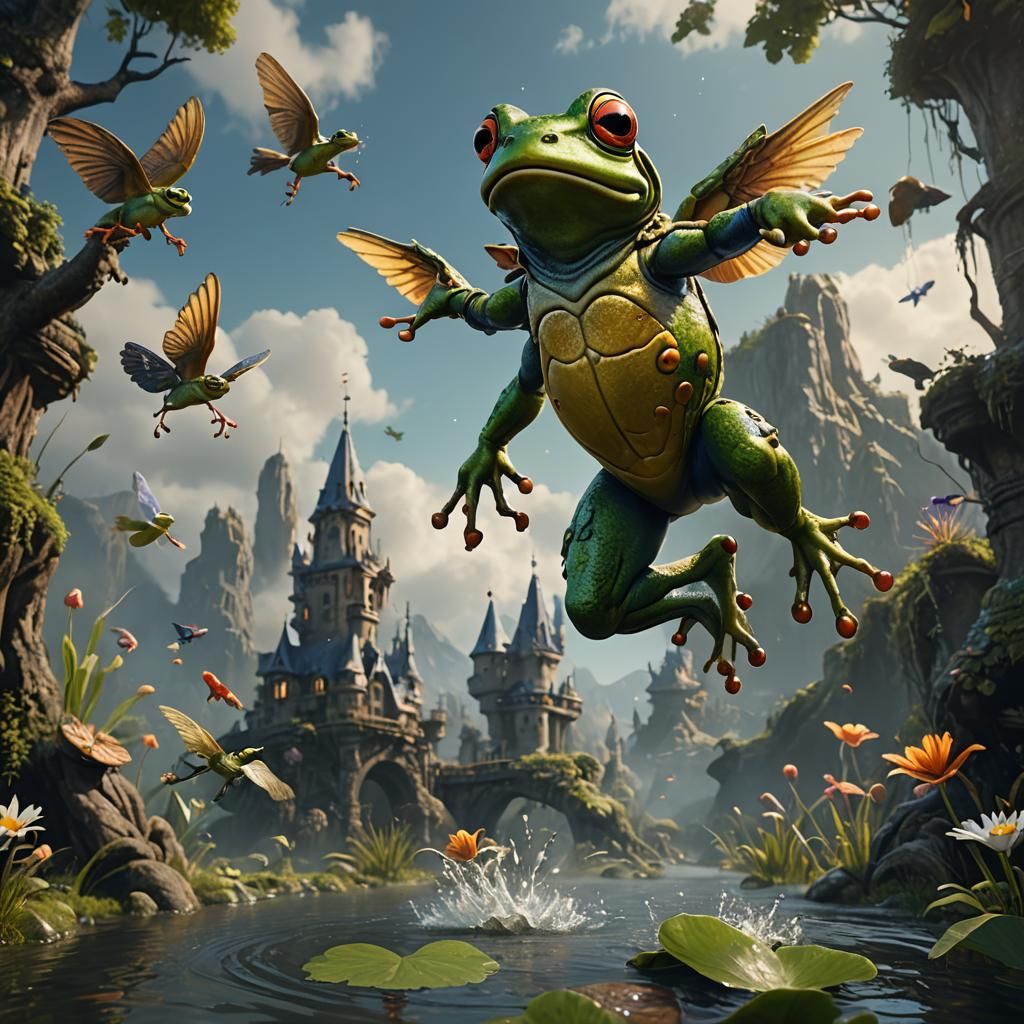
Here is a result of prompt magic, totally unexpected. So be cafeful about it. 😊
Creation Settings
This creation was not made on NightCafe.
- Model
Ideogram
- Prompts
Not provided
- Workflow
Not provided
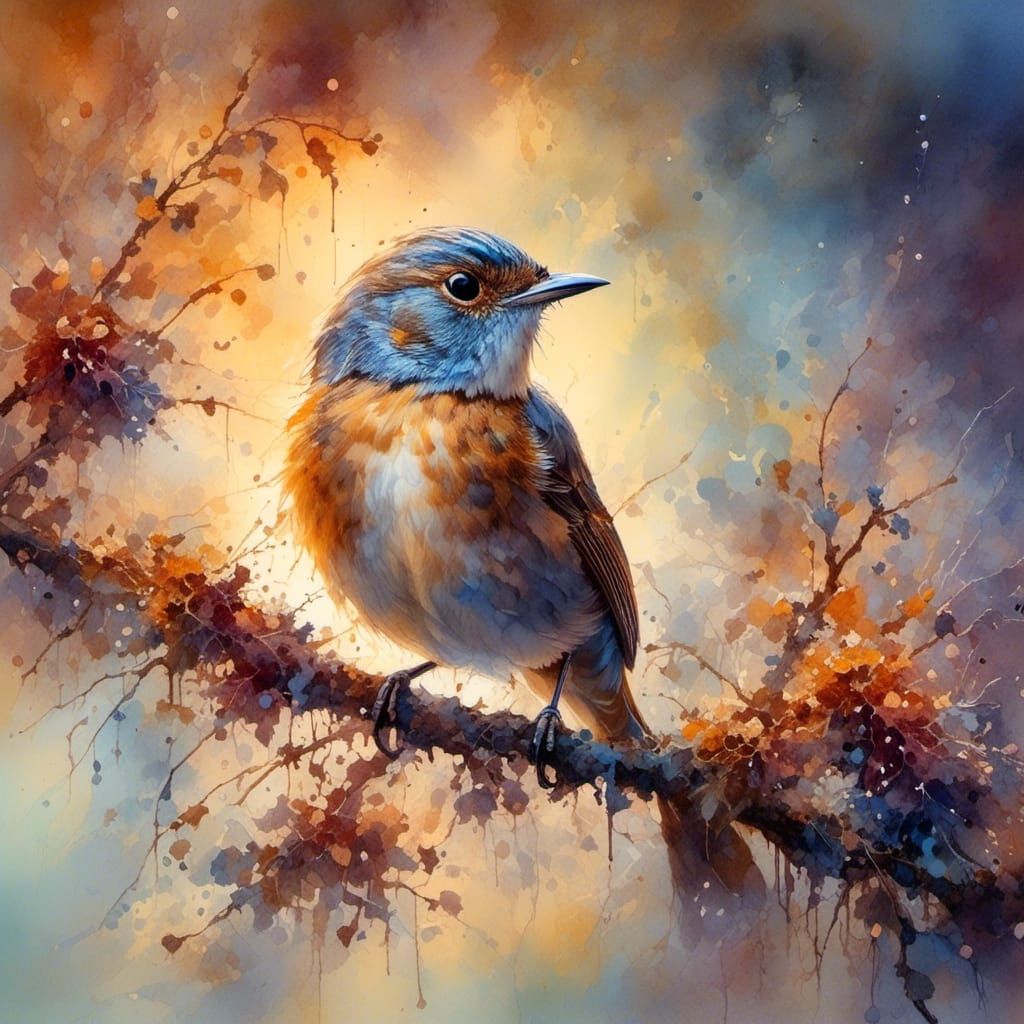


Can someone please help me turn off magic prompt