
Make your own explainer images with AI
Create your own explainer images! It's free and easy to visualize even the most complex concepts.
How does Kooky Use DSV8?
Created 2 years ago · 3 comments· 0 likes
DreamShaper v8
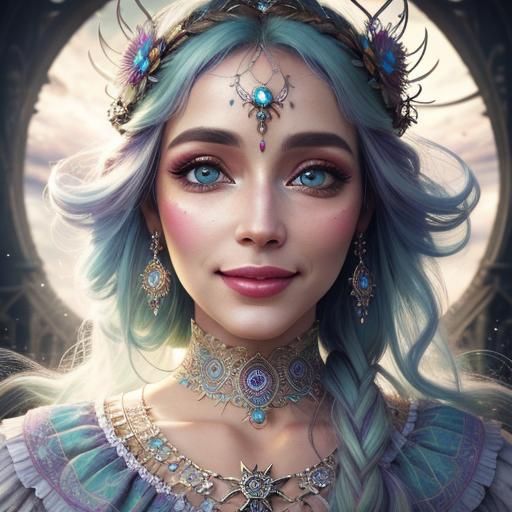
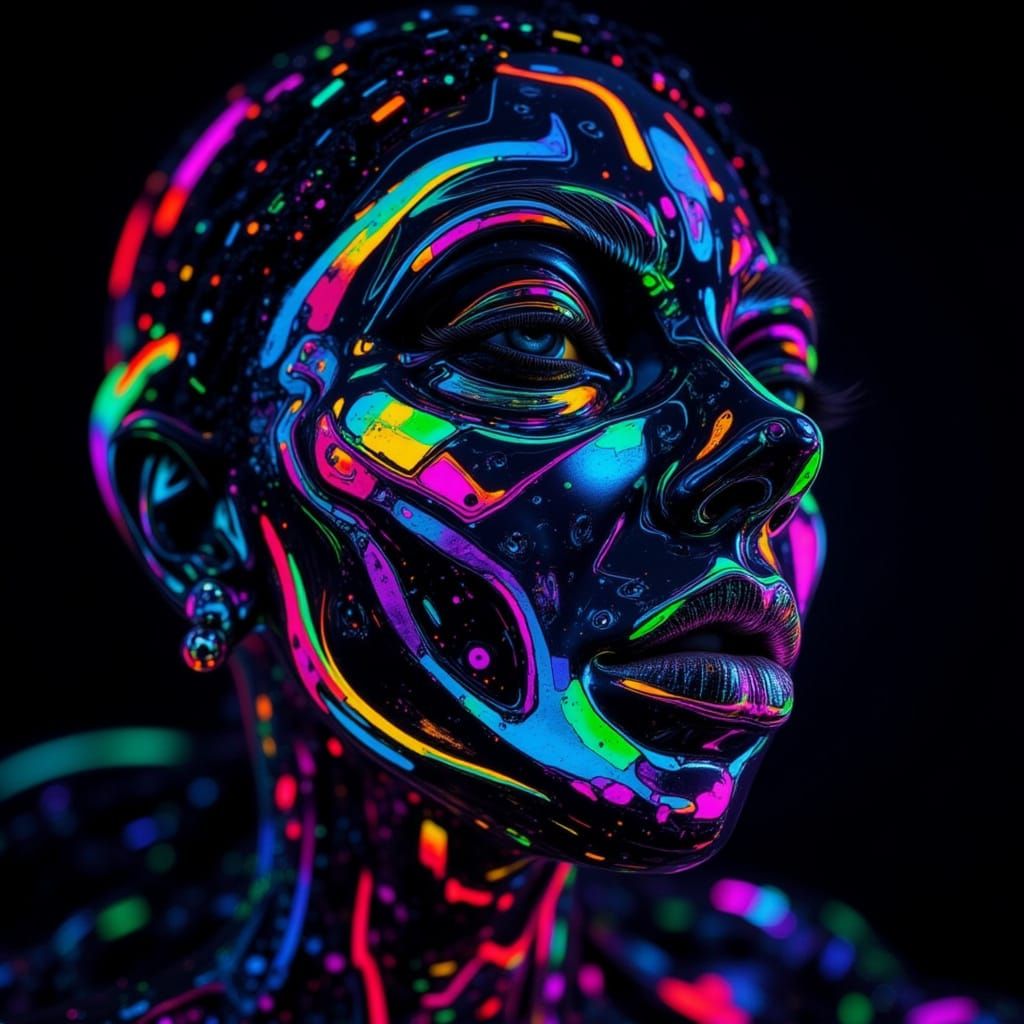
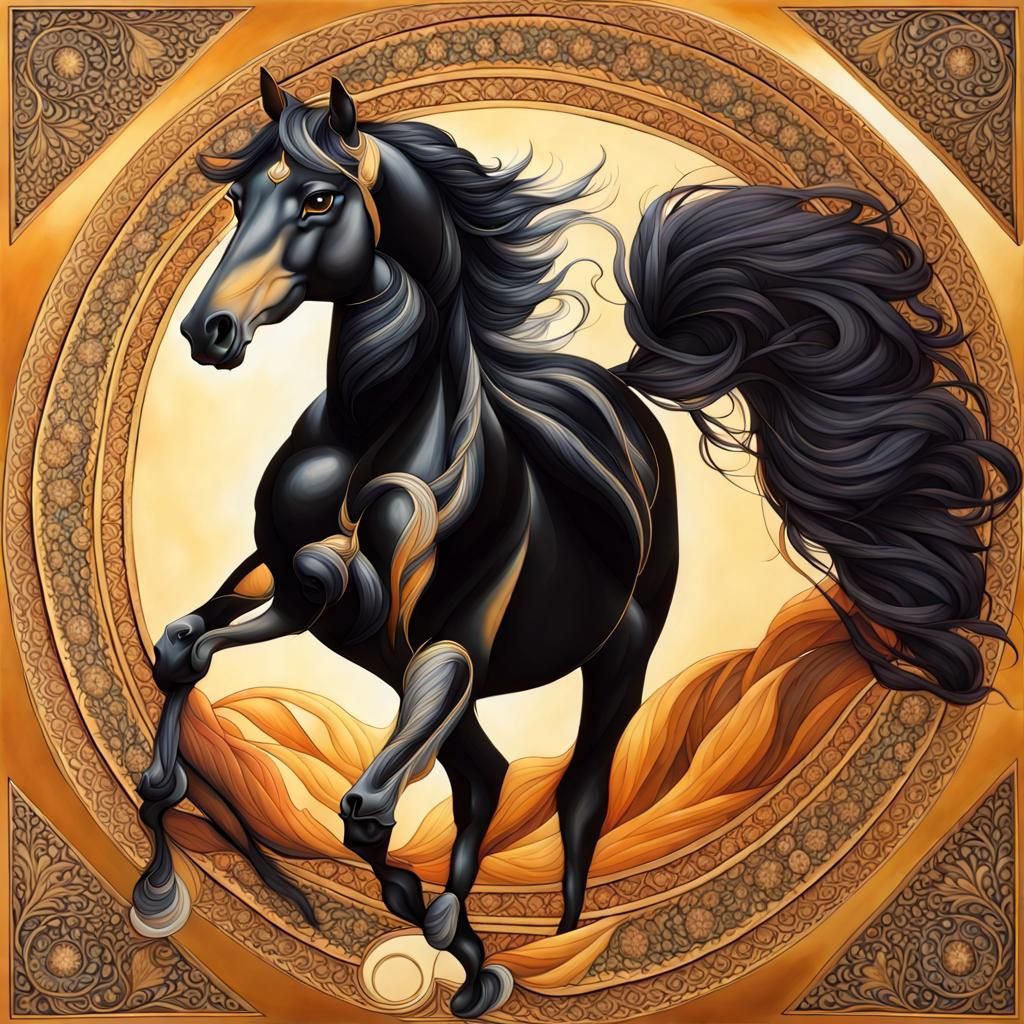
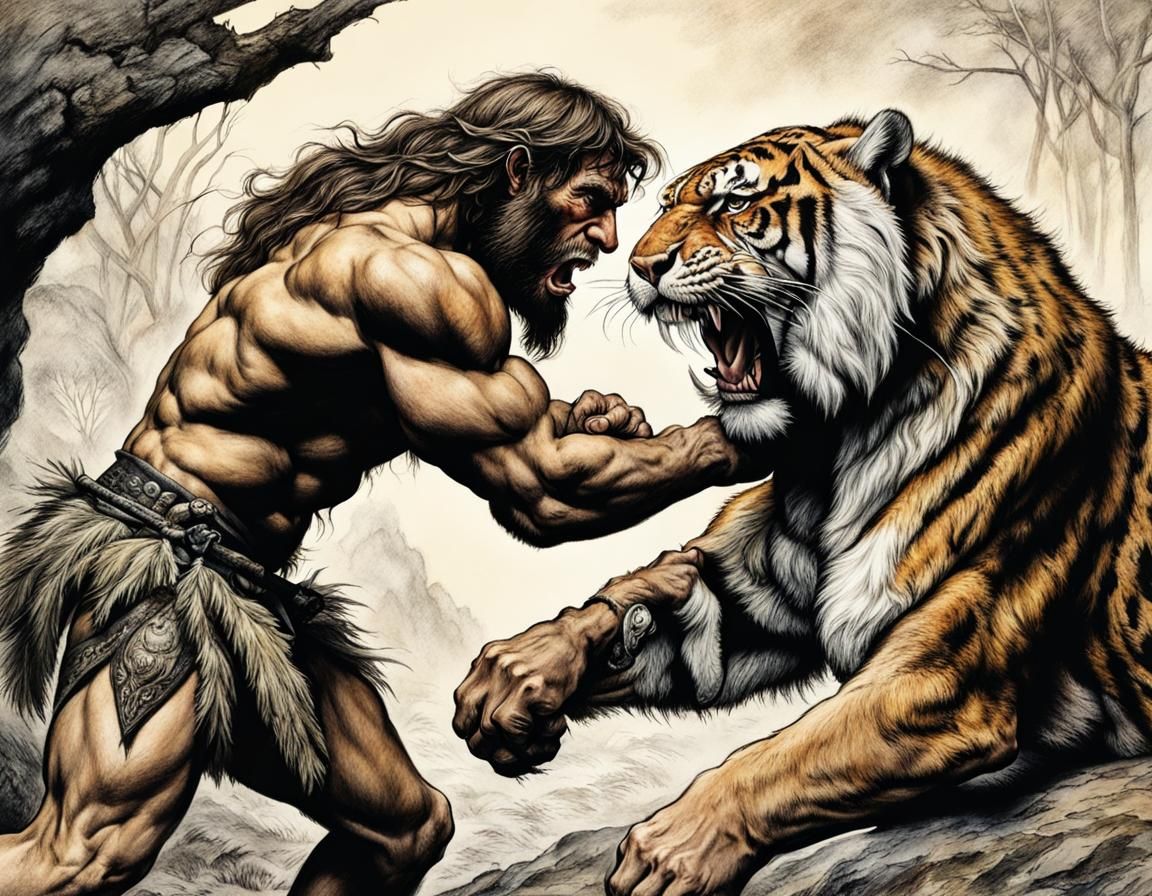
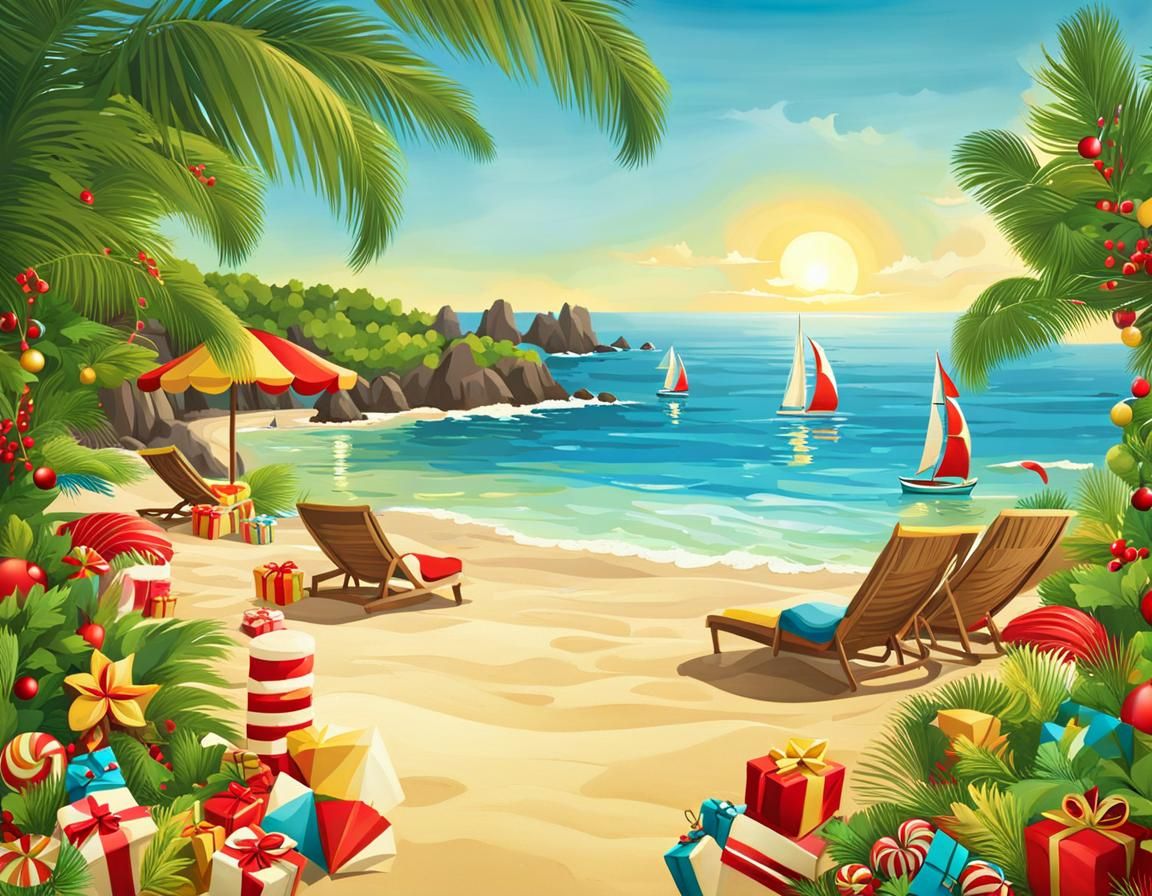
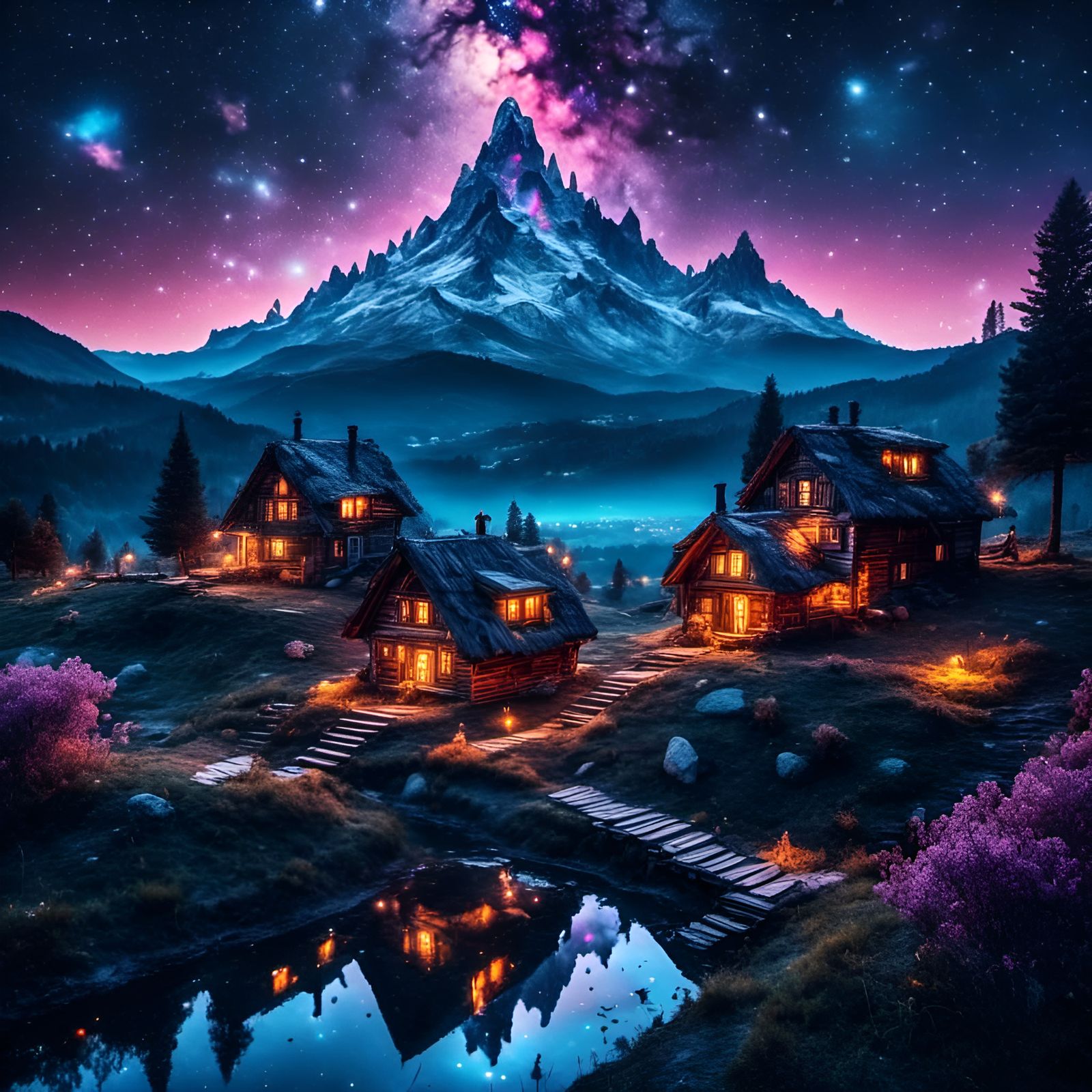
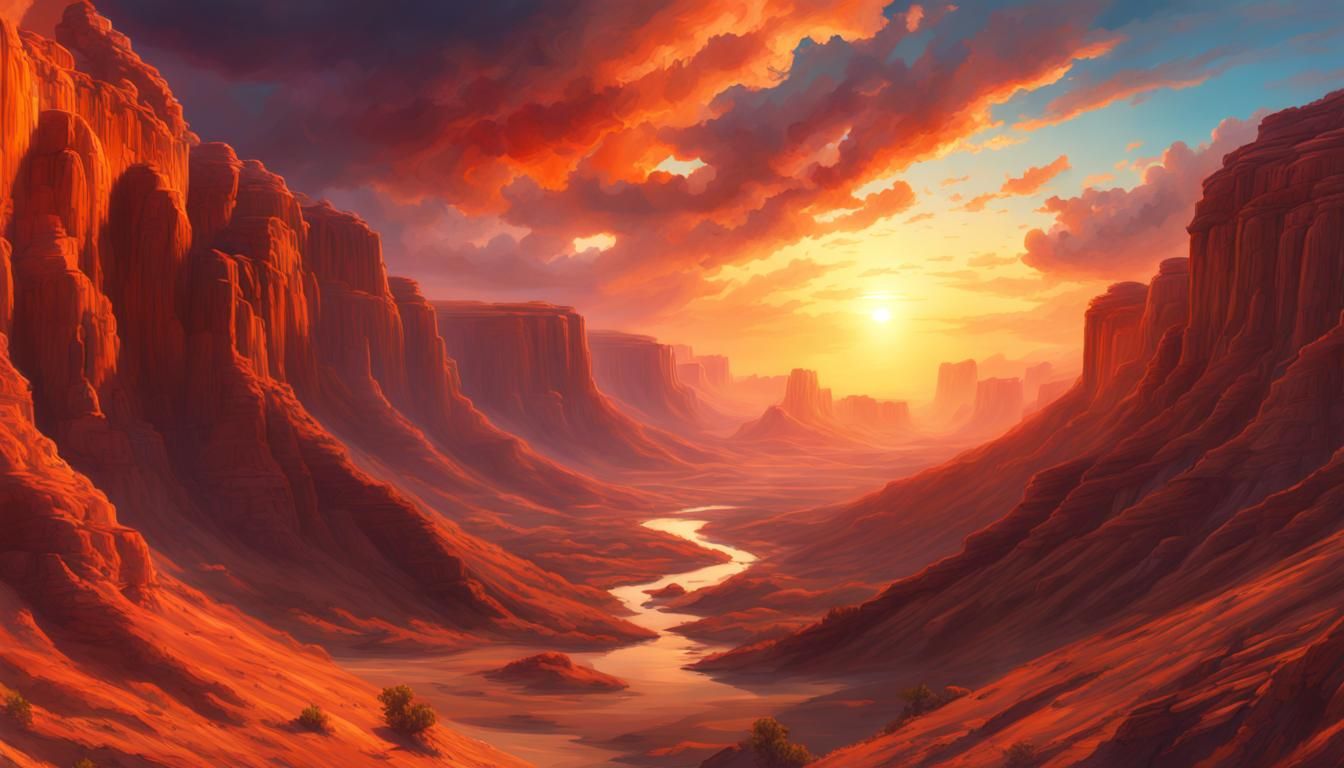
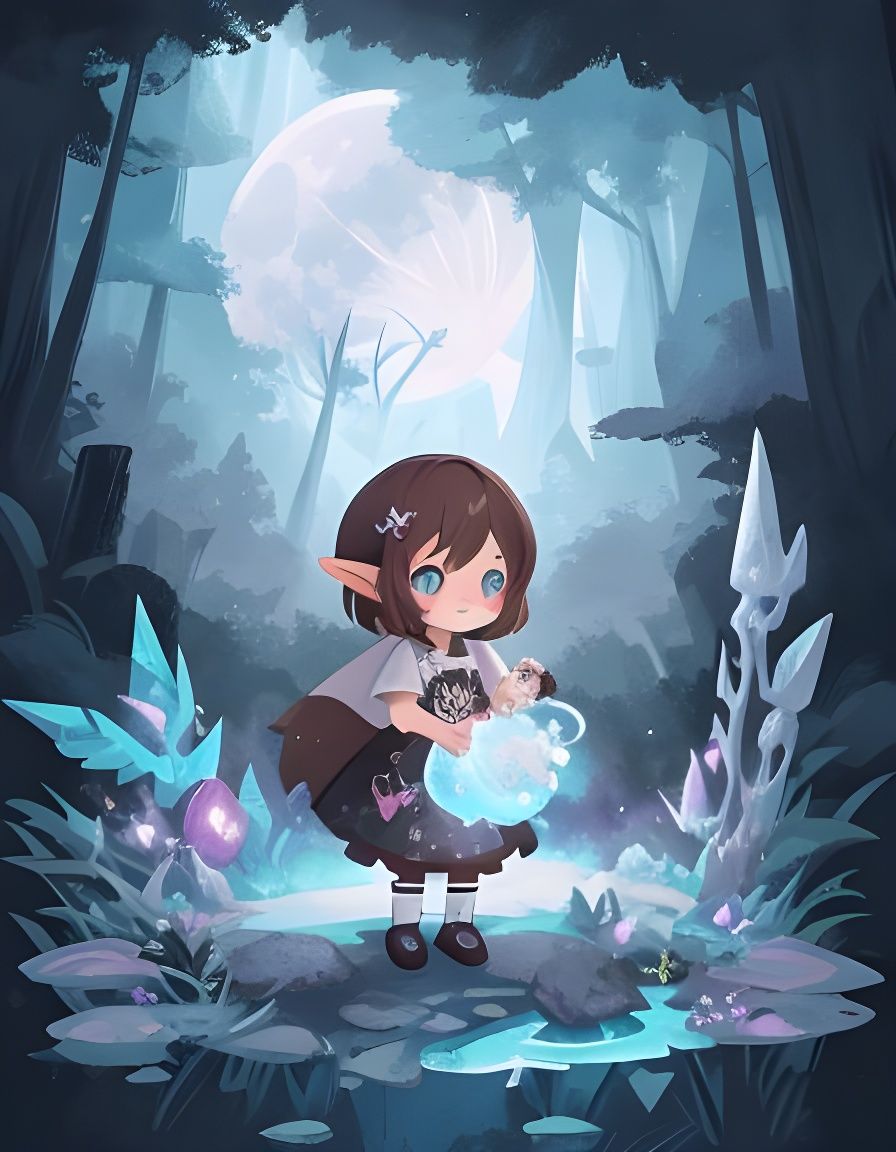
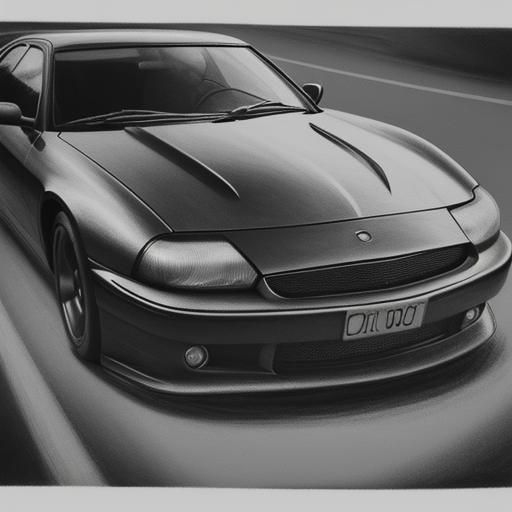
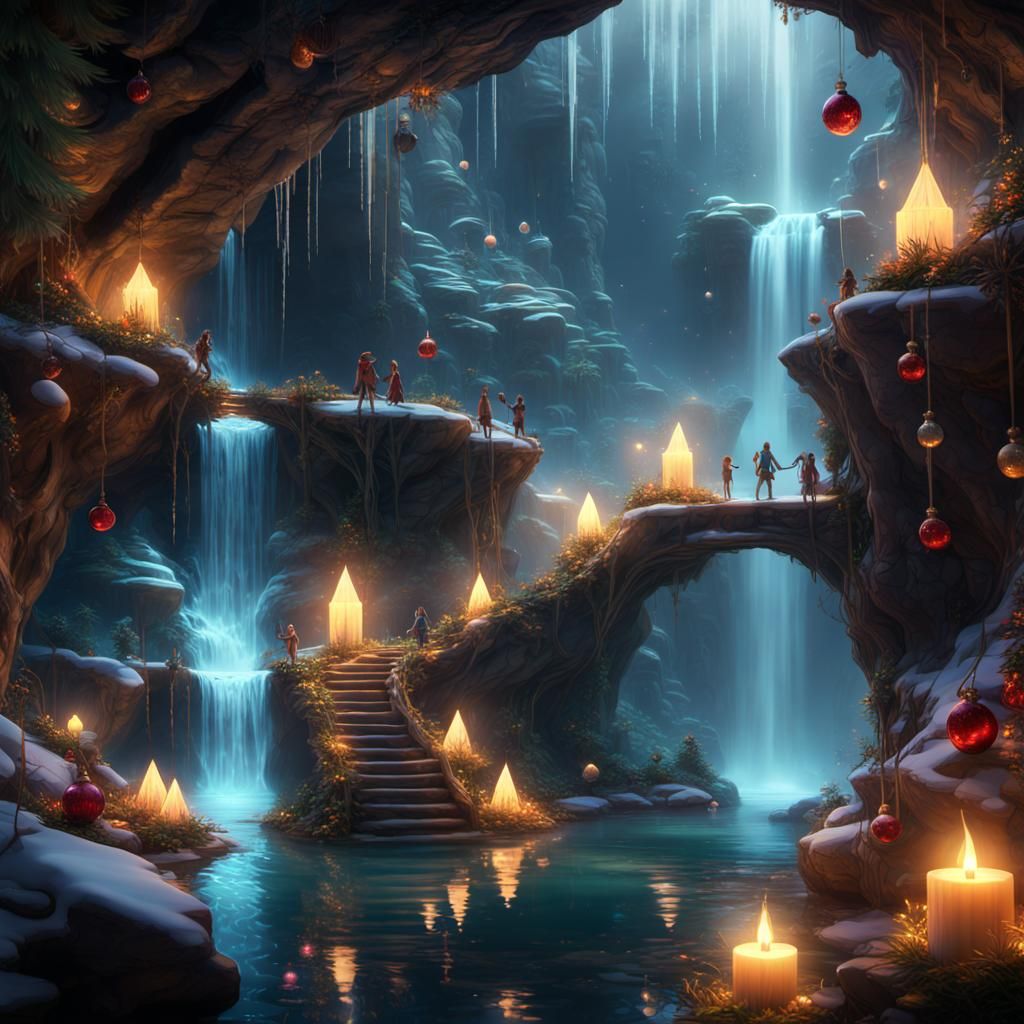
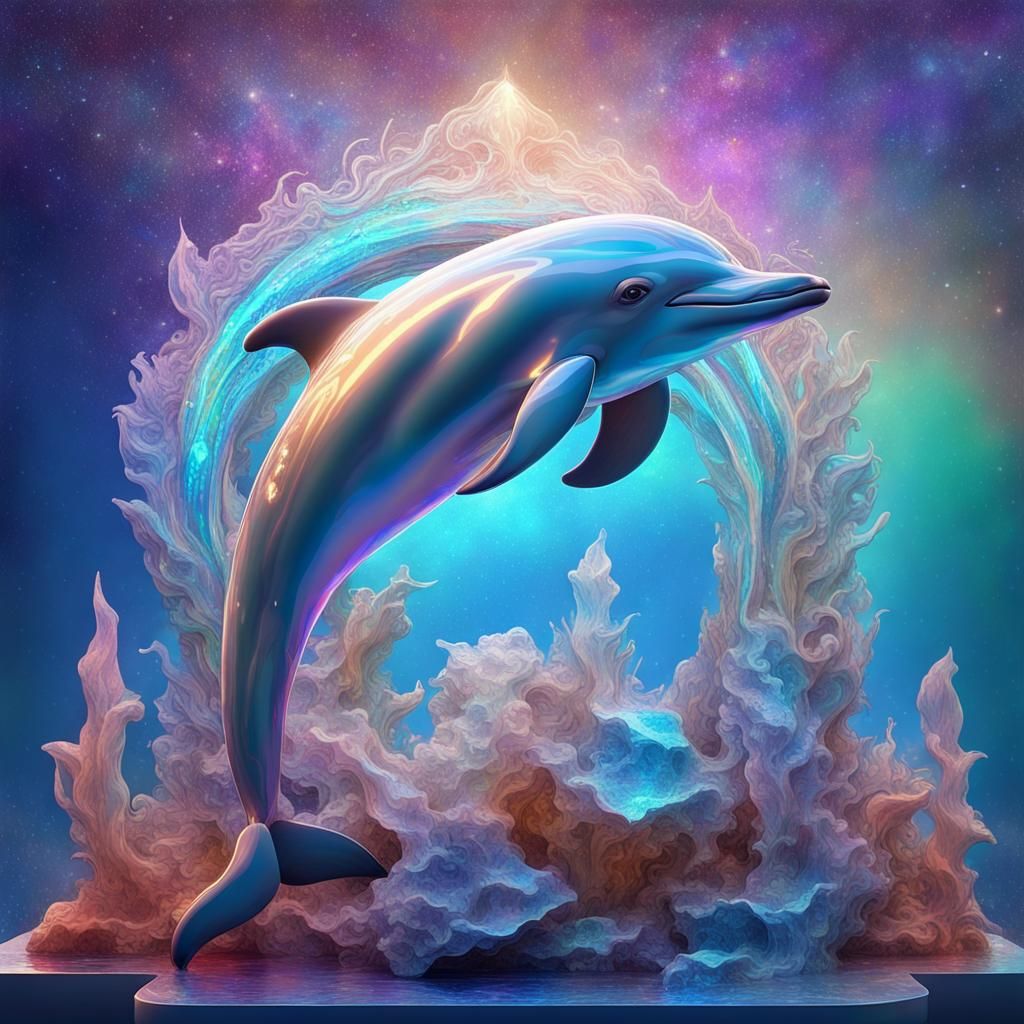
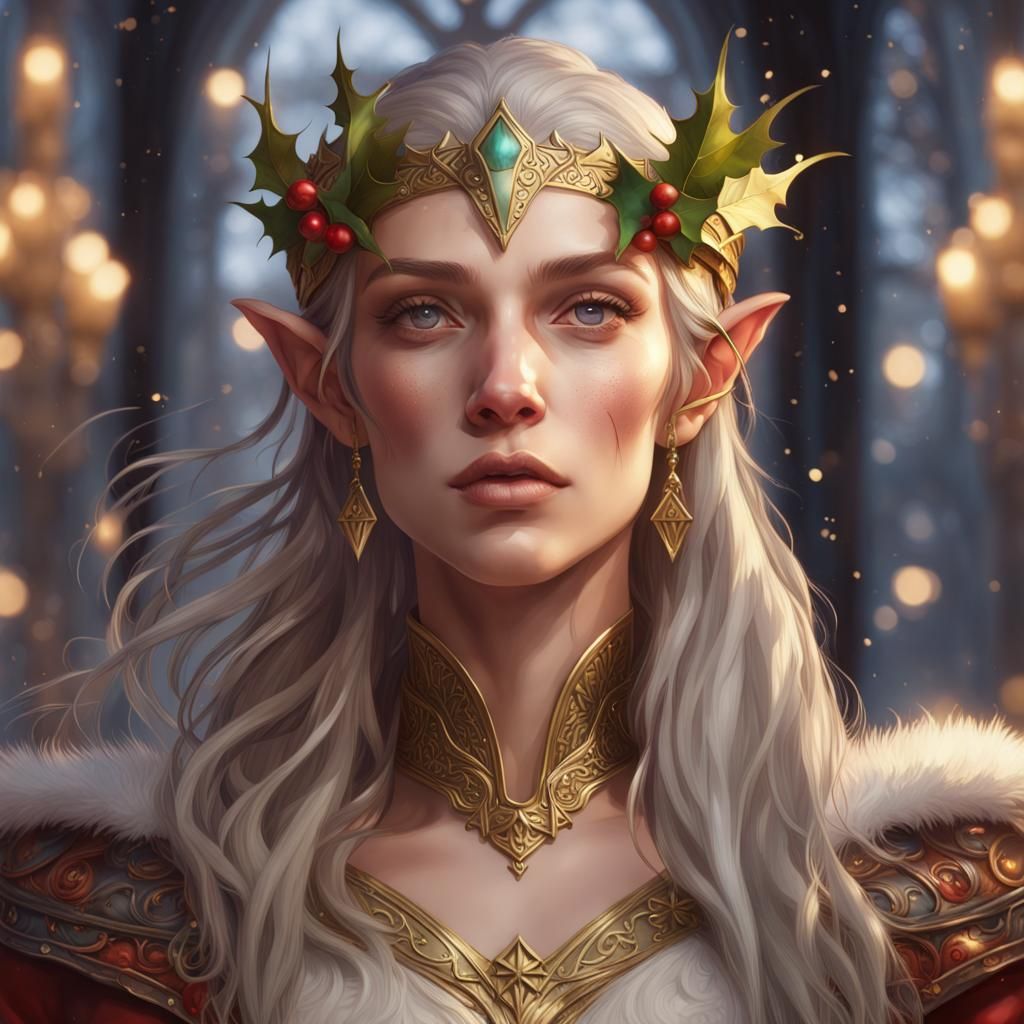
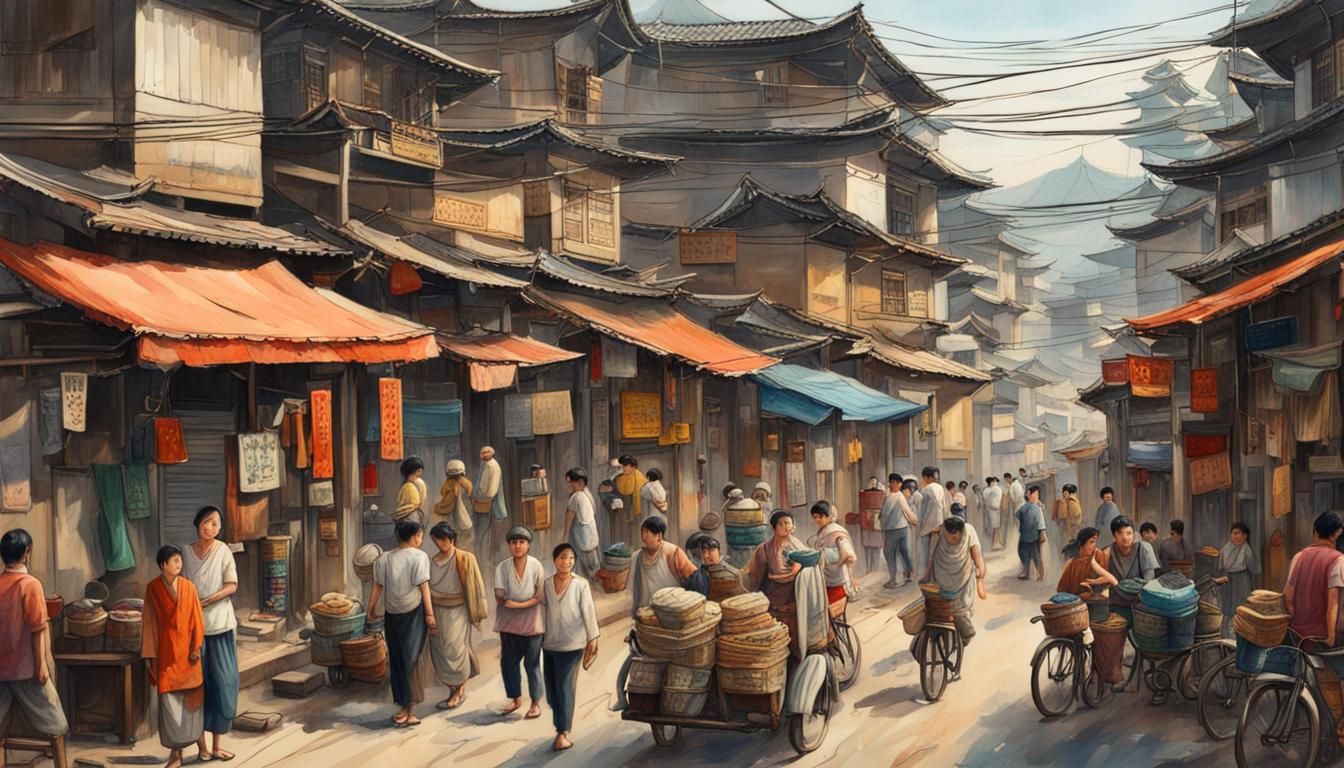
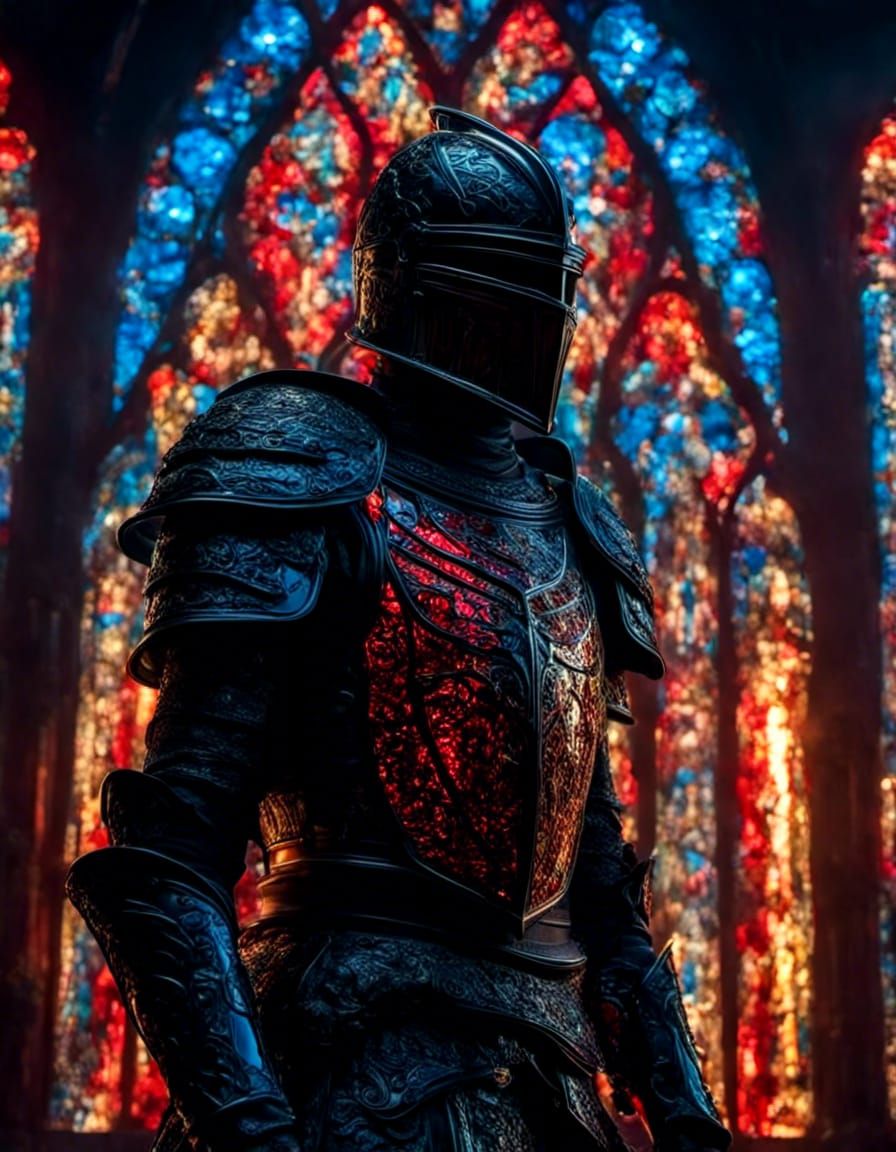
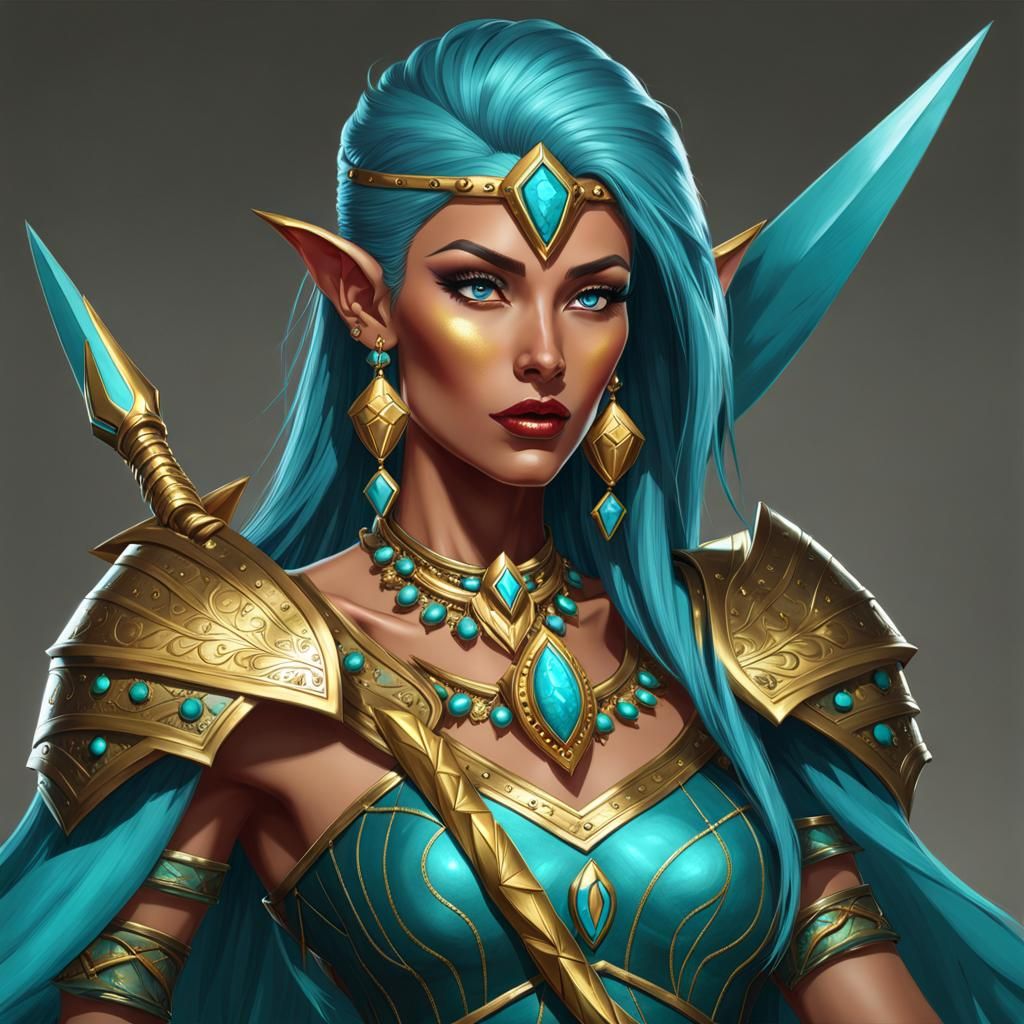
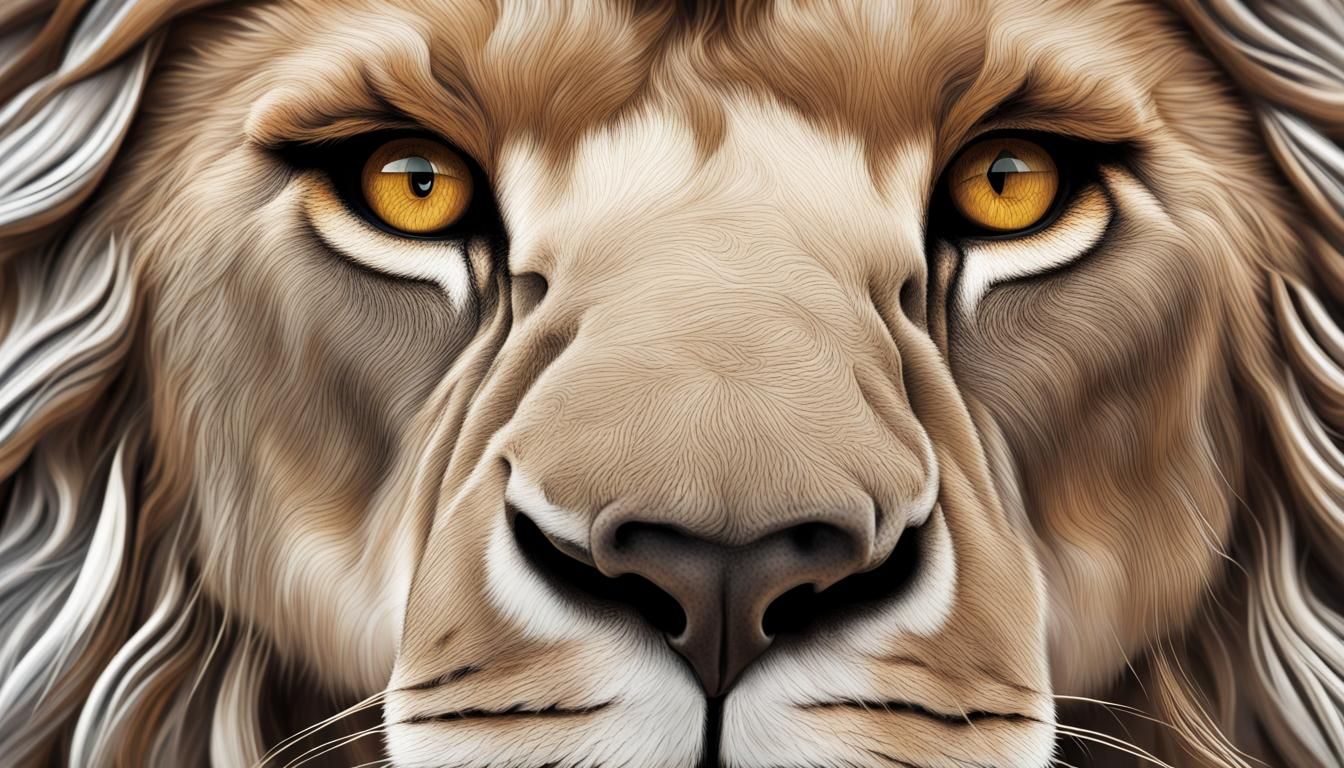
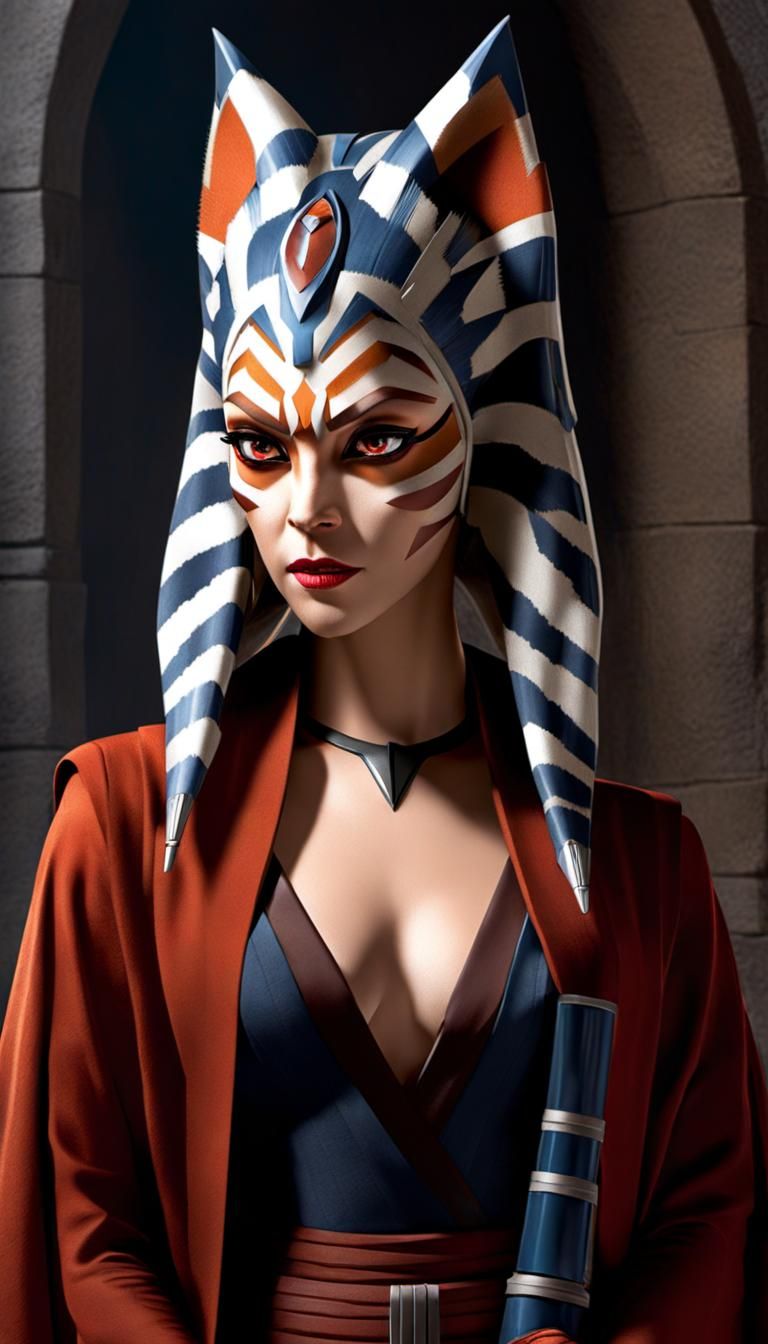
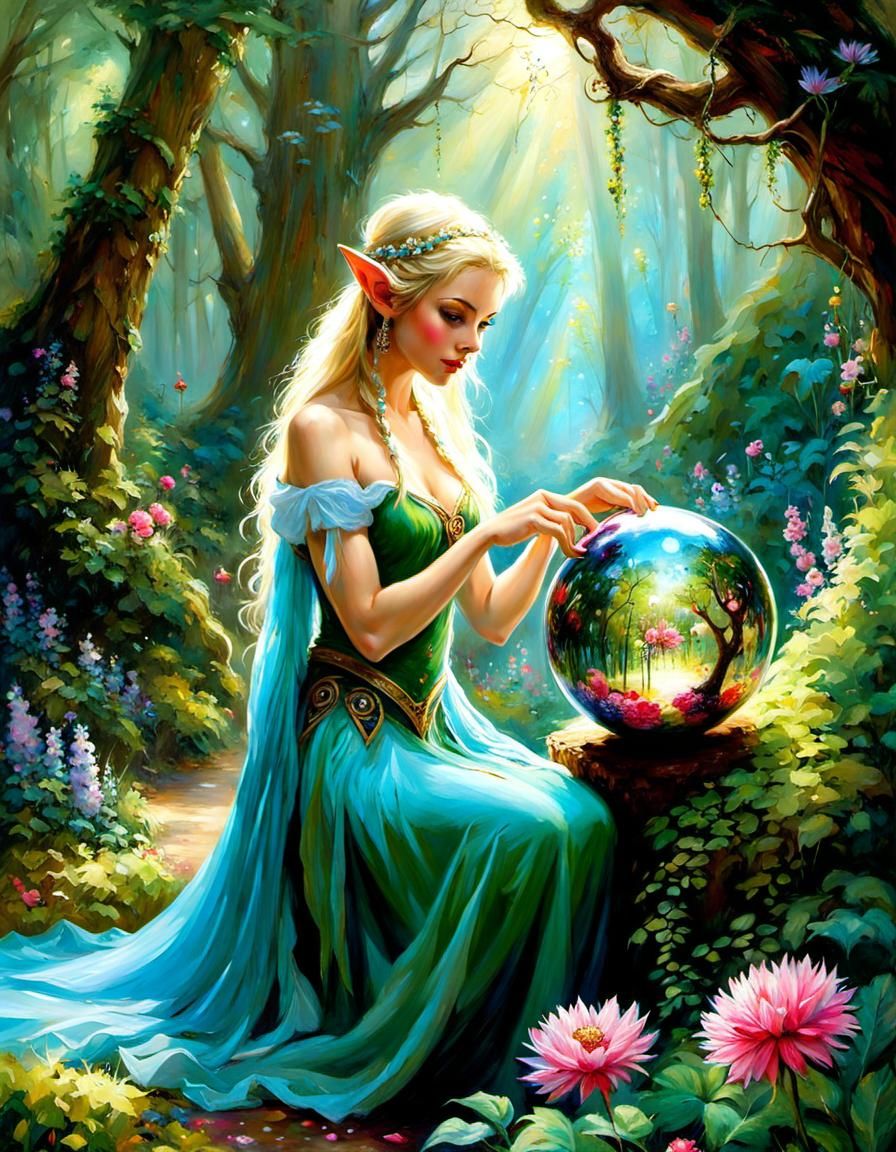
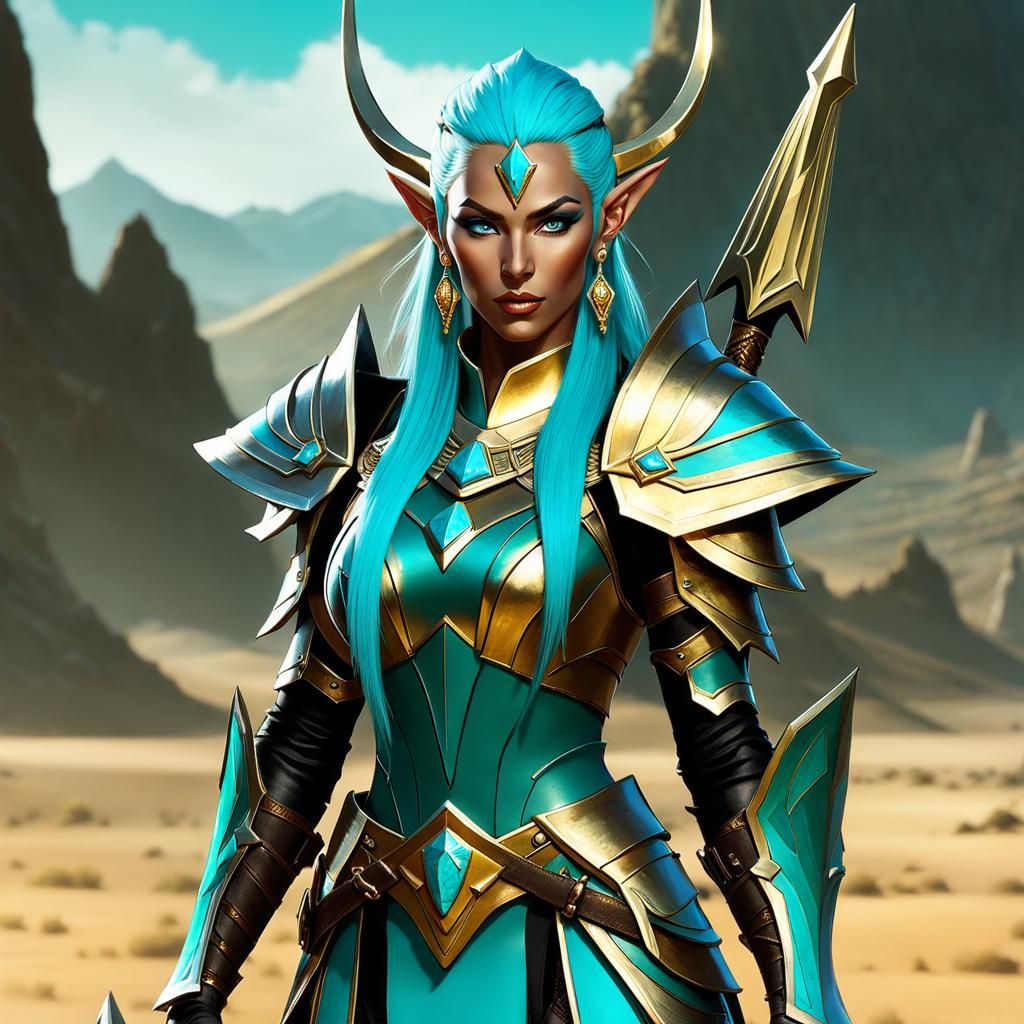
What I typically do is select an image from my creations and then click on the 'evolve' button. This takes me to the create mode where I can make changes to the prompt, adjust weight settings, and more. Once I'm in create mode, I remove the initial image and choose a different one that I want to alter using the selected prompt. I usually set the weight to 0 to 20% if I want the final image to be similar to the starting image, or higher than 50% if I want it to be more like the prompt. I also prefer to switch from the DDIM sampling method to K_DPMPP_2M . I've noticed that DDIM often produces images that are not as vivid and sharply focused as those produced by K_DPMPP_2M. I hope this information is helpful! Please feel free to ask any questions and I will do my best to answer them.
3 Comments
Join the conversation

Creation Settings
- Text Prompts
- Mystical,Bright-eyed-Smiling-PeaceBOHO Lady adorned in whimsy-accented Clothing in a Ethereal Magical town in the clouds | intricate, serene, surreal, Fantasy | prefect-textures | Ultra-compostion | True-Photography | MultiLayered | Hyperrealistic | Professional-rendered | Sharp-Focus | Doomsday-post-apocalyptic ...Weight: 2Low quality, poorly rendered, unfinished, cartoonish, generic, lack of detail, amateur, Distorted, deformed, low-res, poor-lighting , fused, deformed, elongated, morphed, poorly-made, antisymmetric, blurry, unfocused, Unrealistic | Poorly-rendered | Unprofessional | deformed fingers | Extra-fingers ...Weight: -1.5
- Model
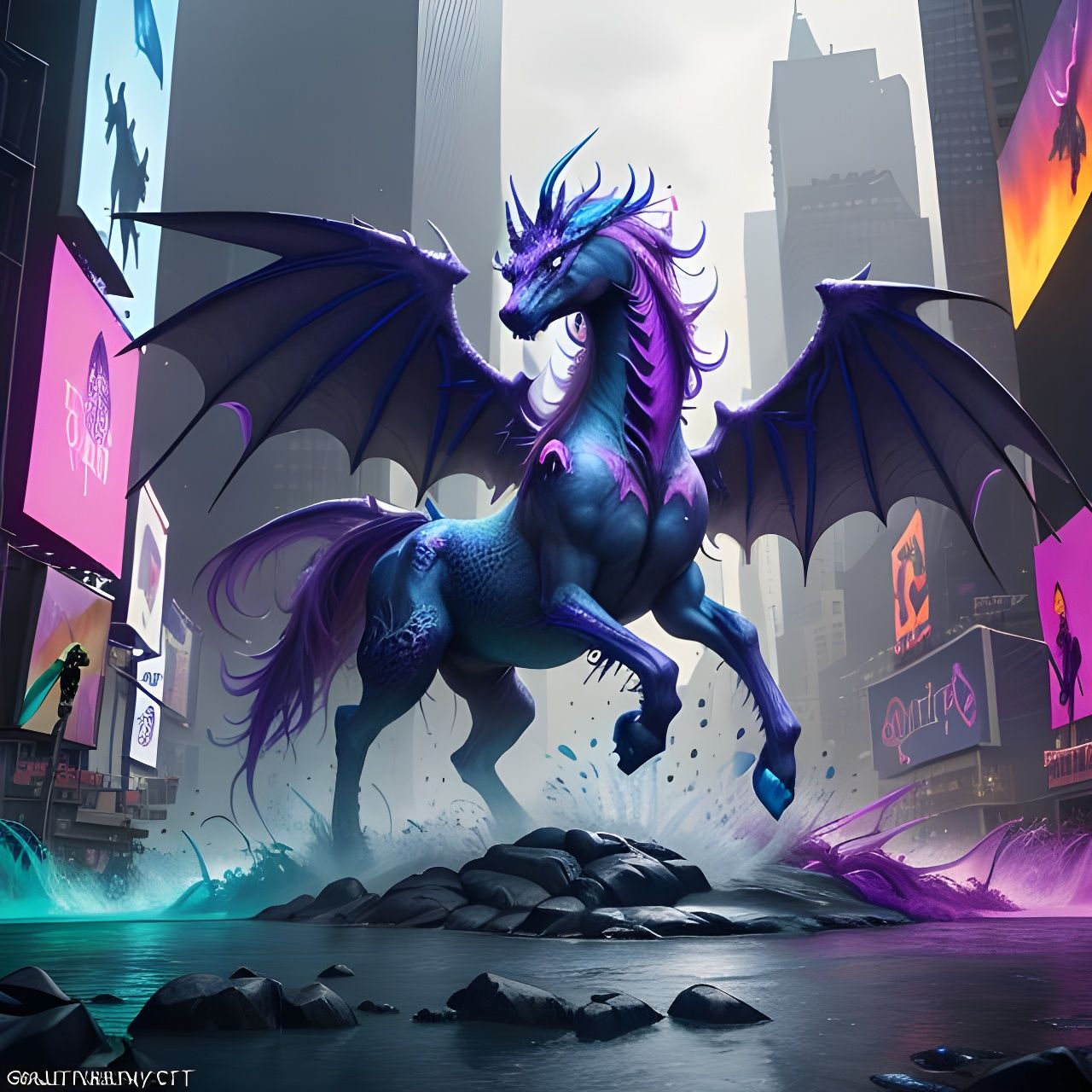 CKPT
CKPT- Initial Resolution
Thumb
- Aspect Ratio
1:1
- Runtime
Short
- Overall Prompt Weight
90%
- Noise Weight
60%
- Sampling method
K_DPMPP_2M
💙💙💙