
Create your own repair guides with AI
Easily create repair guides and tutorials with our free AI image generator. No design skills needed!
Fix failed text - Method 1
Created a year ago · 3 comments· 0 likes
Uploaded
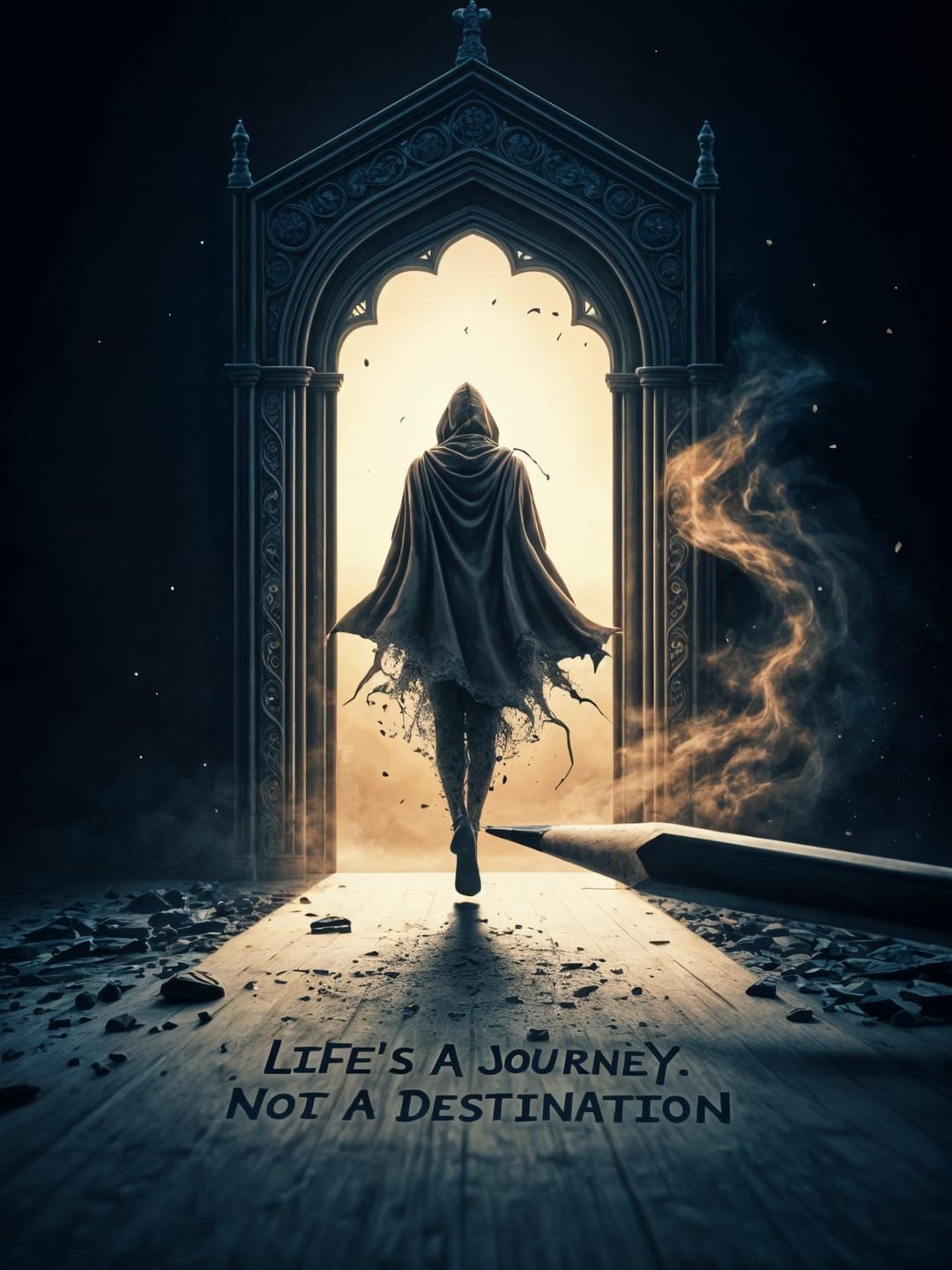
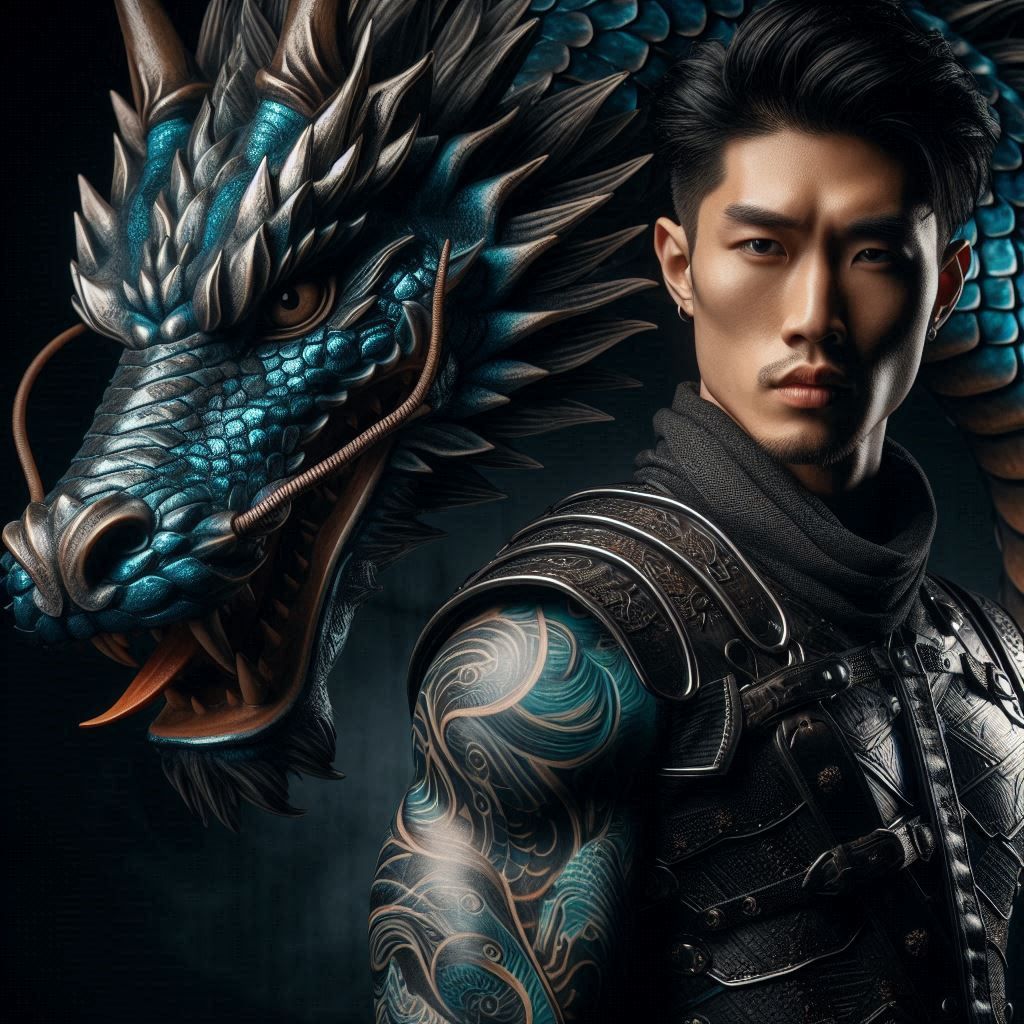
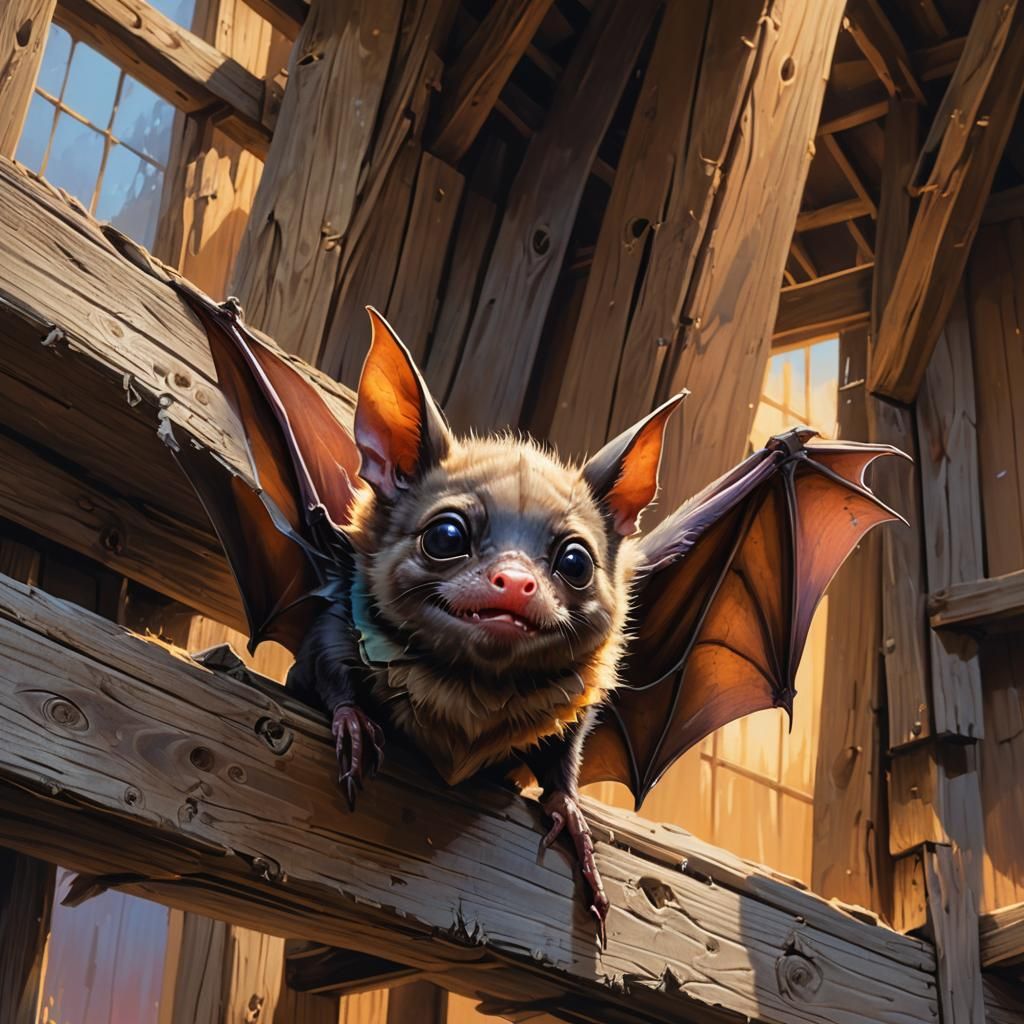
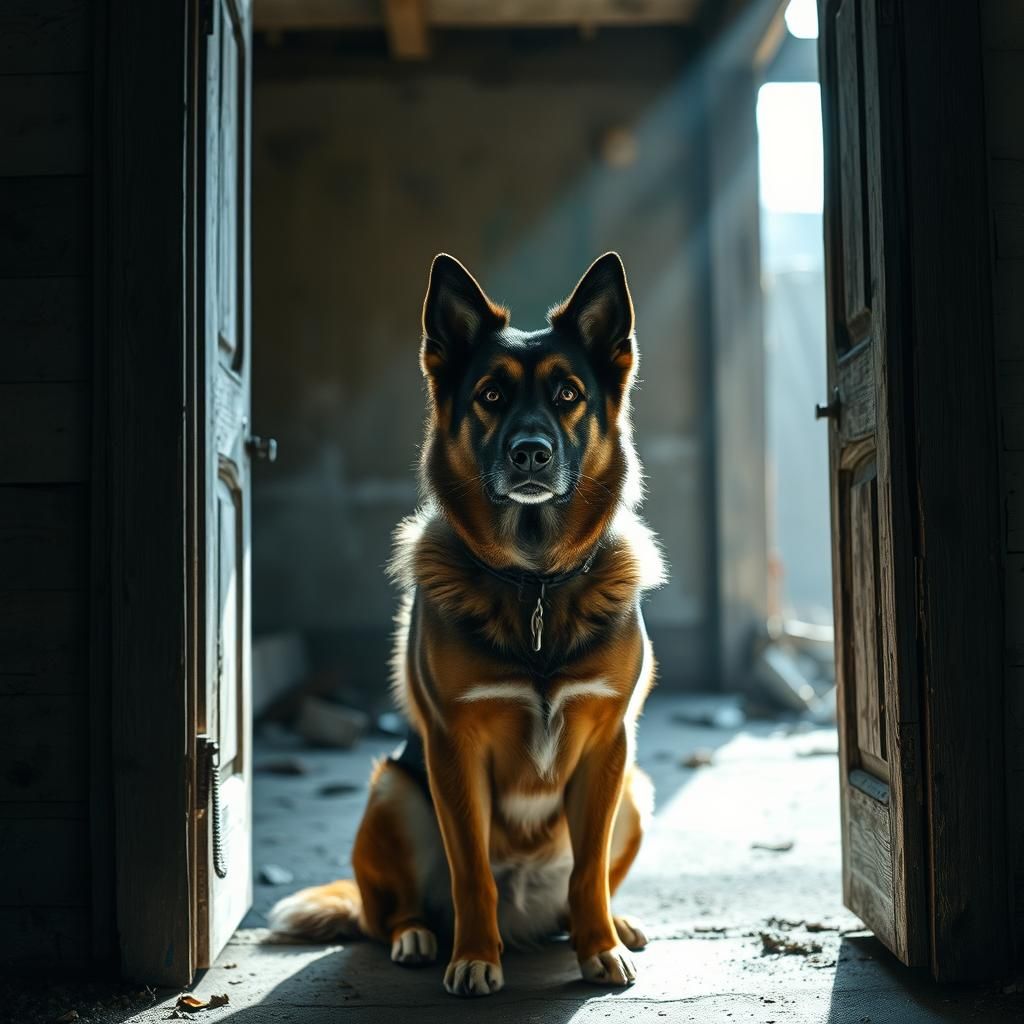
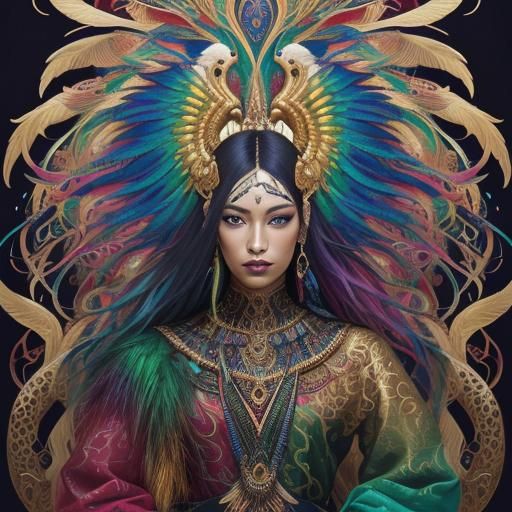
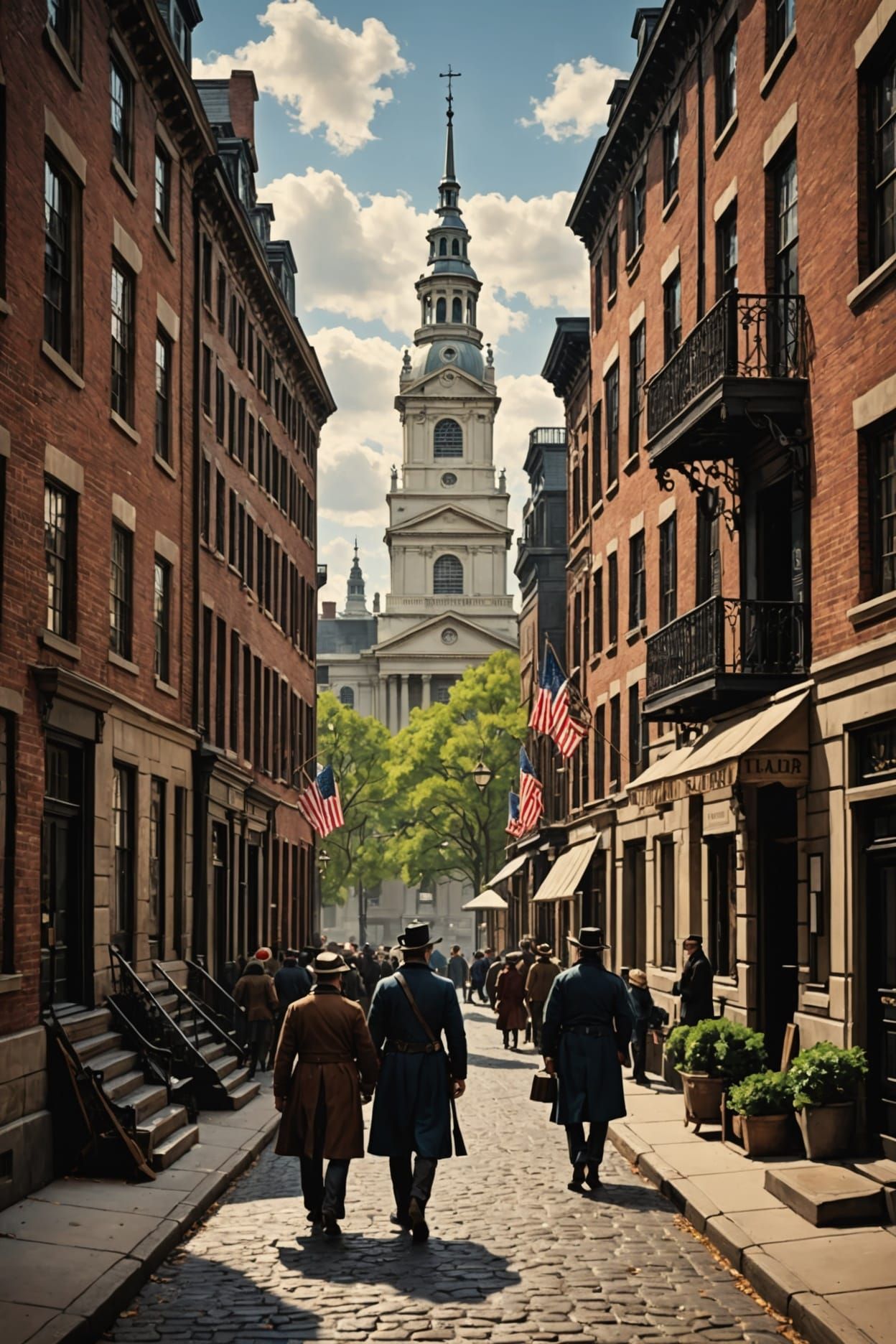
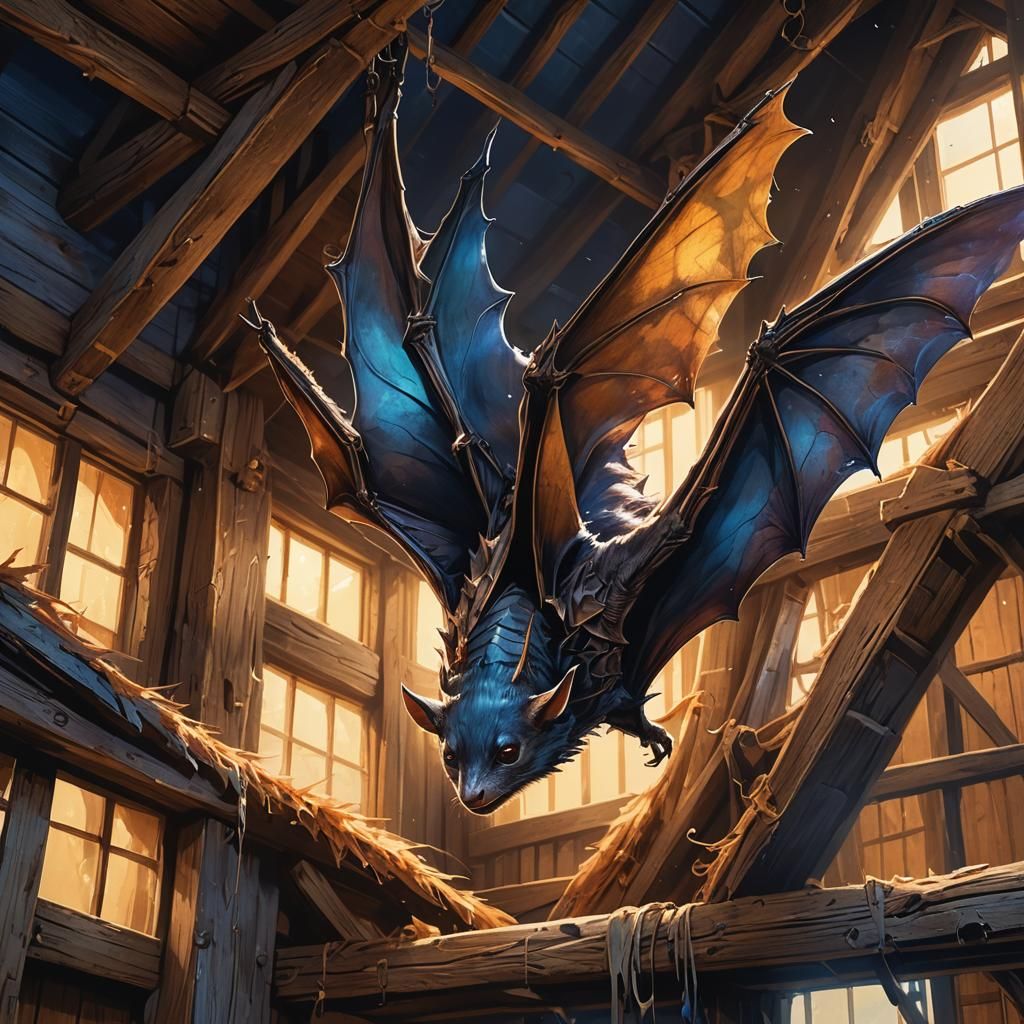
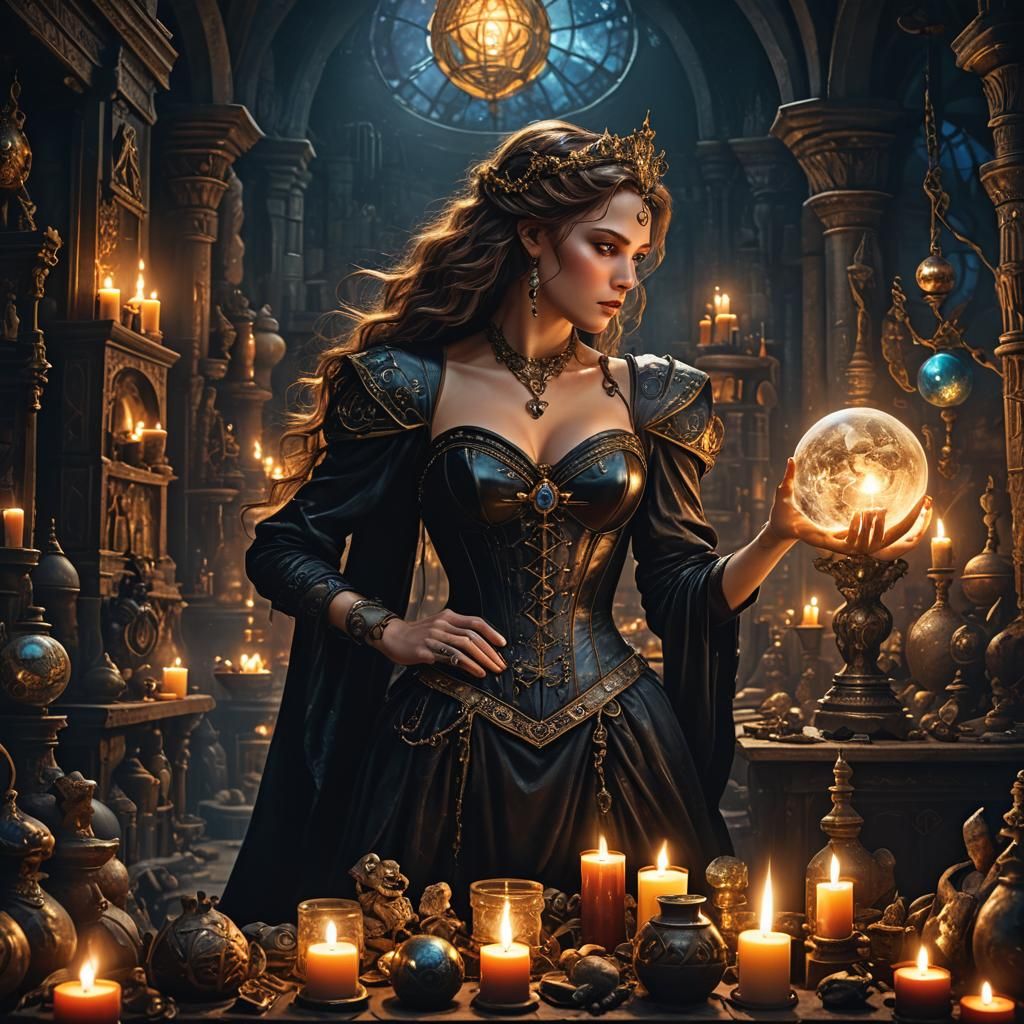
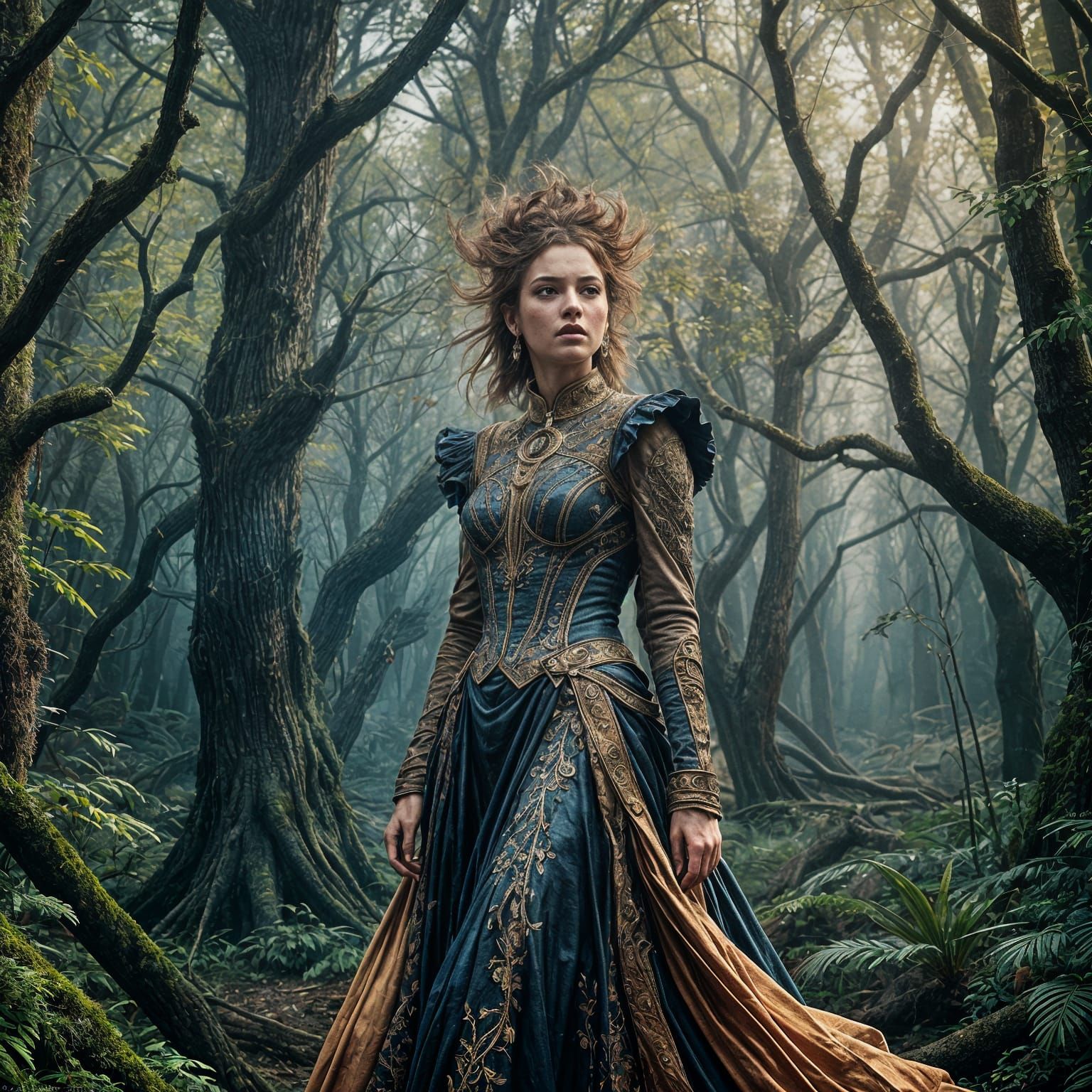
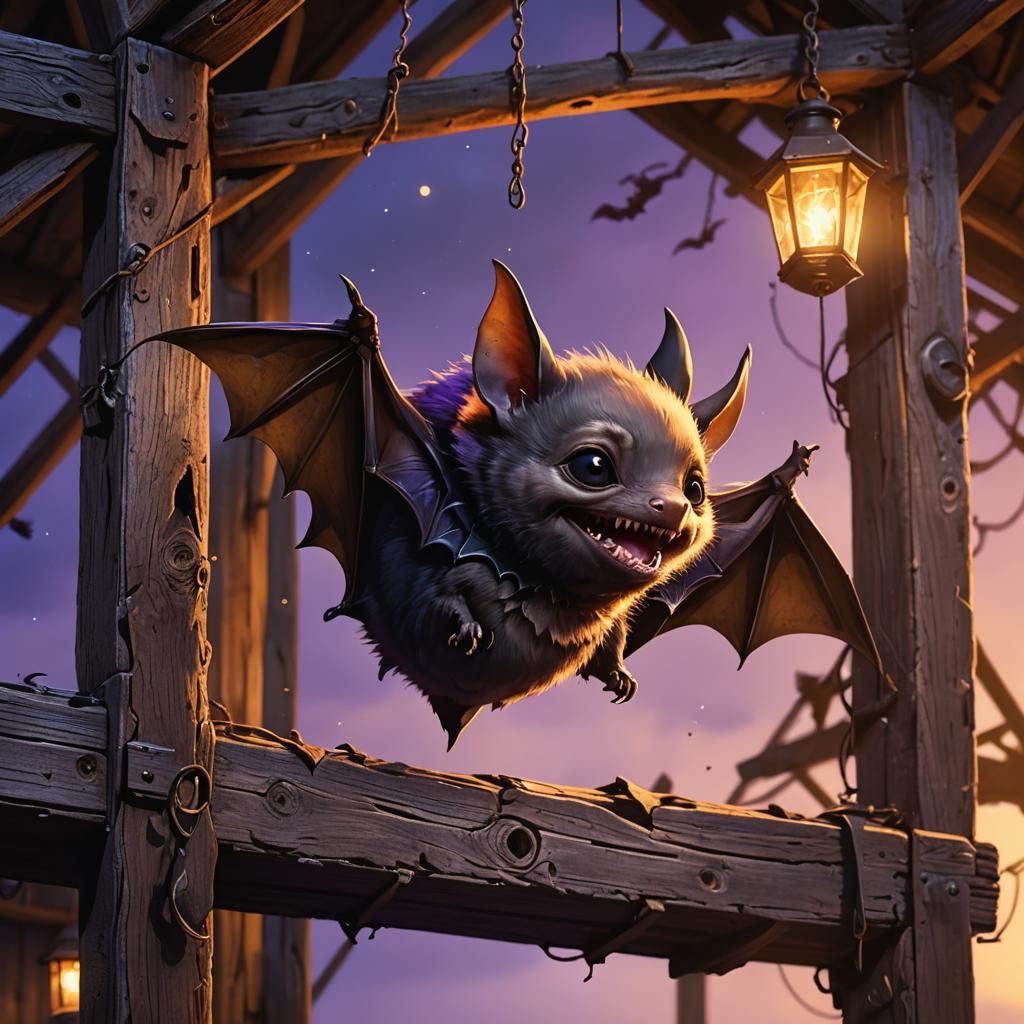
Fix flawed text with inpaint, and clarity upscale (optional). The result after a successful inpaint in this image, unfortunately resulted in a flawed background. I wanted to keep the image as original as possible, so the solution was clarity upscale with 20% creativity.
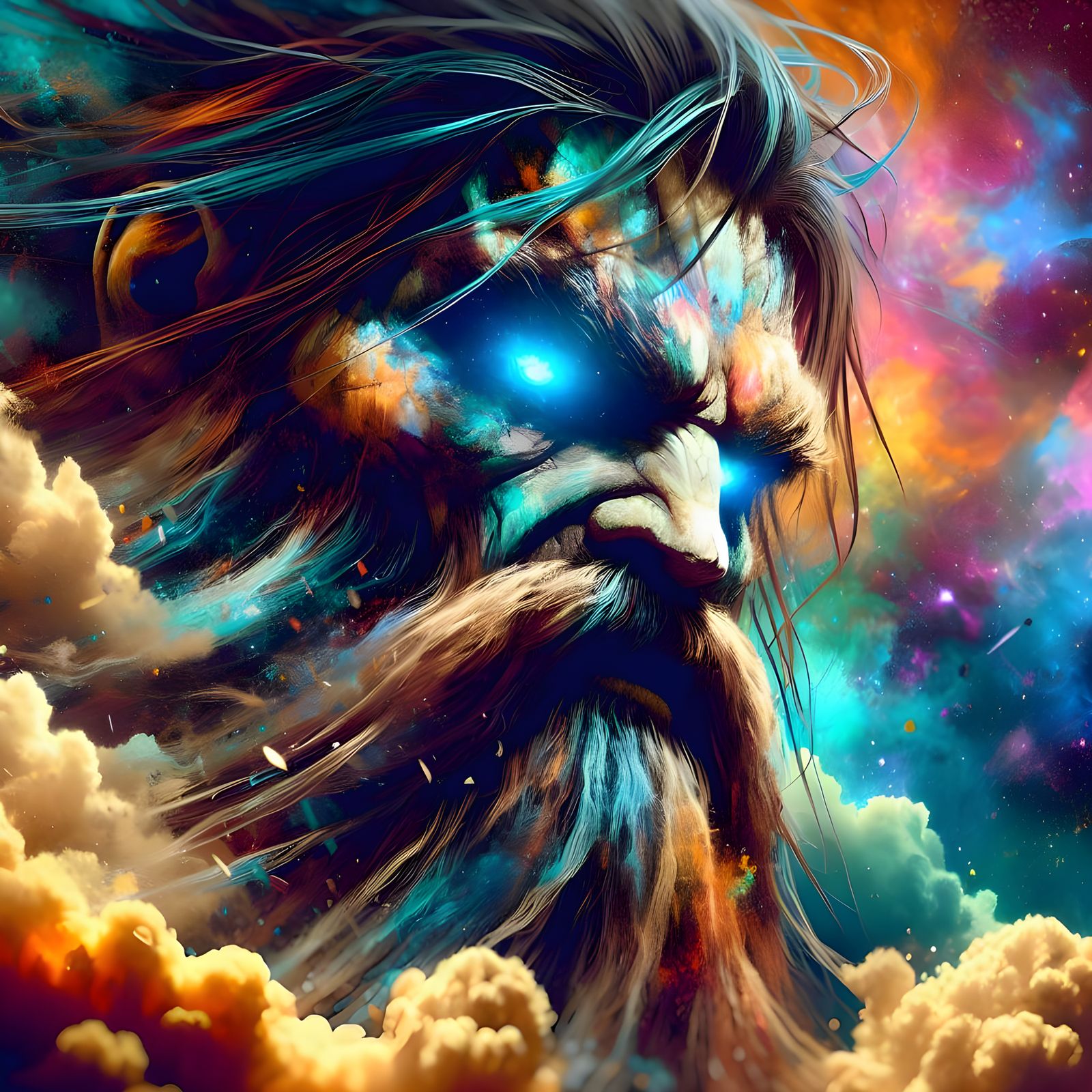
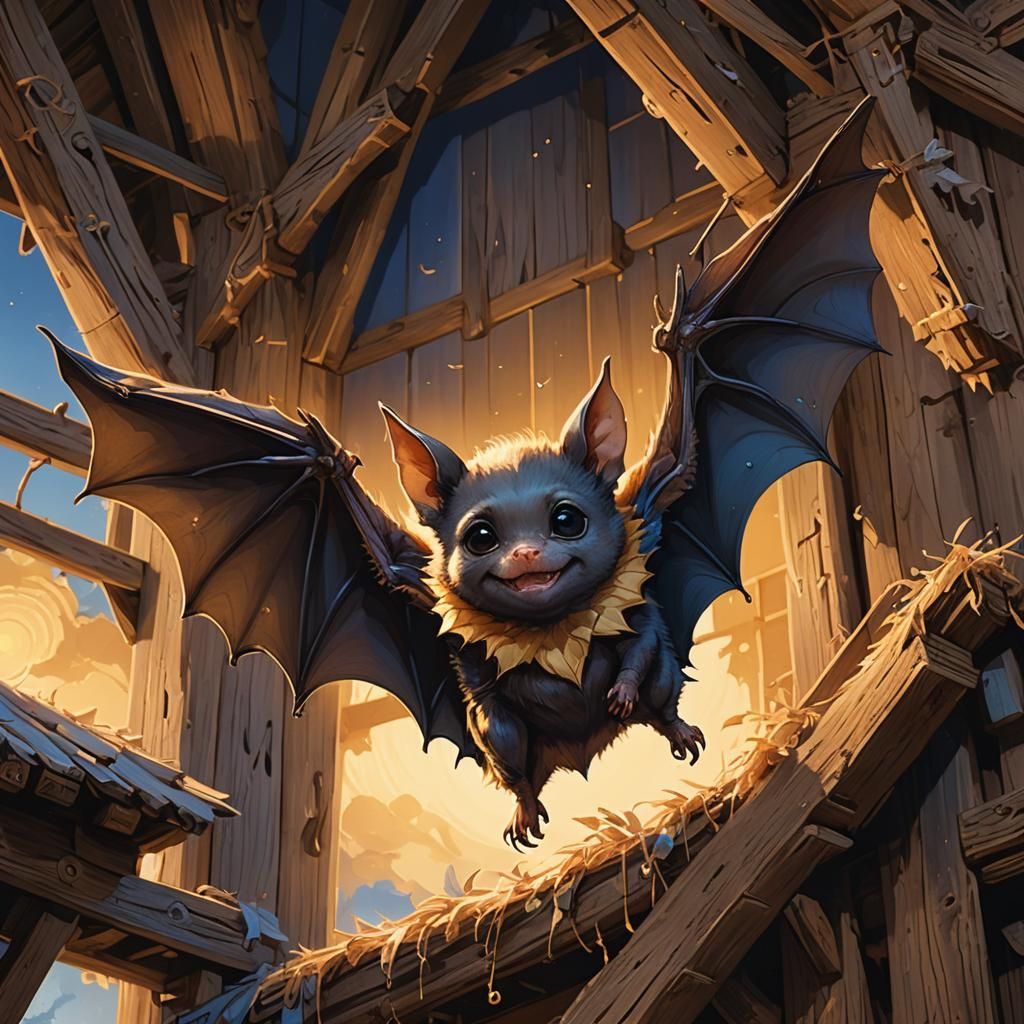
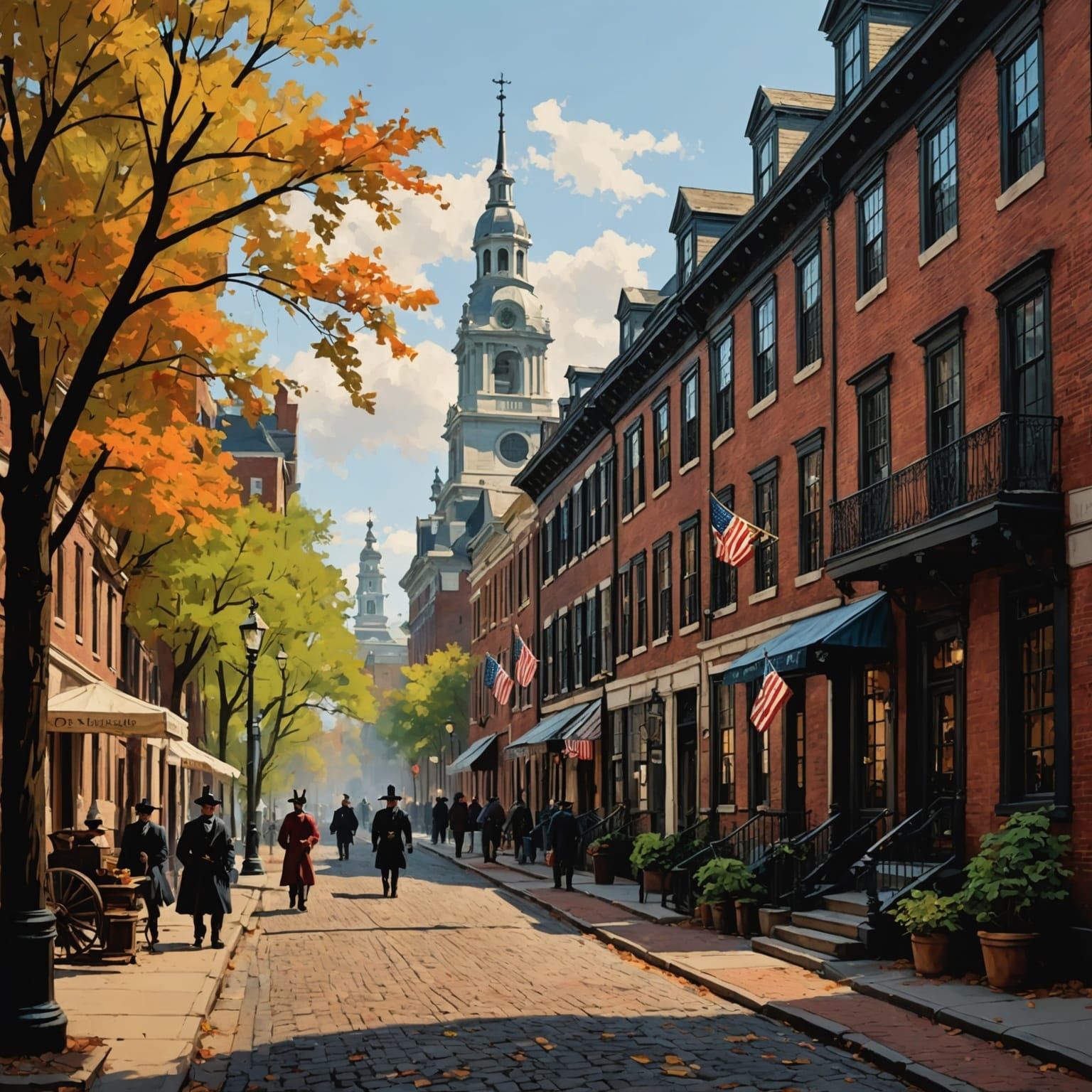
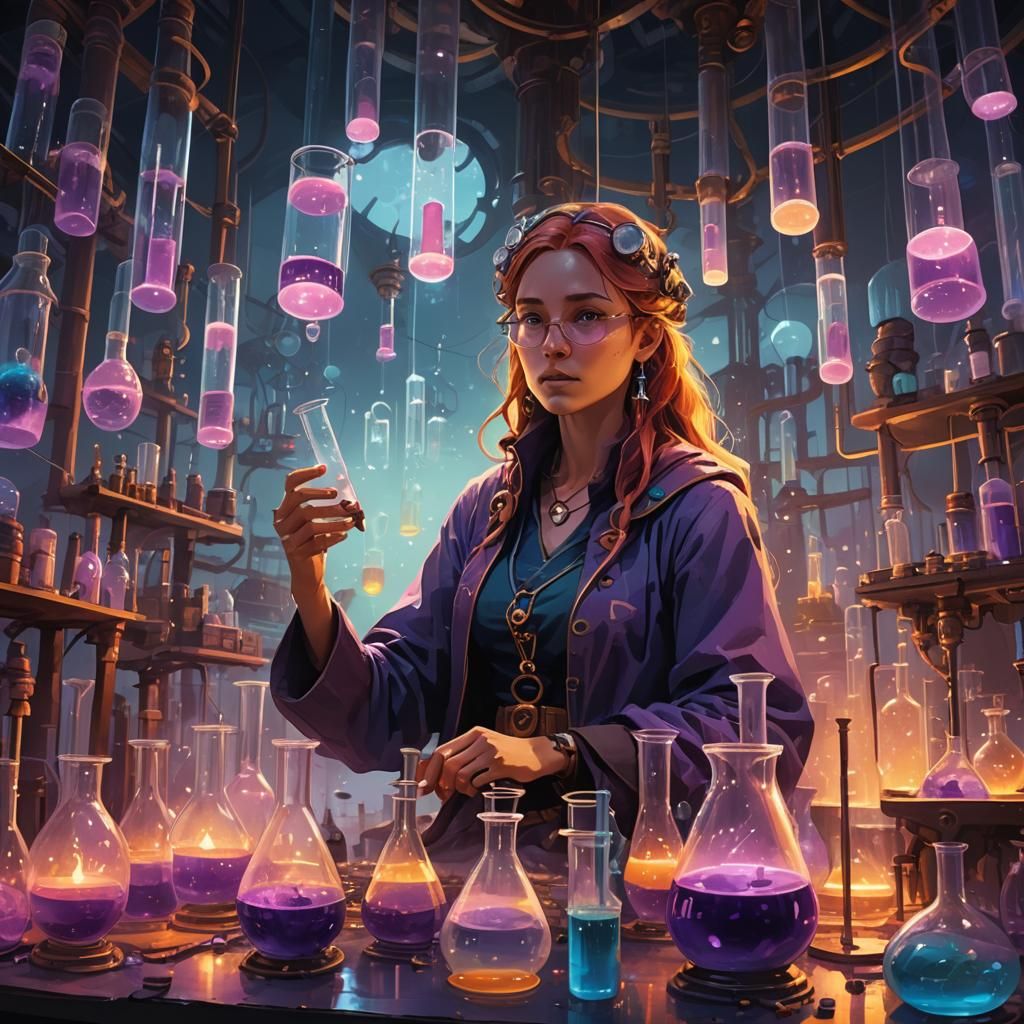
Examples in gallery: 1: final result, clarity upscale 20% after inpaint. 2: inpaint mask. 3: inpaint result before clarity upscale. 4: original image (made in Google Imagen 3.0 fast)
Method for this creation: Step 1: find the image you want to fix, and hit that evolve button. Step 2: chose Flux Schnell as model and leave the prompt as is. Step 3: create mask (see example in gallery slide). Step 4: Put the noise weight to between 0% or maximum 5%. Step 5: hit that create button. Now, this might take a few renders, but you'll get there! Best of luck! NB: make sure you have turned off "prompt magic". Method 2:
3 Comments
Join the conversation

Thank you. I still struggle with effective inpainting. Sometimes it works, other times nothing changes at all. Must undoubtedly be my mistake and the type of model that needs a different approach. This here is helpful info. Thanks a lot.
Creation Settings
This creation was not made on NightCafe.
- Model
Google Imagen 3.0 Fast
- Prompts
Kolibri has hidden the prompt
- Workflow
Not provided


Thank you for this! Fixed with Method for the creation... 🙏