
All the best AI models in one place
Flux, Stable Diffusion, DALL-E, Ideogram, RunwayML and more. Try it now for free!
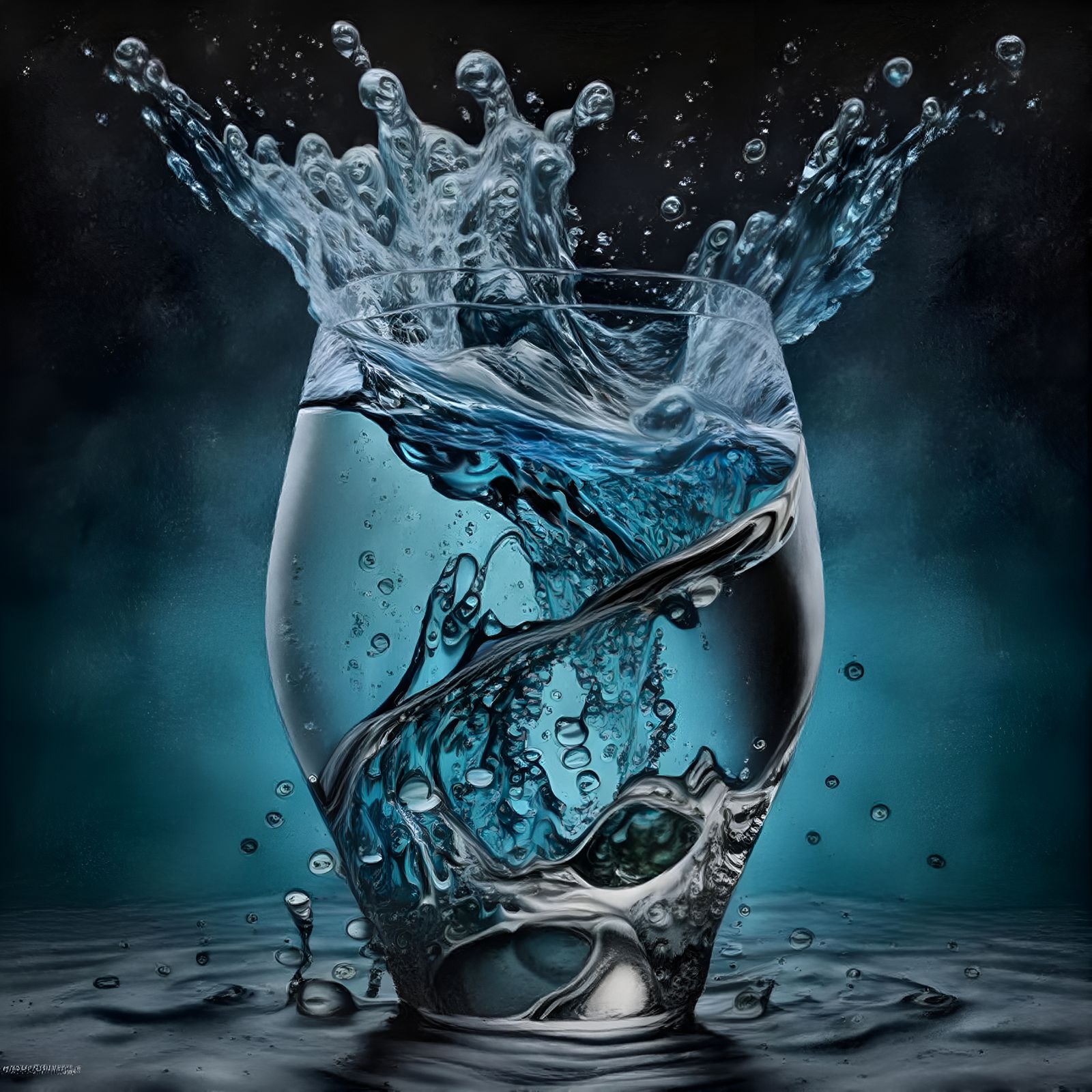
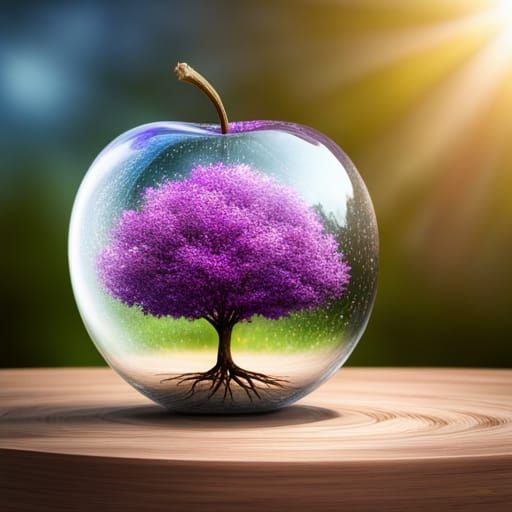
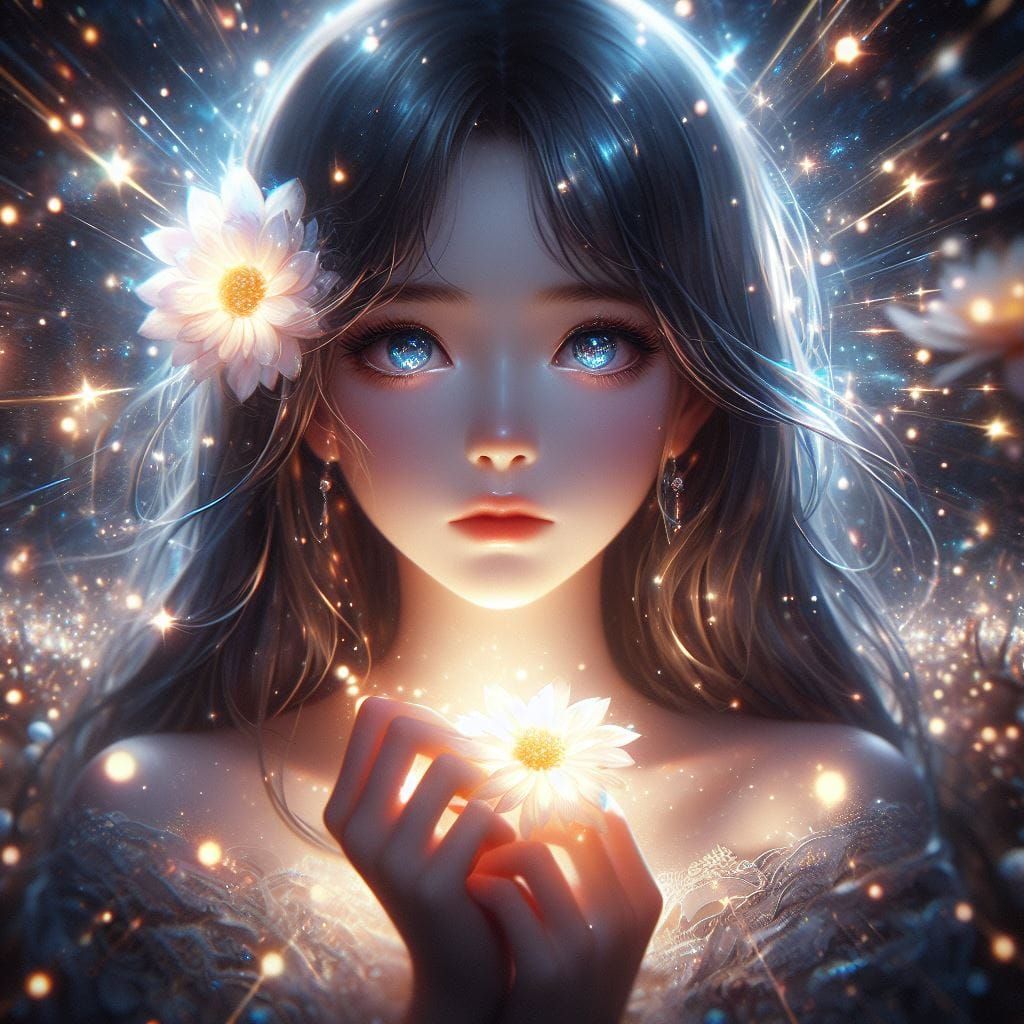
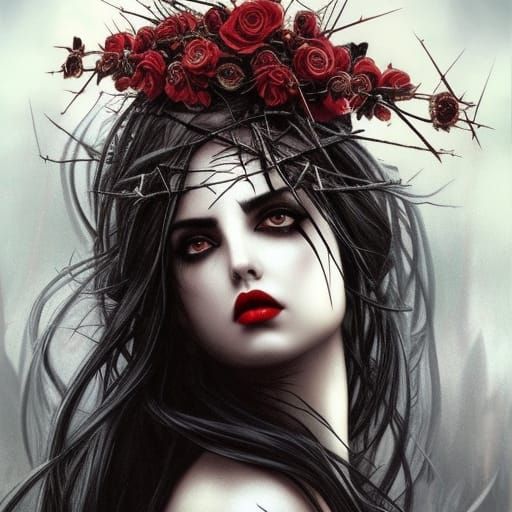
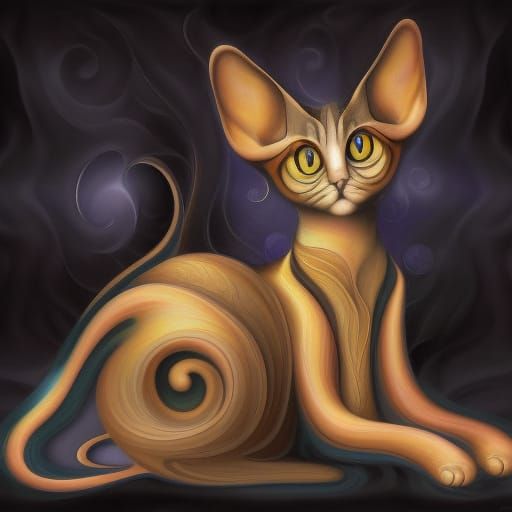
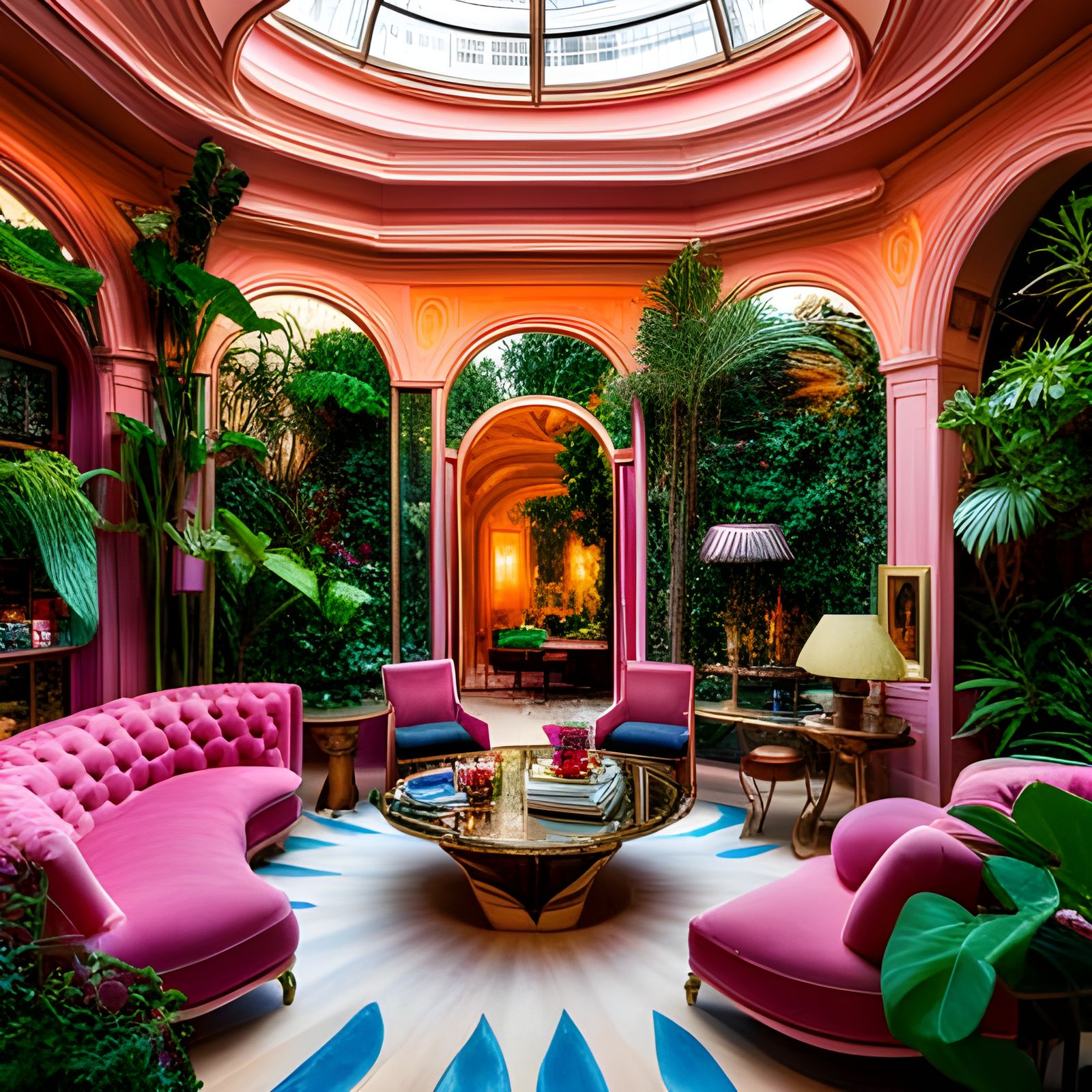
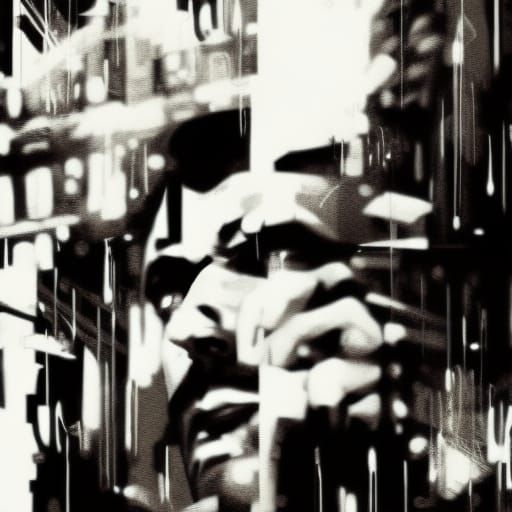
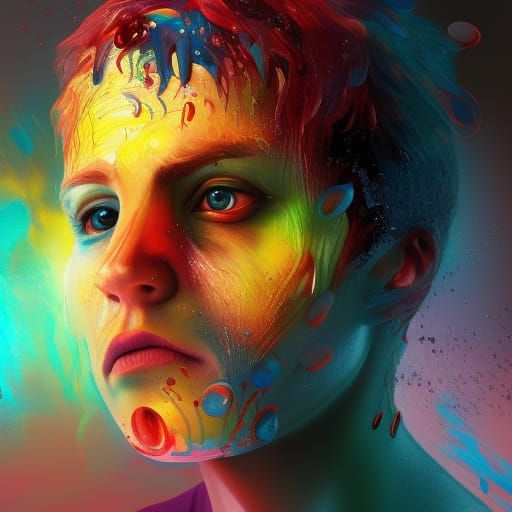
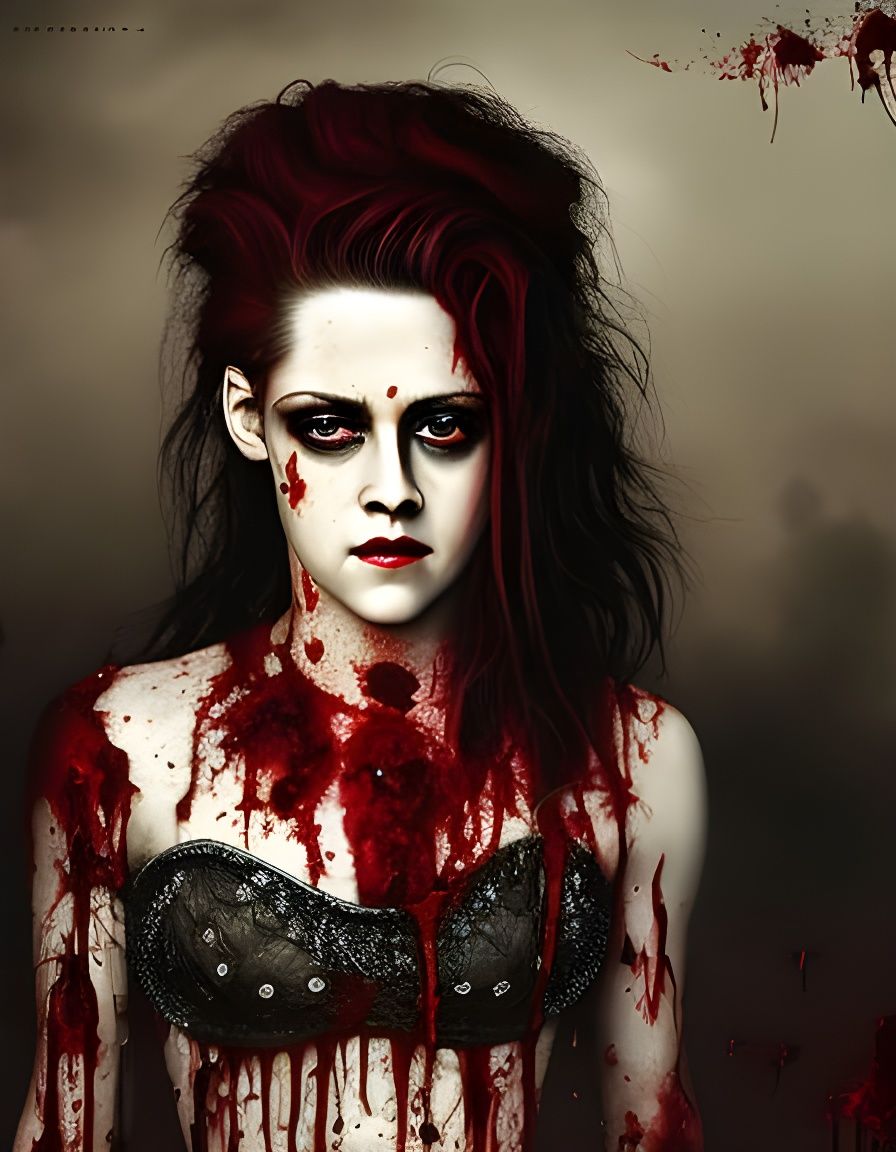
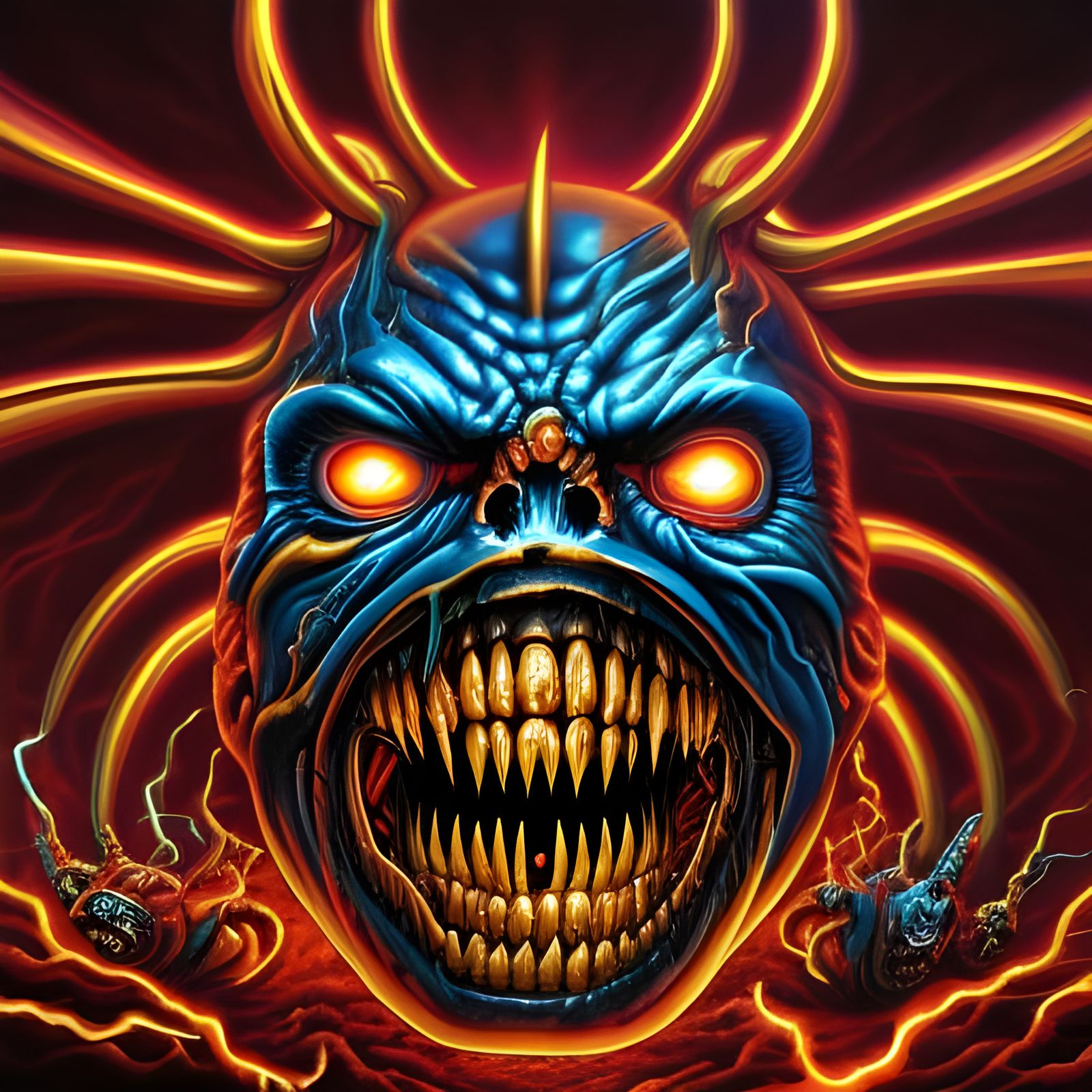
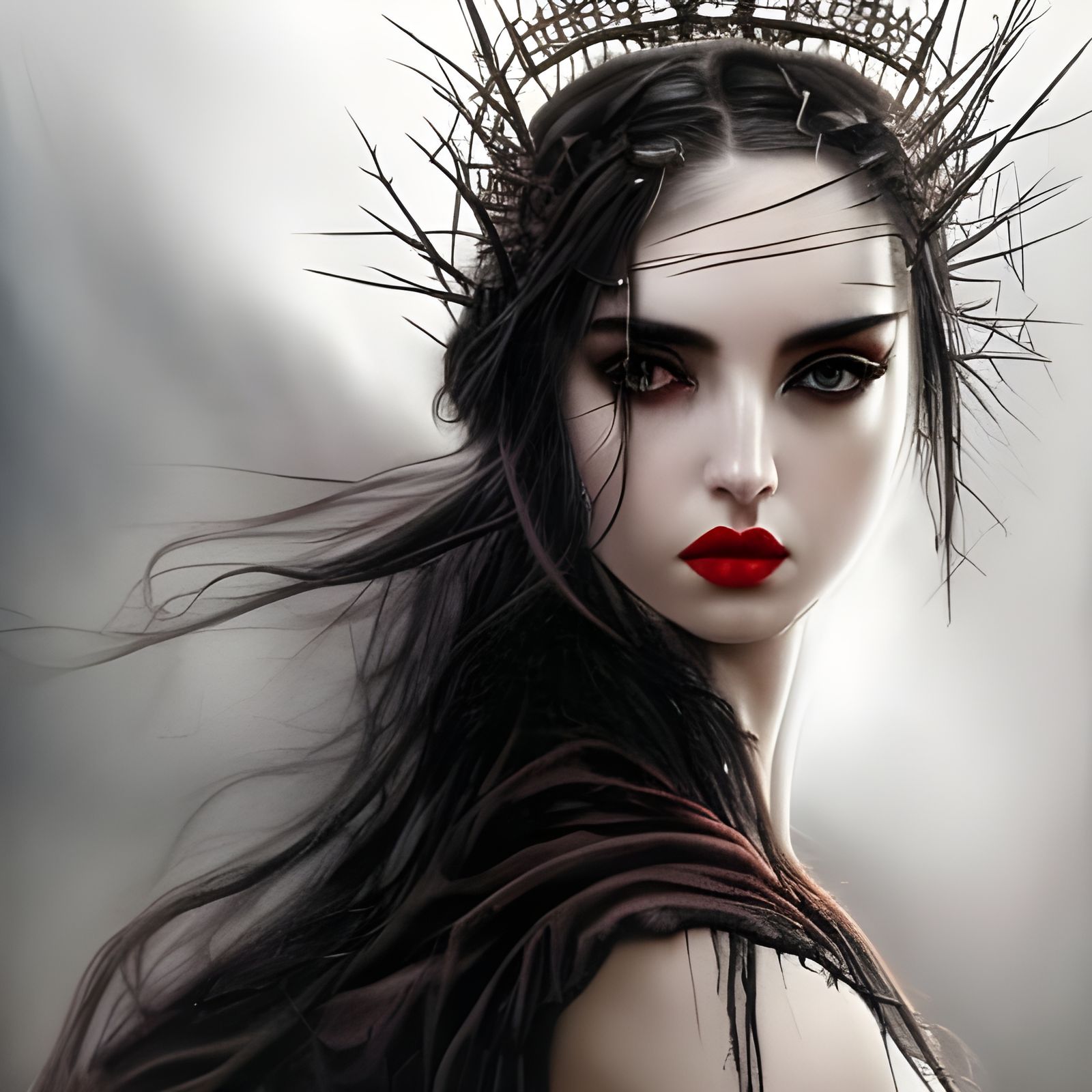
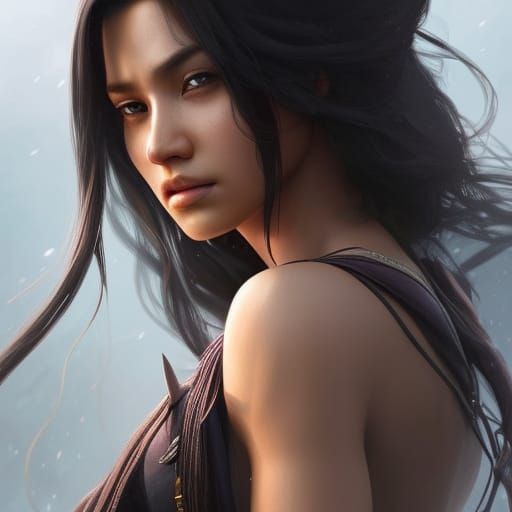
Midjourney: Splash!
Created 3 years ago · 27 comments· 0 likes
Style Transfer1 Style29.1x
Source Note: I use style transfer to publish my Midjourney creations because I love sharing all of my AI art with the wonderful NightCafe community, regardless of the generator used to create them. This community is the absolute best on the internet!
I use the following settings for style transfers: 1. upload the same image as the "Input Image" and the "Style 1" image, 2. Use colours from input image, 3. Sharpen, 4. Content weight: 100%, 5. Fidelity: 50%, 6. Smoothing: 0%, 7. High Res; 8. after creating I enhance to max size. It costs 13 credits but it has near perfect fidelity.
27 Comments
Join the conversation

this is awesome! And I really appreciate you sharing how you got this result.... it's so easy to be scared of someone "stealing your work." But as life-long painter & artist that's always been able to get what's in my head onto the canvas (with minimal frustration)... who is new to AI art creation, I'm feeling a bit like a newborn baby giraffe.... stumbling and falling on my face a bunch, just trying to figure it out. I've had a little bit of success, just by pure luck, but I still haven't quite cracked it yet.
Creation Settings
Input Image
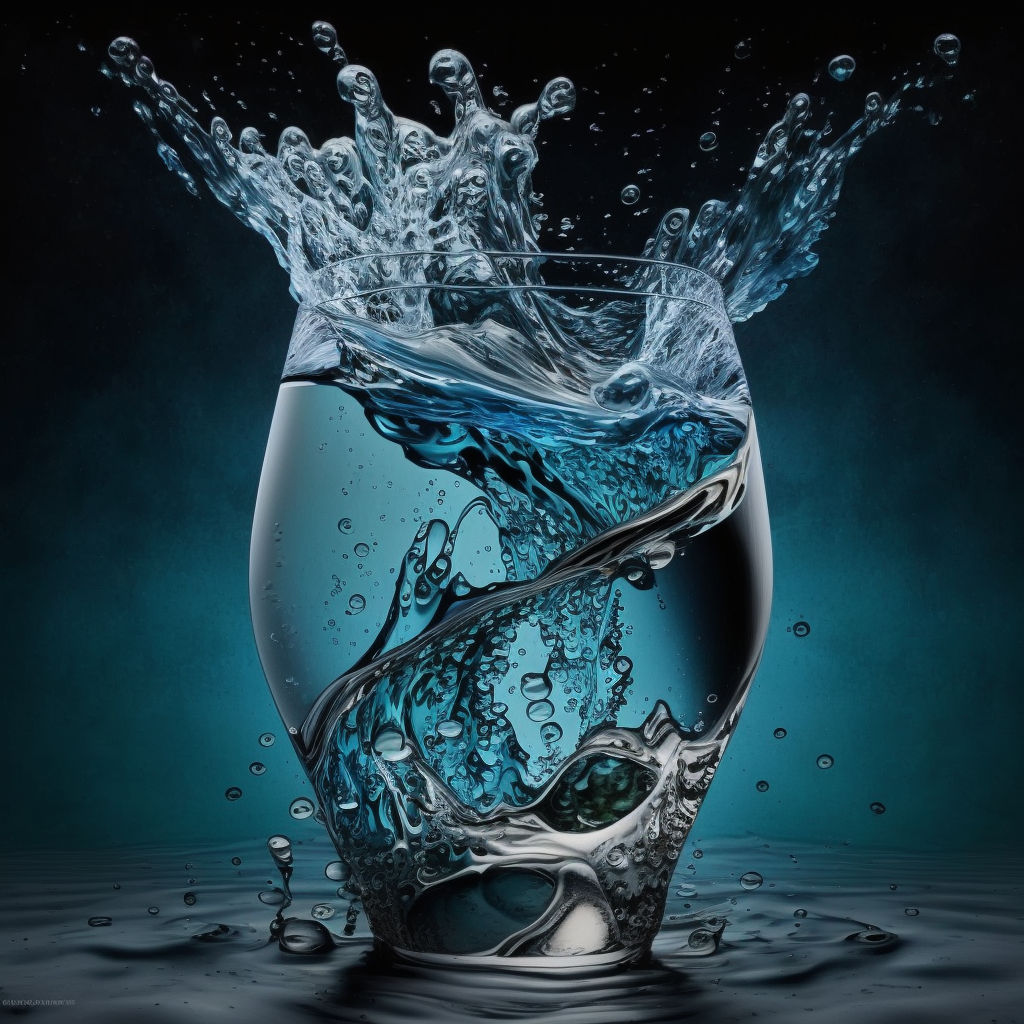
- Image Source
Preset: Image uploaded by user
- Colour Settings
Using colours from the input image
- Initial Resolution
High
- Sharpen
Yes
- Fidelity
50%
- Content Weight
100%
- Smoothing
0%
Style 1 Image
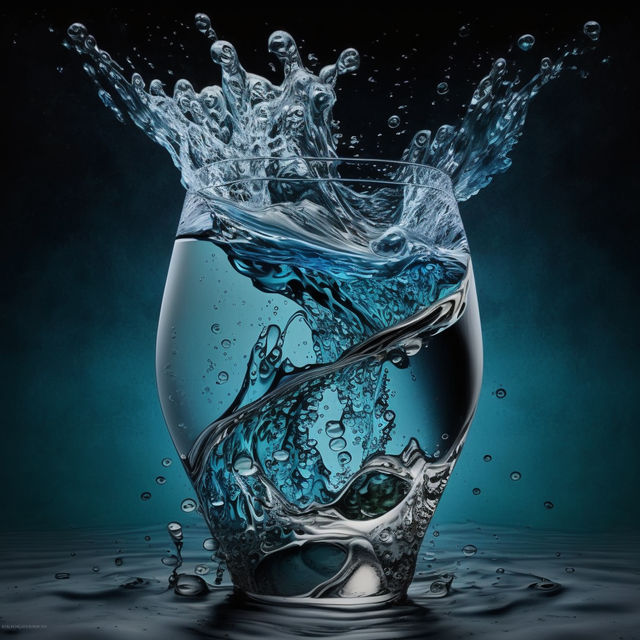
- Style 1 Source
Preset: Image uploaded by user
- Style 1 Weight
35%
- Style 1 Mask
No mask applied


Super