
All the best AI models in one place
Flux, Stable Diffusion, DALL-E, Ideogram, RunwayML and more. Try it now for free!
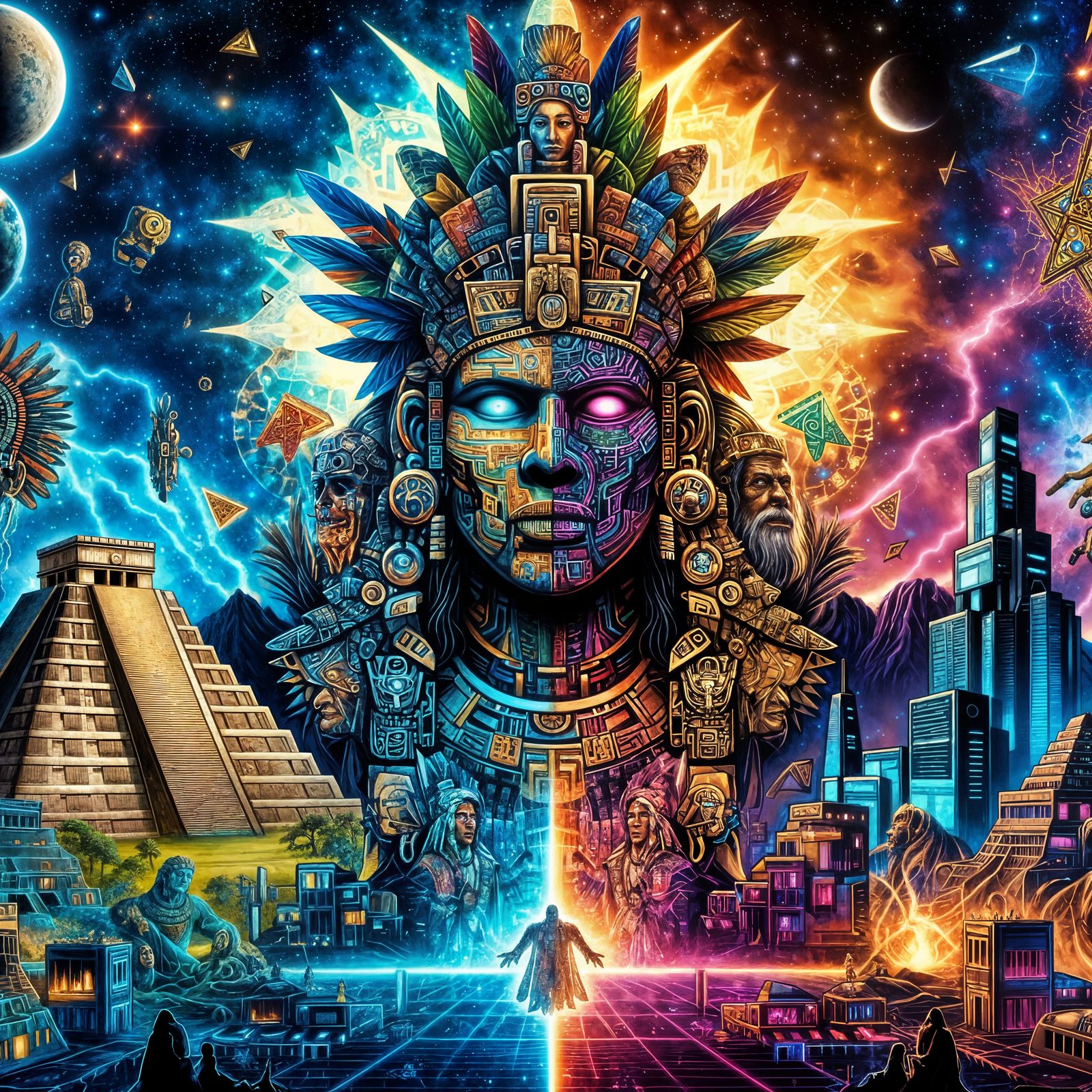
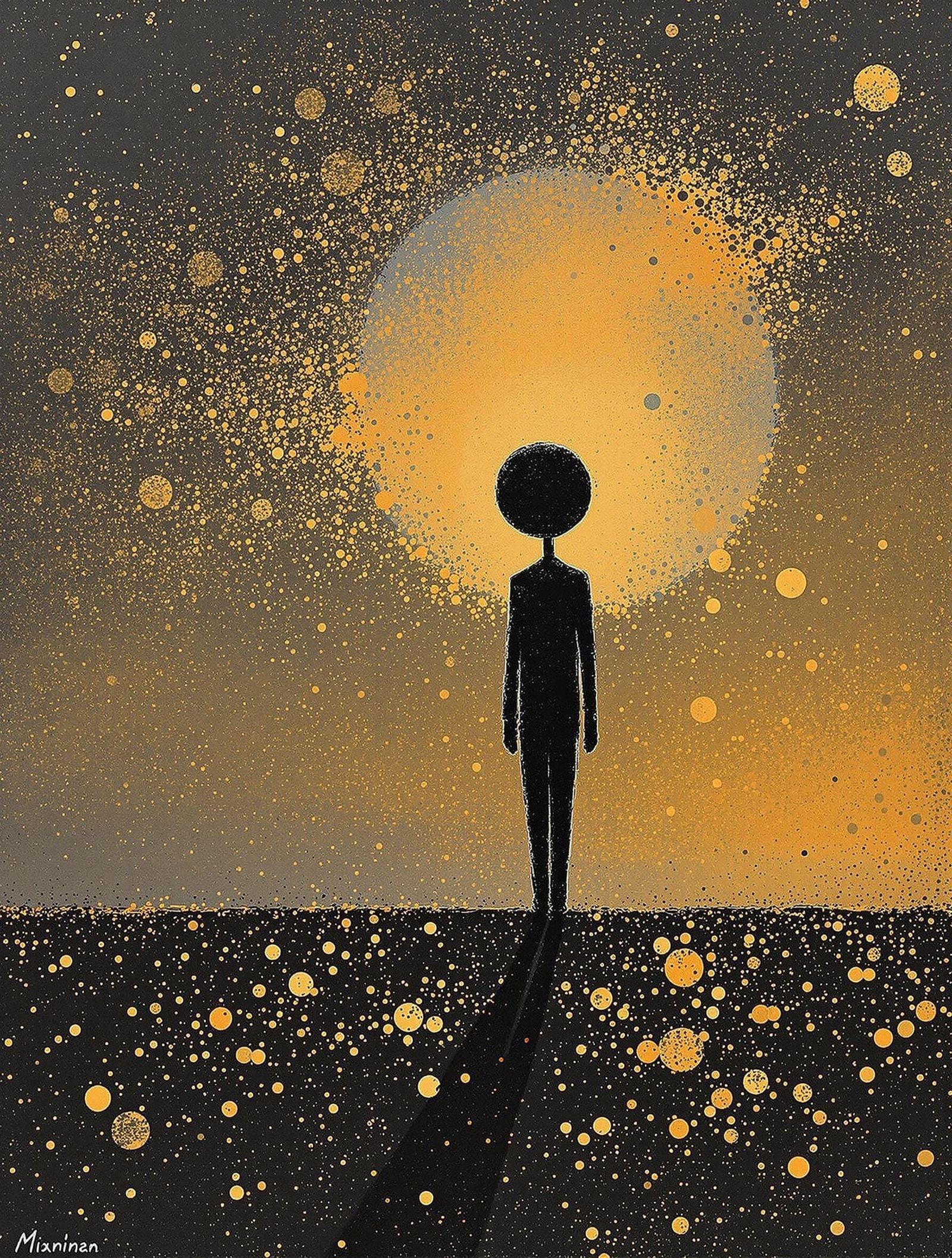
split portrait template for dalle3
Created a year ago · 6 comments· 0 likes
DALL-E 34xClarity 4x
A very simple split portrait template you can use. It works best with dalle3.
A split portrait of a god-like being, where one side shows [a mayan civilization] and the other side shows [a cyberpunk civilization].
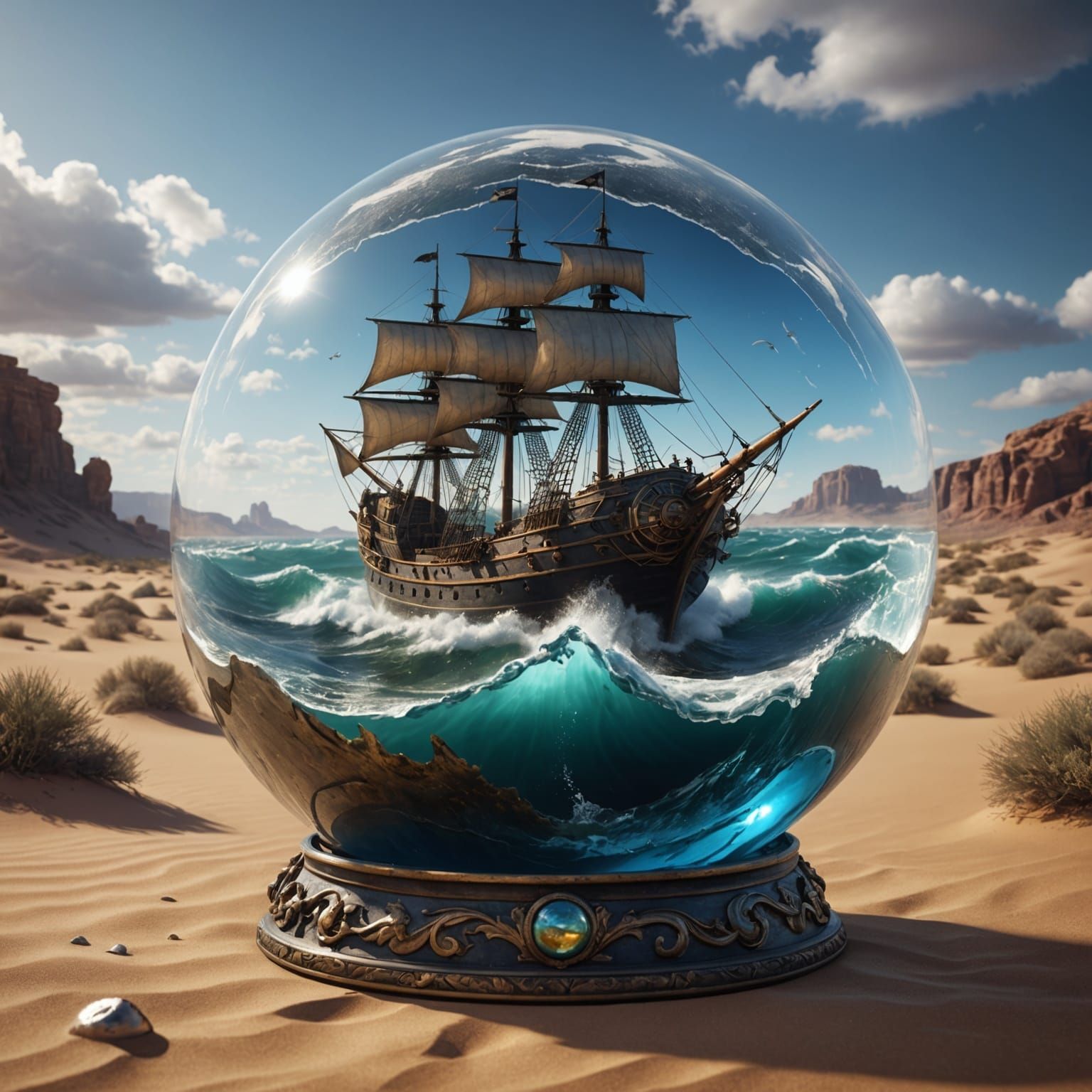
All you need to do is change the two civilisations that are in brackets to two different types of civilisations. Some other examples made using this template
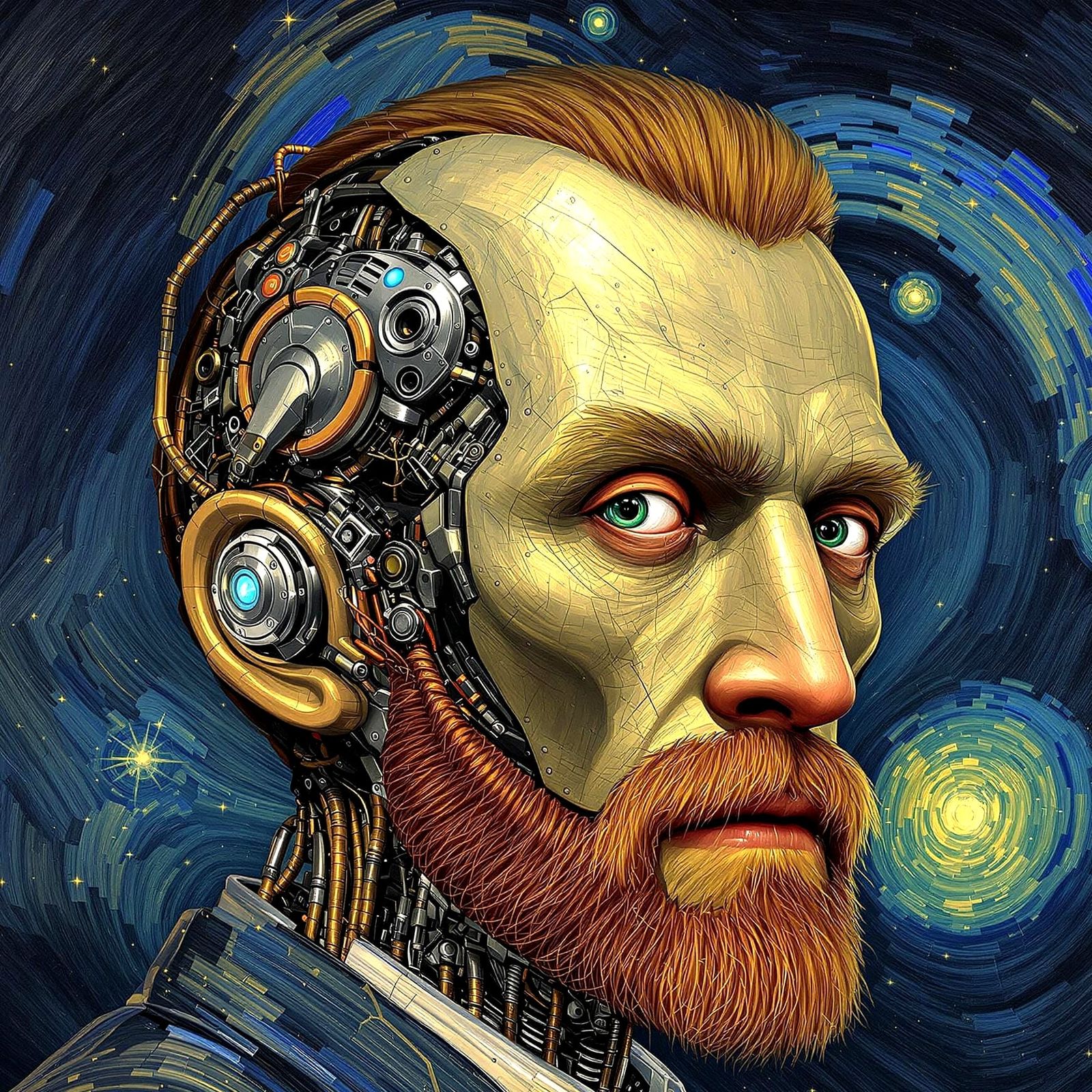
Divine Being Split Between Ancient Mayan and Cyberpunk Civil...
A striking image of a god-like figure split into two halves, reflecting the stark contrasts between ancient Mayan culture and cyberpunk society, with vibrant colors and futuristic elements blending in perfect harmony
Created by gullyDJ on Dec 18, 2024 using the DALL-E 3 AI image generator model.
6 Comments
Join the conversation

Hi there, someone mentioned/credited you on one of their images, but not sure the of the instructions gave...
Link is from the image I am referring. It's similar to your exact style.
Message I wrote:
Not to sound ignorant... but none of this makes any sense. Like "Face portrait collage template" Not sure where to find that template. As well as, "All four images elements combine to create an abstract face". Do I need to be using a different program outside of NightCafe (to combine 4 images)? Lastly, how do I "add* four different landscapes between each set of brackets". Where are these brackets? But I will definitely message mentioned user for even further instructions. Though if you have the spare time to help, that'd be great too. Regardless, thanks for the Prompt! I'll attempt to figure ALL of this out. Maybe... Maybe not...
Care to explain any of this?


Fantastic Use of Color and Tools! Impressive Subject Presented Stylishly! Bravo !!
Creation Settings
- Model
 CKPT
CKPT- Start Image

- Upscale Prompt
- A split portrait of a god-like being, where one side shows [a mayan civilization] and the other side shows [a cyberpunk civilization].
- Creativity
35%
Original Creation Settings
- Text Prompts
- A split portrait of a god-like being, where one side shows [a mayan civilization] and the other side shows [a cyberpunk civilization].Weight: 1
- DALL·E 3 Revised Prompt
- An intricate image of a divine being split into two halves reflecting different civilizations. One half depicts a figure representative of Mayan descent in traditional attire, surrounded by bright colors, pyramids, ancient temples, and Mayan symbols. The other half portrays a figure of the same being, ...
- Model
 CKPT
CKPT- Initial Resolution
Medium
- Aspect Ratio
1:1
- DALL·E 3 Quality
Standard
- DALL·E 3 Style
Vivid







Thank you por la explicación