
Create your own INPAINT tutorials with AI
Easily create custom INPAINT tutorials with our free AI image generator - no design skills needed!
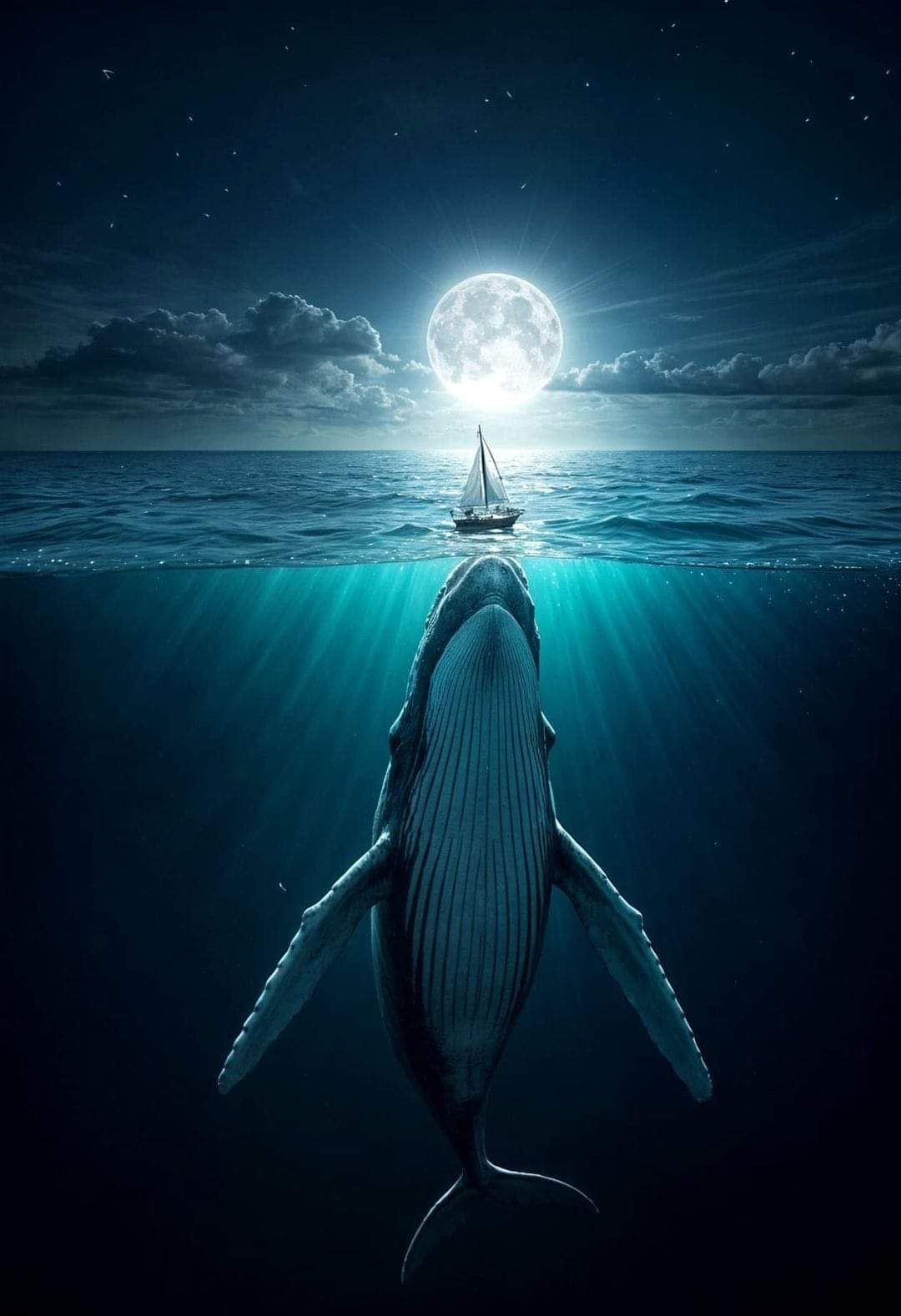

INPAINT TUTORIAL!
Created a year ago · 7 comments· 0 likes
Uploaded
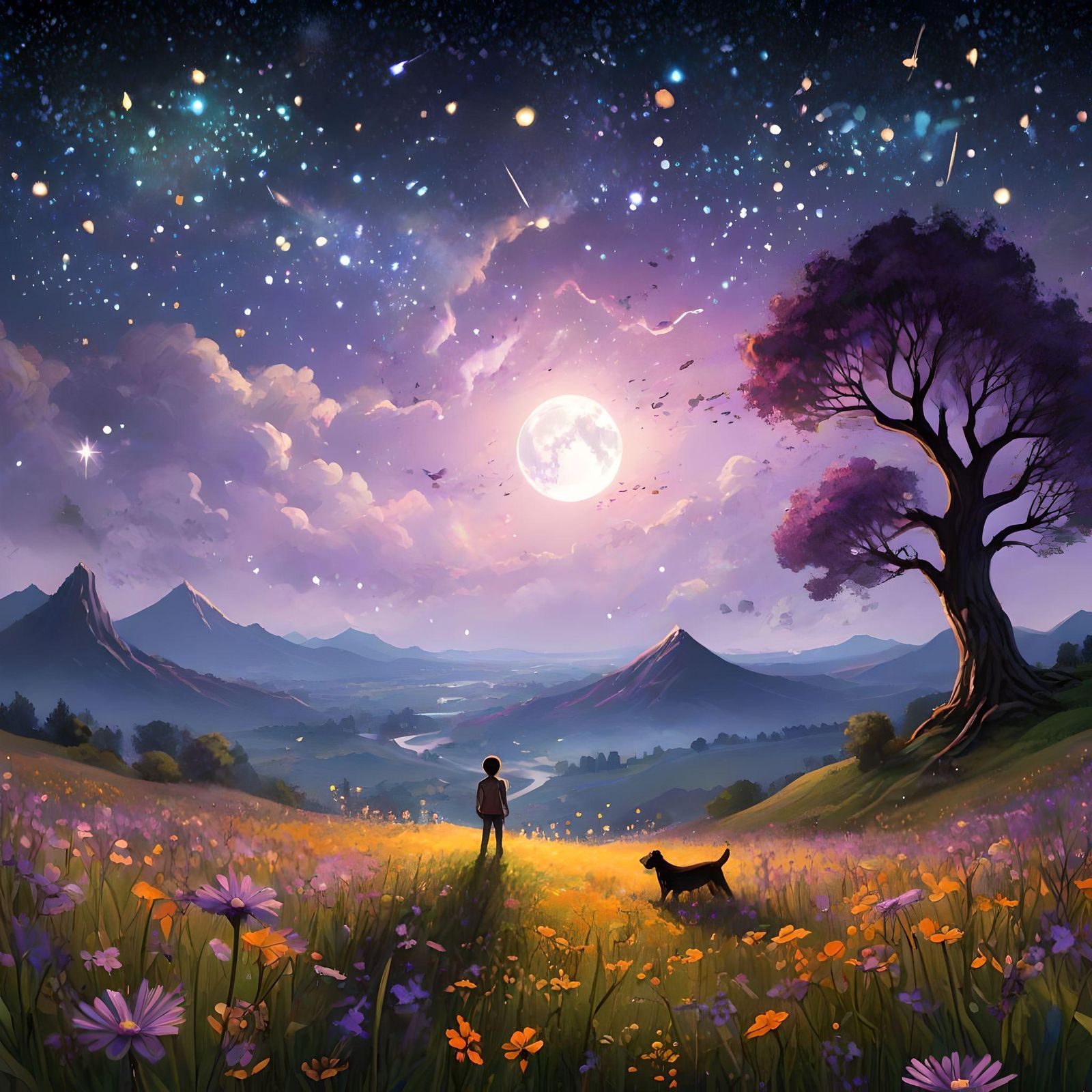
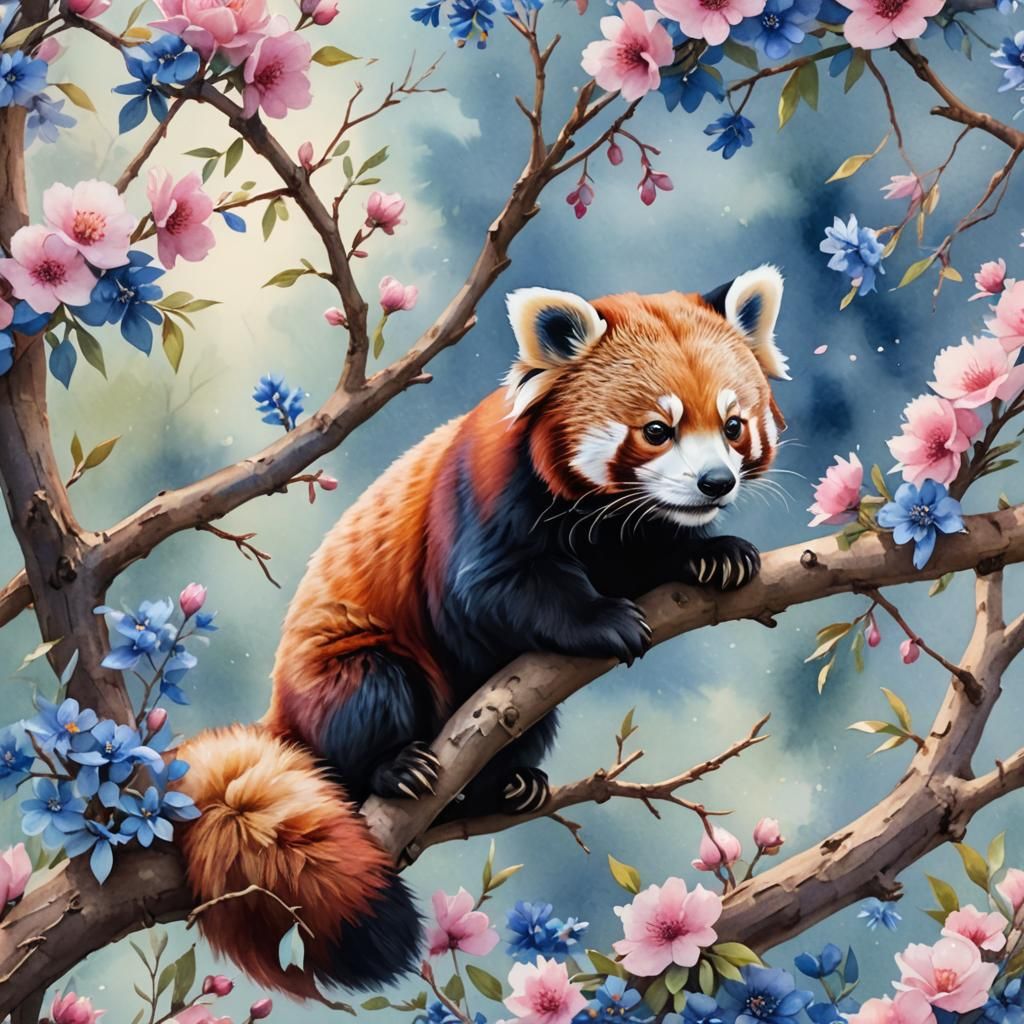
INPAINT TUTORIAL! How to add and remove objects, step-by-step
The order is a little messy, because its no way to sort the order once uploaded. Note that these are made in NC, I just oploaded to share the whole process 😍
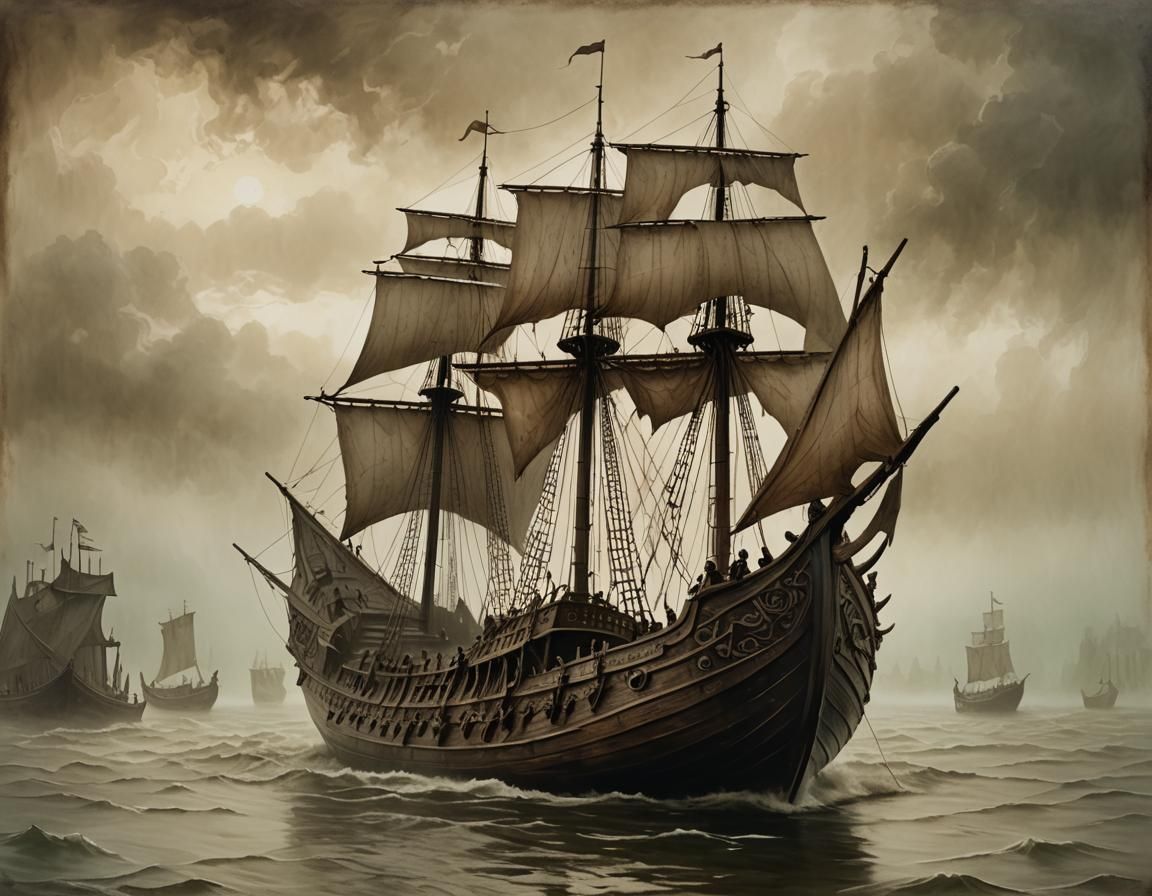
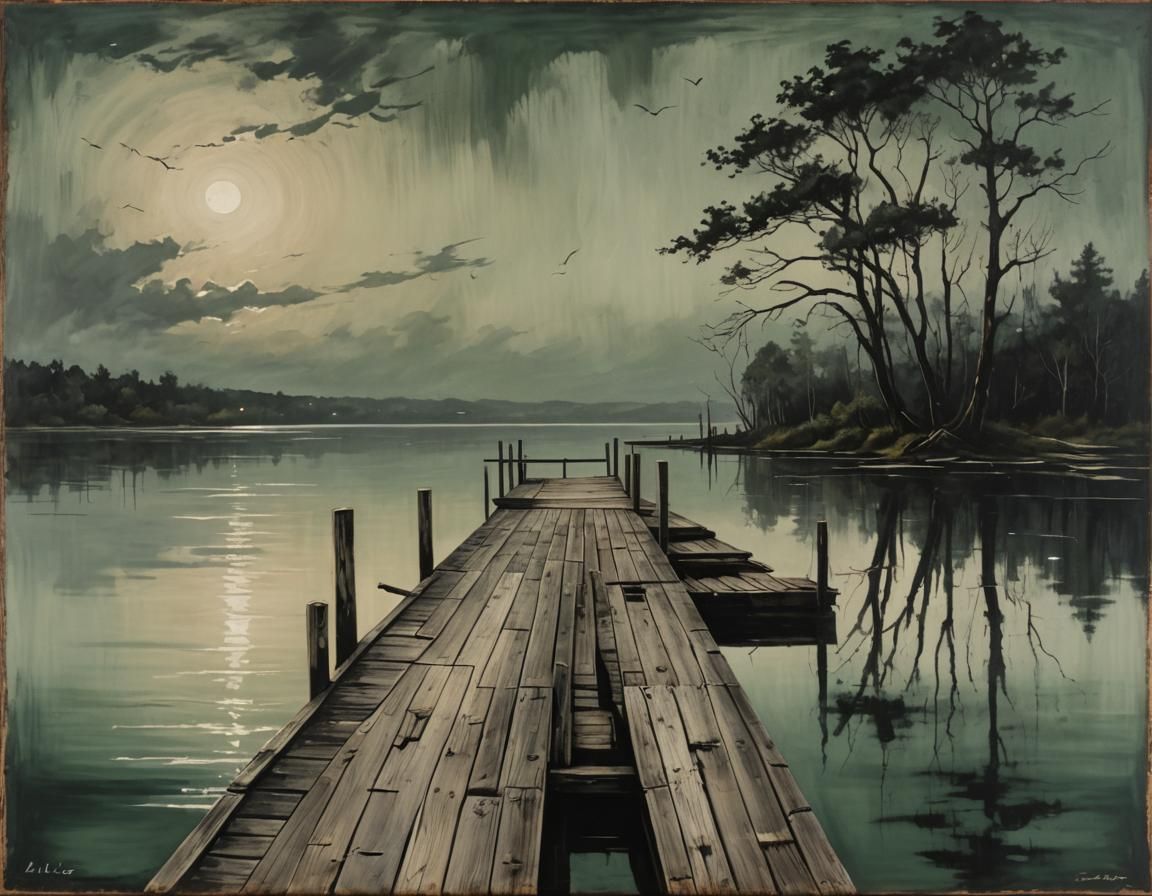
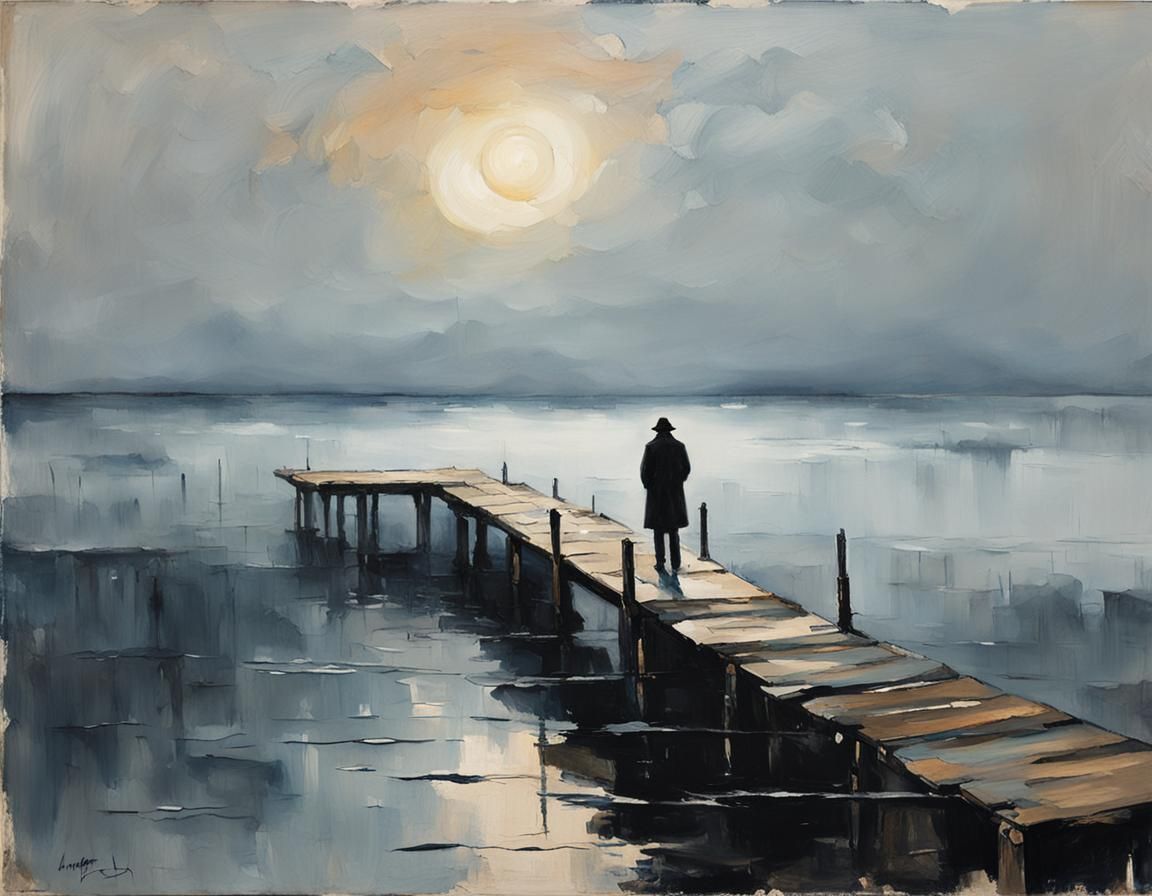
1st image is the final image, after the inpainting, and with clarity upscale 65% and some color correction 🥰
2nd image is the original, and the sailboat did not appear where I wanted it.
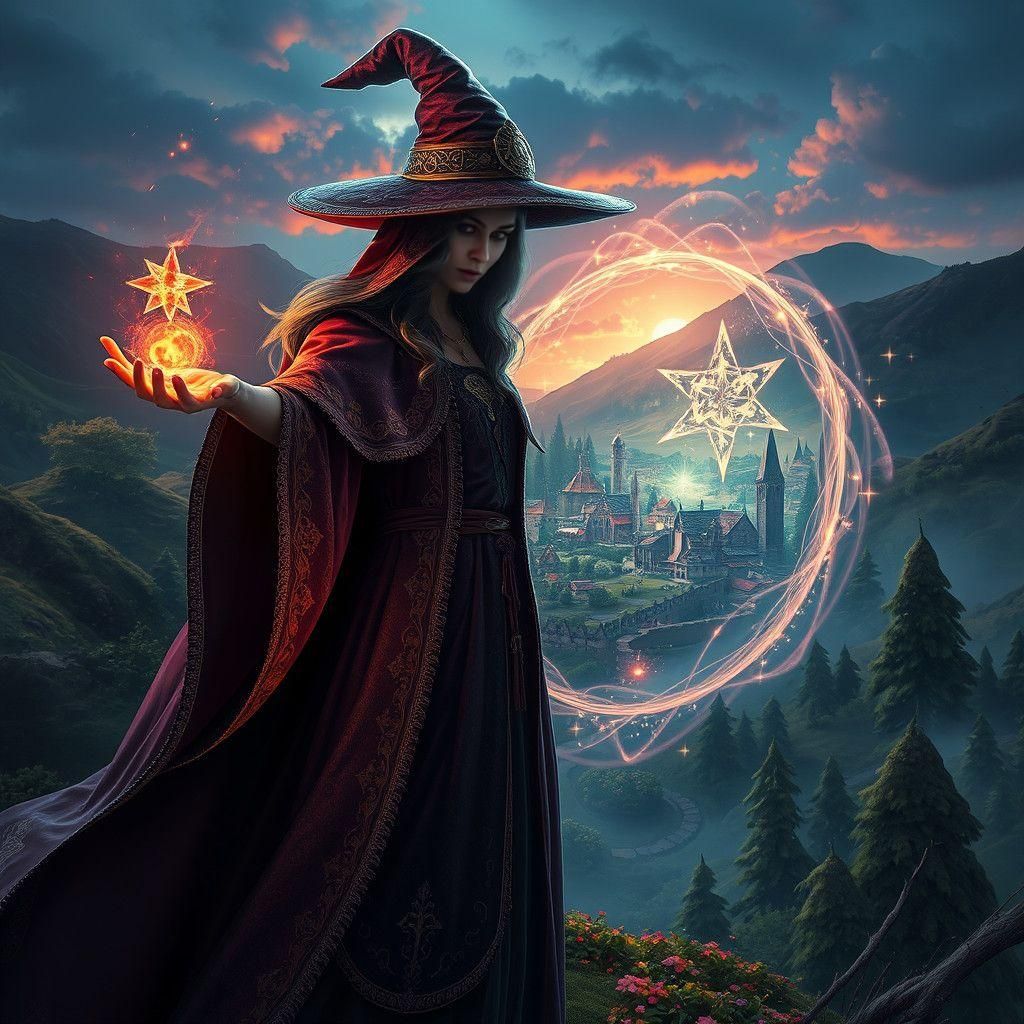
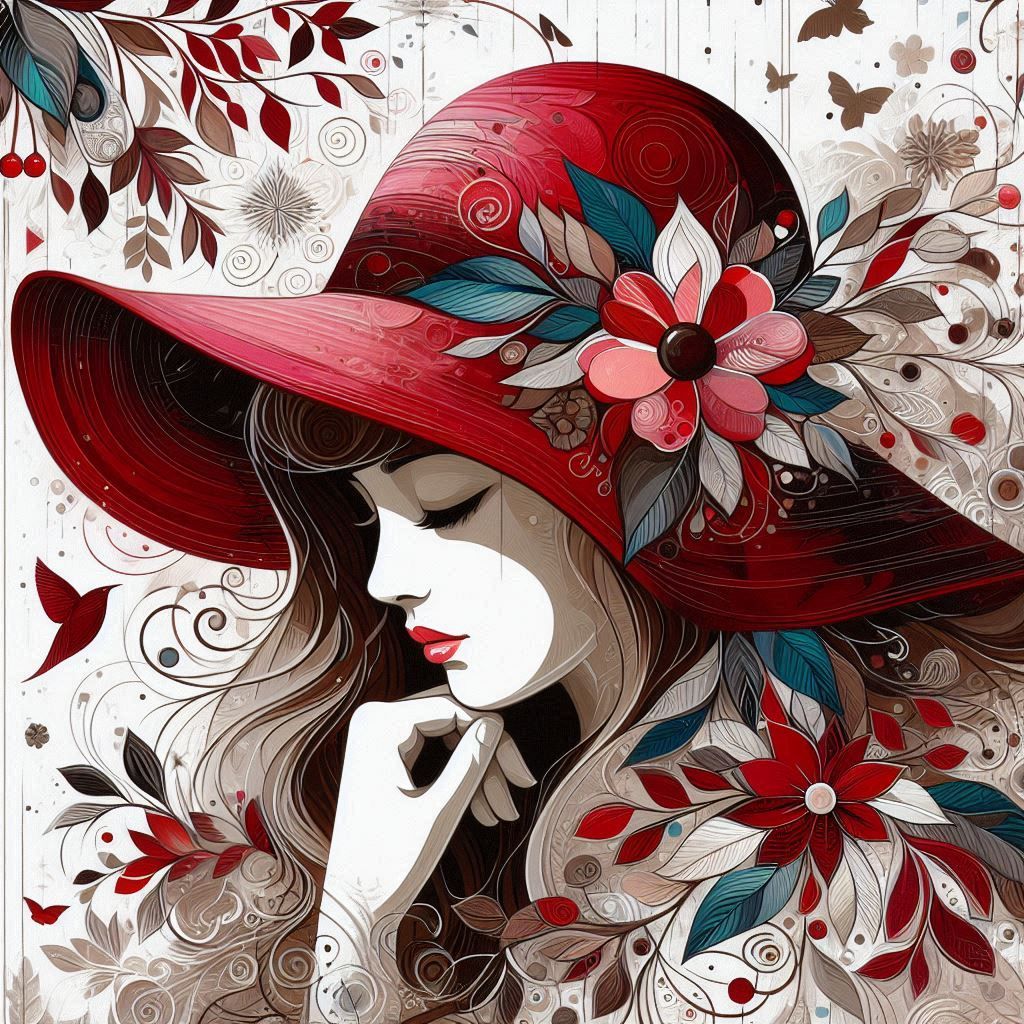
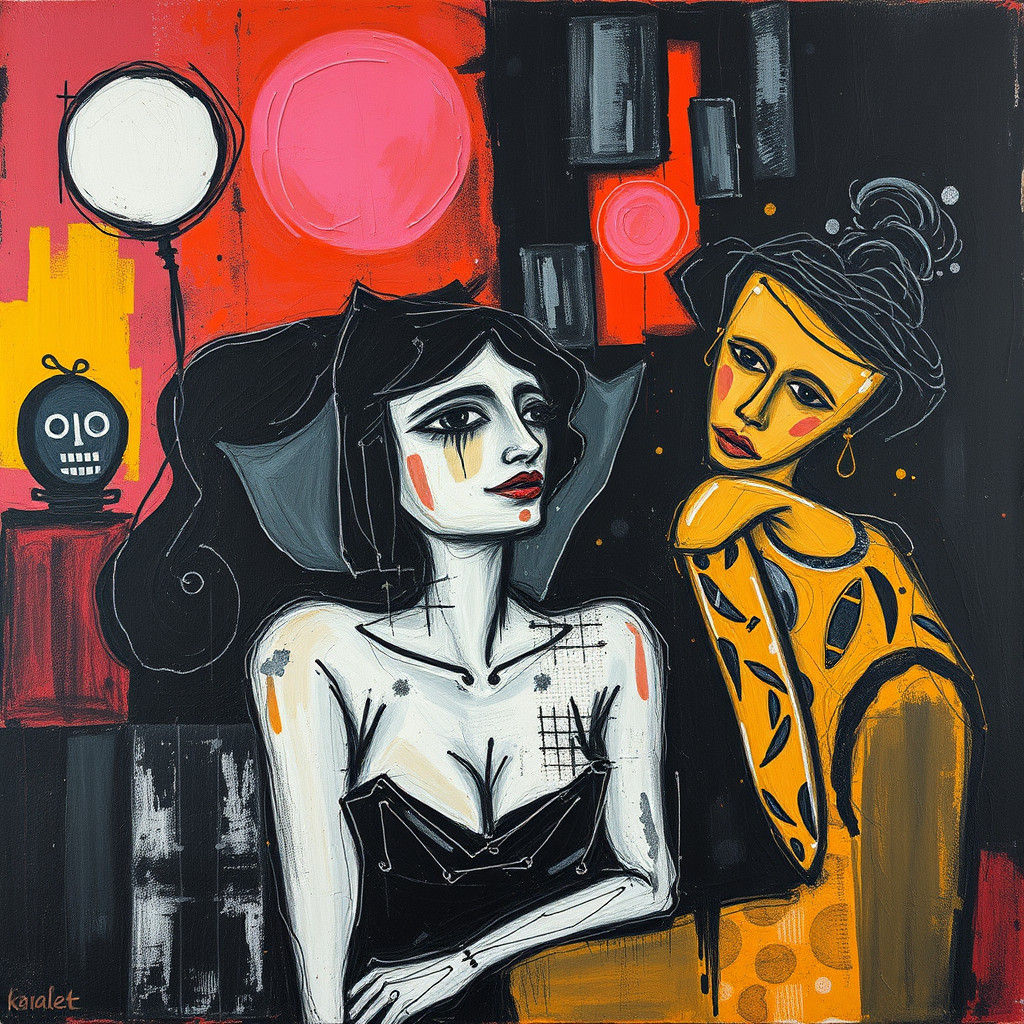
4th image I inpainted the tiny sailboat using Dreamshaper XL Lightning - Inpaint with feather (not zoom to inpaint), 100% noise weight and prompt "Wooden sailboat on water just above a whale nose".
3rd image I removed the original sailboat. Same model and settings as in 4th image, and using the prompt: "Dark sky with some clouds and waterline"
Mask examples:
Hope this helps 🙏 do you have any inpaint tips? Please share it in the comments so we all can learn from each other 😍
7 Comments
Join the conversation



wow you are a genius love your stuff and thx for the lesson I'm really not good at text-promoting

Creation Settings
This creation was not made on NightCafe.
- Model
Google Imagen Fast + Dreamshaper XL Lightning
- Prompts
Kolibri has hidden the prompt
- Workflow
Not provided


This is so helpful! Thank you! I've been having trouble, but this seems really clear. Beautiful picture too 💕