
All the best AI models in one place
Flux, Stable Diffusion, DALL-E, Ideogram, RunwayML and more. Try it now for free!
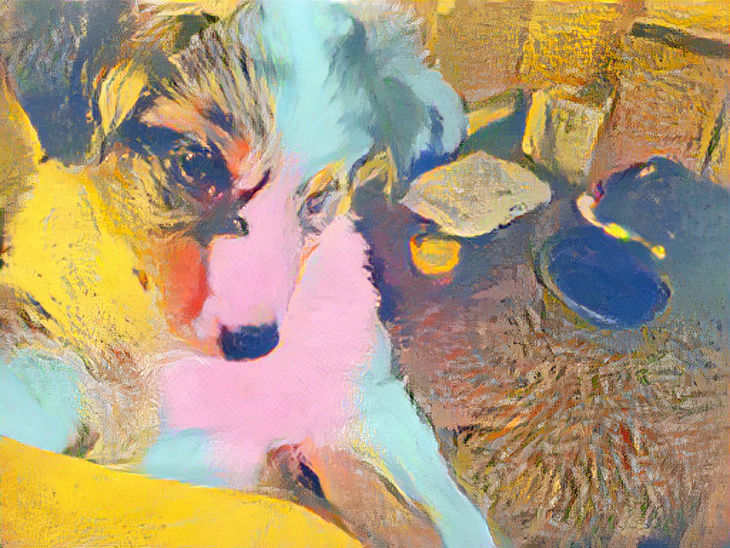

My new puppy Dakota and my first creation
Created a year ago · 8 comments· 0 likes
Style Transfer2 Styles
I am very new and am trying to learn how to use this magnificent tool. I've been searching how to take an existing photo and make something from that photo. While I like this creation, I am trying to figure out how to take a photo of my puppy, and then put her in various theme's. For example, dressing her as a queen while sitting on a throne in her castle. I will keep searching to find answers. Right now I'm clueless but am making them effort.
8 Comments
Join the conversation
Okay man, I give up. I cannot figure out how to start the darn thing. I hit create to start, then I pick text to image, right? Maybe I'm picking the wrong thing. I can't get the app to let me choose a style image. How do I do this? PLEASE HELP!
Dude, I have been messing around on this app for a year and didn't even know I could do this. Thank you for showing me how. Well, at least it's a start on how. I'm not even sure I can figure it out. But it is so cool. Welcome to the club and I am looking forward to seeing lots of good stuff from you. Following you for inspiration
Creation Settings
Input Image

- Image Source
Preset: Image uploaded by user
- Colour Settings
Using colours from the style images
- Initial Resolution
Low
- Sharpen
No
- Fidelity
40%
- Content Weight
50%
- Smoothing
0%
Style 1 Image
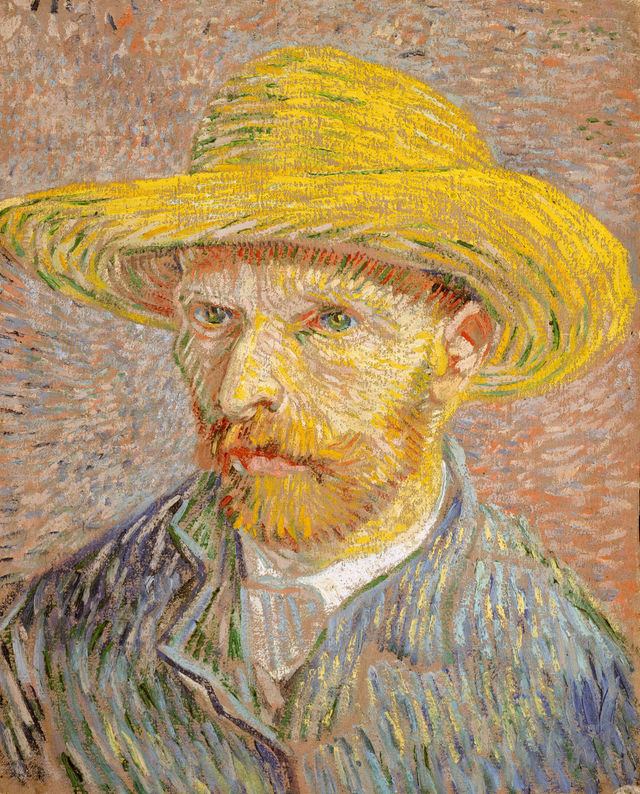
- Style 1 Source
Preset: Self Portrait
- Style 1 Weight
50%
- Style 1 Mask
No mask applied
Style 2 Image
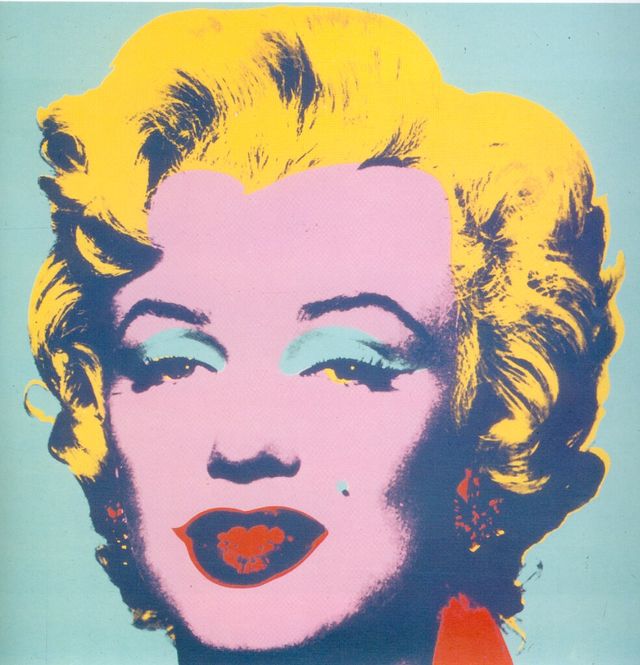
- Style 2 Source
Preset: Marilyn 1967 - Andy Warhol
- Style 2 Weight
35%
- Style 2 Mask
No mask applied

Very cool creation !Well done 🙏🧚♀️🪄🍄🍀