
Generate your own UI designs with AI
Create your own stunning user interface designs with our free and easy AI image generator. Get started now!
2 years ago
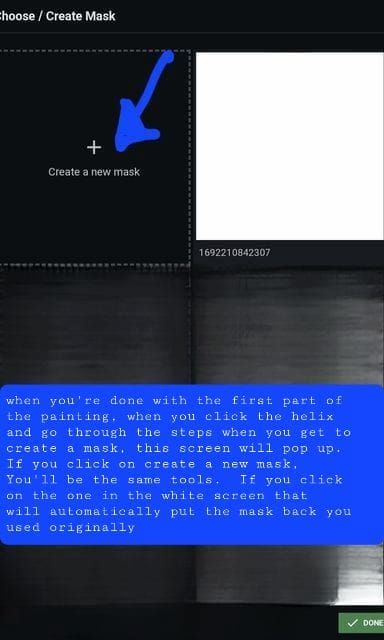
Inpainting Step 12 creating Mask Menu (13 of 13)
Created 2 years ago · 23 comments· 0 likes
Stable Inpainting 2.0
Entire inpainting how to collection
Creation Summary by Vincent
AI Inpainting Step 10: Image Editing Process
This image shows the 10th step in an AI image inpainting process. It illustrates how to refine and edit a selected area in an AI-generated image.
Created by Dawn_Day_Dreamer on Sep 2, 2023 using the Stable Inpainting 2.0 AI image generator model.
23 Comments
Join the conversation

All I really want is to take the wings off a paladin 😩
Creation Settings
- Text Prompts
- Inpainting step 10Weight: 1
- Model
- Initial Resolution
Thumb
- Aspect Ratio
1:1
- Runtime
Short
- Overall Prompt Weight
50%
- Sampling method
K_LMS
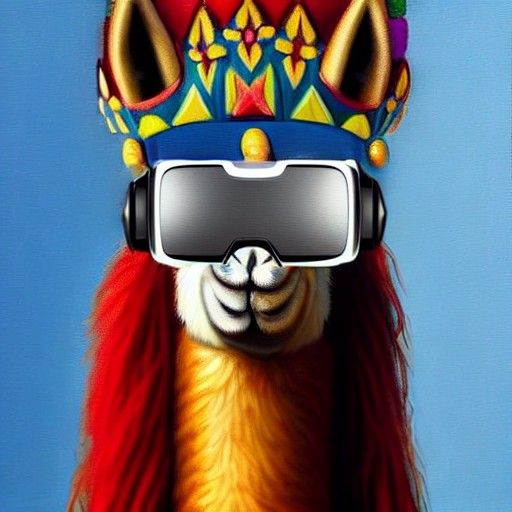
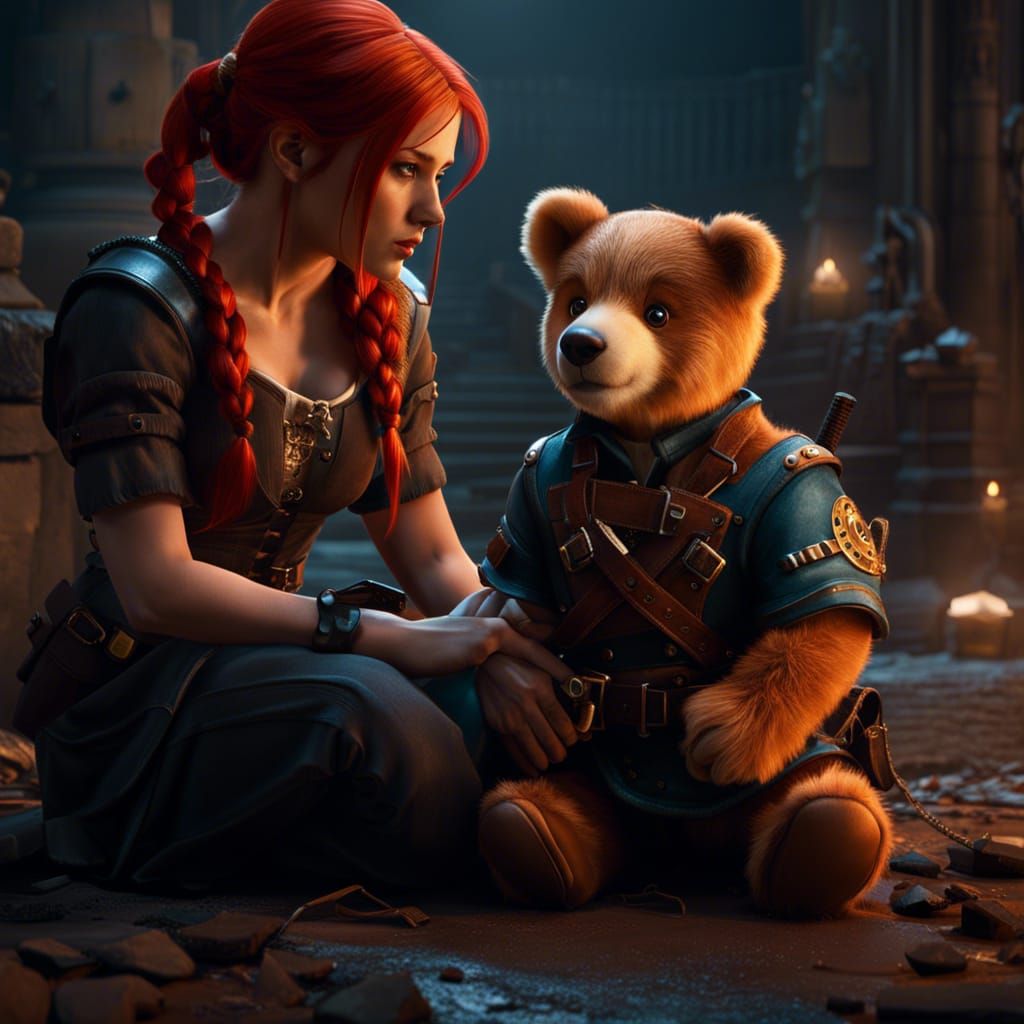
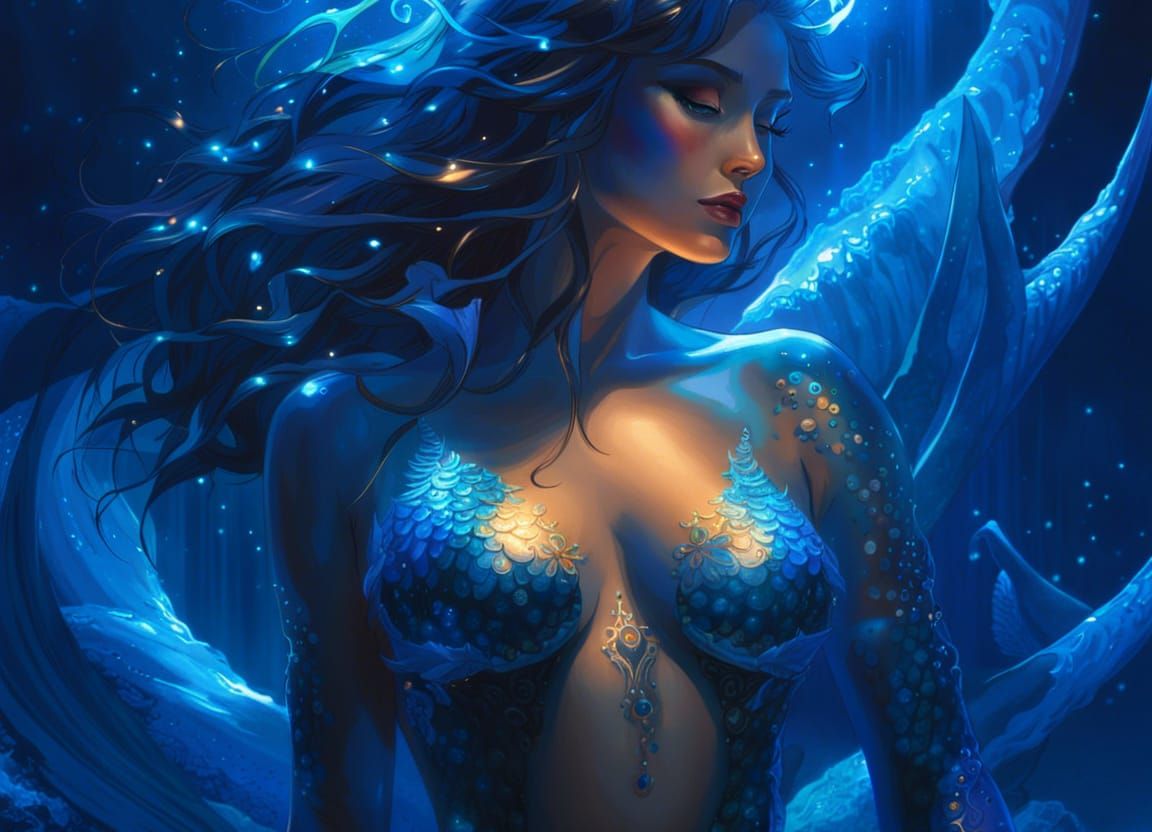
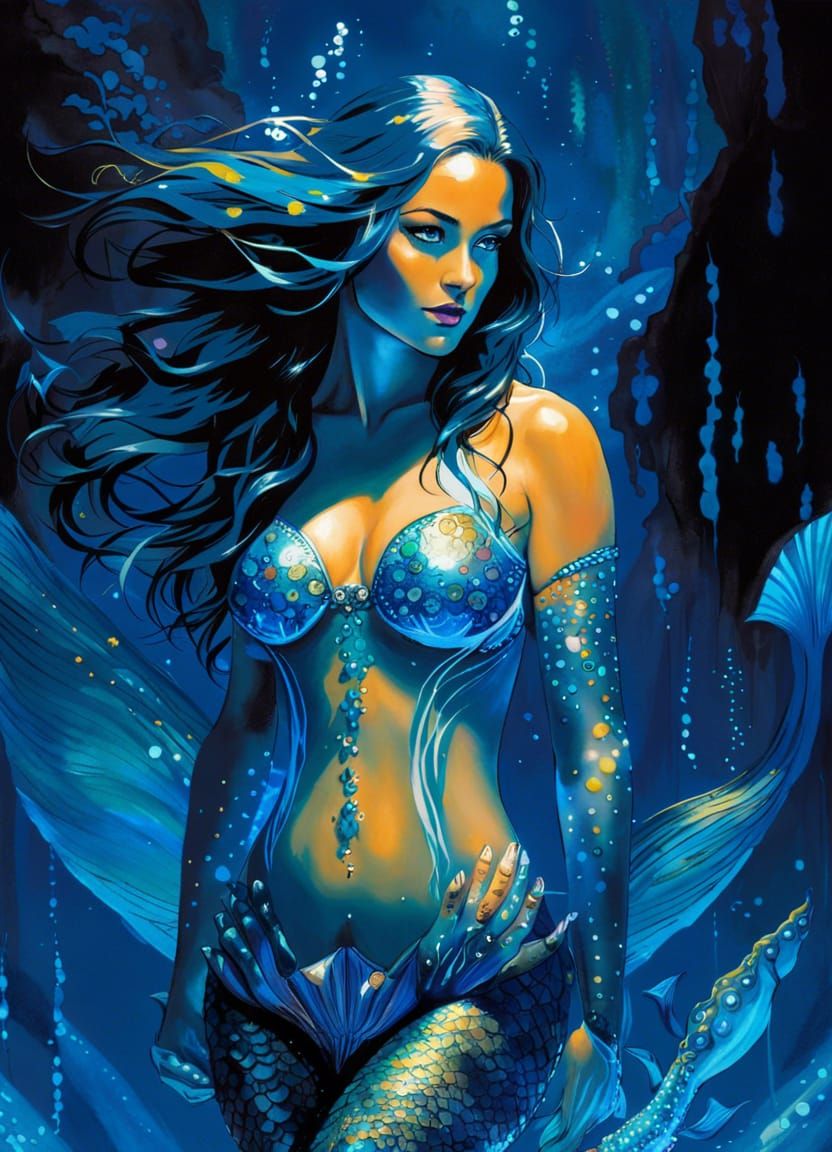
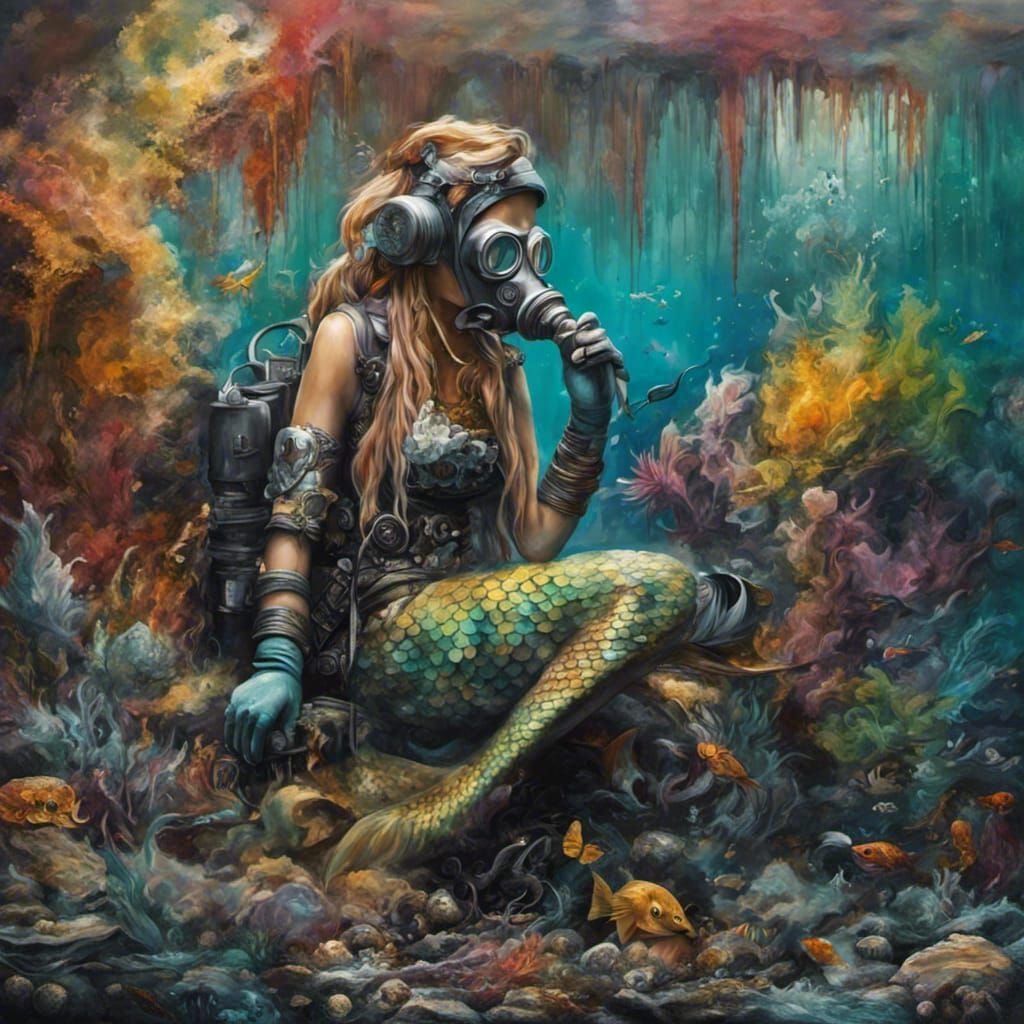
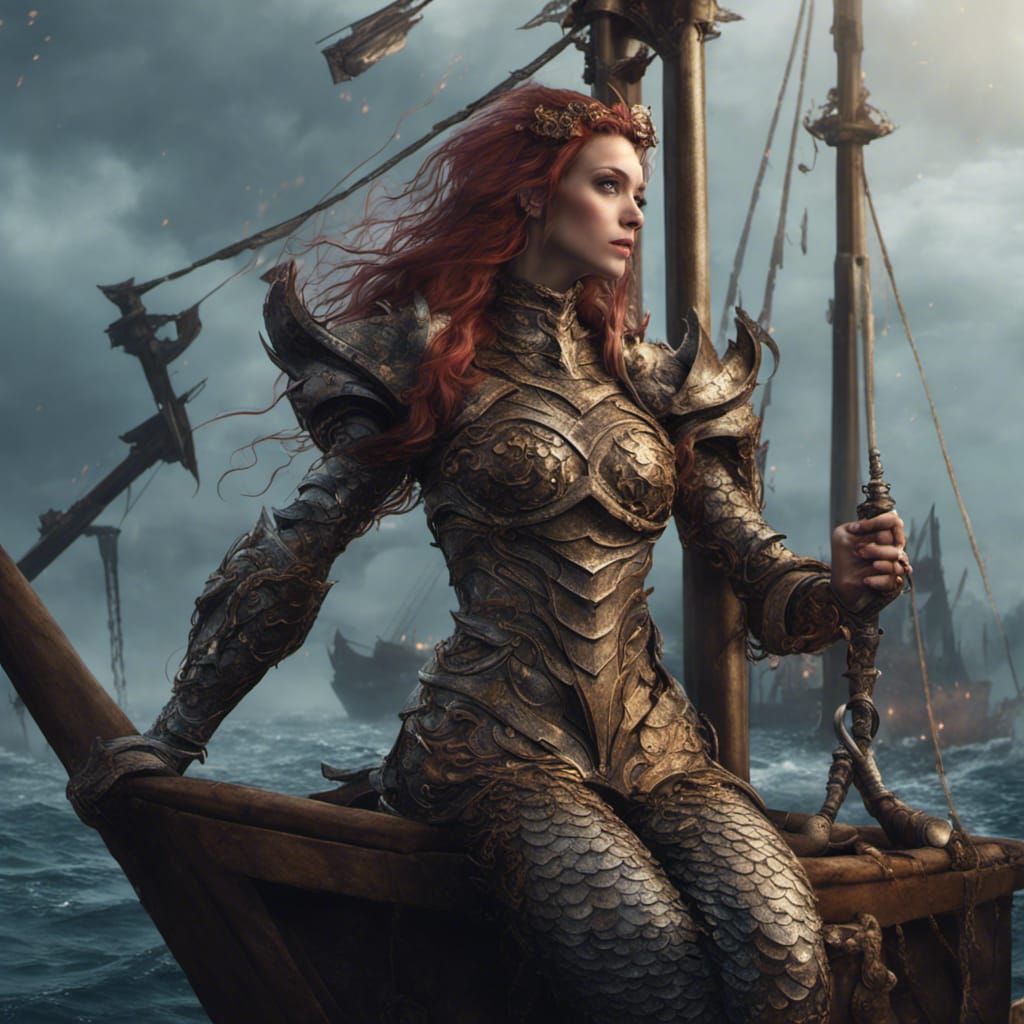
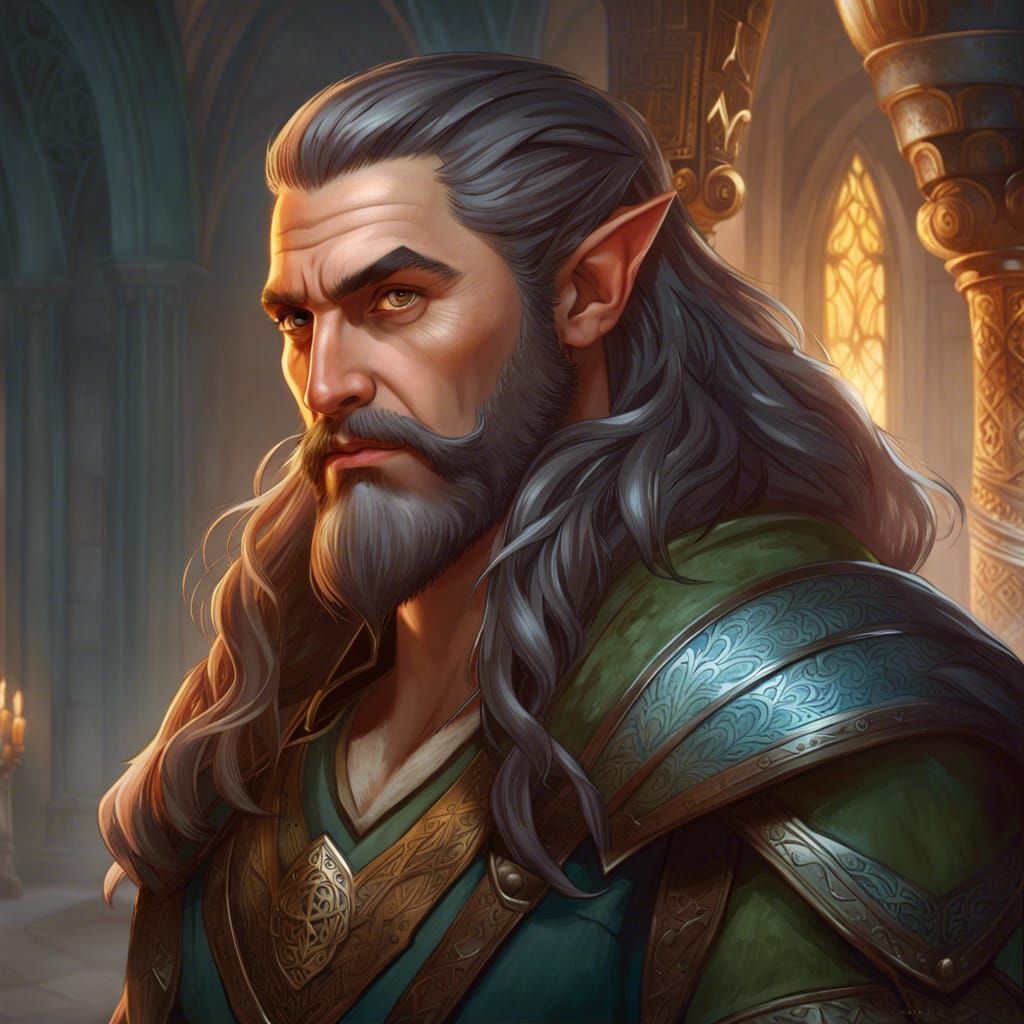
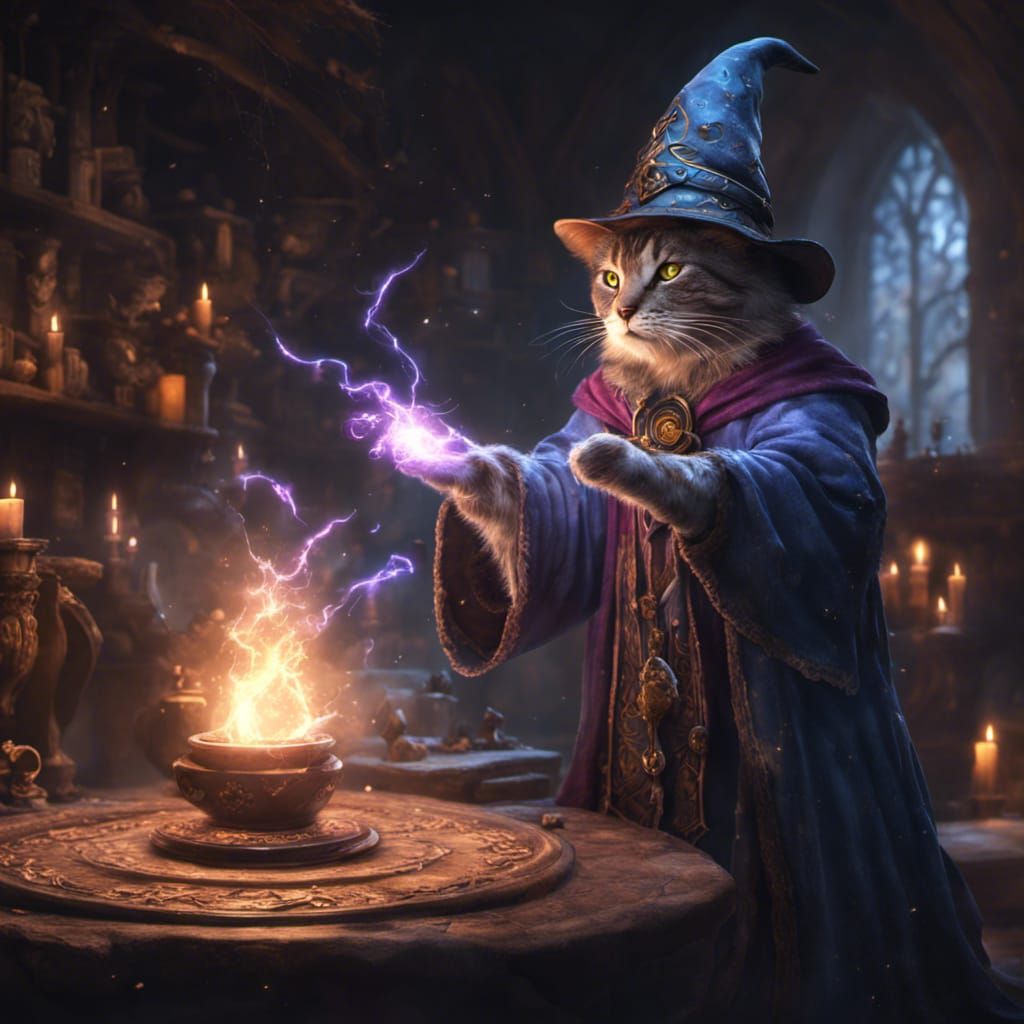

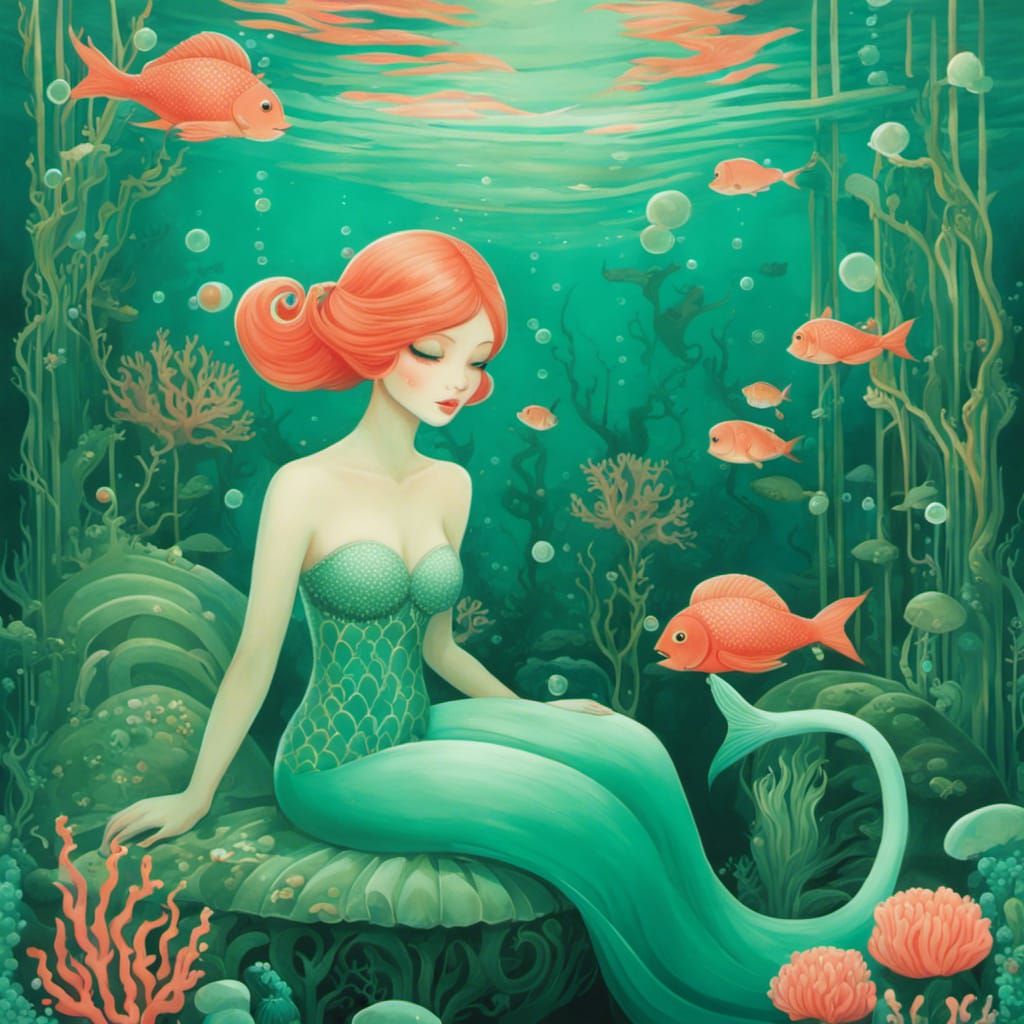
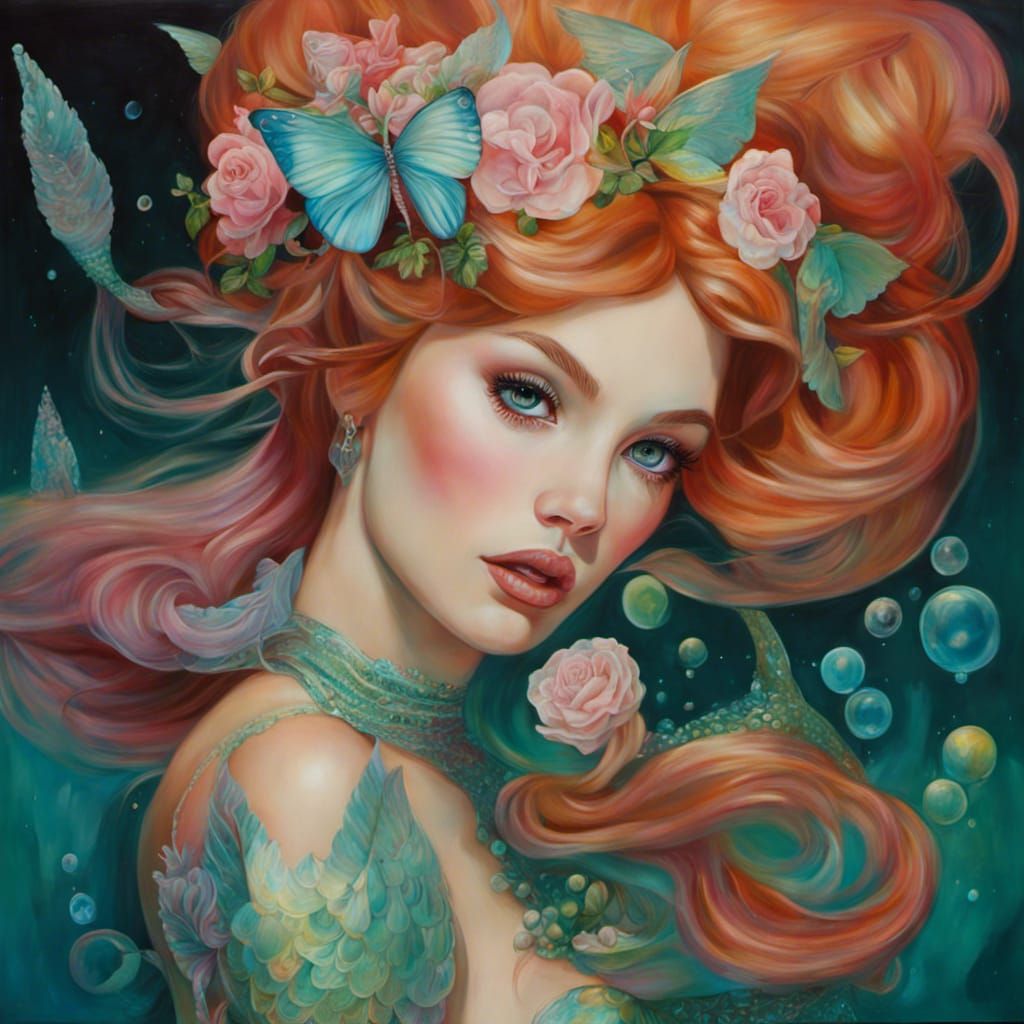
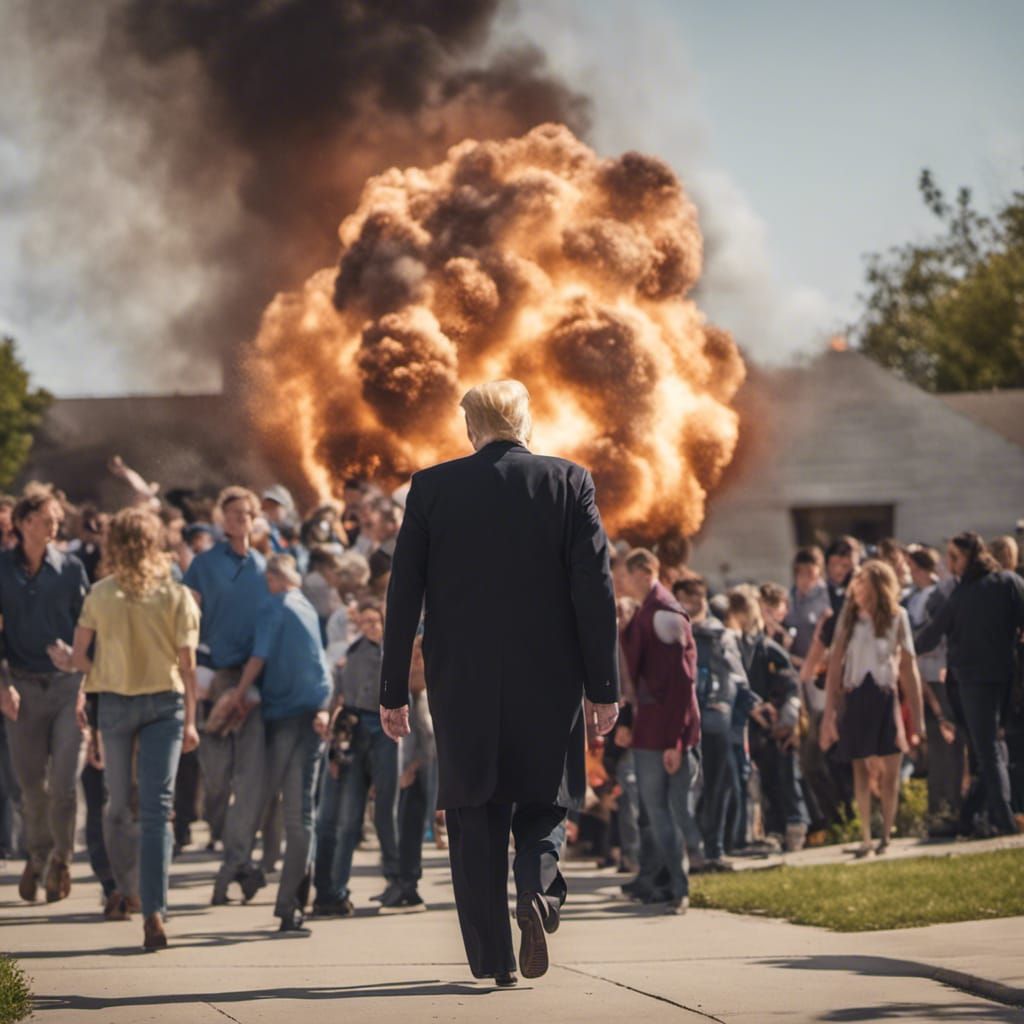
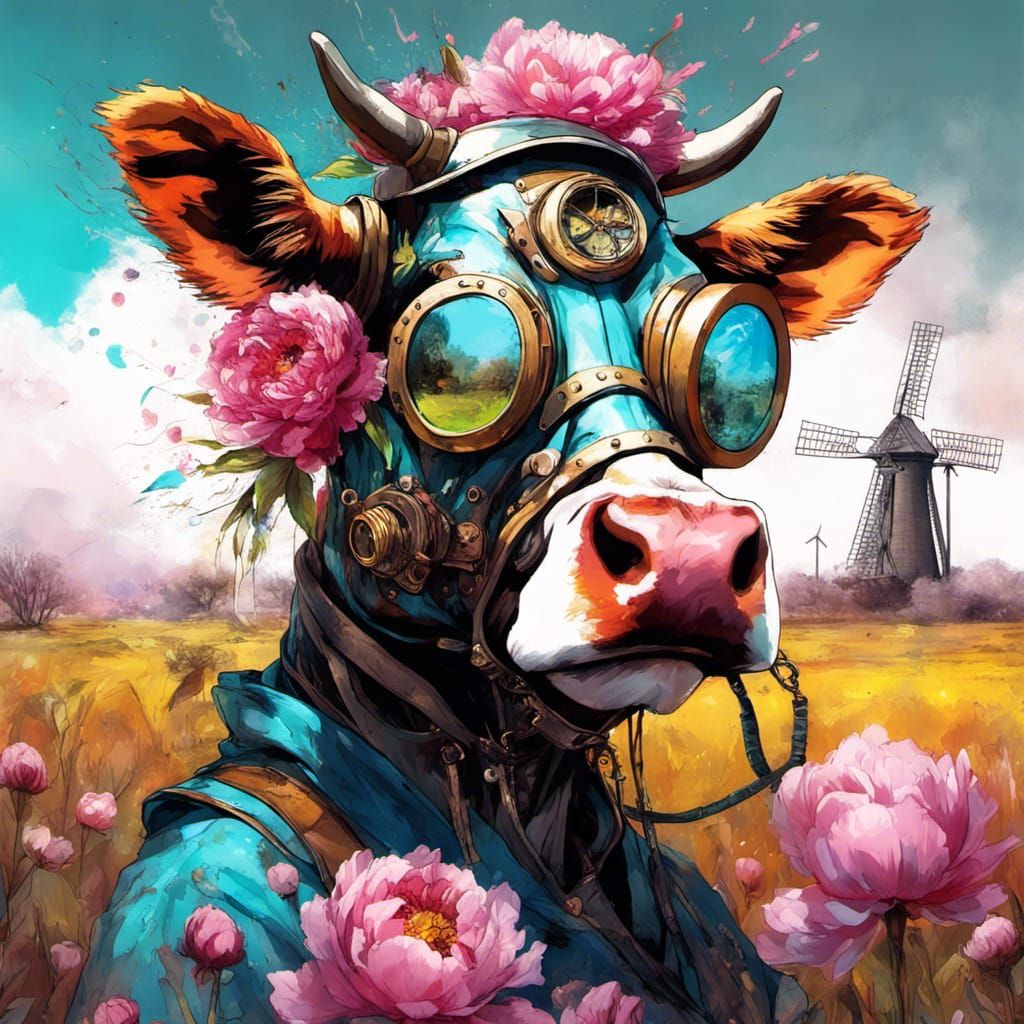
Are you saying multiple prompts can be used for multiple masked sections? . . . Or from the previous screenshot you can use multiple masks at the same time and tie them in with multiple prompts like in this screenshot?