

- Galleries
- Spotify Image Gallery
300x300 Images For Spotify
Generate unique 300x300 images perfect for Spotify album art, playlists, and artist profiles. Explore AI-generated visuals to enhance your music.

As seen in








Spotify Image Gallery
A curated collection of AI-generated 300x300 images, ideal for use as Spotify album covers, playlist art, and artist visuals.


Didn't find what you were looking for? Create your own below!
Create your own 300x300 Images For Spotify images
Discover the magic of Text to Image AI by creating your own unique images. Edit the prompt below to customize your creation.
No payment or credit card required.

Elevate Your Music Presence
Create Custom Spotify Images
Design eye-catching visuals tailored for Spotify. Whether it's for playlists, artist profiles, or promotional banners, our AI generates unique 300x300 Images For Spotify that capture the essence of your sound. Stand out in the crowded digital music scene with art that truly represents your brand.
Create Your Perfect Spotify Visuals
Step 1
Describe Your Music's Vibe
Start by describing the vibe of your music and the visual style you envision for your Spotify assets. Be specific about genre, mood, colors, and any key elements you want the AI to incorporate. For example, 'dark synthwave with a neon-lit cityscape' or 'acoustic folk with a serene forest scene'. The more detail you provide, the better the AI can match your artistic vision.
Step 2
Generate Your Spotify Art
Once you've crafted your descriptive prompt, simply click the 'Generate' button. Our AI will then process your input and create a unique 300x300 image tailored for your Spotify needs, whether it's for album art, playlists, or artist profiles.
Step 3
Download & Apply Your Artwork
After the artwork is generated, review the results. You can then download the high-resolution 300x300 image directly to use on your Spotify profile, playlists, or promotional materials. Feel free to generate multiple options until you find the perfect visual to represent your sound!

Your Music, Visually Defined
Create Custom Spotify Album Art With AI
Transform your tracks into visual masterpieces with our AI-powered Spotify Album Art Generator. Effortlessly Create Custom Spotify Album Art with AI that perfectly complements your genre and mood. Make a lasting impression from the first listen with unique, high-quality artwork that resonates with your audience.
More Galleries
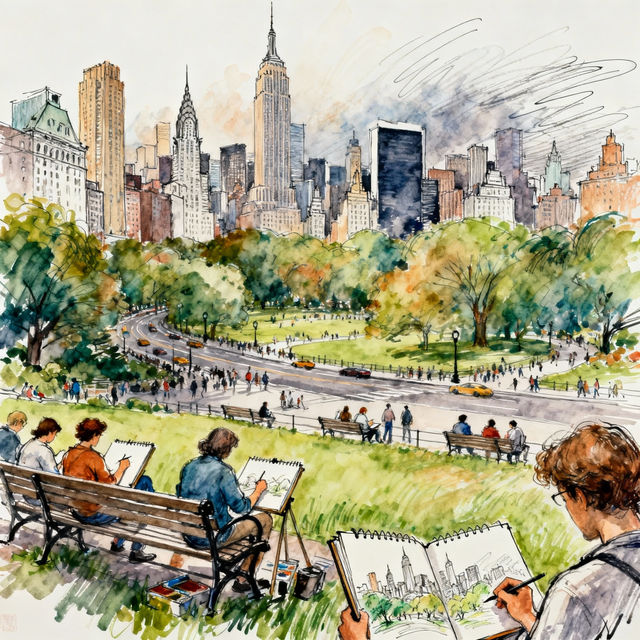
Drawing Classes NYC
Discover the vibrant world of drawing classes in NYC. Find inspiration and learn new techniques from talented artists. Start your creative journey today with our AI-powered art tools.
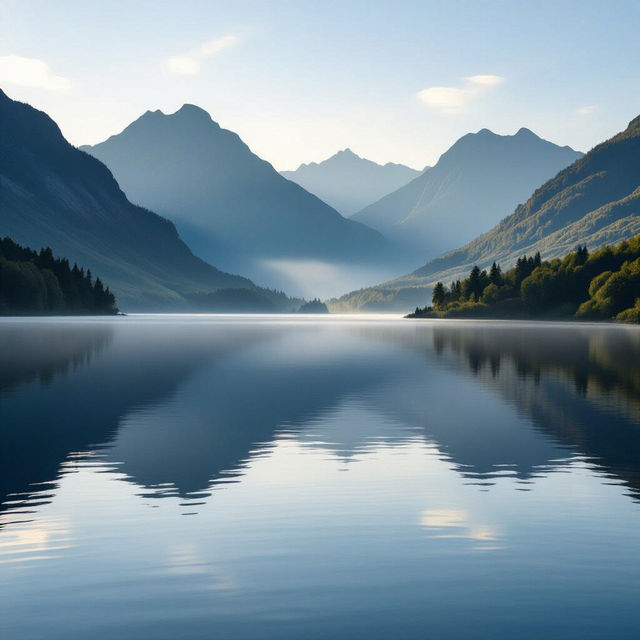
Peace Wallpaper
Discover a collection of tranquil AI-generated peace wallpapers. Find the perfect serene background for your device and create your own calming visuals with NightCafe.
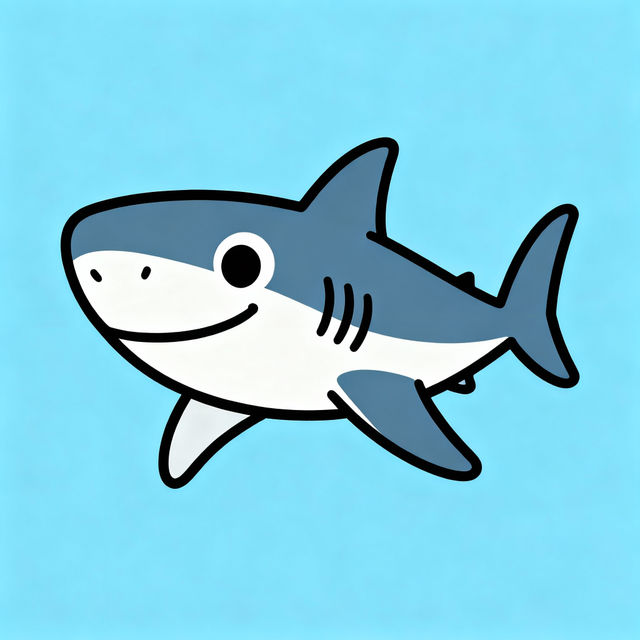
Great White Shark Drawings - Easy AI Art
Explore a gallery of easy Great White Shark drawings created with AI. Get inspired to draw your own majestic ocean predators with simple, artistic techniques.
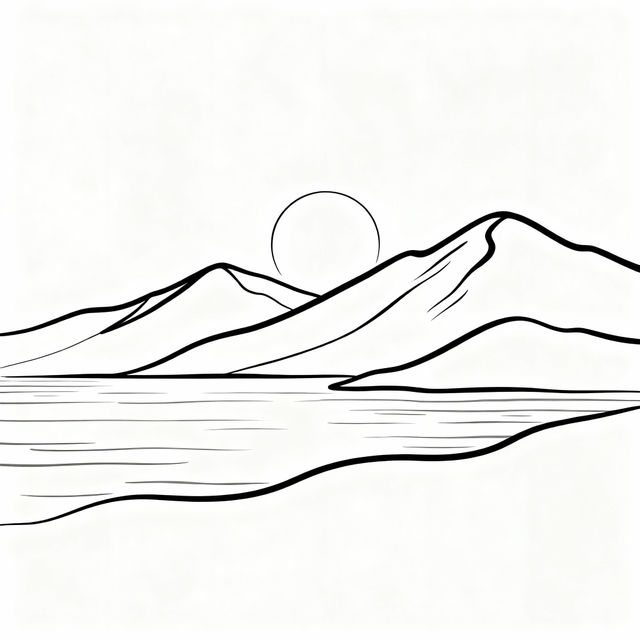
Minimalist Drawings
Discover the beauty of minimalist drawing. Browse our gallery of AI-generated minimalist art and create your own simple, elegant designs with NightCafe.
Frequently Asked Questions
Frequently Asked Questions About AI-Generated Spotify Art
What makes these images ideal for Spotify?
These images are specifically generated at a 300x300 pixel resolution, which is a common and effective size for various Spotify assets like album art, playlist covers, and artist profile pictures. This ensures your visuals look sharp and professional across the platform.
Can I use these AI-generated images for commercial purposes on Spotify?
Yes, you can use the AI-generated images for commercial purposes on Spotify, including for album art, playlists, and artist profiles. However, please refer to our Terms of Service for specific usage rights and attribution requirements.
How can I ensure the AI art matches my music's genre and mood?
When generating your art, use descriptive prompts that include keywords related to your music's genre, mood, and any specific themes or imagery you envision. The more detail you provide in your prompt, the better the AI can capture the essence of your sound.
What if I'm not happy with the first image generated?
AI art generation involves an element of creativity and exploration. If the initial results aren't quite what you're looking for, try refining your prompt with more specific details or try a different style. You can also regenerate the image using the same prompt to see variations.