

- Galleries
- 4K Mac Wallpaper Gallery
4K Mac Wallpapers
Elevate your Mac experience with breathtaking 4K wallpapers. Discover a curated collection of high-resolution images perfect for your desktop, or create your own unique designs.

As seen in








4K Mac Wallpaper Gallery
Explore a diverse gallery of AI-generated 4K wallpapers designed to enhance your Mac's visual appeal and provide a unique desktop experience.


Didn't find what you were looking for? Create your own below!
Create your own 4K Mac Wallpapers images
Discover the magic of Text to Image AI by creating your own unique images. Edit the prompt below to customize your creation.
No payment or credit card required.

Elevate Your Workspace
Stunning Desktop Backgrounds For Your Mac
Transform your Mac with our collection of breathtaking 4k Mac Wallpapers. Each image is meticulously crafted to offer unparalleled visual clarity and aesthetic appeal, ensuring your desktop is always a source of inspiration. Find the perfect backdrop that resonates with your style and enhances your daily digital experience.
Create Your Perfect 4K Mac Wallpaper
Step 1
Describe Your Dream Wallpaper
Start by describing the stunning 4K wallpaper you envision. Be as detailed as possible! Think about the theme (e.g., serene nature, futuristic city, abstract art), colors, lighting, and any specific elements you want to include to ensure your desktop background is truly unique.
Step 2
Generate Your Masterpiece
Once your prompt is ready, simply click the 'Generate' button. Our AI will work its magic, transforming your words into a breathtaking 4K wallpaper that will elevate your Mac's aesthetic.
Step 3
Download & Showcase Your Creation
After your wallpaper is created, you can download it in high resolution to adorn your Mac. Feel free to share your stunning creation with the community or try generating variations until you find the absolute perfect fit for your desktop!

Your Vision, Realized
Browse And Create Stunning 4k Desktop Backgrounds
Dive into a vast gallery of Desktop Backgrounds and unleash your creativity. Whether you're seeking inspiration or want to craft a personalized masterpiece, our tools empower you to Browse and Create Stunning 4K Desktop Backgrounds. Design unique visuals that perfectly match your mood and productivity needs.
More Galleries
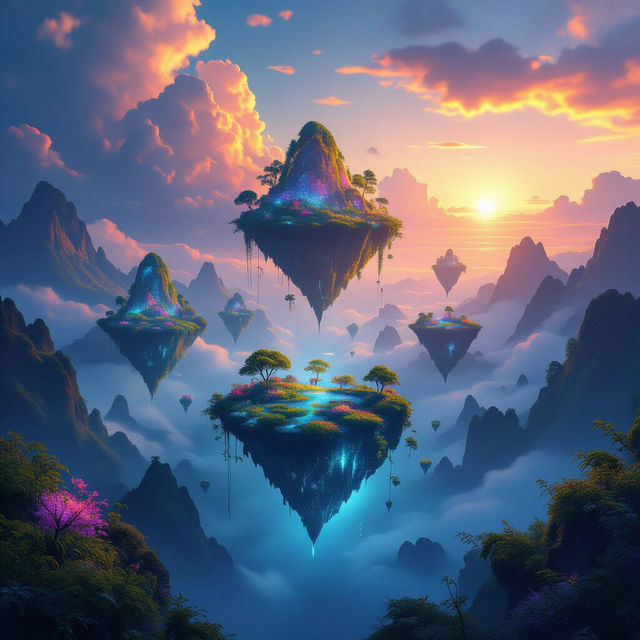
AI Generated Wallpapers
Discover and download unique AI-generated wallpapers for free. Elevate your screen with stunning art, from abstract designs to breathtaking landscapes, all created by AI.
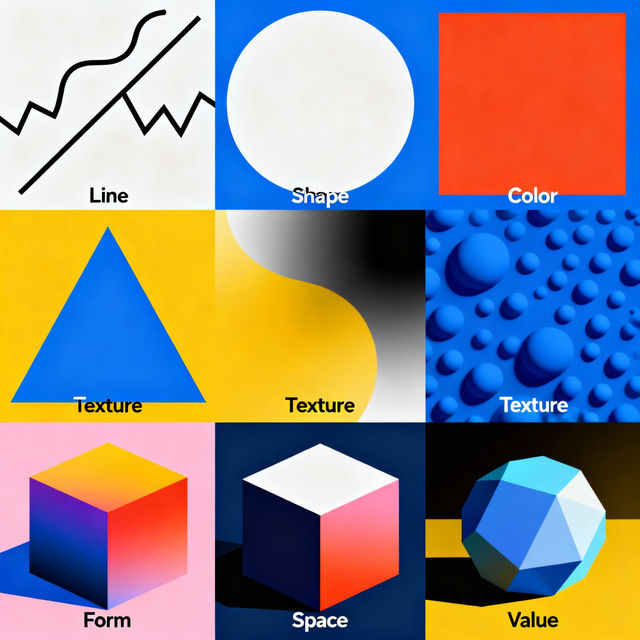
Elements of Art Examples
Discover and generate examples of the elements of art. Use these visual examples to understand line, shape, color, and more for your art projects or worksheets.
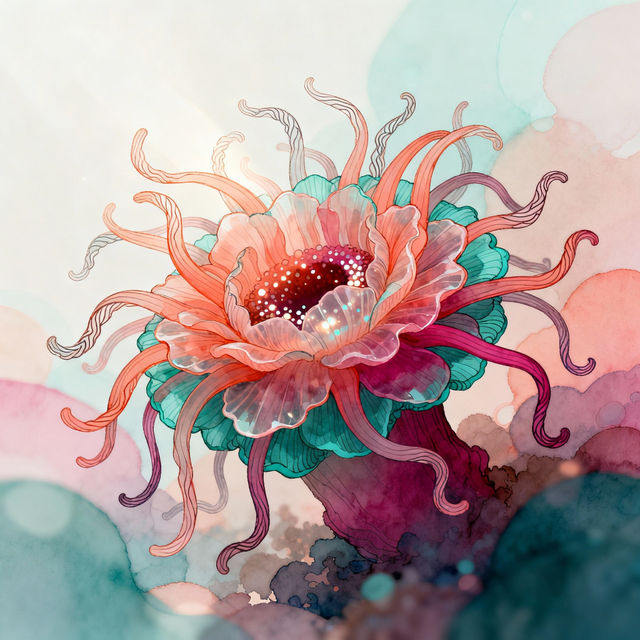
Anemone Drawings - AI Generated Art
Explore a gallery of exquisite anemone drawings created with AI. Get inspired by these artistic interpretations and generate your own unique anemone art with NightCafe.

Christmas Bell Drawings - Made With AI
Explore a delightful gallery of AI-generated Christmas bell drawings. Perfect for holiday cards, decorations, or festive inspiration. Create your own unique Christmas bell art today!
Frequently Asked Questions
Frequently Asked Questions About Creating 4K Mac Wallpapers
What makes these wallpapers suitable for a Mac desktop?
Our 4K Mac wallpapers are designed with high-resolution (3840x2160 pixels or higher) to ensure crystal-clear visuals on Retina displays and other high-density screens common on Macs. They are optimized to fit desktop dimensions, providing a stunning and immersive background without pixelation or blurriness.
Can I create my own custom 4K Mac wallpapers using NightCafe?
Absolutely! NightCafe provides powerful AI art generation tools that allow you to create your own unique 4K desktop backgrounds. You can experiment with different styles, prompts, and models to design a wallpaper that perfectly matches your aesthetic and inspires your daily work.
How do I download and set a wallpaper on my Mac?
Once you've found or created a wallpaper you love, simply click on the image to view it in its full resolution. You should see a download button or option. After downloading, go to your Mac's System Settings (or System Preferences on older macOS versions), navigate to 'Wallpaper,' and select your downloaded image as your new desktop background.
Are there specific prompts or styles that work best for Mac wallpapers?
While any style can make a great wallpaper, abstract art, minimalist designs, serene landscapes, and vibrant patterns often translate beautifully to desktop backgrounds. Consider prompts that evoke a sense of calm, focus, or visual interest without being too distracting from your icons and windows. Experimenting with keywords like '4K desktop background,' 'minimalist,' 'abstract,' 'landscape,' and 'vibrant' can yield excellent results.