

- Galleries
- 64 Bit Pixel Art Showcase
64 Bit Pixel Art
Discover the nostalgic charm of 64 Bit Pixel Art. Browse unique creations and use AI to generate your own pixel art, bringing retro gaming aesthetics to life.

As seen in








64 Bit Pixel Art Showcase
A curated collection of unique 64-bit pixel art, celebrating the distinctive style and charm of retro gaming aesthetics. Perfect for inspiration.


Didn't find what you were looking for? Create your own below!
Create your own 64 Bit Pixel Art images
Discover the magic of Text to Image AI by creating your own unique images. Edit the prompt below to customize your creation.
No payment or credit card required.

Nostalgic Visuals Await
Explore Stunning 64 Bit Pixel Art Creations
Dive into a curated collection of breathtaking 64 Bit Pixel Art. Each piece evokes the golden era of gaming, showcasing intricate details and vibrant color palettes. Discover unique scenes, characters, and worlds that celebrate the enduring appeal of retro aesthetics.
Craft Your 64 Bit Pixel Art Masterpiece
Step 1
Describe Your Pixel Art Vision
Begin by describing the pixel art you envision in the prompt box. Think about the characters, scenes, or objects you want to create, and add details about the style, colors, and overall mood. For example, try prompts like "A knight fighting a dragon in a medieval castle, 64-bit pixel art" or "A cozy pixel art cafe with a steaming cup of coffee on the counter."
Step 2
Generate Your Retro Art
Once your prompt is ready, click the "Generate" button. Our AI will process your description and create a unique 64-bit pixel art image, capturing the retro gaming aesthetic you're aiming for.
Step 3
Download & Share Your Creation
After your pixel art is generated, you can download it to use in your projects or share it with the community. Explore the gallery for inspiration and see what other retro art enthusiasts are creating!

Your Vision, Pixelated
Generate Retro Pixel Art With AI
Unleash your creativity with our powerful Retro Pixel Art Generator. Transform your ideas into unique, nostalgic masterpieces. Simply describe your desired scene, character, or concept, and let our AI generate stunning retro pixel art, bringing your visions to life with classic charm.
More Galleries
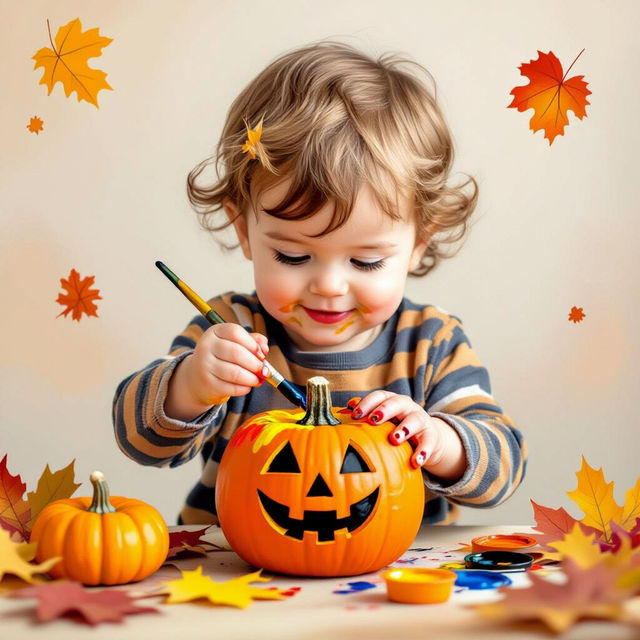
Easy Super Easy Pumpkin Painting Art Projects For Toddlers
Discover simple and super easy pumpkin painting art projects perfect for toddlers. Spark creativity with fun, mess-free ideas that make Halloween crafting a joy for little ones.
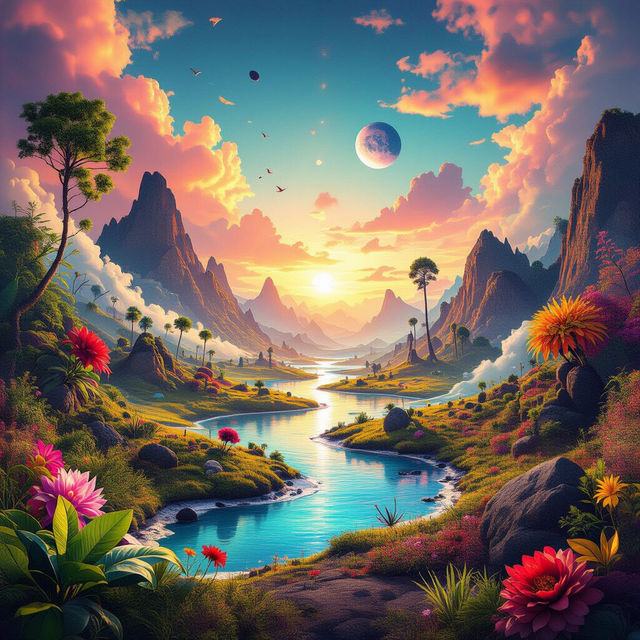
AI Art Collections
Discover diverse AI art collections, from abstract to realistic. Find inspiration and create your own unique AI artworks with NightCafe's powerful tools.
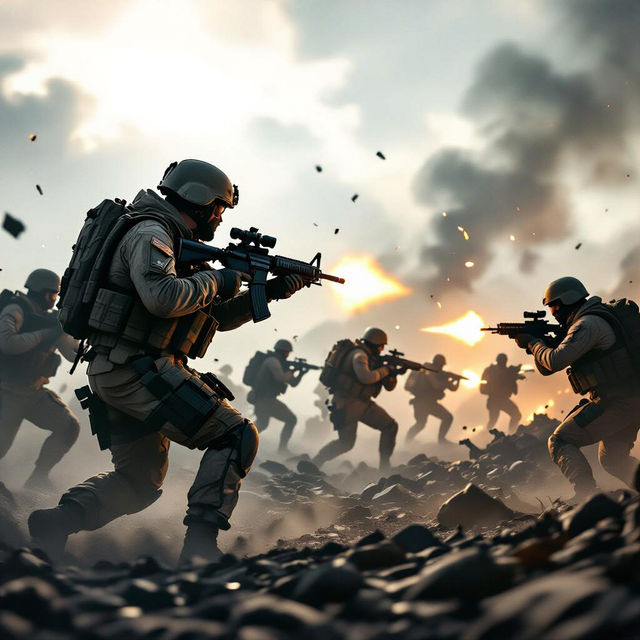
Cool Military Wallpapers
Discover stunning, cool military wallpapers generated by AI. Perfect for your desktop or mobile, these images offer a unique blend of tactical aesthetics and artistic flair. Create your own!
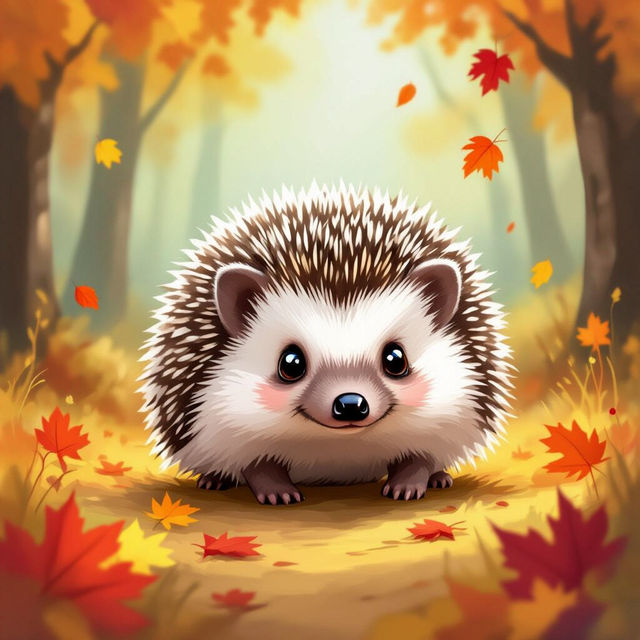
Hedgehog Pictures
Discover a charming collection of AI-generated hedgehog pictures. Perfect for inspiration, find unique hedgehog art or create your own adorable hedgehog images with NightCafe.
Frequently Asked Questions
Your Questions About 64 Bit Pixel Art, Answered
How do I create effective prompts for the 64 Bit Pixel Art Generator?
To generate great 64 Bit Pixel Art, start by describing the scene, character, or concept you envision. Be specific about the elements you want to include, the overall mood, and any particular details that evoke a retro gaming feel. Think about colors, style, and composition to guide the AI.
What makes this pixel art style '64 Bit'?
The term '64 Bit' in this context refers to a distinct aesthetic that draws inspiration from the graphical capabilities and artistic styles of 64-bit era video game consoles. It often involves a limited but vibrant color palette, chunky pixels, and a charmingly retro feel, distinct from earlier 8-bit or 16-bit styles.
Can I generate characters, environments, or abstract concepts with this tool?
Absolutely! The 64 Bit Pixel Art Generator is versatile. You can use it to create anything from detailed character sprites and immersive retro game environments to abstract patterns and nostalgic scenes. Just describe your idea, and the AI will bring it to life in a classic pixel art style.
What are some tips for achieving a 'nostalgic' look in my pixel art?
To enhance the nostalgic feel, consider incorporating elements common in classic games, such as specific color palettes (e.g., vibrant but limited hues), recognizable character archetypes, or scenes that evoke a sense of adventure or exploration. Mentioning specific retro gaming eras or styles in your prompt can also help the AI capture that authentic charm.