

- Galleries
- 64x64 Pixel Art Showcase
64x64 Image Gallery
Discover a world of intricate detail in our 64x64 image gallery. See how small dimensions can yield big creativity, perfect for icons, sprites, or unique digital art.

As seen in








64x64 Pixel Art Showcase
A curated collection of stunning 64x64 pixel art images, showcasing the beauty and complexity achievable within a small, defined canvas.


Didn't find what you were looking for? Create your own below!
Create your own 64x64 Image Gallery images
Discover the magic of Text to Image AI by creating your own unique images. Edit the prompt below to customize your creation.
No payment or credit card required.

Big Creativity, Small Canvas
Explore Tiny Pixel Art Creations
Dive into a gallery where every 64x64 image tells a story. Discover how our AI transforms limited pixels into detailed, captivating scenes and characters, perfect for game assets, icons, or unique digital art pieces. Witness the power of precision in every tiny creation.
Create Your Tiny Pixel Art Masterpiece
Step 1
Describe Your Pixel Art Vision
Begin by describing the pixel art you envision in the prompt box. Be specific about characters, objects, scenes, or abstract concepts, keeping in mind the 64x64 resolution. Think about colors, style (e.g., retro, modern), and any key details you want to see in your tiny creation.
Step 2
Generate Your 64x64 Art
Once your prompt is ready, click the "Generate" button. Our AI will process your description and create a unique 64x64 pixel art image based on your input. Watch as your ideas take shape in limited pixels!
Step 3
Download & Share Your Creation
After generation, you can download your pixel art in high resolution, perfect for icons, sprites, or digital art. Share your miniature marvel with the community or use it in your projects!

Your Pixel Art Studio
Create Pixel Art With A 64x64 Image Generator
Unleash your inner artist with our intuitive Pixel Art Generator. Effortlessly create stunning pixel art within a 64x64 image constraint. Whether you're designing game sprites, charming icons, or abstract patterns, our tool empowers you to bring your pixelated visions to life with ease and precision.
More Galleries
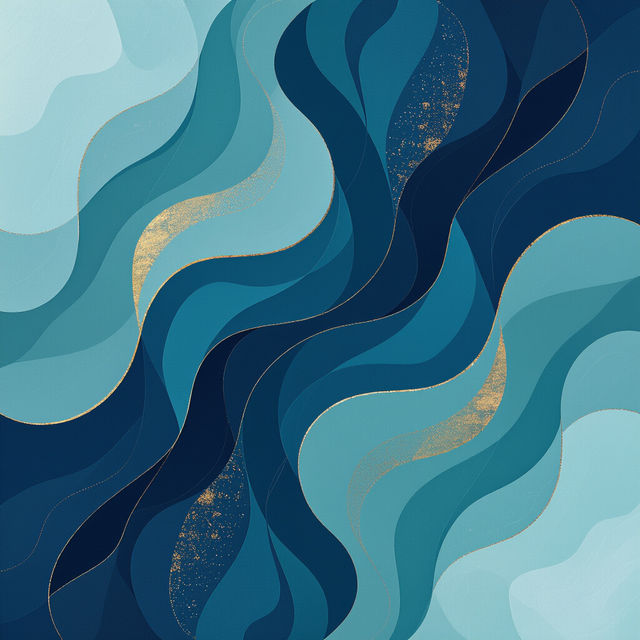
Blue Wallpaper for iPad
Discover beautiful blue wallpapers perfect for your iPad. Browse a gallery of AI-generated designs and find the ideal blue wallpaper to personalize your device.
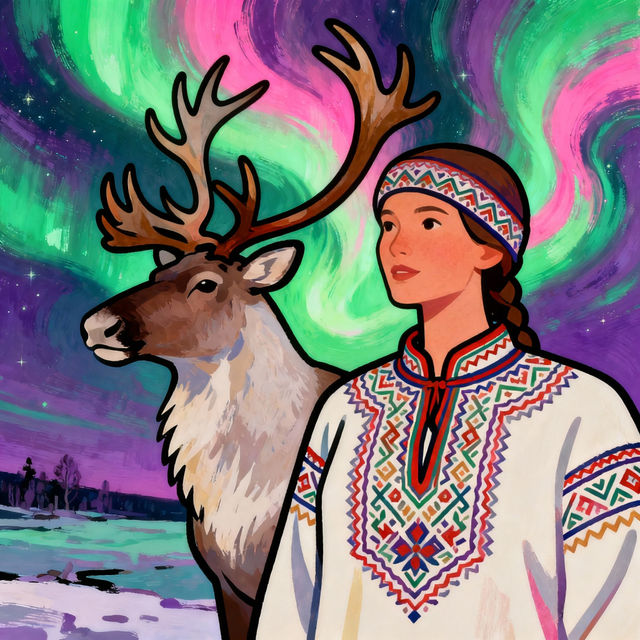
Sami Drawings - AI Generated Art
Discover a world of Sami drawings created with AI. Browse unique art inspired by Sami culture and traditions, or generate your own Sami-inspired artwork today.
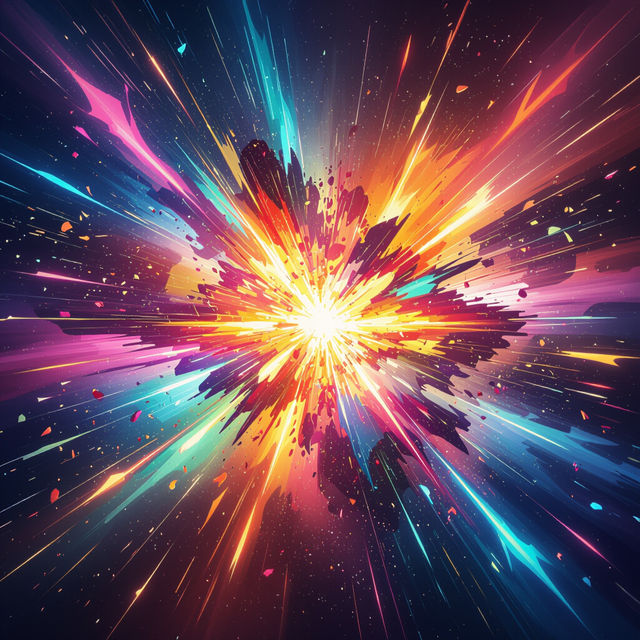
Explosion Art - Made With AI
Explore vibrant and dynamic explosion art created with AI. Discover unique visual effects and ignite your creativity by generating your own explosive masterpieces on NightCafe.
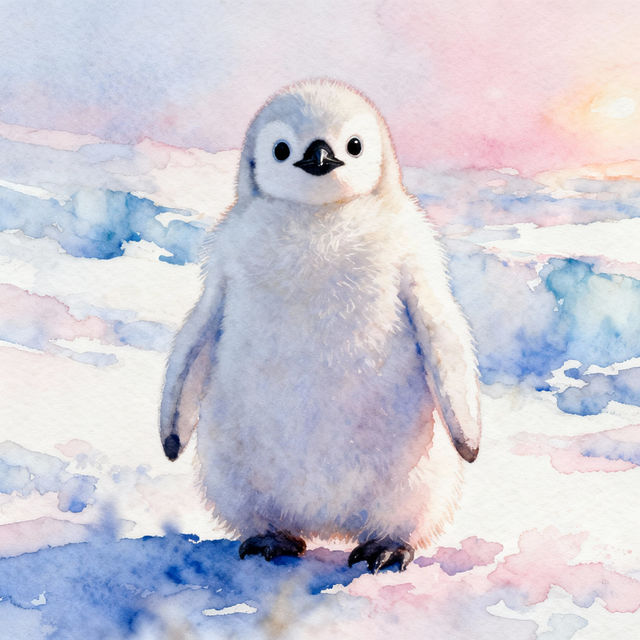
Baby Penguin Drawings - Made With AI
Discover adorable baby penguin drawings created by AI. Get inspired by these charming illustrations and create your own unique baby penguin art on NightCafe.
Frequently Asked Questions
Your Questions About Creating 64x64 Pixel Art, Answered
What makes the 64x64 image size ideal for pixel art?
The 64x64 image size is a fantastic constraint for pixel art because it forces a focus on essential details and bold shapes. This resolution is perfect for creating crisp icons, efficient game sprites, and charming digital art where every pixel counts, resulting in a distinct and often nostalgic aesthetic.
How can I ensure my prompts generate clear and recognizable pixel art at 64x64?
When prompting for 64x64 pixel art, be specific about the subject, style, and key features. Use terms like 'pixel art,' '8-bit,' '16-bit,' or 'retro game style.' Clearly describe colors, outlines, and the overall composition. For example, 'a pixel art knight with a red cape, 64x64, 16-bit style.'
What are some common uses for 64x64 pixel art created with NightCafe?
The 64x64 pixel art generated by NightCafe is incredibly versatile. It's excellent for creating detailed game sprites, user interface elements, app icons, social media avatars, or even as unique decorative elements in digital designs. The small, precise nature of these images makes them highly adaptable.
Can I use the generated 64x64 pixel art commercially?
Yes, you can use the 64x64 pixel art you create with NightCafe for commercial purposes, such as in games, apps, or branding. Please refer to our Terms of Service for full details on usage rights and any attribution requirements.