

- Galleries
- 8 Bit Art Gallery
8 Bit Images - Made With AI
Discover a vibrant gallery of 8 bit images created by AI. Relive the golden age of gaming or create your own pixel art masterpieces with NightCafe's AI tools.

As seen in








8 Bit Art Gallery
A curated collection of nostalgic 8 bit images, showcasing retro pixel art styles and vibrant scenes generated by AI for your inspiration.


Didn't find what you were looking for? Create your own below!
Create your own 8 Bit Images - Made With AI images
Discover the magic of Text to Image AI by creating your own unique images. Edit the prompt below to customize your creation.
No payment or credit card required.

Nostalgic Visuals Reimagined
Explore Stunning 8 Bit Art
Dive into a curated collection of 8 bit images, where classic aesthetics meet modern AI. Our tools allow you to recreate the charm of retro gaming or invent entirely new pixelated worlds. Relive the golden age of gaming with these unique creations.
Create Your Own 8-Bit Masterpieces
Step 1
Describe Your 8-Bit Vision
Describe the retro scene or character you envision in the prompt box. Be specific about colors, elements, and the overall 8-bit aesthetic you're aiming for. Think about classic video games and pixel art styles for inspiration!
Step 2
Generate Your Pixel Art
Once your prompt is ready, click the "Generate" button. Our AI will then transform your description into a unique 8-bit image, capturing that nostalgic pixel art charm.
Step 3
Download or Share Your Art
After generation, you can download your 8-bit creation in high resolution or share it with the community. Show off your retro-inspired artwork!

Your Retro Art Studio
Generate Pixel Art Images With AI
Transform your ideas into captivating pixel art. Use our intuitive AI tools to generate pixel art images, perfect for games, unique digital art, or nostalgic projects. This pixel art generator empowers you to create stunning retro visuals effortlessly.
More Galleries
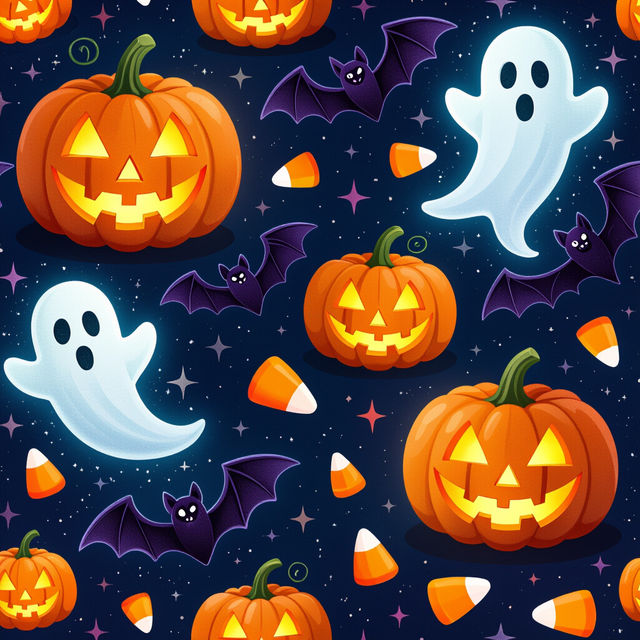
Halloween Wallpaper Collage
Discover a thrilling collection of Halloween wallpaper collages. Perfect for setting a spooky mood, these AI-generated designs are ideal for your desktop or mobile.
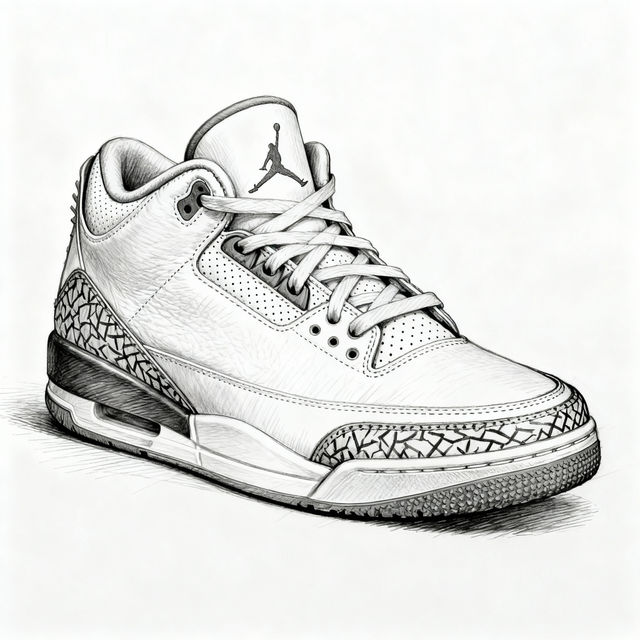
Jordan 3 Drawings
Explore a gallery of stunning Jordan 3 drawings created with AI. Find inspiration and generate your own unique sneaker art with NightCafe's AI tools.
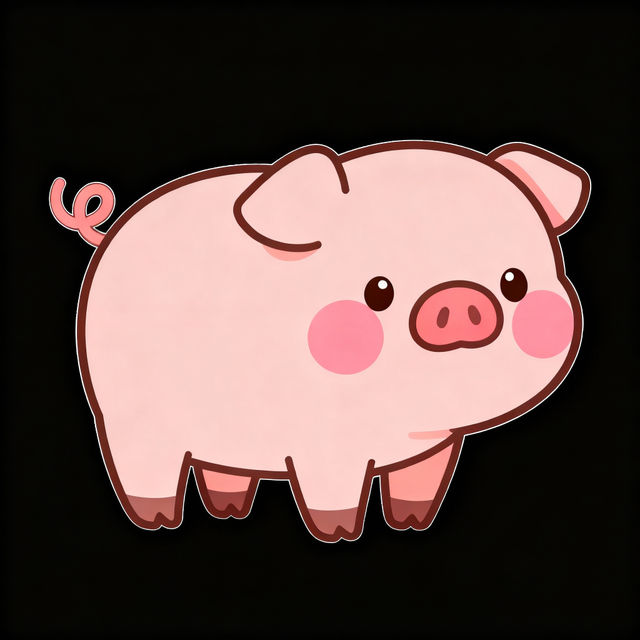
Cute Pig Drawings - Easy AI Creations
Explore our collection of cute pig drawings, perfect for beginners. Learn how to create easy, adorable pig art with AI and bring your farm animal fantasies to life.
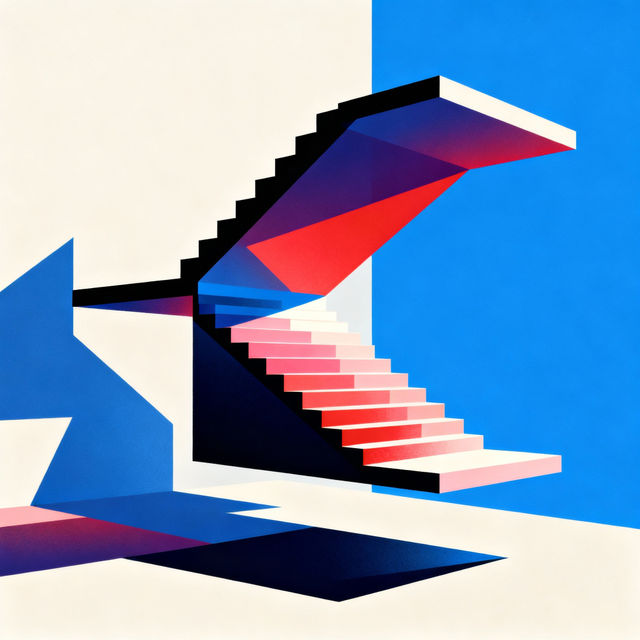
3D Optical Illusion Drawings
Explore a gallery of mesmerizing 3D optical illusion drawings created by AI. Get inspired by these unique art pieces and generate your own mind-bending visuals.
Frequently Asked Questions
Your Questions About Creating 8 Bit Art Answered
How can I generate my own 8 bit images with NightCafe?
You can create your own 8 bit art by using NightCafe's AI generation tools. Simply input a text prompt describing the scene or character you want to create, and select the appropriate style or model that emphasizes pixel art. Experiment with keywords like '8 bit,' 'pixel art,' 'retro game style,' or 'chibi' to guide the AI.
What makes these images '8 bit'?
The '8 bit' style refers to a visual aesthetic reminiscent of video games from the 1980s, characterized by a limited color palette and blocky, pixelated graphics. Our AI tools are trained to replicate this retro charm, creating images that look like they could be from classic 8-bit gaming consoles.
Can I use the generated 8 bit images for my own projects, like a game or website?
Yes, the 8 bit images you create with NightCafe can be used for your personal projects, including game development, website design, or other creative endeavors. Please refer to our Terms of Service for specific details on usage rights and attribution.
What kind of prompts work best for creating retro pixel art?
To achieve the best results for retro pixel art, be specific with your prompts. Include details about the subject, setting, desired color scheme (e.g., 'limited palette,' 'vibrant retro colors'), and the overall mood. Adding terms like 'pixel art,' '8 bit style,' 'NES style,' or 'SNES style' will strongly influence the AI towards the desired retro aesthetic.