

- Galleries
- 8k Wallpaper for PC Gallery
8k PC Wallpapers
Discover breathtaking 8k wallpapers for your PC. Enhance your desktop with ultra-high-definition images, perfect for any monitor. Browse and download stunning 8k PC wallpapers today.

As seen in








8k Wallpaper for PC Gallery
Explore a curated collection of high-resolution 8k wallpapers designed to elevate your PC's visual appeal. Find the perfect desktop background for any style.


Didn't find what you were looking for? Create your own below!
Create your own 8k PC Wallpapers images
Discover the magic of Text to Image AI by creating your own unique images. Edit the prompt below to customize your creation.
No payment or credit card required.

Elevate Your Screen's Visuals
Stunning 8k Wallpapers For Your Desktop
Transform your workspace with our collection of stunning 8k wallpapers for PC. Each ultra-high-definition image is meticulously crafted to bring vibrant detail and breathtaking scenery directly to your monitor. Find the perfect 8k wallpaper for PC that reflects your style and enhances your daily computing experience.
Create Your Perfect 8k Wallpaper
Step 1
Describe Your Dream Wallpaper
Begin by entering a detailed description of the wallpaper you envision in the prompt box. Specify the scene, colors, style, and any elements you'd like to see. The more descriptive you are, the better the AI can capture your idea for a high-resolution PC wallpaper.
Step 2
Generate Your High-Resolution Image
After crafting your prompt, click the "Generate" button. The AI will process your request and create a unique 8k wallpaper tailored to your specifications, ready to adorn your desktop.
Step 3
Download & Share Your Masterpiece
Once your wallpaper is ready, you can download it in stunning 8k resolution. Alternatively, share your creation with our community or explore other users' designs for inspiration.

Immersive High-resolution Art
Download Ultra Hd Desktop Backgrounds For Your Pc
Immerse yourself in a world of visual brilliance with our selection of ultra HD desktop backgrounds for PC. Our gallery offers a seamless way to download ultra HD desktop backgrounds, ensuring your screen is always adorned with the highest quality imagery. Elevate your digital environment with art that pops.
More Galleries
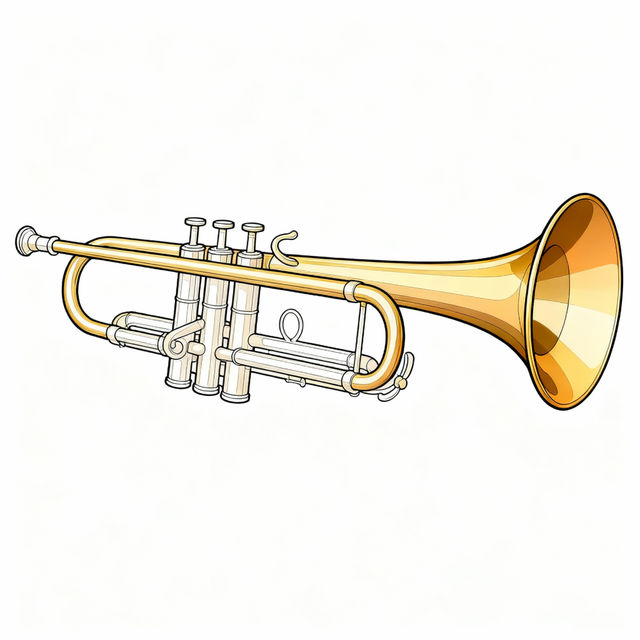
Trumpet Drawing - Easy Tutorials
Discover how to create a trumpet drawing with our easy tutorials. Explore artistic styles and learn to sketch your own musical masterpiece with AI.

Scissors Clip Art
Explore a diverse collection of AI-generated scissors clip art. Perfect for crafts, design projects, and more. Find unique graphics to elevate your creations.
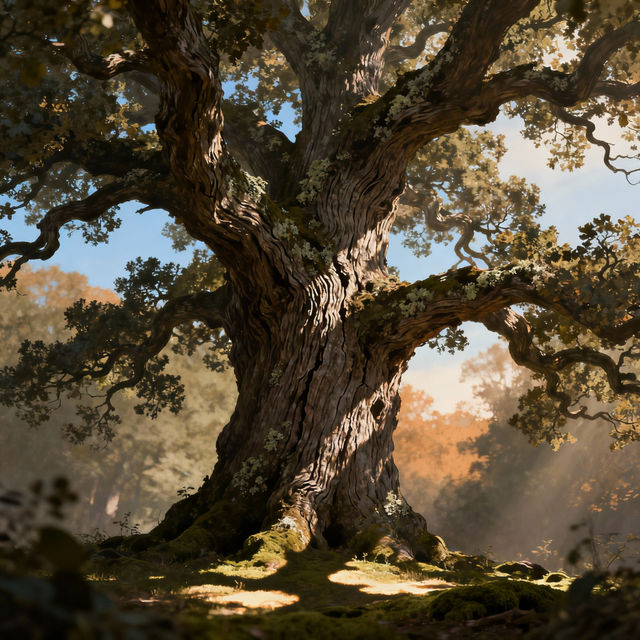
Drawing A Tree With AI
Discover the magic of drawing a tree with AI. Browse our gallery of stunning tree illustrations created by artificial intelligence, and start creating your own unique tree art today.
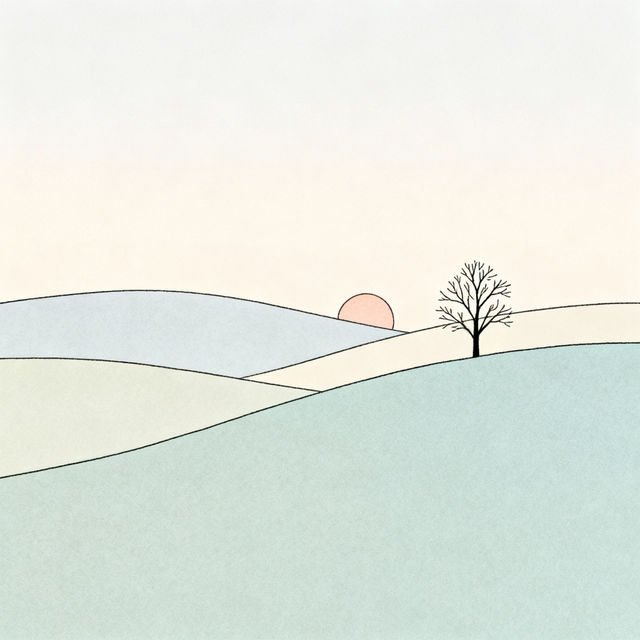
Simple Landscape Drawings - AI Generated
Explore a gallery of simple landscape drawings created with AI. Get inspired by nature's beauty and learn how to generate your own stunning landscape art easily.
Frequently Asked Questions
Frequently Asked Questions about 8k PC Wallpapers
What makes these wallpapers "8k" resolution?
8k resolution refers to an image size of approximately 7680 pixels wide by 4320 pixels tall. This ultra-high definition provides incredible detail and clarity, making it perfect for large monitors and ensuring your desktop background looks sharp and vibrant, even on high-end displays.
Are these wallpapers suitable for all PC monitors?
Yes, these 8k wallpapers are designed to be highly compatible. While they offer the highest detail at 8k resolution, they will also scale effectively on lower resolution monitors, providing a crisp and visually appealing experience. For the best visual fidelity, we recommend using them on monitors that support 4k or higher resolutions.
How do I download and set an 8k wallpaper on my PC?
Once you find a wallpaper you love, simply click on the image to view it in full resolution. You should see a download button or option. After downloading the image file to your computer, right-click on the image and select 'Set as desktop background' or a similar option within your operating system's display settings.
Can I use these wallpapers for commercial purposes?
Our Terms of Service govern the usage of all images generated on NightCafe. Please refer to our [Terms of Service](link-to-tos) for detailed information regarding commercial use, licensing, and attribution requirements.
What if I'm not satisfied with the wallpaper quality or resolution?
We strive to provide the highest quality images. If you encounter any issues with the resolution or quality of a downloaded wallpaper, please check that your monitor's display settings are configured correctly for optimal viewing. For further assistance or to report a specific issue, you can contact our support team through the 'Help' section of the website.