

- Galleries
- Butterfly Drawings Gallery
A Drawing Of A Butterfly
Explore a stunning gallery of AI-generated butterfly drawings. Discover intricate designs and vibrant colors, perfect for inspiration or creating your own unique butterfly art.

As seen in








Butterfly Drawings Gallery
A curated collection of AI-generated drawings featuring diverse butterfly species. Admire the artistry and find inspiration for your own butterfly creations.


Didn't find what you were looking for? Create your own below!
Create your own A Drawing Of A Butterfly images
Discover the magic of Text to Image AI by creating your own unique images. Edit the prompt below to customize your creation.
No payment or credit card required.

Intricate Designs Unveiled
AI-generated Butterfly Art
Dive into a world of exquisite detail with our AI-generated butterfly drawings. Each piece is a unique testament to algorithmic creativity, showcasing delicate wings and vibrant patterns. Explore this gallery for stunning examples of 'A Drawing Of A Butterfly,' perfect for sparking your imagination or finding the ideal visual for your projects.
Create Your Own Butterfly Masterpiece
Step 1
Describe Your Butterfly
Begin by describing the butterfly you envision in the prompt box. Be as detailed as possible, specifying colors, patterns, wing shapes, and any background elements you'd like. Think about the mood or style – realistic, abstract, whimsical – to guide the AI.
Step 2
Generate Your Butterfly Art
Once your prompt is ready, click the 'Generate' button. Our AI will process your description and create a unique butterfly drawing based on your specifications. You can generate multiple variations to find the perfect one.
Step 3
Download & Share Your Art
After your butterfly art is created, you can download the image in high resolution. Feel free to share your stunning creation with the community or use it in your projects!

Your Vision, Brought To Life
Generate Your Own Butterfly AI Art With Nightcafe
Transform your ideas into reality with NightCafe's powerful AI tools. Whether you dream of a specific color palette or a unique wing design, 'Generate Your Own Butterfly AI Art with NightCafe' is now simpler than ever. Create your own stunning Butterfly AI Art and be part of the digital art revolution.
More Galleries
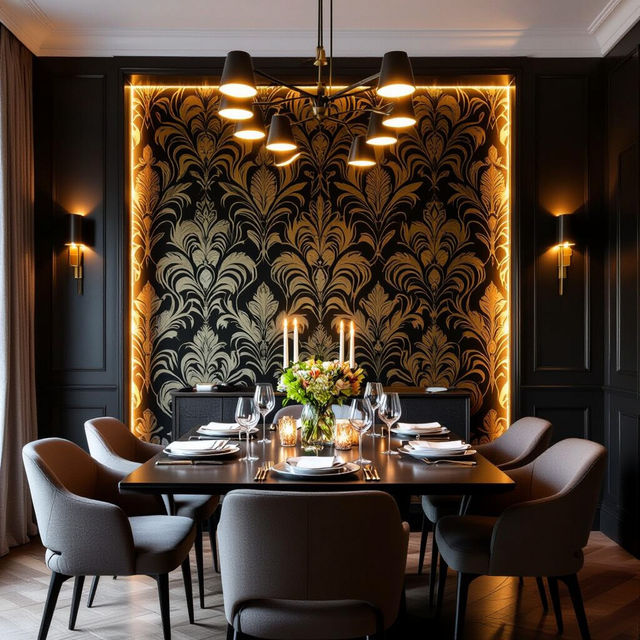
Dining Room Accent Wall Wallpaper
Discover unique dining room wallpaper ideas for your accent wall. Browse AI-generated designs to inspire your next home decor project and create a stunning focal point.
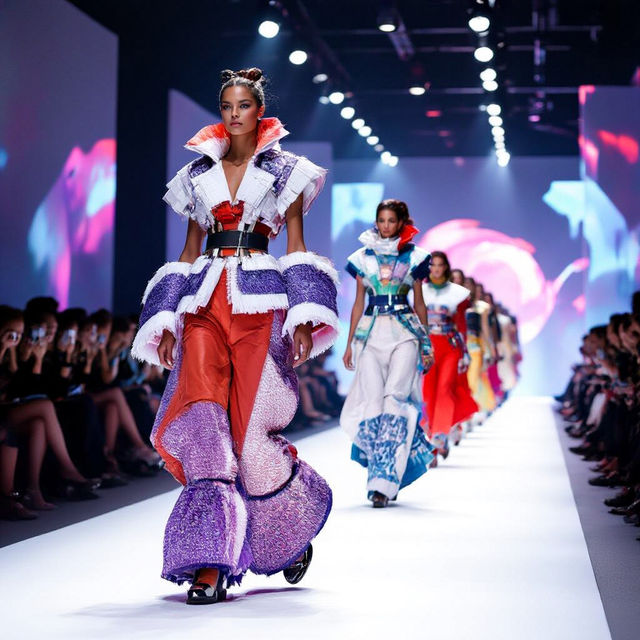
Clothes Images - AI Generated
Discover a stunning collection of AI-generated clothes images. Get inspired by unique fashion concepts and then create your own AI clothing designs with NightCafe.
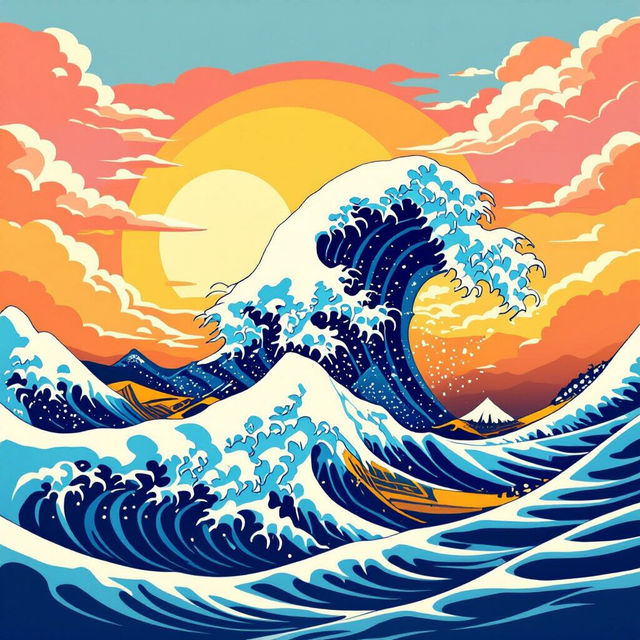
Great Wave Wallpaper
Explore stunning Great Wave wallpapers generated by AI. Find inspiration for your next desktop background or mobile wallpaper. Create your own unique Great Wave art with NightCafe.
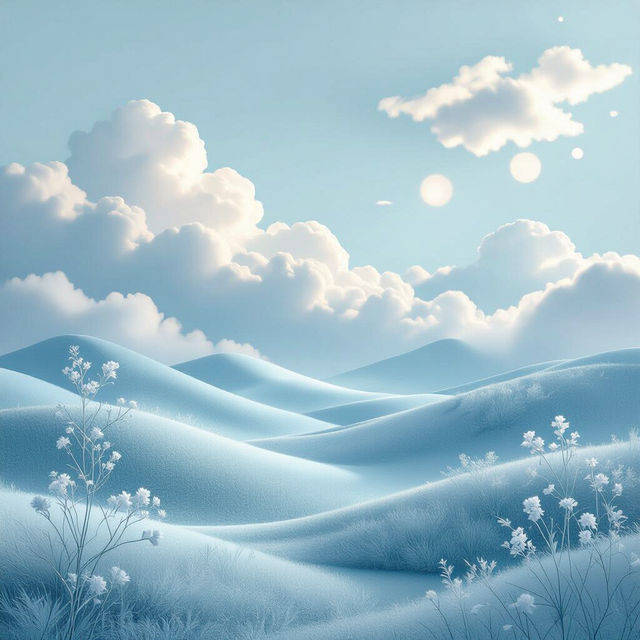
Baby Blue Aesthetic Wallpapers
Discover a beautiful collection of baby blue aesthetic wallpapers. Perfect for adding a touch of calm and style to your devices. Create your own unique baby blue wallpaper with AI.
Frequently Asked Questions
Your Questions About AI Butterfly Art, Answered
How can I create my own AI butterfly drawing that looks like those in the gallery?
To create your own AI butterfly art, start by using descriptive prompts in NightCafe's generator. Mention 'a drawing of a butterfly' and then add details like specific colors, wing patterns (e.g., 'stained glass wings,' 'iridescent wings'), artistic styles (e.g., 'watercolor,' 'pencil sketch,' 'digital art'), and the mood you want to evoke (e.g., 'serene,' 'vibrant'). Experiment with different AI models and settings to achieve unique results.
What makes these AI butterfly drawings unique?
Each butterfly drawing in this gallery is unique because it's generated by advanced AI algorithms. These algorithms interpret text prompts and translate them into visual art, creating intricate details, vibrant color combinations, and artistic styles that might be difficult or time-consuming to achieve through traditional methods. The AI's creative process results in a wide spectrum of artistic interpretations of 'a drawing of a butterfly.'
Can I use the AI-generated butterfly art for my projects?
Yes, you can use the AI-generated butterfly art you create for your projects. NightCafe's tools empower you to generate unique visuals. Please refer to our Terms of Service for specific details regarding usage rights and attribution requirements for both personal and commercial projects.
What if I want a butterfly with a very specific color or design?
When generating your butterfly art, be as specific as possible in your prompt. For example, instead of just 'a butterfly,' try 'a drawing of a butterfly with emerald green and sapphire blue wings, intricate golden patterns, in a realistic watercolor style.' You can also specify the background or the butterfly's pose. If the first attempt isn't perfect, refine your prompt and try again, or explore different AI models available on NightCafe.