

- Galleries
- Aesthetic Fall Wallpaper Gallery
Create Aesthetic Fall Wallpaper With AI
Transform your phone or desktop with our Aesthetic Fall Wallpaper Generator. Capture the essence of autumn with stunning, personalized wallpapers. Browse aesthetic fall wallpaper or create your own.

As seen in








Aesthetic Fall Wallpaper Gallery
Explore a curated collection of AI-generated Aesthetic Fall Wallpapers, showcasing the beauty and warmth of the autumn season, perfect for adding a cozy touch to any device.


Didn't find what you were looking for? Create your own below!
Create your own Create Aesthetic Fall Wallpaper With AI images
Discover the magic of Text to Image AI by creating your own unique images. Edit the prompt below to customize your creation.
No payment or credit card required.

Capture Autumn's Beauty
Fall-themed Wallpaper
Create stunning, personalized Aesthetic Fall Wallpaper for your devices. Transform your phone or desktop with the warmth and beauty of autumn. Our AI generator makes it easy to design the perfect fall-themed wallpaper to match your style. Explore endless creative possibilities and bring the season to life.
Create Your Aesthetic Fall Wallpaper
Step 1
Describe Your Autumn Vision
Start by entering a detailed prompt describing your ideal fall wallpaper. Include elements like color schemes (e.g., warm oranges, deep reds, golden yellows), scenery (e.g., falling leaves, cozy cottages, pumpkin patches), and desired aesthetic (e.g., minimalist, rustic, vibrant).
Step 2
Generate Your Fall Wallpaper
After crafting your perfect prompt, click the 'Generate' button. Our AI will then transform your words into a beautiful, unique fall wallpaper tailored to your specifications.
Step 3
Download & Share Your Fall Creation
Once generated, download your new aesthetic fall wallpaper to your device. Share it with friends, set it as your background, and enjoy the cozy autumn vibes! You can also share it to the NightCafe community to inspire others.

Unleash Your Inner Artist
Design Autumn Scenery With Nightcafe
With NightCafe, you can easily Design Autumn Scenery with NightCafe. Craft captivating scenes filled with falling leaves, cozy cottages, and picturesque forests. Experiment with different styles and create unique, personalized Autumn Scenery that captures the essence of the season. Perfect for backgrounds or artistic inspiration.
More Galleries
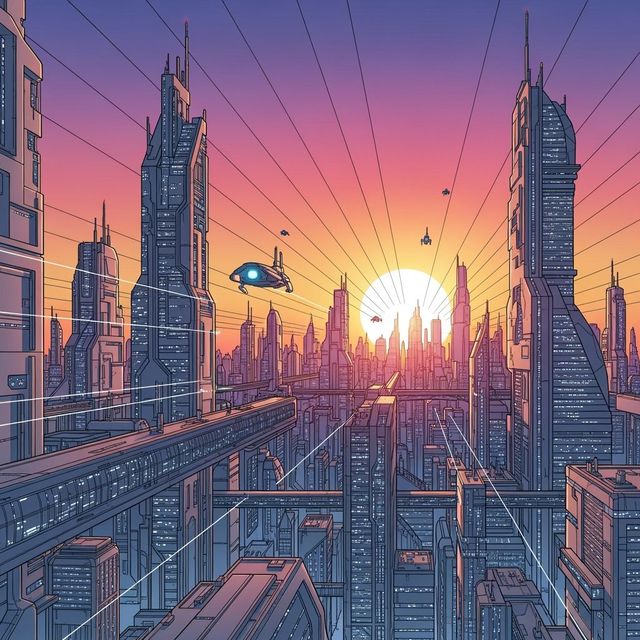
AI-Powered City Drawing Generator
Create beautiful city drawings with the power of AI. NightCafe's AI City Drawing Generator allows you to transform your ideas into stunning visual representations of urban landscapes. Browse city drawing examples or create your own.
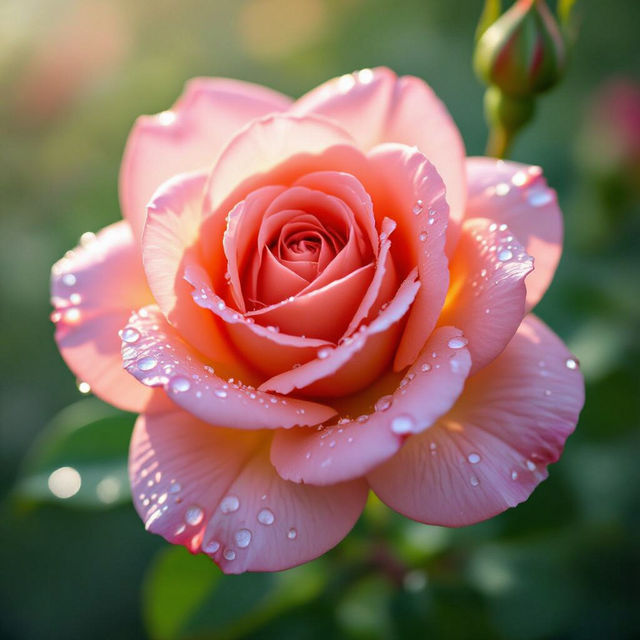
AI Flower Art Generator
Explore the beauty of AI-generated flower art. Create stunning floral designs and botanical masterpieces with ease. Browse our gallery or generate your own flower art today.
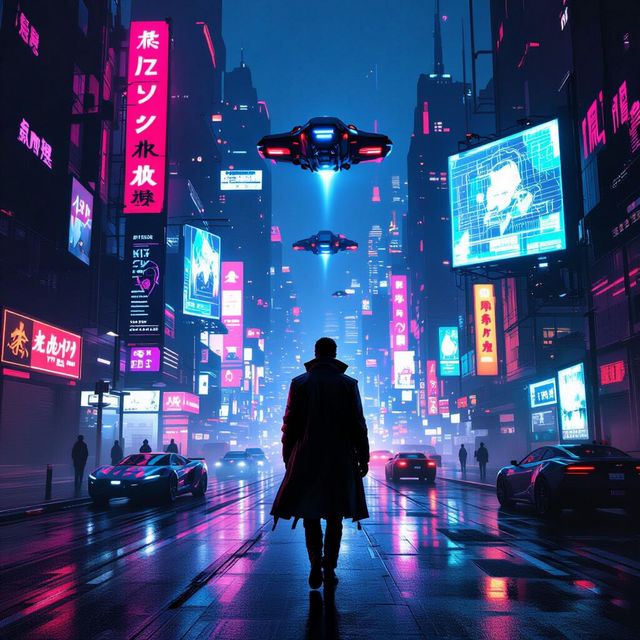
Create Stunning Cyberpunk Art with AI
Unleash your creativity with our AI Cyberpunk Art Generator. Create stunning visuals inspired by dystopian futures. Browse cyberpunk art examples or create your own.
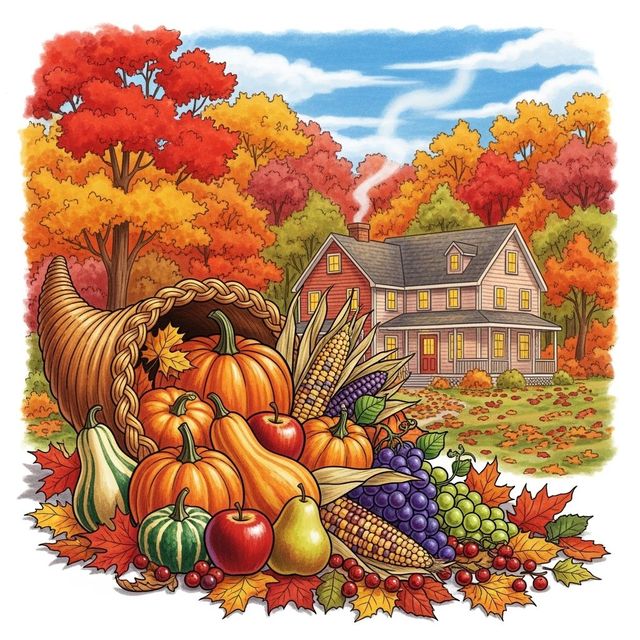
Create Thanksgiving Drawings with AI
Create unique Thanksgiving drawings with AI. Generate festive scenes, characters, and artistic expressions perfect for the holiday season. Browse Thanksgiving drawing examples or create your own.
Frequently Asked Questions
Your Questions About Aesthetic Fall Wallpapers Answered
What kind of aesthetic fall wallpapers can I generate?
You can generate a wide variety of fall-themed wallpapers, including scenes with falling leaves, cozy cottages, pumpkin patches, and picturesque forests. Experiment with different art styles like impressionism, realism, or abstract to achieve your desired aesthetic. You can also create wallpapers featuring specific color palettes, such as warm oranges, reds, and yellows, or cooler browns and greens.
How do I create a good prompt for an aesthetic fall wallpaper?
To create a good prompt, start by describing the overall scene you envision. Be specific about the elements you want to include, such as 'a cozy cottage nestled in a forest with vibrant autumn foliage' or 'a close-up of a maple leaf with intricate details.' Mention the desired art style (e.g., 'photorealistic,' 'watercolor,' 'anime') and any specific artists or artistic movements that inspire you. For example: 'A photorealistic close-up of a vibrant red maple leaf covered in morning dew.'
Can I use the AI-generated aesthetic fall wallpapers for commercial purposes?
Yes, you can use the AI-generated aesthetic fall wallpapers for personal and commercial purposes. This includes using them as backgrounds for your website, social media profiles, or marketing materials. However, crediting NightCafe as the generator of the image is highly appreciated and encouraged.
What if I'm not happy with the first AI-generated wallpaper? Can I refine it?
Absolutely! The AI art generation process is iterative. If you're not satisfied with the initial result, adjust your prompt and try again. You can refine your prompt by adding more detail, changing the art style, or experimenting with different keywords. You can also use the 'Evolve' feature to create variations of an existing image, making subtle changes until you achieve the perfect aesthetic fall wallpaper.
Are there any limitations to the resolution or size of the generated wallpapers?
The resolution and size of the generated wallpapers depend on the settings you choose during the creation process. NightCafe offers various resolution options to cater to different devices and screen sizes. Keep in mind that higher resolutions may require more compute and credits. Experiment with different settings to find the optimal balance between image quality and resource usage.