

- Galleries
- Aesthetic Laptop Wallpaper Gallery
Aesthetic Wallpaper for Laptop
Transform your laptop's screen into a work of art with our Aesthetic Wallpaper generator. Browse a curated selection of visually stunning backgrounds, and elevate your digital space.

As seen in








Aesthetic Laptop Wallpaper Gallery
Explore a diverse collection of Aesthetic Wallpapers perfect for laptops. Find the ideal background to express your style and enhance your daily digital experience.


Didn't find what you were looking for? Create your own below!
Create your own Aesthetic Wallpaper for Laptop images
Discover the magic of Text to Image AI by creating your own unique images. Edit the prompt below to customize your creation.
No payment or credit card required.

Personalize Your Laptop
Create Aesthetic Laptop Wallpapers
Design the perfect Aesthetic Wallpaper Laptop to match your personal style. Our AI-powered generator lets you create stunning visuals tailored to your taste, transforming your laptop into a reflection of you. Discover endless possibilities and elevate your digital experience.
Create Stunning Laptop Wallpapers
Step 1
Input Your Vision
Describe your ideal aesthetic wallpaper in the prompt box. Specify colors, themes, and any particular elements you'd like to see. The more detail, the better the AI can understand your vision!
Step 2
Generate Your Wallpaper
Once you've crafted your perfect prompt, click the 'Generate' button. Our AI will instantly transform your words into a beautiful, unique wallpaper tailored to your desires.
Step 3
Download and Share
Love your new wallpaper? Download it in high resolution and set it as your laptop background. Share your creation with friends or on social media to showcase your personalized style!

AI-powered Desktop Art
Create Unique Desktop Backgrounds With AI
Unleash your creativity and Create Unique Desktop Backgrounds with AI. Our platform allows you to design personalized backgrounds that stand out. Say goodbye to generic images and hello to a desktop that reflects your individuality. Explore the power of AI to create visually stunning Desktop Backgrounds.
More Galleries
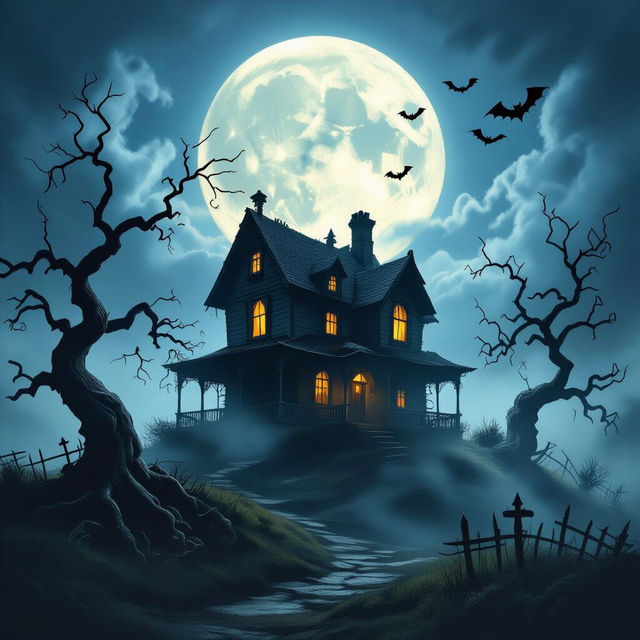
Create Spooky Halloween Art with AI
Create spooky and unique Halloween art with NightCafe's AI Art Generator. Perfect for decorations, invitations, or just getting into the Halloween spirit. Browse Halloween Art or create your own.
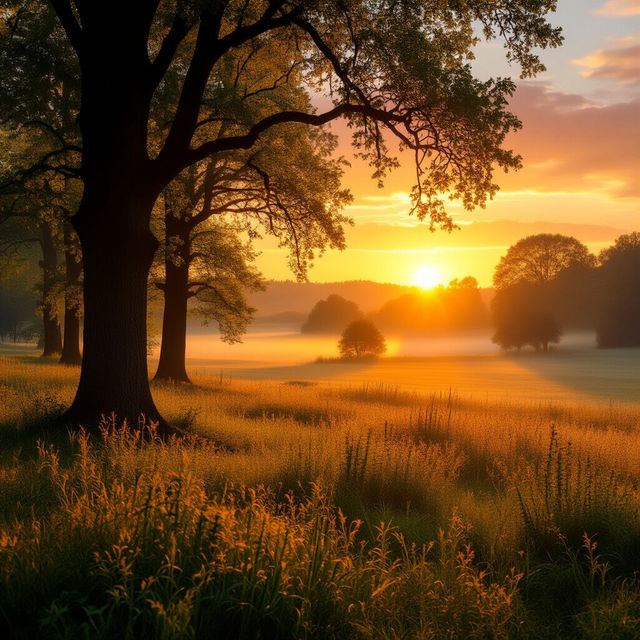
AI-Generated Good Afternoon Images
Discover a delightful array of AI-generated good afternoon images to brighten your day. Share these unique creations with friends and family. Explore our gallery and create your own personalized images.

Generate a Crow Drawing With AI
Create stunning crow drawings with NightCafe's AI Crow Drawing Generator. Transform your imagination into an eye-catching image. Browse crow drawing examples or create your own.
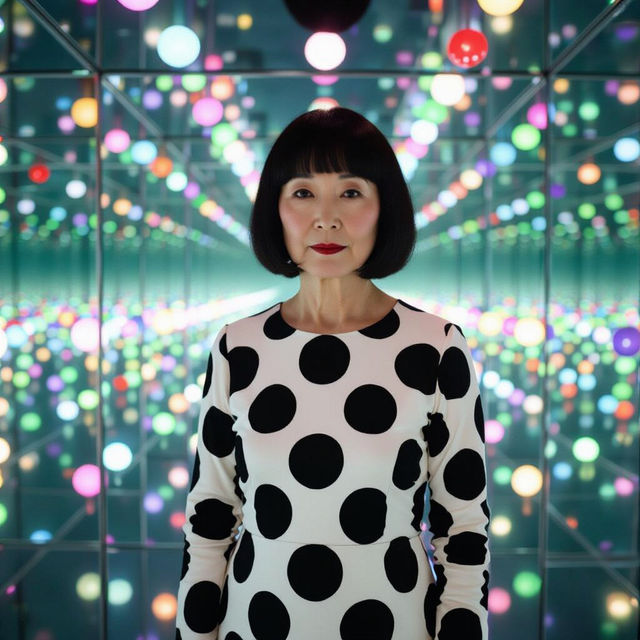
Generate Yayoi Kusama Art with AI
Explore the mesmerizing world of Yayoi Kusama's art with AI. Generate stunning visuals that capture her signature dots and immersive installations. Create your own unique pieces inspired by this iconic artist.
Frequently Asked Questions
Frequently Asked Questions About Aesthetic Laptop Wallpapers
What kind of aesthetic wallpapers can I create for my laptop?
You can generate a wide variety of aesthetic wallpapers, including nature scenes, abstract art, minimalist designs, and more. Experiment with different prompts to explore various styles and find the perfect wallpaper to match your personal taste. Consider specifying colors, themes (e.g., 'cyberpunk', 'pastel', 'dark academia'), and artistic styles (e.g., 'watercolor', 'oil painting', 'digital art') in your prompts.
How do I ensure my AI-generated wallpaper fits my laptop screen perfectly?
While the AI generator doesn't directly offer resolution settings, you can specify an aspect ratio similar to your laptop's screen. Common laptop aspect ratios are 16:9 or 16:10. After generating the image, you may need to crop or resize it slightly using image editing software to perfectly fit your screen without distortion. You can also use the 'Evolve' feature to create variations of an image, and specify a different resolution in your prompt.
Can I use the AI-generated aesthetic wallpapers for commercial purposes, such as branding or advertising?
Yes, you can use AI-generated aesthetic wallpapers for personal and commercial purposes, including branding or advertising. Be sure to adhere to the platform's terms of service regarding image usage and crediting requirements, if any.
What if I'm not happy with the initial wallpaper generated by the AI?
Don't worry! You can refine your prompt and try again. Experiment with different keywords, styles, and compositions. You can also use the 'Evolve' feature to create variations of the original image, or try using a different AI model for a different artistic interpretation. Iteration is key to achieving the perfect aesthetic wallpaper.
Are there any restrictions on the types of images I can generate for my laptop wallpaper?
While you have considerable creative freedom, you must adhere to the platform's content policy. Avoid generating images that are offensive, harmful, or violate any laws or regulations. Be mindful of the prompts you use and ensure they align with ethical and legal guidelines.