

- Galleries
- AI Enlarged Images Gallery
AI Image Enlarger Free
Discover the power of our free AI image enlarger. Easily upscale your photos and images to higher resolutions without losing quality. Perfect for enhancing detail and clarity.

As seen in








AI Enlarged Images Gallery
Explore a showcase of images enhanced by our AI image enlarger, demonstrating incredible detail and clarity achieved through free upscaling.


Didn't find what you were looking for? Create your own below!
Create your own AI Image Enlarger Free images
Discover the magic of Text to Image AI by creating your own unique images. Edit the prompt below to customize your creation.
No payment or credit card required.

Crystal Clear Details
Enlarge Images With AI
Transform your low-resolution images into stunning high-definition visuals with our advanced AI Image Enlarger Free. Our technology intelligently adds detail and sharpness, ensuring every pixel is enhanced. Perfect for bringing old photos or small digital images back to life with incredible clarity and preserving precious memories.
How to Enlarge Your Images Instantly
Step 1
Upload Your Image
Upload the low-resolution image you wish to enlarge. You can drag and drop your file or click the upload button. Ensure the image is in a supported format like JPG, PNG, or BMP. For best results, start with the clearest image possible.
Step 2
Enlarge and Enhance
Select your desired enlargement factor or resolution. Our AI will then process your image, intelligently adding detail and sharpness to upscale it without losing quality. You can preview the changes as they happen.
Step 3
Download and Share Your Creation
Once the enlargement is complete, you can download your high-resolution image. Share your newly enhanced photos with friends, colleagues, or on social media to showcase the incredible clarity and detail.

Unlock Hidden Detail
AI Upscale Images To Higher Resolution
Experience the magic of our AI Upscale Images feature, designed to elevate your visuals to new heights. Whether you need to AI Upscale Images to Higher Resolution for print or digital display, our tool preserves and enhances quality, making blurry or pixelated images sharp and vibrant. Achieve professional results effortlessly.
More Galleries
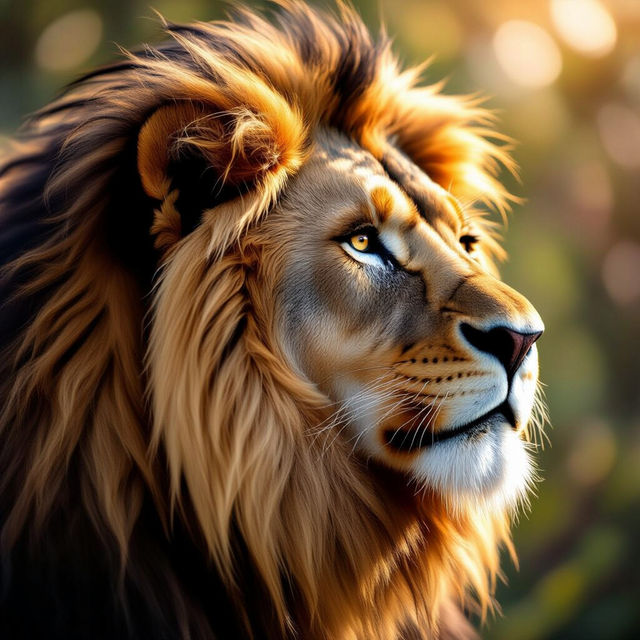
Drawing Fur Art
Explore a gallery of stunning AI-generated drawings featuring realistic fur textures. Get inspired and learn how to create your own detailed fur art with NightCafe.
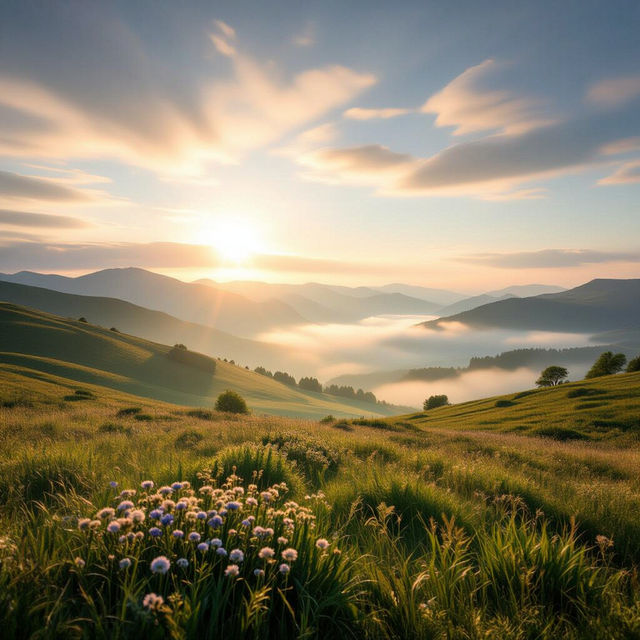
Fine Art Photography Gallery
Discover a curated Fine Art Photography Gallery showcasing AI-generated masterpieces. Get inspired by unique artistic visions and create your own stunning fine art photos with NightCafe.
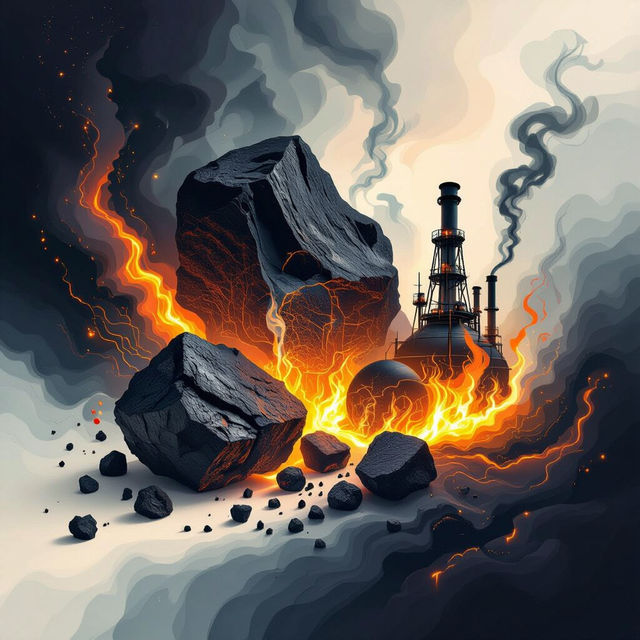
Pictures of Fossil Fuels
Discover a unique collection of AI-generated images depicting fossil fuels. Explore artistic interpretations and visual concepts related to coal, oil, and natural gas.
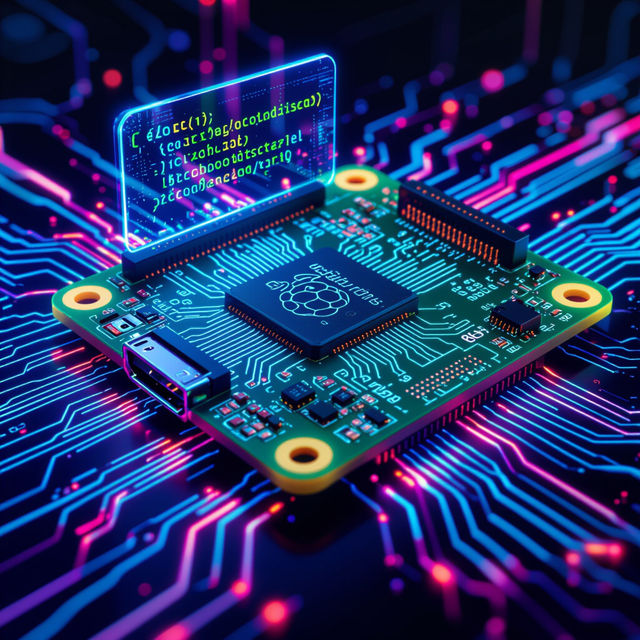
Raspberry Pi 5 8GB Images
Discover stunning visuals and unique interpretations of the Raspberry Pi 5 8GB. Browse our AI-generated gallery for inspiration or to showcase your own creations.
Frequently Asked Questions
Your Questions About Our Free AI Image Enlarger, Answered
How does the AI Image Enlarger work to upscale my images?
Our AI Image Enlarger uses advanced algorithms to intelligently analyze your image. It then reconstructs missing details and enhances sharpness, effectively increasing the resolution without the typical pixelation or blurriness associated with traditional upscaling methods. This process ensures that your upscaled images retain or even improve their clarity and detail.
What kind of images can I use with the AI Image Enlarger?
You can use a wide variety of images, including photographs, digital artwork, logos, and graphics. This tool is particularly effective for enhancing low-resolution photos, improving the quality of small digital images, and bringing clarity to older or scanned pictures. If an image lacks detail or appears blurry, our AI enlarger can likely help.
Will upscaling my image with this tool affect its original quality negatively?
No, our AI Image Enlarger is designed to enhance and preserve quality. Unlike basic resizing, our AI technology adds detail and sharpness, minimizing or eliminating negative effects like pixelation and blur. The goal is to make your images clearer and more vibrant, not to degrade them.
Can I use the upscaled images for professional purposes like printing or high-resolution displays?
Absolutely. The AI Image Enlarger is perfect for preparing images for print or high-resolution digital displays. By increasing the resolution and enhancing detail and clarity, the upscaled images are suitable for professional use, ensuring they look sharp and vibrant whether printed on a large format or viewed on a high-definition screen.