

- Galleries
- AI Vector Art Gallery
AI Vector Art Generator
Explore a gallery of AI-generated vector art. Use our AI Vector Image Generator to create custom graphics, illustrations, and designs for your projects.

As seen in








AI Vector Art Gallery
Discover a diverse collection of AI-generated vector images. Perfect for graphic designers, illustrators, and anyone needing scalable, high-quality vector art.


Didn't find what you were looking for? Create your own below!
Create your own AI Vector Art Generator images
Discover the magic of Text to Image AI by creating your own unique images. Edit the prompt below to customize your creation.
No payment or credit card required.

Effortless Graphic Design
Create Stunning Vector Graphics With AI
Transform your ideas into professional vector graphics with our advanced AI Vector Image Generator. Perfect for logos, icons, and illustrations, our tool empowers you to create scalable, high-quality designs that stand out. Quickly generate unique visuals for branding, websites, or marketing materials, ensuring a consistent and polished look for all your projects.
Create Your Custom Vector Art
Step 1
Describe Your Vector Vision
Begin by describing the vector art you envision in the prompt field. Be specific about colors, shapes, style (e.g., flat design, minimalist, geometric), and any objects or themes you want included. The more detail you provide, the better the AI can match your creative vision.
Step 2
Generate Your Vector Art
After entering your prompt, click the 'Generate Vector Art' button. Our AI will process your description and create a unique set of vector images tailored to your specifications.
Step 3
Download & Share Your Artwork
Once your vector art is generated, explore the results. You can download your favorite creations in high-resolution formats, perfect for logos, illustrations, or any design project. Share your unique AI-generated art with others!

Unleash Your Creativity
Generate Stunning Vector Art With AI
Dive into a world of limitless artistic possibilities with our Vector Art AI. Generate stunning vector art, illustrations, and custom designs effortlessly. Whether you need unique characters, intricate patterns, or eye-catching backgrounds, our AI helps you bring your creative vision to life with professional polish and artistic flair.
More Galleries
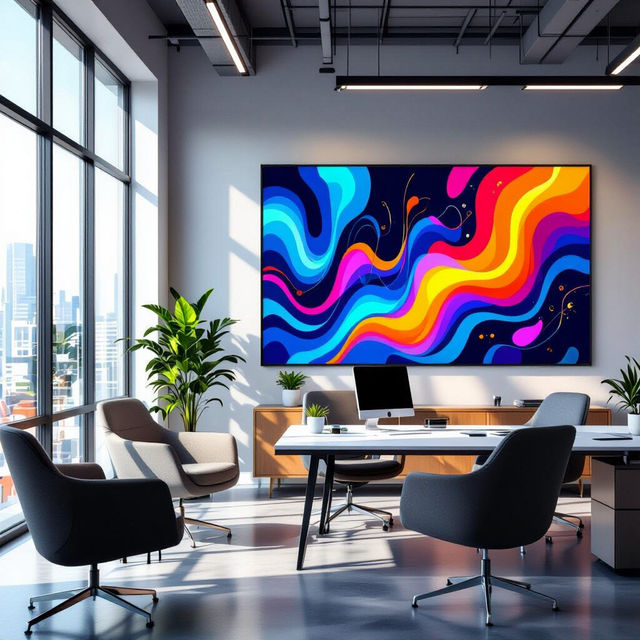
Inspirational Wall Art For Office
Discover inspirational wall art for your office, designed to boost productivity and creativity. Browse unique AI-generated pieces or create your own stunning office decor on NightCafe.
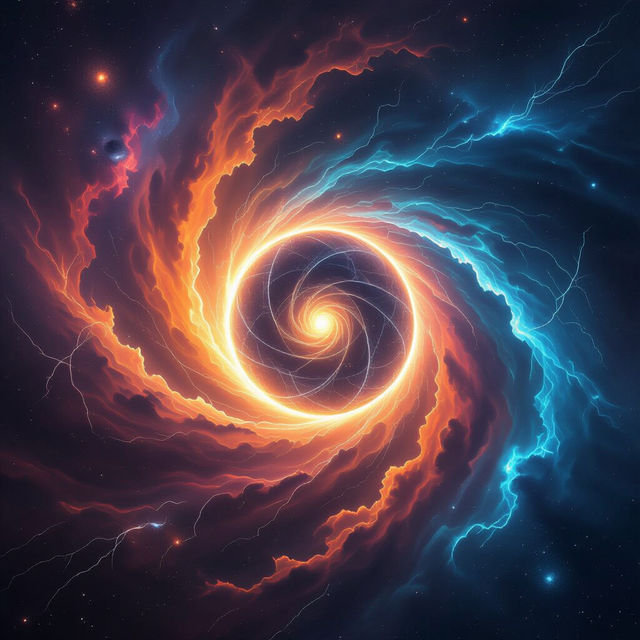
Nexus Wallpaper - AI Generated
Discover a universe of Nexus Wallpapers generated by AI. Perfect for customizing your devices with futuristic and abstract designs. Create your own unique Nexus Wallpaper today!
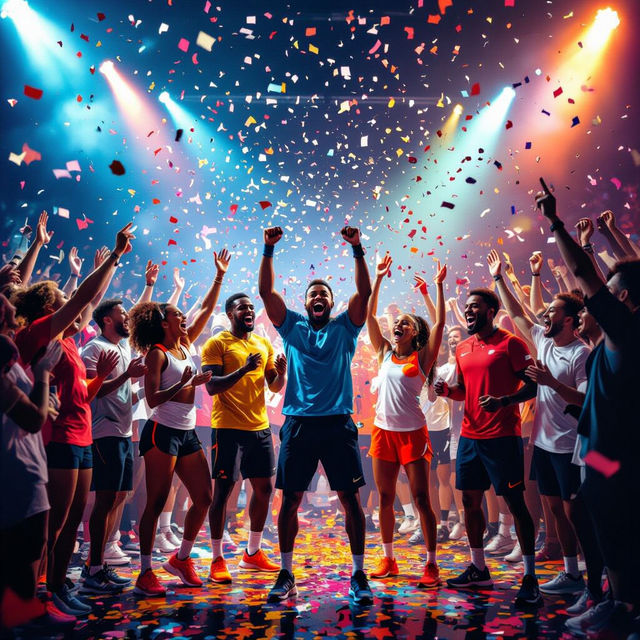
Go Team Images
Inspire victory with dynamic 'Go Team Images'! Explore motivational sports art and create your own team spirit visuals with AI. Perfect for cheering on your favorite athletes or igniting team pride.
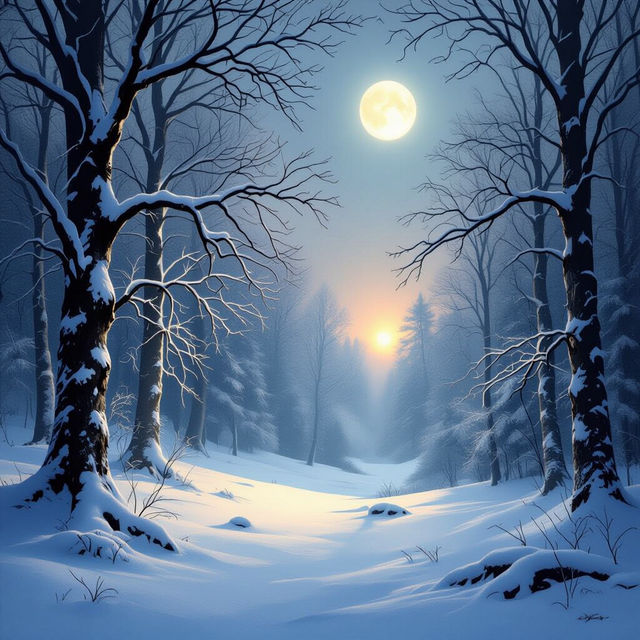
Winter Solstice 2024 Images
Explore stunning AI-generated images capturing the magic of Winter Solstice 2024. Find inspiration or create your own unique solstice art with NightCafe.
Frequently Asked Questions
Your Questions About the AI Vector Art Generator, Answered
What is AI vector art and how is it different from raster art?
AI vector art is generated by artificial intelligence and is made up of mathematical paths, points, and curves. This means it can be scaled infinitely without losing quality, making it ideal for logos, icons, and illustrations. Raster art, on the other hand, is made of pixels and can become blurry or pixelated when enlarged.
What kind of projects are best suited for AI-generated vector art?
Our AI Vector Art Generator is perfect for a wide range of projects, including creating scalable logos, unique icons, custom illustrations for websites or print, graphics for branding and marketing materials, and eye-catching designs for merchandise. Its scalability ensures a professional look across all applications.
How do I write an effective prompt to get the best vector art results?
To get the best results, be specific in your prompt. Describe the subject, style (e.g., flat design, minimalist, geometric), colors, and any specific elements you want. Mentioning 'vector art,' 'illustration,' or 'graphic design' can also help guide the AI. For example, 'A minimalist vector logo of a coffee cup, flat design, warm brown and cream colors.'
Can I edit the vector art generated by NightCafe?
While the AI generates the vector image, you can typically download it in a format that allows for further editing in vector graphics software like Adobe Illustrator or Inkscape. This allows you to fine-tune details, change colors, or incorporate it into more complex designs.
What file formats can I download my AI vector art in?
You can usually download your generated vector art in standard vector file formats such as SVG (Scalable Vector Graphics), which is widely compatible with design software and web applications. Please check the specific download options available for your generated image.