

- Galleries
- Gallery of Easy Animal Drawings
Easy Animal Drawings
Discover the joy of creating easy animal drawings. Our AI tools make it simple to generate charming animal art, perfect for beginners. Browse our gallery for inspiration and start drawing today!

As seen in








Gallery of Easy Animal Drawings
Explore a delightful collection of simple animal drawings created with AI. Perfect for beginners, these easy-to-follow designs offer inspiration for your own artistic journey.


Didn't find what you were looking for? Create your own below!
Create your own Easy Animal Drawings images
Discover the magic of Text to Image AI by creating your own unique images. Edit the prompt below to customize your creation.
No payment or credit card required.

Effortless Creativity Unleashed
Simple Animal Art For Everyone
Dive into the world of simple animal drawings with our intuitive AI. Whether you're a seasoned artist or just starting, our tools transform your ideas into charming visuals. Explore a variety of styles and create delightful animal art that's accessible to all, proving that easy animal drawings are just a click away.
Create Simple Animal Art With AI
Step 1
Describe Your Animal
Begin by describing the animal you'd like to draw and any specific characteristics or settings you envision. Be as detailed as you like – mention the animal's pose, expression, background elements, or artistic style (e.g., cartoon, watercolor, sketch). The more information you provide, the better the AI can capture your vision.
Step 2
Generate Your Drawing
Once you've crafted your prompt, click the 'Generate' button. Our AI will process your description and create a unique animal drawing based on your input. You can then review the generated artwork.
Step 3
Download or Share Your Art
After your animal drawing is created, you have the option to download it in a suitable format for your projects or share it with our community. Get inspired by what others create and showcase your own adorable animal art!

Instant Charm, Endless Fun
Generate Adorable Animal Art With AI
Experience the magic of our Animal Art Generator as it brings adorable creatures to life. With just a few prompts, you can generate charming animal art that's perfect for any project. Let our AI help you create unique and heartwarming designs effortlessly, making it easy to generate adorable animal art.
More Galleries
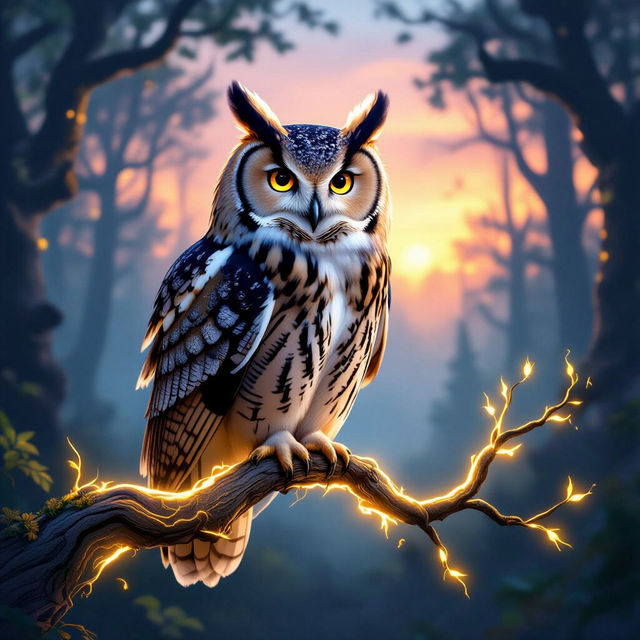
Owl Wallpapers
Explore a mesmerizing collection of AI-generated owl wallpapers. Find the perfect hoot for your desktop or mobile background, from mystical forest scenes to artistic portraits.
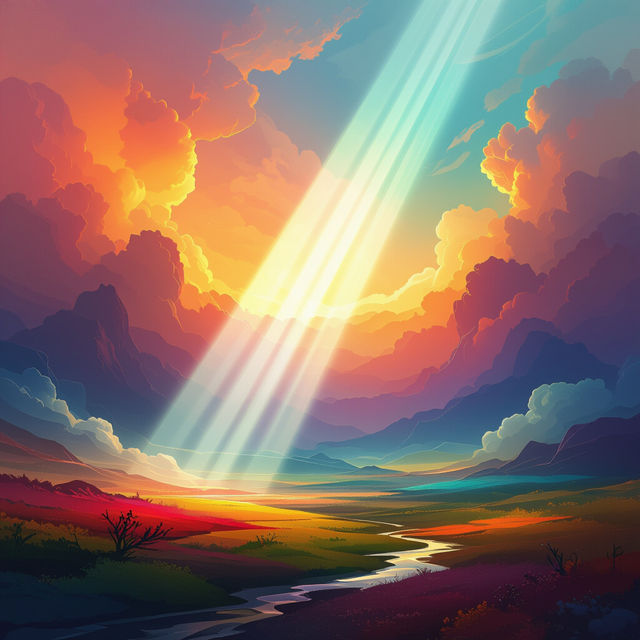
Art Light
Discover the magic of Art Light with AI-generated visuals. Explore unique lighting effects and artistic interpretations. Create your own stunning light art pieces on NightCafe.
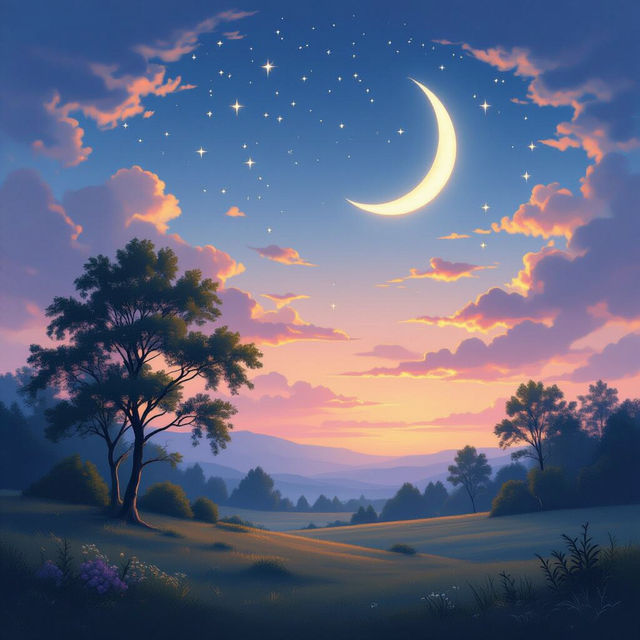
Good Night Images
Explore a collection of new good night images perfect for wishing someone sweet dreams. Our AI creates serene and beautiful scenes to bring peace to your evenings.
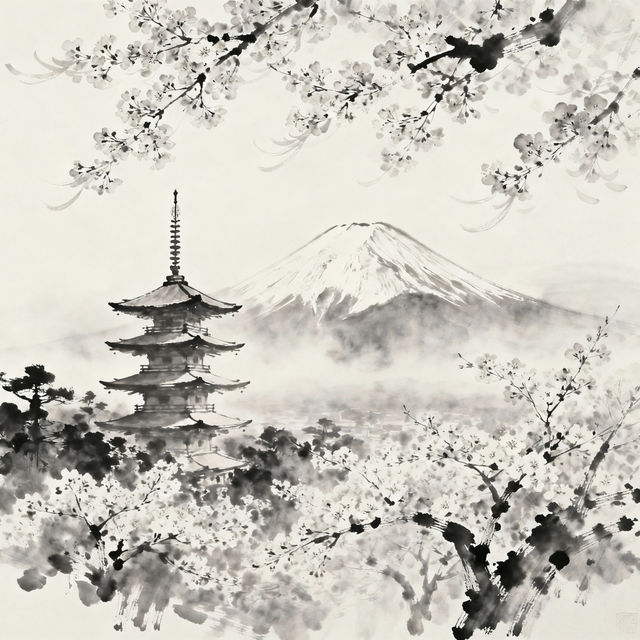
Japan Drawing Art
Discover a stunning gallery of Japan drawing art created with AI. Get inspired by traditional and modern Japanese aesthetics, then generate your own unique artwork.
Frequently Asked Questions
Your Questions About Easy AI Animal Drawings, Answered
How can I create simple animal drawings using NightCafe's AI?
Creating simple animal drawings with NightCafe's AI is straightforward. Start by entering a descriptive prompt in the text box, specifying the animal and the style you envision (e.g., 'a cute cartoon cat', 'a minimalist sketch of a dog'). You can then select from various AI models and settings to refine your creation. Our tools are designed to make the process accessible, even for beginners.
What makes these animal drawings 'easy' to create?
The 'easy' aspect comes from our AI's ability to interpret your prompts and generate charming visuals with minimal input. You don't need complex artistic skills; simply describe what you want to see, and the AI handles the intricate drawing process. This gallery focuses on styles and subjects that are inherently simple and appealing, making the creation process quick and enjoyable.
Can I use the generated animal art for my own projects?
Yes, the AI-generated animal art you create can be used for your personal projects. Depending on your subscription and our Terms of Service, you may also be able to use them for commercial purposes. We encourage you to explore the gallery for inspiration and to bring your creative ideas to life.
What if my first AI-generated animal drawing isn't exactly what I wanted?
AI art generation is an iterative process. If your initial result isn't quite right, try modifying your prompt. Add more specific details, change the style keywords, or experiment with different AI models available on NightCafe. You can also try generating multiple variations from the same prompt to see different interpretations.