

- Galleries
- AI Art Canvas Size Gallery
AI Art Canvas Sizes
Discover the possibilities of AI-generated art across various canvas sizes. Perfect for digital art, prints, and more. Explore and create unique art tailored to your desired dimensions.

As seen in








AI Art Canvas Size Gallery
A curated collection of AI-generated artworks demonstrating how different canvas sizes impact visual presentation and artistic expression. Get inspired for your next creation.


Didn't find what you were looking for? Create your own below!
Create your own AI Art Canvas Sizes images
Discover the magic of Text to Image AI by creating your own unique images. Edit the prompt below to customize your creation.
No payment or credit card required.

Versatile Art Creation
Explore Different Art Canvas Sizes
Our platform empowers you to create stunning AI art, perfectly suited for any Art Canvas Size. Whether you envision a vast mural or a compact digital piece, tailor your creations to fit your exact needs. Experiment with different dimensions to unlock new artistic possibilities.
Create Art in Any Size with AI Canvas
Step 1
Describe Your Art & Choose Dimensions
Begin by describing the artwork you envision in the prompt box. Be specific about the subject, style, colors, and any other details. Don't forget to select your desired canvas dimensions from the available options to guide the AI's composition.
Step 2
Generate Your Custom Sized Art
Once your prompt and canvas size are set, click the 'Generate' button. Our AI will process your request and create a unique piece of art tailored to your specifications and chosen dimensions.
Step 3
Download & Share Your Masterpiece
After generation, you can download your artwork in high resolution, perfectly sized for your intended use. Share your creation with the community or use it for your digital projects, prints, and more!

Seamless Digital Integration
Explore AI Art Dimensions For Digital Creations
Dive into the world of digital art with AI that understands your desired Art Dimensions. Optimize your creations for websites, social media, or digital displays. Explore AI Art Dimensions for Digital Creations and bring your digital visions to life with unparalleled flexibility.
More Galleries
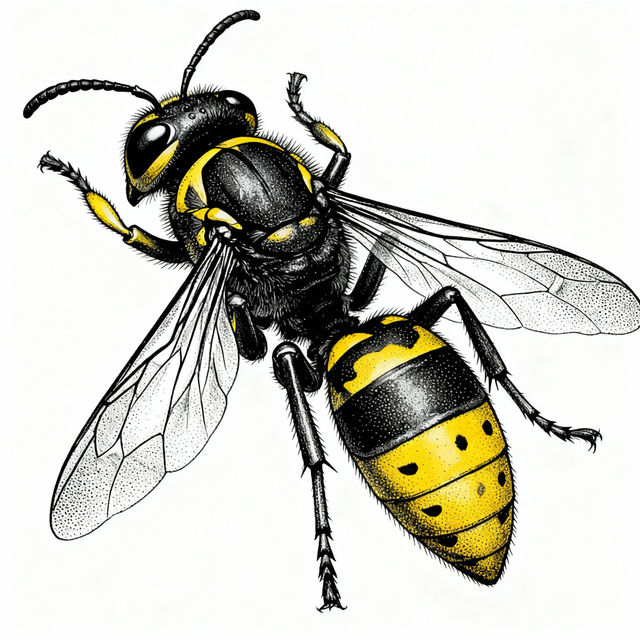
Hornet Drawings - Made With AI
Explore a gallery of intricate hornet drawings created by AI. Get inspired by detailed insect art and generate your own unique hornet designs on NightCafe.
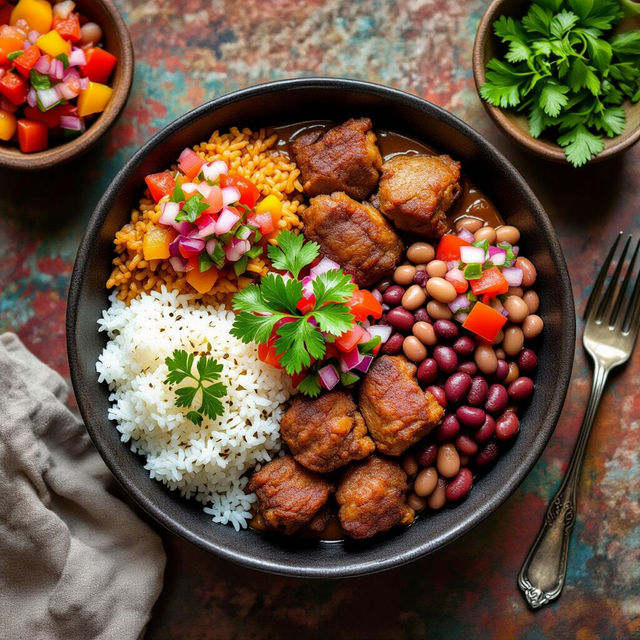
Haitian Food Pictures - Made With AI
Discover vibrant Haitian food pictures created with AI. Browse delicious dishes and get inspired to generate your own authentic Haitian cuisine images on NightCafe.
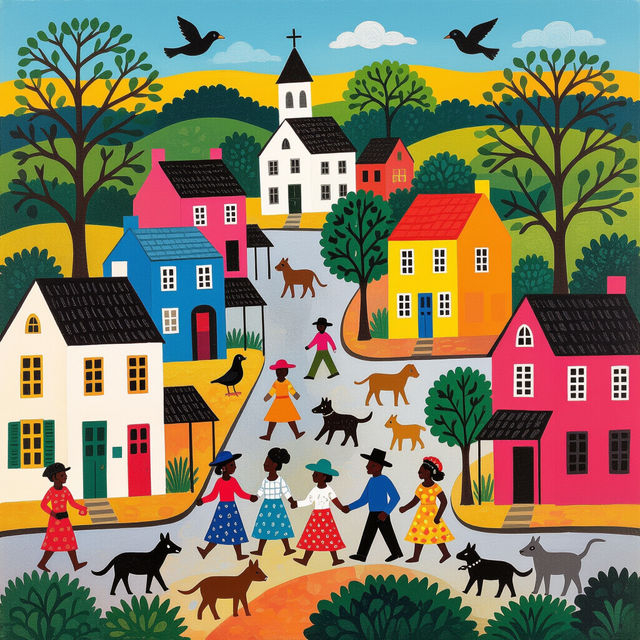
Clementine Hunter Art
Discover the vibrant world of Clementine Hunter art. Browse unique pieces and get inspired to create your own AI-generated art in the style of this iconic artist.
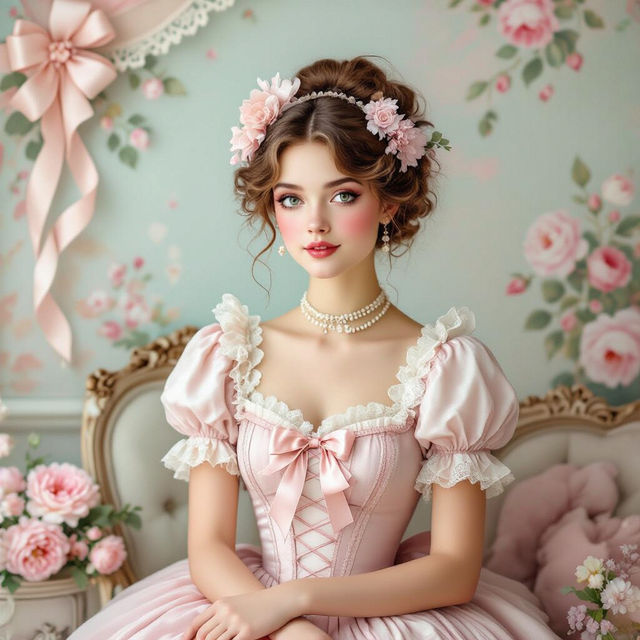
Aesthetic Coquette Wallpaper
Discover the enchanting world of Aesthetic Coquette wallpapers. Browse charming designs and create your own unique coquette aesthetic to personalize your space.
Frequently Asked Questions
Get the Most Out of AI Art Canvas Sizes
What are the benefits of creating AI art in different canvas sizes?
Creating AI art in various canvas sizes offers incredible flexibility. You can generate images perfectly optimized for specific uses, whether it's a large mural for a wall, a standard print size, a compact digital piece for a website, or a social media post. Tailoring the dimensions ensures your art looks its best wherever it's displayed.
How do I specify the desired canvas size for my AI art?
When you are in the creation interface, you will typically find options to set the width and height of your canvas. You can usually input these dimensions in pixels. Experiment with different aspect ratios and resolutions to see what works best for your intended display or print.
Can I use these different canvas sizes for both digital displays and physical prints?
Absolutely. Our AI art generation tools are designed to be versatile. You can create art with dimensions suitable for digital screens like monitors, tablets, and phones, as well as for physical prints. For high-quality prints, ensure you select dimensions that match or are multiples of standard print resolutions (e.g., 300 DPI).
What happens if I choose a very large canvas size?
Choosing very large canvas sizes can result in more detailed and expansive artwork. However, generating extremely large images may require more processing time and could potentially consume more credits, depending on the complexity and model used. It's always a good idea to start with a reasonable size and scale up if needed.