

- Galleries
- AI Art Clipart Gallery
Generate AI Art Clipart
Create unique and versatile visuals with NightCafe's AI Art Clipart Generator. Perfect for presentations, websites, and creative projects. Browse art clipart examples or create your own.

As seen in








AI Art Clipart Gallery
Explore a diverse collection of AI-generated art clipart, showcasing various styles and themes suitable for a wide range of creative applications. These AI-generated art cliparts are perfect for adding a unique touch to any project.


Didn't find what you were looking for? Create your own below!
Create your own Generate AI Art Clipart images
Discover the magic of Text to Image AI by creating your own unique images. Edit the prompt below to customize your creation.
No payment or credit card required.

Instant Visual Assets
Create Custom Art Clipart With AI
Design unique Art Clipart instantly with our AI generator. Perfect for enhancing presentations, educational materials, or personal projects, our tool provides a vast range of styles and subjects. Say goodbye to generic stock images and hello to bespoke visuals tailored to your exact needs. Unleash your creativity with AI-powered design.
Create Stunning Clipart with AI
Step 1
Describe Your Vision
Start by entering a detailed description of the clipart you envision in the prompt box. Be specific about the subject, style (e.g., cartoon, realistic, watercolor), and any other elements you want to include. The more detail, the better the AI can understand your vision!
Step 2
Generate Your Clipart
Once you've crafted your perfect prompt, click the 'Generate' button. Our AI will then spring into action, creating unique clipart based on your input. Get ready to see your ideas come to life!
Step 3
Download and Share
Once your clipart is generated, you can easily download it for use in your projects. You can also share your creations with the NightCafe community to inspire others and get valuable feedback on your designs!

Royalty-free Visuals
Generate Free Graphics For Commercial Use
Unlock a world of royalty-free visuals with our AI Art Clipart generator. Generate Free Graphics for Commercial Use, perfect for websites, marketing materials, and more, all without worrying about licensing fees. Our AI empowers you to create high-quality, custom graphics that are ready for any commercial application. Start creating today!
More Galleries
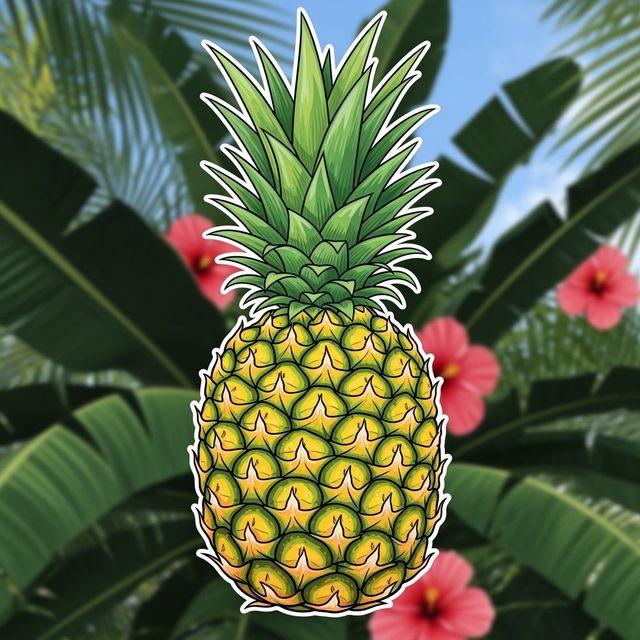
Create a Pineapple Drawing With AI
Create unique pineapple drawings with our AI generator. Transform your creative ideas into stunning visuals with ease. Explore the possibilities of AI-generated art.
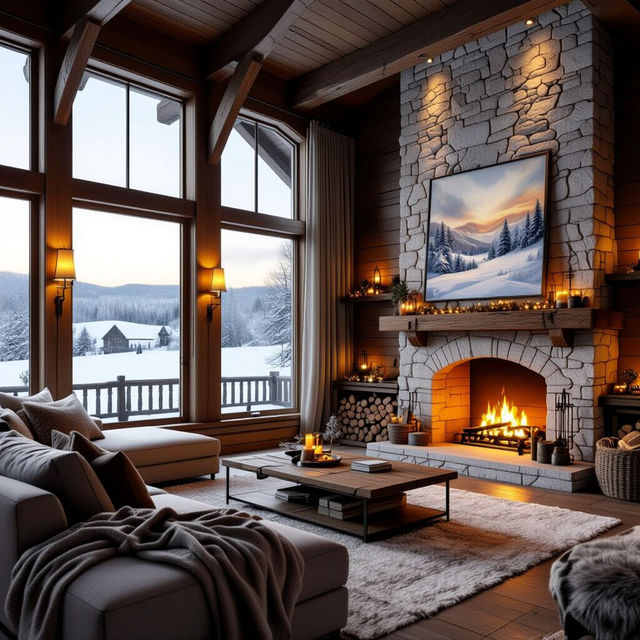
AI Country Wallpaper Generator
Transform your screen with NightCafe's AI Country Wallpaper Generator. Create a rustic and warm Country scene. Browse our collection of country wallpapers or generate your own.
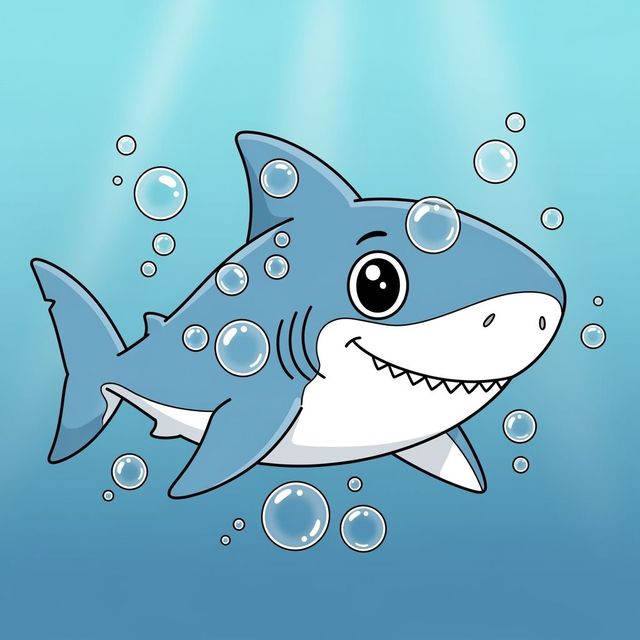
Create a Shark Drawing Easy with AI
Dive into the world of marine art with NightCafe's AI Shark Drawing Generator. Create a simple yet striking shark drawing with ease. Explore various styles and generate your own shark masterpiece today!
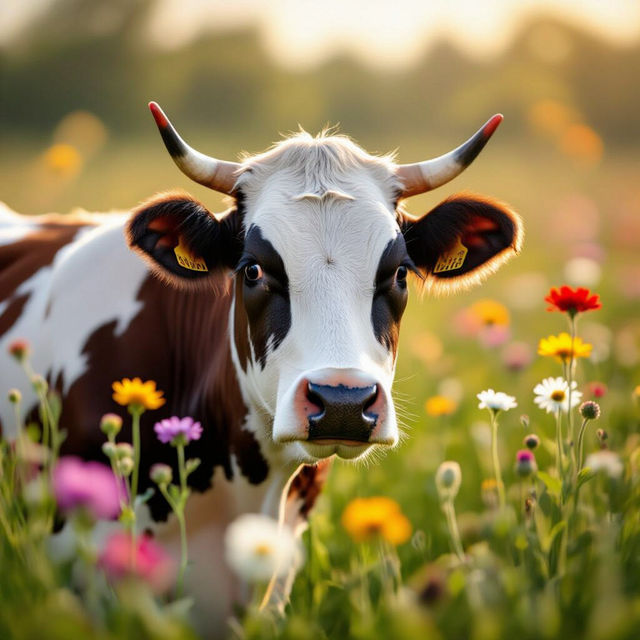
Create Stunning Cow Wallpaper
Transform your screen with our AI Cow Wallpaper Generator. Browse our collection of unique designs or create your own cow-themed wallpaper today!
Frequently Asked Questions
Everything You Need to Know About Generating AI Art Clipart
What types of clipart can I generate with NightCafe's AI Art Clipart Generator?
You can generate a wide variety of clipart, ranging from simple icons to detailed illustrations. Specify the subject, style (e.g., cartoon, watercolor, vector), and any specific elements you want included in your prompt. Our AI is designed to handle diverse requests, allowing for highly customized results.
Can I use the AI-generated clipart for commercial purposes?
Yes! The clipart you generate with NightCafe can be used for commercial purposes, such as on websites, in marketing materials, or within products you sell. You have the rights to use the images you create for your projects.
How do I create transparent background clipart?
While the AI doesn't directly guarantee a transparent background, you can increase your chances by including 'transparent background' or 'isolated' in your prompt. You may also need to use a separate image editing tool to remove the background after generation for perfect transparency.
What resolution will my AI-generated clipart be?
The resolution of your AI-generated clipart depends on the settings you choose during creation. Higher resolution settings generally result in larger, more detailed images suitable for various applications. Experiment to find the best balance between image quality and processing time.
What if I'm not happy with the initial results? Can I refine the AI Art Clipart?
Absolutely! You can refine your AI Art Clipart by adjusting your prompt and generating new variations. Try being more specific with your descriptions, experimenting with different styles, or using the 'evolve' feature to iterate on existing images. Small tweaks can often lead to significant improvements.