

- Galleries
- Google Slides Backgrounds Gallery
Background Images for Google Slides
Discover stunning AI-generated background images perfect for Google Slides. Enhance your presentations with unique visuals that capture attention and convey your message effectively.

As seen in








Google Slides Backgrounds Gallery
A curated collection of AI-created background images designed to make your Google Slides presentations stand out. Find the perfect visual theme for any topic.


Didn't find what you were looking for? Create your own below!
Create your own Background Images for Google Slides images
Discover the magic of Text to Image AI by creating your own unique images. Edit the prompt below to customize your creation.
No payment or credit card required.

Visually Captivating & Unique
Elevate Your Presentations With AI Backgrounds
Transform your Google Slides into dynamic visual experiences with our AI-generated background images. Designed to impress, these unique visuals go beyond generic templates, offering captivating scenes that perfectly complement your content and ensure your message resonates with your audience. Discover the perfect background images for Google Slides to make your next presentation unforgettable.
Create Your Perfect Google Slides Background
Step 1
Describe Your Ideal Background
Start by describing the ideal background for your Google Slides presentation in the prompt box. Think about the topic, mood, and color scheme you want to convey. For example, you could try 'minimalist abstract blue gradient for business presentation' or 'vibrant watercolor landscape for nature talk'. The more detail you provide, the better the AI can match your vision.
Step 2
Generate Your Background Image
Once you've entered your prompt, click the 'Generate' button. Our AI will then process your description and create a unique background image tailored to your specifications. You can generate multiple options until you find the one that perfectly fits your presentation's needs.
Step 3
Download and Use Your Creation
After your background image is generated, you can easily download it in high resolution to use in your Google Slides. Feel free to share your creations with the community or explore other users' designs for inspiration!

Professional & Engaging Designs
AI Presentation Backgrounds For Google Slides
Make your presentations stand out with expertly crafted AI Presentation Backgrounds for Google Slides. Our collection offers a wide array of styles, from minimalist to vibrant, ensuring you find the ideal backdrop to enhance engagement and professionalism. These AI-generated images are optimized to make your content shine, providing a polished look for any topic.
More Galleries
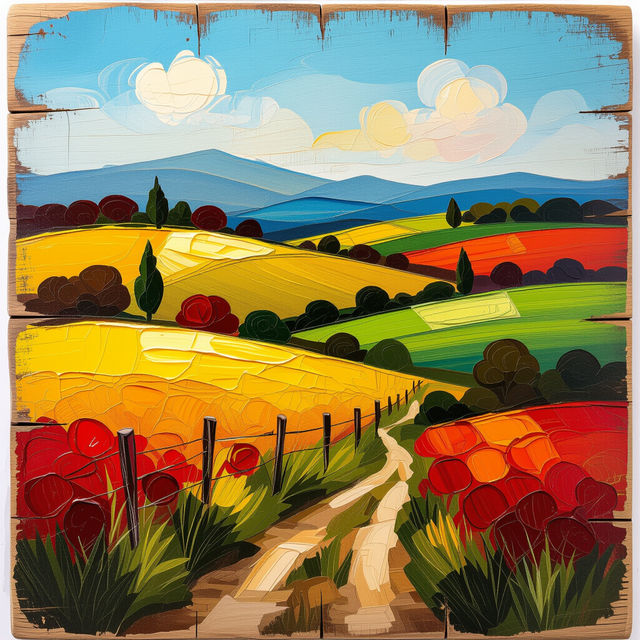
Picture On Wood
Explore stunning AI-generated pictures on wood. Get inspired by unique textures and artistic styles, then create your own custom wood art with NightCafe.

AI Art Materials List
Discover the essential AI art materials list to bring your digital creations to life. Learn about the tools and resources needed for stunning AI-generated artwork.
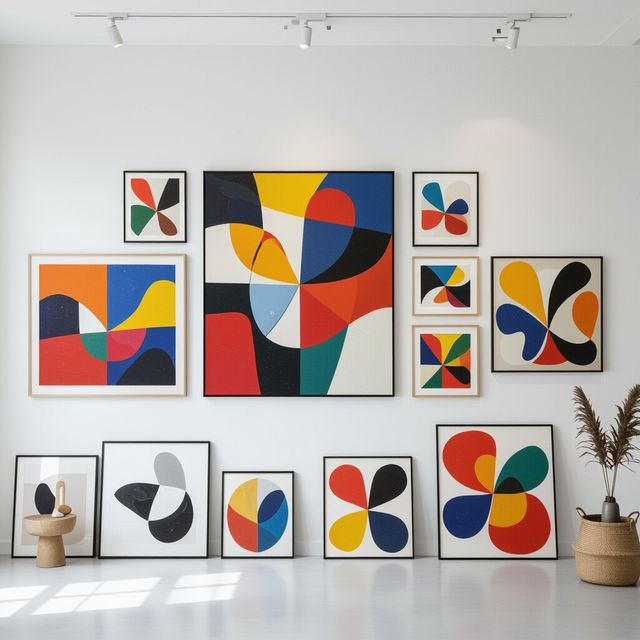
Common Frame Sizes For Art
Discover common frame sizes for art and explore how they complement various pieces. Get inspired and find the ideal dimensions for your next masterpiece.

AI Generated Images Meme
Explore a hilarious collection of AI generated images meme, perfect for sharing online. Use our tools to create your own unique memes and share the laughter.
Frequently Asked Questions
Frequently Asked Questions About AI-Generated Backgrounds for Google Slides
How can I use these AI-generated images as backgrounds in Google Slides?
Once you've downloaded an AI-generated background image, open your Google Slides presentation. Go to the 'Slide' menu, then select 'Change background.' Click 'Choose image,' upload your downloaded file, and click 'Done.' Your custom AI background will now be applied to your slides.
Are these backgrounds suitable for all types of presentations?
Yes, our collection features a wide array of styles, from minimalist and professional to vibrant and creative. This diversity ensures you can find the perfect AI-generated background to match the tone and subject matter of any presentation, whether it's for business, education, or personal use.
Can I use these AI-generated backgrounds for commercial presentations?
You are welcome to use these AI-generated images to enhance your presentations. For specific usage rights and any commercial application details, please refer to our Terms of Service and Privacy Policy.
What makes these AI-generated backgrounds better than standard templates?
Our AI-generated backgrounds offer unique, high-quality visuals that go beyond the generic templates typically found in presentation software. They are designed to be visually captivating, ensuring your content stands out, engages your audience, and leaves a memorable impression.