

- Galleries
- Bluey Images Gallery
Generate Amazing Bluey Images With AI
Unleash your creativity with our AI Bluey Image Generator. Transform your ideas into vibrant, heartwarming scenes featuring Bluey and the Heelers. Browse Bluey images or create your own.

As seen in








Bluey Images Gallery
A heartwarming collection of AI-generated Bluey images, showcasing the beloved Heeler family in various playful and heartwarming scenes, perfect for fans of all ages.


Didn't find what you were looking for? Create your own below!
Create your own Generate Amazing Bluey Images With AI images
Discover the magic of Text to Image AI by creating your own unique images. Edit the prompt below to customize your creation.
No payment or credit card required.

Bring Bluey To Life
Create Bluey Fan Art
Design stunning Bluey images with our AI-powered generator. Whether you're a seasoned artist or a beginner, our platform makes it easy to create heartwarming scenes with Bluey and her family. Explore endless possibilities and bring your favorite moments to life.
Create Heartwarming Bluey Images
Step 1
Describe Your Bluey Scene
Start by entering a detailed prompt describing the Bluey scene you envision. Include details about the characters, setting, and any specific actions or emotions you want to capture. The more descriptive, the better the AI can bring your vision to life!
Step 2
Generate Your Bluey Image
Once you've crafted your perfect prompt, click the 'Generate' button. Our AI will then work its magic, transforming your words into a unique and heartwarming Bluey image. Get ready to see your vision come to life!
Step 3
Download and Share Your Creation
Love your generated Bluey image? Download it and share it with friends, family, or the Bluey community! You can also save it to your NightCafe profile to showcase your creative talents and inspire others.

Limitless Artistic Possibilities
Create Unique Bluey Fan Art With AI
Create Unique Bluey Fan Art with AI. Go beyond the ordinary and craft personalized Bluey fan art that reflects your unique style. Our AI tools empower you to experiment with different artistic styles, generating original and captivating images of Bluey and the Heelers.
More Galleries
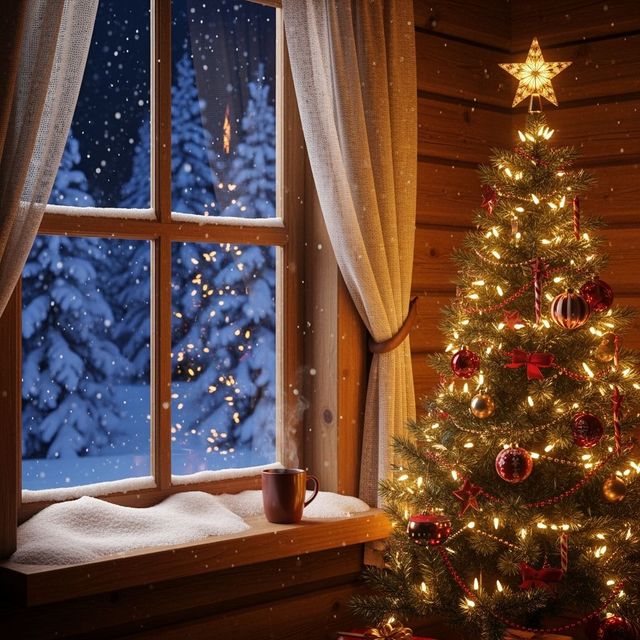
Festive Christmas iPhone Wallpaper
Deck your digital halls with our festive Christmas iPhone wallpapers! Browse a winter wonderland of AI-generated designs to bring holiday cheer to your device. Download now and spread the Christmas spirit!
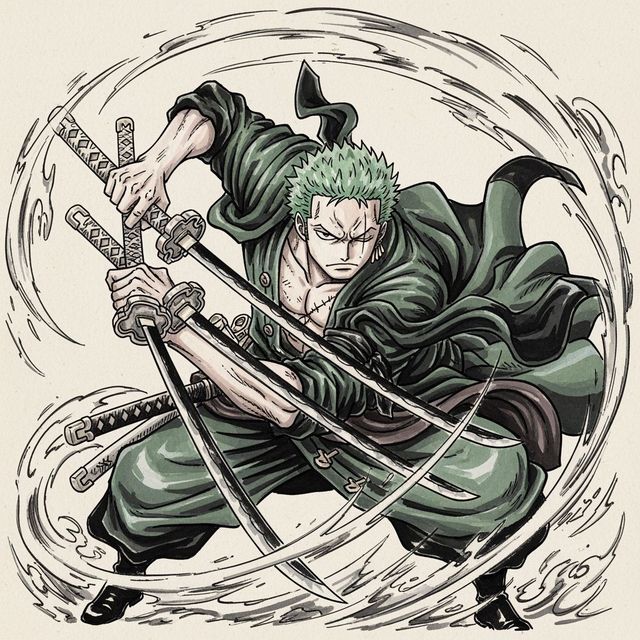
Create a Zoro Drawing with AI
Create a Zoro drawing with AI. Transform your imagination into stunning, personalized character art with ease and creativity. Browse Zoro drawing examples or create your own.
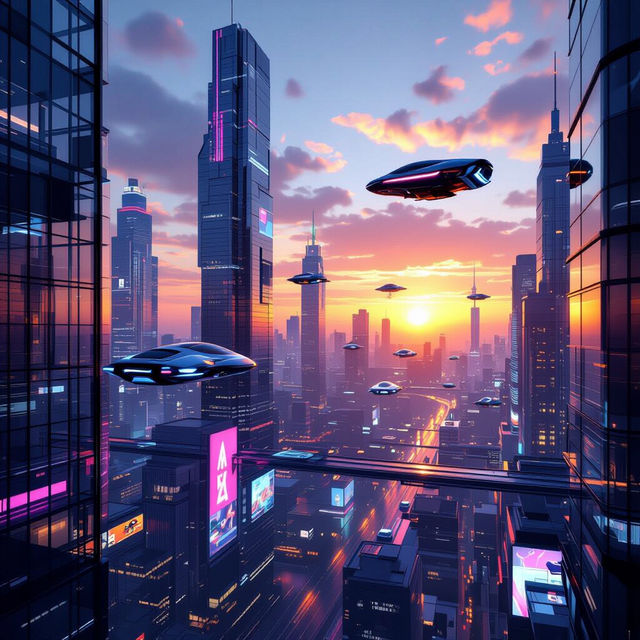
Generate Stunning 3D Pictures With AI
Unleash the power of AI to create breathtaking 3D pictures. Transform your imagination into stunning visuals with our advanced AI image generator. Explore the possibilities of 3D art today.
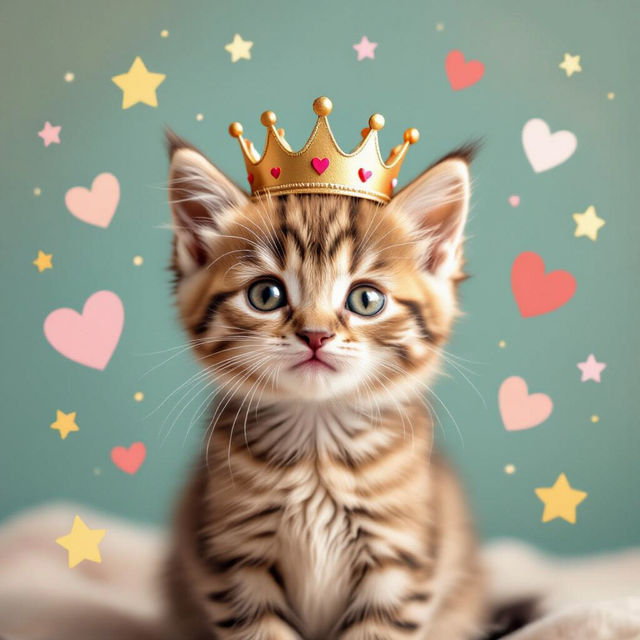
Generate Cute Images With AI
Create delightful and charming visuals with our AI-powered Cute Image Generator. Perfect for adding a touch of sweetness to your projects. Browse our gallery of cute images or create your own today!
Frequently Asked Questions
Everything You Need to Know About Generating Bluey Images with AI
How do I create Bluey images using AI?
Simply enter a detailed text prompt describing the scene you want to generate with Bluey and the Heelers. Be specific about the characters, setting, and desired art style. Our AI will then generate an image based on your description. You can further refine the results by adjusting the prompt and using different AI models.
What kind of prompts work best for generating Bluey images?
Prompts that include specific details about the characters' actions, emotions, and environment tend to yield the best results. For example, instead of 'Bluey playing,' try 'Bluey and Bingo laughing while building a sandcastle on a sunny beach, watercolor style.' Experiment with different keywords and artistic styles to achieve your desired look.
Can I generate Bluey images in different art styles?
Yes, our AI image generator supports a wide variety of art styles. You can specify the desired style in your prompt, such as 'cartoon,' 'watercolor,' 'oil painting,' or 'digital art.' Experiment with different styles to create unique and personalized Bluey images.
Are there any restrictions on what I can generate with the Bluey AI image generator?
Please adhere to our community guidelines and terms of service when generating images. Avoid creating content that is offensive, harmful, or violates any copyright laws. Our AI is designed for creative expression and positive content creation.
What if I'm not happy with the initial Bluey image generated?
You can easily refine the results by adjusting your prompt and regenerating the image. Try adding more detail, changing the art style, or experimenting with different keywords. You can also use our built-in editing tools to make further adjustments to the image.