

- Galleries
- AI-Generated Blur Background Images
Blur Background Images
Explore a gallery of AI-generated images featuring captivating blur backgrounds. Perfect for designers and creatives seeking to add depth and focus to their projects.

As seen in








AI-Generated Blur Background Images
Discover a diverse collection of AI-created images showcasing the artistic use of blurred backgrounds to enhance subjects and create visual interest.


Didn't find what you were looking for? Create your own below!
Create your own Blur Background Images images
Discover the magic of Text to Image AI by creating your own unique images. Edit the prompt below to customize your creation.
No payment or credit card required.

Depth And Focus Guaranteed
Create Stunning Images With Blurred Backgrounds
Elevate your visuals with expertly crafted blur background images. Our AI art generator allows you to create captivating photos where the subject is sharp and the background softly recedes, adding professional depth and focus. Perfect for portraits, product shots, and any design needing a clear focal point.
Create Stunning Blur Background Images with AI
Step 1
Describe Your Subject and Scene
Begin by describing the subject you want to be in sharp focus and the overall mood or style you envision for your image. Mention any specific elements you want in the foreground and hint at the desired blur effect for the background.
Step 2
Generate Your Blurred Image
After crafting your prompt, click the 'Generate' button. Our AI will process your description and create a unique image with a beautifully blurred background, ensuring your subject stands out.
Step 3
Download and Utilize Your Creation
Once your image is ready, you can download it in high resolution for your projects. Feel free to share your stunning creation with the community or use it immediately to add depth and focus to your designs.

Magical Light Play
Generate Bokeh Effect Images With AI
Instantly Generate Bokeh Effect Images with AI! Our advanced models create enchanting images with beautiful, out-of-focus light circles, adding a dreamy and artistic touch. Ideal for adding a touch of magic to your digital art, marketing materials, or social media content.
More Galleries
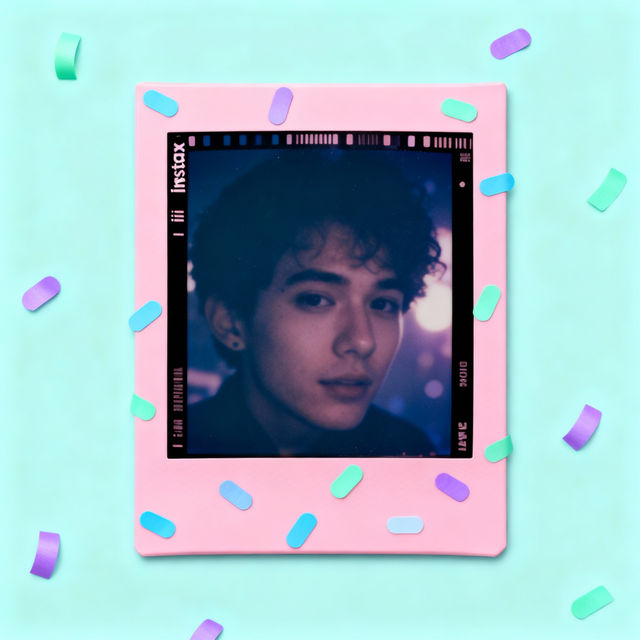
Instax Picture Frames - Create Yours
Explore a gallery of unique Instax picture frames. Get inspired by AI-generated designs and create your own custom Instax picture frame to showcase your favorite memories.
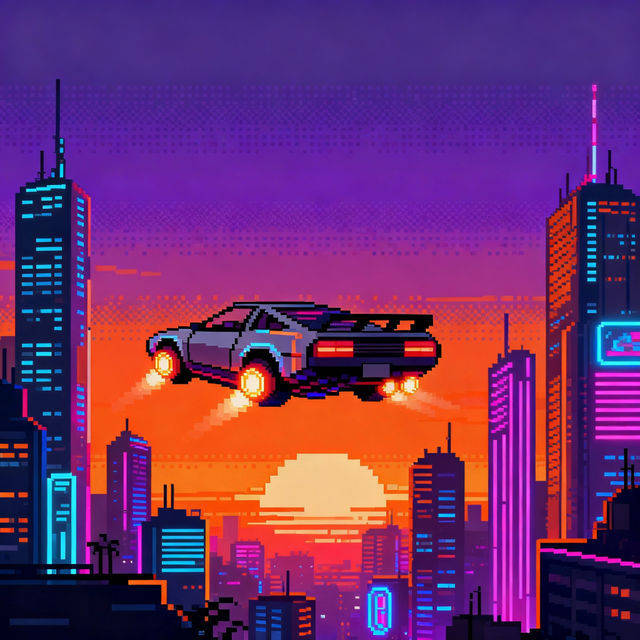
Cool Pixel Art
Discover and create stunning cool pixel art with AI. Browse a gallery of unique pixel art and start generating your own retro-inspired masterpieces today.
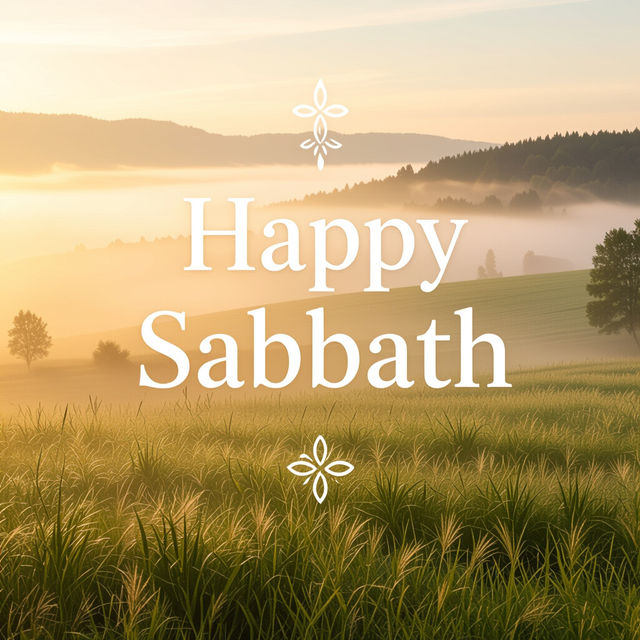
Happy Sabbath Images and Quotes
Explore beautiful AI-generated Happy Sabbath images and inspiring quotes. Find peace and reflection with unique visuals perfect for sharing your blessings and serenity.
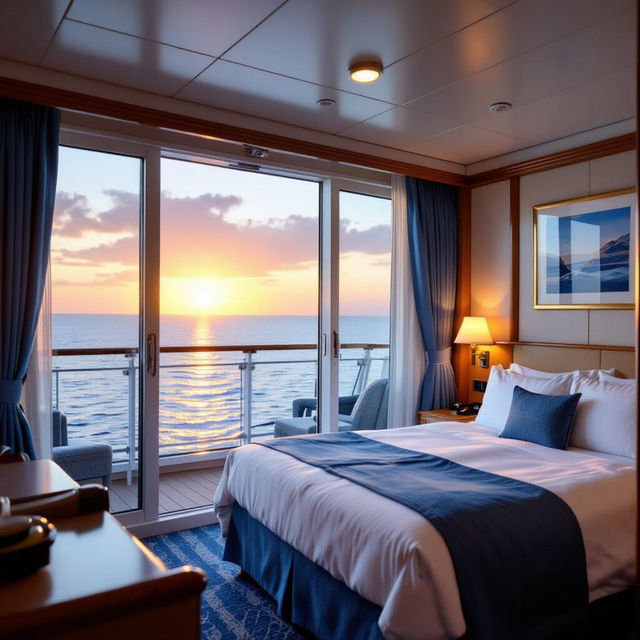
Vision Of The Seas Cabins Pictures
Discover stunning Vision of the Seas cabins pictures to help you choose your perfect cruise accommodation. Explore various cabin types and find your ideal home at sea.
Frequently Asked Questions
Frequently Asked Questions About Blur Background Images
How does the AI create blur background images?
Our AI models are trained to understand depth and focus in imagery. When you generate a blur background image, the AI intelligently identifies the primary subject and applies a sophisticated blurring effect to the background, simulating a shallow depth of field. This process ensures your subject remains sharp and prominent while the background adds context and artistic flair.
What types of projects are blur background images best suited for?
Blur background images are incredibly versatile. They are perfect for portraits where you want to emphasize the person, product photography to make items stand out, website banners, social media graphics, presentations, and any design that requires a clear focal point. The bokeh effect can also add a dreamy, artistic touch to digital art and marketing materials.
Can I control the intensity of the blur effect?
While the AI automatically generates a balanced blur effect for optimal focus, you can influence the outcome through your prompts. Describe the desired level of background blur (e.g., 'softly blurred background,' 'strong bokeh effect') or specify elements you want to be in sharp focus. Experiment with different prompts to achieve your desired aesthetic.
Are these images suitable for commercial use?
Yes, the images generated through NightCafe can be used for commercial purposes. This includes using them in your designs, marketing materials, or products. Please refer to our Terms of Service for full details on usage rights and attribution.