

- Galleries
- AI Blurred Picture Gallery
Blur Out Pictures
Easily blur out pictures using AI. Enhance focus, create artistic effects, or protect privacy by blurring backgrounds or specific elements in your photos. Try NightCafe for stunning results.

As seen in








AI Blurred Picture Gallery
Explore a curated collection of images with expertly blurred backgrounds and elements, showcasing the creative possibilities of AI-powered photo editing.


Didn't find what you were looking for? Create your own below!
Create your own Blur Out Pictures images
Discover the magic of Text to Image AI by creating your own unique images. Edit the prompt below to customize your creation.
No payment or credit card required.

Effortless Focus Enhancement
AI-powered Picture Blurring Effects
Transform your images with sophisticated AI-powered blurring. Our tools allow you to precisely Blur Out Pictures, creating a professional depth of field or drawing attention to your subject. Achieve stunning artistic effects and enhance the visual narrative of your photos with ease.
Effortlessly Blur Your Pictures with AI
Step 1
Describe Your Blurring Effect
Start by uploading the picture you want to edit. In the prompt box, describe the effect you want to achieve. For example, 'blur the background of this portrait,' 'create a bokeh effect on this landscape,' or 'obscure the faces in this group photo.' Be specific about what you want blurred and the desired outcome.
Step 2
Generate Your Blurred Image
Once your image is uploaded and your prompt is ready, click the 'Generate' button. Our AI will analyze your request and apply the specified blurring effect to your picture, creating a unique visual result.
Step 3
Download & Share Your Creation
After the AI has processed your image, you can download the blurred picture in high resolution. Share your enhanced photo with friends or on social media, showcasing the artistic or privacy-enhancing effects you've achieved!

Creative Control And Security
AI Photo Blurring For Artistic Effects And Privacy
Leverage the power of AI Photo Blurring for both creative expression and practical privacy. Whether you aim to create dreamy, artistic effects or obscure sensitive information, our AI Photo Blurring for Artistic Effects and Privacy ensures your images are perfectly tailored to your needs, maintaining clarity where it counts.
More Galleries
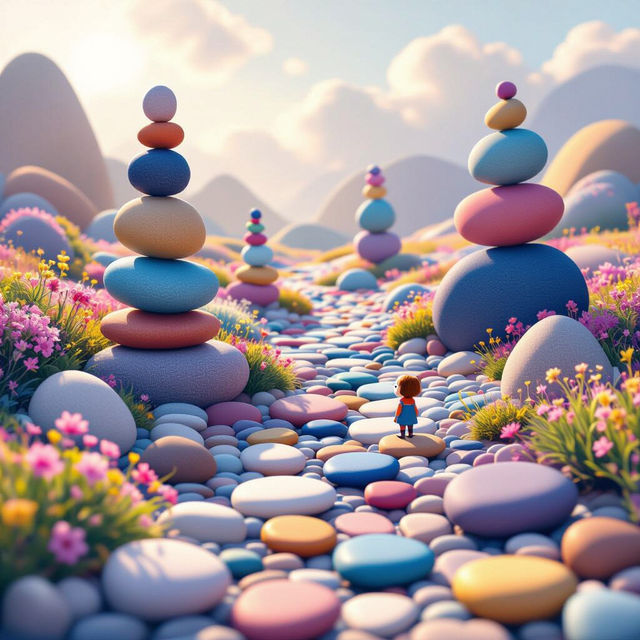
Pebble Dandy's World Art
Discover the whimsical and imaginative world of Pebble Dandy's art. Browse unique AI-generated creations and get inspired to make your own.
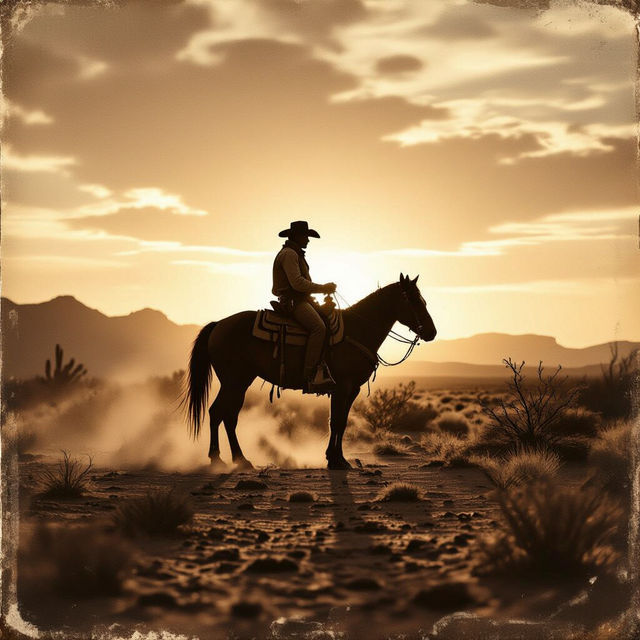
Old Cowboy Pictures - Made With AI
Discover a collection of AI-generated old cowboy pictures. Get inspired by vintage Western scenes and create your own iconic cowboy art with NightCafe.
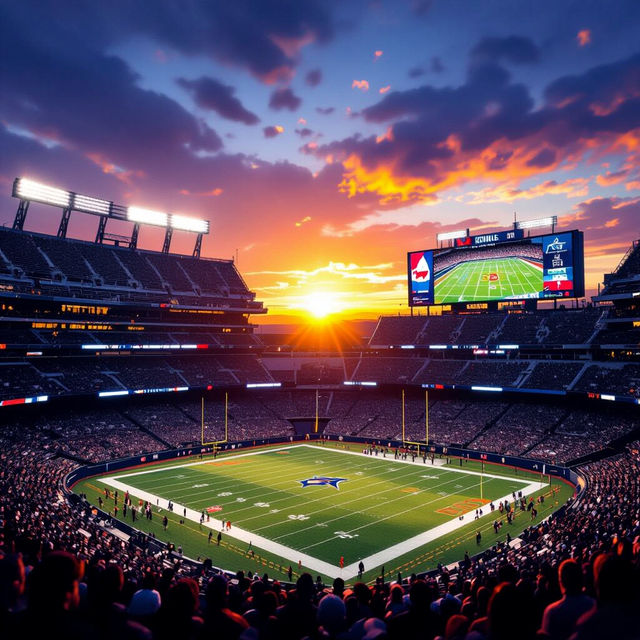
Sick NFL Wallpapers - Made With AI
Score amazing, sick NFL wallpapers created by AI. Browse our gallery for inspiration and then design your own unique football-themed wallpapers with NightCafe's AI.
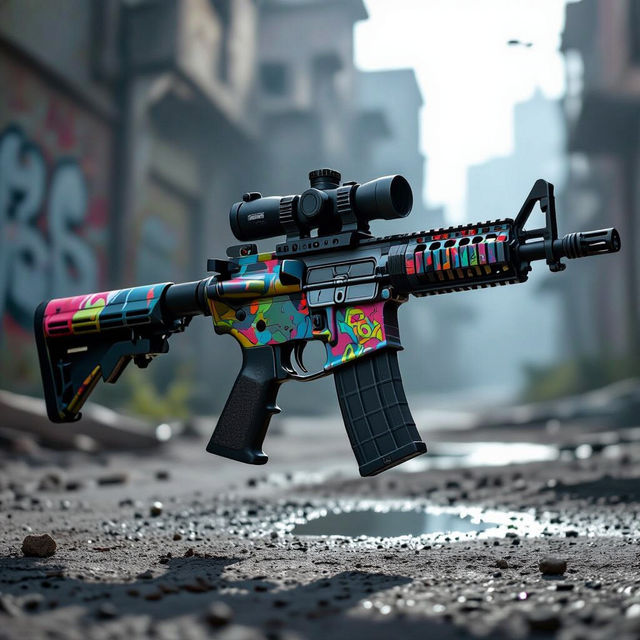
M4 Wallpapers - Made With AI
Explore a gallery of M4 wallpaper designs. Find inspiration for your next background or create your own unique M4 wallpaper with our AI tools. Perfect for enthusiasts and gamers.
Frequently Asked Questions
Your Questions About Blurring Pictures with AI, Answered
What can I achieve by using the AI Blur Out Pictures tool?
Our AI Blur Out Pictures tool allows you to achieve a variety of effects. You can create a professional depth of field to highlight your subject, add artistic and dreamy effects to your images, or use it for practical purposes like protecting privacy by blurring backgrounds or specific elements. It's designed for both creative expression and functional image enhancement.
How does the AI Photo Blurring work to enhance focus?
The AI uses sophisticated algorithms to analyze your image and understand the subject and background. It intelligently applies a blur effect, typically to the background, mimicking a shallow depth of field. This draws the viewer's eye to the main subject, making it appear sharper and more prominent, much like a professional camera would.
Can I control the intensity or type of blur applied?
While the AI is designed to provide optimal results automatically, our tools offer parameters that allow you to adjust the intensity and style of the blur. You can experiment with different settings to achieve the exact artistic or privacy-focused effect you desire, ensuring your image is tailored to your specific needs.
Is this tool useful for protecting privacy in photos?
Absolutely. The AI Photo Blurring tool is highly effective for privacy. You can easily select specific areas or entire backgrounds to blur, obscuring sensitive information, faces, or other details you don't want to be visible. This makes it ideal for sharing photos where privacy is a concern.