

- Galleries
- AI Generated Bone Drawings
AI Bone Drawing Gallery
Discover a gallery of intricate bone drawings created with AI. Get inspired by detailed anatomical art and learn how to generate your own unique bone illustrations.

As seen in








AI Generated Bone Drawings
A curated collection of AI-powered bone drawings, showcasing diverse styles from anatomical accuracy to imaginative interpretations. Perfect for artists and medical enthusiasts.


Didn't find what you were looking for? Create your own below!
Create your own AI Bone Drawing Gallery images
Discover the magic of Text to Image AI by creating your own unique images. Edit the prompt below to customize your creation.
No payment or credit card required.

Intricate Detail, AI Perfected
Explore Realistic Bone Drawings
Dive into a collection of hyper-realistic bone drawings, meticulously crafted by AI. Our advanced models capture the delicate textures and anatomical precision of skeletal structures, providing unparalleled inspiration for artists and medical illustrators alike. Witness the fusion of science and art in every stroke.
How to Create Stunning Bone Art
Step 1
Describe Your Bone Art Idea
To begin, enter a detailed prompt describing the bone art you envision. Consider the type of bone, the artistic style (e.g., anatomical, surreal, abstract), the desired mood, and any specific details you want to include. The more descriptive your prompt, the better the AI can capture your artistic vision.
Step 2
Generate Your Bone Illustration
After crafting your prompt, click the 'Generate' button. The AI will process your request and create a unique illustration of bone art based on your input. You can experiment with different prompts to see a variety of artistic interpretations.
Step 3
Download or Share Your Creation
Once your bone art is generated, you have the option to download the high-resolution image for your projects. You can also share your creation with the community, gather feedback, and draw inspiration from other users' work.

Bring Skeletons To Life
Generate Skeleton Art With AI
Unleash your creativity and generate unique skeleton art with our powerful AI tools. Whether you need artistic interpretations or detailed anatomical studies, our platform empowers you to create stunning visuals. Transform your ideas into captivating bone illustrations effortlessly.
More Galleries

Create Unique Birthday Wishes Images with AI
Discover a vibrant gallery of AI-generated birthday wishes images. Find inspiration and create personalized birthday greetings that stand out with NightCafe's AI tools.
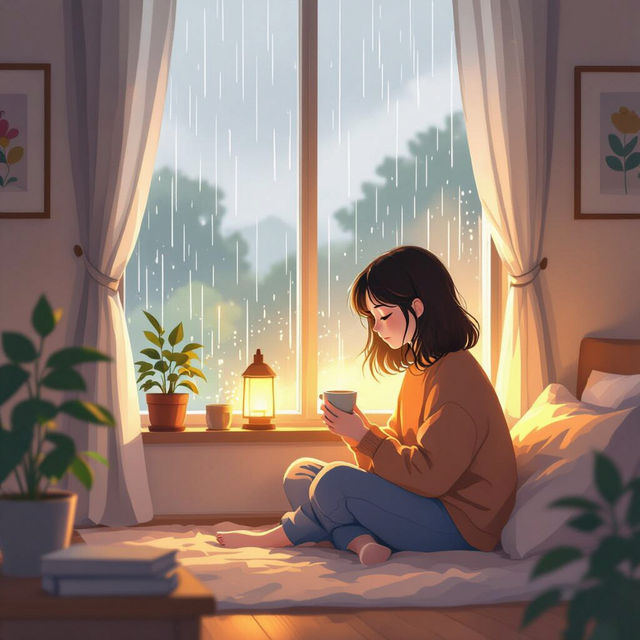
Discover AI-Generated Lofi Wallpaper
Explore a curated collection of AI-generated lofi wallpapers. Find the perfect lofi aesthetic to match your mood, or create your own unique lofi wallpaper with NightCafe.
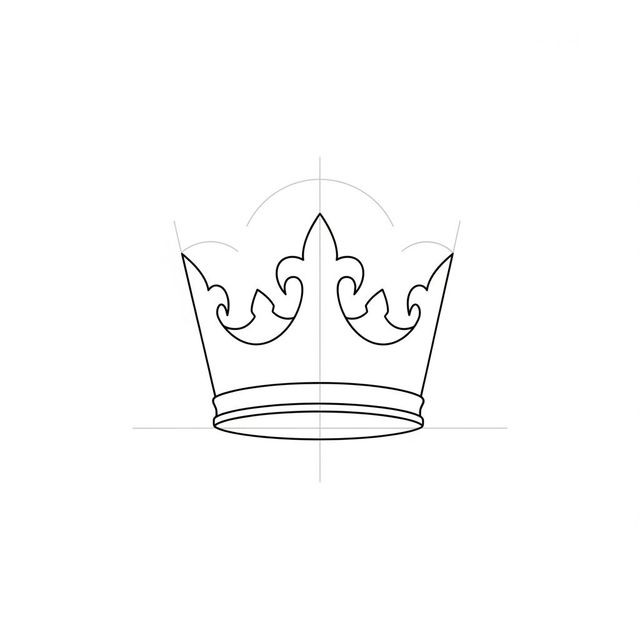
Easy Crown Drawing Gallery
Discover how to create easy crown drawings with our AI gallery. Get inspired by simple, elegant designs and learn to draw your own majestic crowns effortlessly.

Stunning Roses Wallpaper Designs
Explore a vibrant collection of roses wallpaper, perfect for any device. Generate your own unique rose-themed backgrounds with NightCafe's AI art tools.
Frequently Asked Questions
Your Questions About AI Bone Art, Answered
What AI models are best for creating detailed bone drawings?
Our platform offers several powerful AI models, including Stable Diffusion and Imagen, which excel at rendering intricate details and textures. For hyper-realistic bone illustrations, models trained on anatomical data often yield the most precise results. Experiment with different models to see which best captures the fine details you desire.
How can I prompt the AI to generate specific types of bones or skeletal structures?
To generate specific bones, be as precise as possible in your prompt. Include the name of the bone (e.g., 'human femur,' 'eagle skull'), mention the desired perspective (e.g., 'anterior view,' 'lateral view'), and specify any stylistic elements (e.g., 'anatomical illustration,' 'sketch,' 'etching'). Adding details about lighting and texture can also enhance realism.
Can I use the AI-generated bone art for medical illustration or educational purposes?
Yes, the AI-generated bone art can be a valuable resource for medical illustration, educational materials, and artistic inspiration. While our AI strives for anatomical accuracy, it's always recommended to cross-reference with established anatomical references for critical medical or educational applications. You can use your creations commercially, but please refer to our Terms of Service for specific details.
What techniques can I use to achieve a hyper-realistic look in my AI bone drawings?
To achieve a hyper-realistic look, focus on descriptive prompts that include details about lighting, shadow, texture, and material. Mentioning terms like 'photorealistic,' 'high detail,' 'sharp focus,' and 'studio lighting' can guide the AI. Experimenting with different artistic styles and negative prompts to exclude unwanted elements is also beneficial.