

- Galleries
- Bone Hand Drawings
Bone Drawing On Hand Art
Explore unique bone drawings on hands created with AI. Get inspired by intricate designs and learn how to generate your own striking hand bone art with NightCafe.

As seen in








Bone Hand Drawings
A curated collection of AI-generated bone drawings applied to hands, showcasing artistic interpretations and anatomical details for inspiration.


Didn't find what you were looking for? Create your own below!
Create your own Bone Drawing On Hand Art images
Discover the magic of Text to Image AI by creating your own unique images. Edit the prompt below to customize your creation.
No payment or credit card required.

Intricate Designs Unleashed
AI-generated Bone Drawings On Hands
Dive into a mesmerizing collection of bone drawings on hands, meticulously crafted by AI. Each piece showcases unique artistic interpretations, from delicate linework to bold, graphic statements. Explore these AI-generated wonders and discover the endless creative potential of combining anatomical forms with digital artistry.
Create Your Own Bone Drawing On Hand Art
Step 1
Describe Your Vision
To begin, enter a descriptive prompt in the text box. Be specific about the style of bone drawing (e.g., intricate, minimalist, anatomical), the hand's pose, and any background elements you envision. For example, try 'An intricate anatomical bone drawing on a hand, minimalist background, sketch style' or 'A surreal, colorful bone structure overlaying a hand, dark fantasy art'.
Step 2
Generate Your Art
Once your prompt is ready, click the 'Generate' button. Our AI will process your description and create a unique piece of hand bone art based on your input. You can generate multiple variations to explore different creative directions.
Step 3
Download & Share
After the AI has generated your artwork, you can download the image in high resolution. Feel free to share your unique creation with friends or the NightCafe community to inspire others!

Your Vision, Realized
Generate Hand Bone Art With AI
Transform your creative ideas into stunning hand bone art with our intuitive AI tools. Whether you envision surreal anatomical studies or edgy, graphic designs, our platform empowers you to generate unique pieces. Start creating your own personalized hand bone art and express your artistic vision like never before.
More Galleries
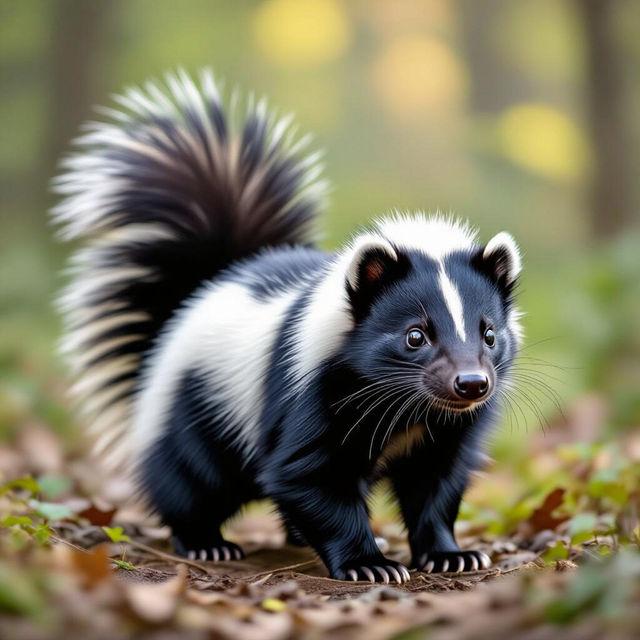
Skunk Pictures
Curious to 'show me a picture of a skunk'? Explore a gallery of unique skunk images generated by AI. Get inspired and create your own fascinating skunk art today!
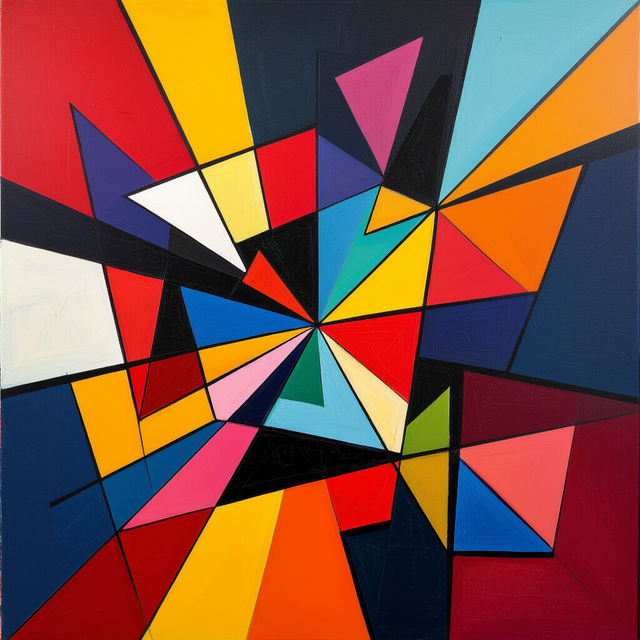
Modern Art Work
Discover a diverse collection of AI-generated modern art work. Get inspired by unique styles and create your own contemporary masterpieces with NightCafe's AI art generator.

Chilean Art
Discover the vibrant world of Chilean art. Browse stunning AI-generated pieces inspired by Chile's rich culture and landscapes, and create your own unique artworks.
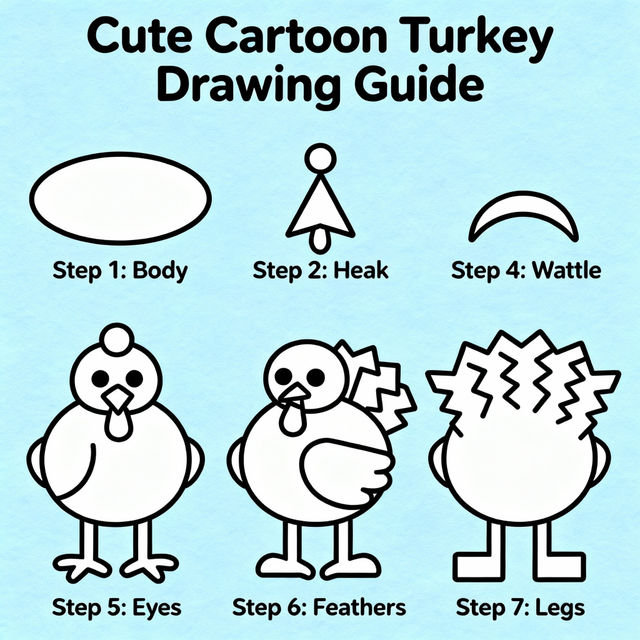
Turkey Directed Drawing
Explore a gallery of AI-generated turkey directed drawings. Get inspired and learn how to create your own unique turkey art with our easy-to-use AI tools.
Frequently Asked Questions
Frequently Asked Questions About Bone Drawing on Hand Art
What kind of AI models are best for creating bone drawings on hands?
NightCafe offers a variety of AI models, including Stable Diffusion, DALL-E 2, and Midjourney, each with unique strengths. For detailed linework and anatomical accuracy in bone drawings on hands, models like Stable Diffusion often perform exceptionally well. Experimenting with different models and their settings is key to finding the perfect style for your vision.
How can I generate unique bone drawing on hand art that stands out?
To create unique art, be specific and creative with your prompts. Instead of just 'bone drawing on hand,' try detailed descriptions like 'a delicate, ethereal bone structure emerging from a hand, watercolor style' or 'a bold, graphic, black and white bone pattern tattooed onto a hand, cyberpunk aesthetic.' Incorporating artistic styles, moods, and specific anatomical references will help your AI-generated art be more distinctive.
Can I use the bone drawing on hand art I create for commercial purposes?
Yes, the AI-generated art you create on NightCafe can generally be used for commercial purposes. However, it's important to review our Terms of Service for specific details regarding usage rights, attribution requirements, and any limitations. This ensures you are compliant when using your creations for branding, merchandise, or other commercial applications.
What if my generated bone drawing on hand art isn't exactly what I envisioned?
AI art generation involves an element of experimentation. If your initial results aren't perfect, try refining your prompt with more descriptive keywords, adjusting the aspect ratio, or experimenting with different artistic styles and AI models. You can also use features like 'Variations' or 'Upscale' on existing creations to explore different outcomes from a promising starting point.