

- Galleries
- AI Buddha Image Gallery
Buddha Images
Explore a gallery of AI-generated Buddha images. Find peace and inspiration, then create your own unique Buddhist artwork with NightCafe's AI tools.

As seen in








AI Buddha Image Gallery
A curated collection of AI-generated Buddha images, embodying peace, wisdom, and enlightenment. Perfect for inspiration or spiritual exploration.


Didn't find what you were looking for? Create your own below!
Create your own Buddha Images images
Discover the magic of Text to Image AI by creating your own unique images. Edit the prompt below to customize your creation.
No payment or credit card required.

Find Peace And Inspiration
Discover Serene AI-generated Buddha Art
Immerse yourself in a curated collection of AI-generated Buddha images, each radiating tranquility and wisdom. Our advanced models capture the serene essence of Buddhist iconography, offering a visual sanctuary for contemplation and inspiration. Discover the perfect Buddha image to bring a sense of calm and mindfulness into your space.
Create Your Own Buddhist Masterpiece
Step 1
Describe Your Vision
Begin by describing the Buddhist artwork you envision in the prompt box. Be specific about the deity, the style (e.g., traditional, modern, abstract), the mood (e.g., peaceful, powerful, meditative), and any symbolic elements you wish to include. The more detail you provide, the better the AI can capture your vision.
Step 2
Generate Your Artwork
After crafting your prompt, click the 'Generate' button. The AI will process your input and begin creating unique Buddhist art based on your specifications. You can experiment with different prompts to see a variety of results.
Step 3
Download or Share Your Art
Once your artwork is generated, you have the option to download it in high resolution or share it with the NightCafe community. Inspire others with your creation or find new ideas from fellow artists.

Create Unique Masterpieces
Generate Your Own Buddhist Art With AI
Unlock your creative potential with our intuitive AI tools for Buddhist Art Generation. Transform your ideas into unique digital artworks, from intricate mandalas to powerful depictions of deities. Our platform empowers you to generate your own Buddhist art, blending traditional aesthetics with cutting-edge AI for truly personal expressions of faith and creativity.
More Galleries
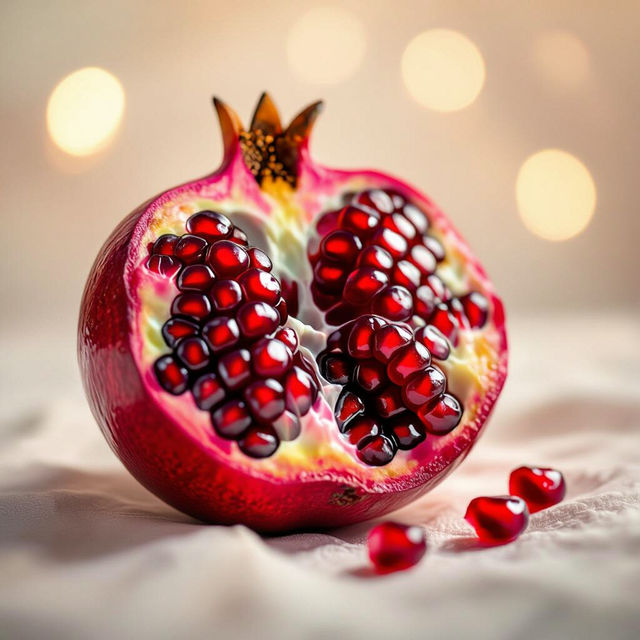
Pomegranate Images - Generated by AI
Explore a vibrant collection of AI-generated pomegranate images. Discover unique artistic interpretations and create your own stunning visuals with NightCafe's powerful AI tools.

Happy Birthday Andrea Images
Celebrate Andrea with unique Happy Birthday Andrea images! Browse our AI-generated gallery for inspiration or create your own personalized birthday visuals to make their day extra special.
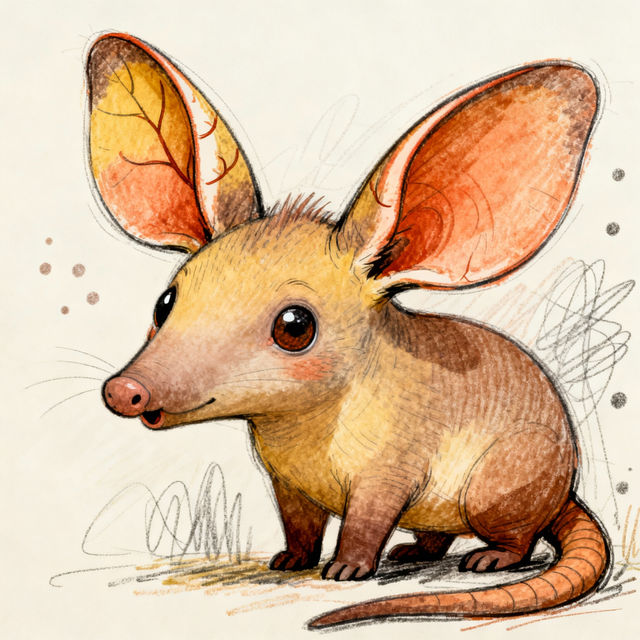
Aardvark Drawings
Discover a gallery of charming aardvark drawings created by AI. Get inspired by these unique artistic interpretations and create your own aardvark drawings.
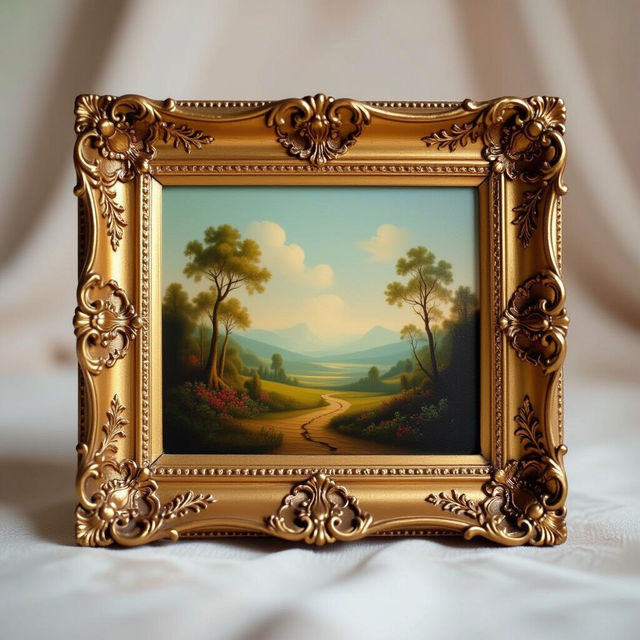
Rectangle Picture Frames - AI Generated
Explore a diverse collection of AI-generated rectangle picture frames. Perfect for showcasing your art, photos, or memories. Get inspired and create unique frames with NightCafe.
Frequently Asked Questions
Your Questions About Creating Buddhist Art Answered
What kind of AI models are used to create the Buddhist art?
NightCafe utilizes a variety of advanced AI models, including Stable Diffusion, DALL-E 3, and our proprietary models, to generate diverse and high-quality Buddhist art. These models are trained on extensive datasets, allowing them to capture the nuanced aesthetics and spiritual essence of Buddhist iconography.
How can I ensure my generated Buddhist art is respectful and accurate?
While our AI tools are powerful, we encourage users to approach the creation of Buddhist art with mindfulness and respect. Focus on prompts that reflect traditional iconography and spiritual themes. You can also use the 'Artistic Style' options to guide the AI towards specific traditional aesthetics. Remember, the AI is a tool to aid your personal expression of faith and creativity.
Can I use the Buddhist art I create for personal or commercial purposes?
Yes, you are free to use the Buddhist art you create with NightCafe's tools for personal enjoyment. For commercial use, please refer to our Terms of Service, which outlines guidelines regarding attribution and usage rights for AI-generated content.
What are some tips for creating effective prompts for Buddhist art?
To create effective prompts for Buddhist art, start by specifying the subject (e.g., Buddha, Bodhisattva, Mandala), the desired mood (e.g., serene, enlightened, peaceful), and any specific iconographic details (e.g., lotus flower, mudra, specific deity). You can also mention artistic styles like 'traditional Thangka painting' or 'Zen ink wash' to guide the AI's output.