

- Galleries
- Church Drawing Gallery
AI Church Drawing Generator
Create detailed and beautiful church drawings with our AI-powered generator. Perfect for artists, architects, and hobbyists. Explore our gallery or create your own church drawing today.

As seen in








Church Drawing Gallery
Explore a curated collection of AI-generated church drawings. Showcasing various architectural styles and artistic interpretations. Perfect for inspiration and creative exploration.


Didn't find what you were looking for? Create your own below!
Create your own AI Church Drawing Generator images
Discover the magic of Text to Image AI by creating your own unique images. Edit the prompt below to customize your creation.
No payment or credit card required.

Instant Artistic Inspiration
Generate Church Drawings With AI
Create stunning church drawings effortlessly with our AI-powered generator. Perfect for artists seeking inspiration, architects visualizing concepts, or hobbyists exploring their creativity. Simply input your ideas and let the AI craft detailed and beautiful church drawings.
Create Stunning Church Drawings with AI
Step 1
Input Your Vision
Start by entering a detailed description of your desired church drawing in the prompt box. Include specifics about the architectural style (e.g., Gothic, Romanesque), the setting, and any particular features you envision. The more details, the better the AI can capture your vision!
Step 2
Generate Your Drawing
Once you've crafted your perfect prompt, simply click the 'Generate' button. Our AI will then process your input and create a unique church drawing based on your specifications. This may take a few moments, so sit back and watch the magic happen!
Step 3
Download and Share
Once your church drawing is generated, you can download it in high resolution for your personal or professional use. Feel free to share your creation with the NightCafe community to inspire others and gather feedback!

Endless Architectural Visions
Design A Cathedral Sketch With Digital Tools
Design a Cathedral Sketch with Digital Tools using our AI-powered platform. Experiment with various architectural styles, from Romanesque to Gothic, and bring your cathedral visions to life. Perfect for architects, students, and anyone passionate about architectural design.
More Galleries
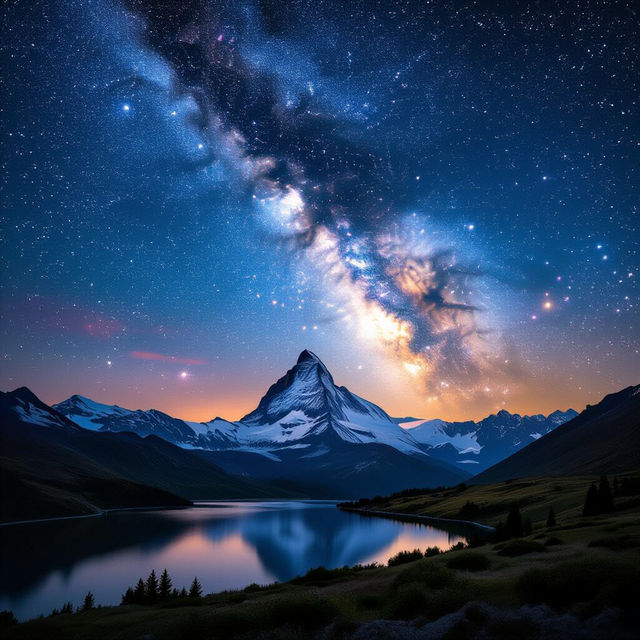
Stars Wallpaper
Explore our collection of AI-generated stars wallpapers, perfect for adding a celestial touch to your devices. Each wallpaper captures the beauty and wonder of the night sky.
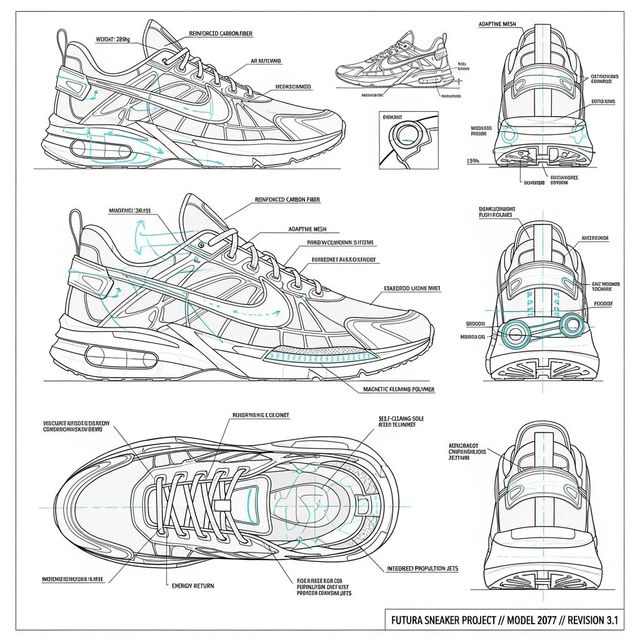
Generate Stunning Shoes Drawing With AI
Create unique shoes drawing designs using the NightCafe AI Image Generator. Explore the gallery for inspiration or generate your own design. Perfect for designers, artists, and shoe enthusiasts.
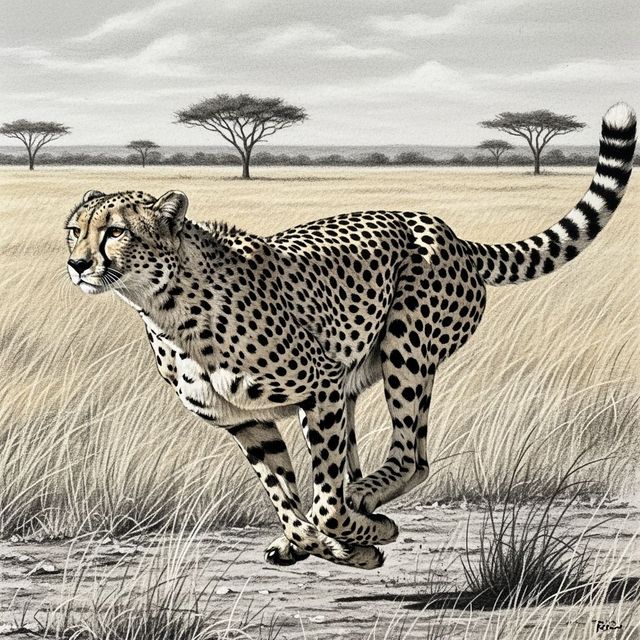
Create a Cheetah Drawing With AI
Create a realistic cheetah drawing with NightCafe AI Image Generator. Transform your imagination into stunning, personalized cheetah art with ease and creativity. Browse cheetah drawings or create your own.

Create Stunning Christmas Phone Wallpaper
Get into the festive spirit with NightCafe's AI Christmas Phone Wallpaper generator. Create stunning, personalized backgrounds that capture the magic of the holiday season. Browse Christmas phone wallpaper or create your own.
Frequently Asked Questions
Everything You Need to Know About Generating Church Drawings with AI
What kind of church designs can I create with the AI drawing generator?
You can generate a wide variety of church drawings, ranging from simple sketches to highly detailed architectural renderings. Experiment with different architectural styles like Gothic, Romanesque, or modern designs. You can also specify the type of church, such as a cathedral, chapel, or parish church, in your prompt.
What details should I include in my prompt to get the best results?
To get the best results, be as specific as possible in your prompt. Include details such as the architectural style, the type of materials (stone, brick, wood), the presence of specific features (stained glass windows, spires, arches), and the overall mood or atmosphere you want to create. You can also specify the perspective or viewpoint of the drawing.
Can I use the AI-generated church drawings for architectural projects or presentations?
Yes, you can use the AI-generated church drawings for various purposes, including architectural visualizations, presentations, and artistic inspiration. However, it's important to remember that these are AI-generated images and may require further refinement or modification for professional use. Always double-check measurements and structural integrity if using them for architectural plans.
What if I'm not satisfied with the first AI-generated drawing? Can I refine it?
Absolutely! You can refine the AI-generated drawing by adjusting your prompt and generating new variations. Try adding or modifying details in your prompt, experimenting with different styles, or using a different AI model. You can iterate as many times as needed until you achieve the desired result.
Are there any restrictions on how I can use the church drawings I generate?
While you can use the generated images for commercial purposes, you must credit NightCafe as the creator of the image. Also, you are responsible for ensuring that your use of the images complies with our terms of service and all applicable laws and regulations.