

- Galleries
- Clean Desktop Wallpaper Gallery
Clean Desktop Wallpaper - AI Generated
Discover stunning clean desktop wallpaper designs generated by AI. Perfect for a minimalist aesthetic, these wallpapers offer a clutter-free look for your computer. Create your own unique designs now!

As seen in








Clean Desktop Wallpaper Gallery
Explore a curated collection of AI-generated clean desktop wallpapers. Find the perfect minimalist background to enhance your workspace and boost productivity.


Didn't find what you were looking for? Create your own below!
Create your own Clean Desktop Wallpaper - AI Generated images
Discover the magic of Text to Image AI by creating your own unique images. Edit the prompt below to customize your creation.
No payment or credit card required.

Effortless Aesthetic Design
Create Your Own Minimalist Desktop Wallpaper
Transform your workspace with unique, AI-generated Clean Desktop Wallpaper. Our intuitive tools allow you to craft minimalist designs that perfectly match your style, ensuring a serene and organized digital environment. Start creating your personalized look today and enjoy a visually calming experience.
Create Your Perfect Clean Desktop Wallpaper
Step 1
Describe Your Ideal Wallpaper
Begin by describing the clean desktop wallpaper you envision. Be specific about colors, themes (e.g., nature, abstract, geometric), and the minimalist aesthetic you're aiming for. The more detail you provide, the better the AI can match your desired look.
Step 2
Generate Your Design
After crafting your prompt, click the "Generate" button. Our AI will process your description and create a unique, clean desktop wallpaper tailored to your specifications.
Step 3
Download & Share Your Creation
Once your wallpaper is ready, you can download it in high resolution to beautify your desktop. Feel free to share your creation with others or generate more options to find the perfect fit for your workspace!

AI-powered Visuals
Generate Minimalist Desktop Backgrounds With AI
Leverage the power of AI to Generate Minimalist Desktop Backgrounds with AI. Explore a vast array of styles and themes, from serene nature scenes to abstract patterns, all designed to provide a clean, uncluttered look. Elevate your digital space with custom-made wallpapers that reflect your personal taste.
More Galleries
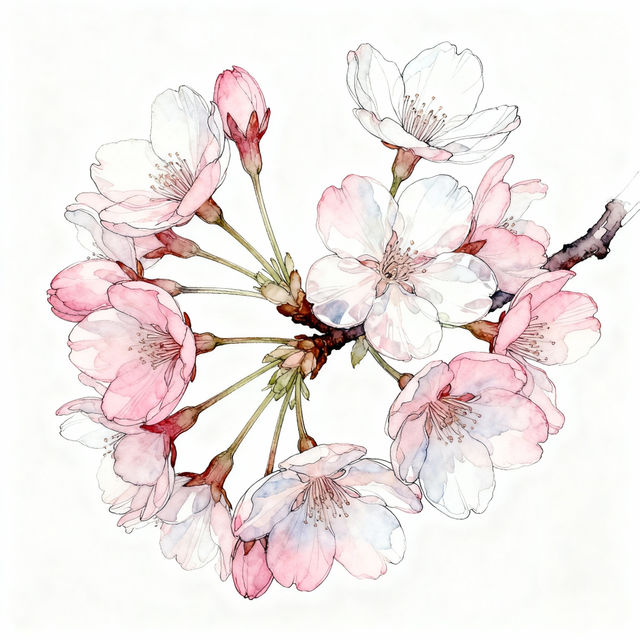
Cherry Blossom Flowers Drawing
Explore a beautiful collection of AI-generated cherry blossom flower drawings. Find inspiration for delicate floral art and create your own unique designs with NightCafe.
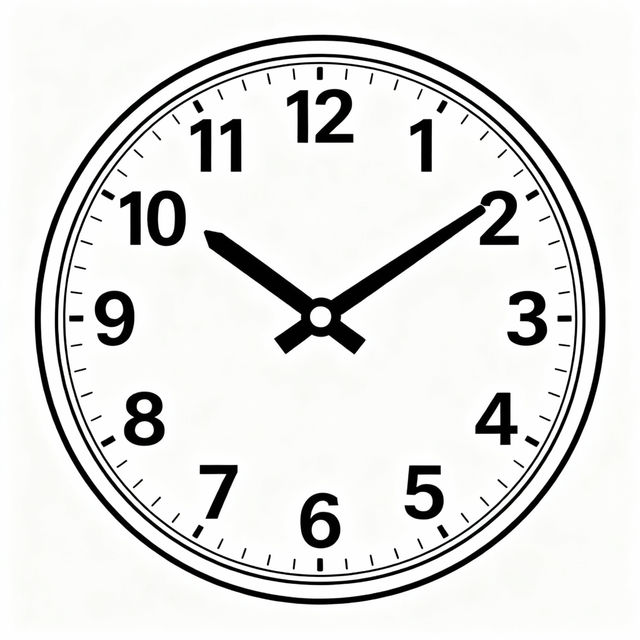
Clock Easy Drawing
Explore our gallery of easy clock drawings. Get inspired by simple designs and learn how to create your own clock art with AI on NightCafe.
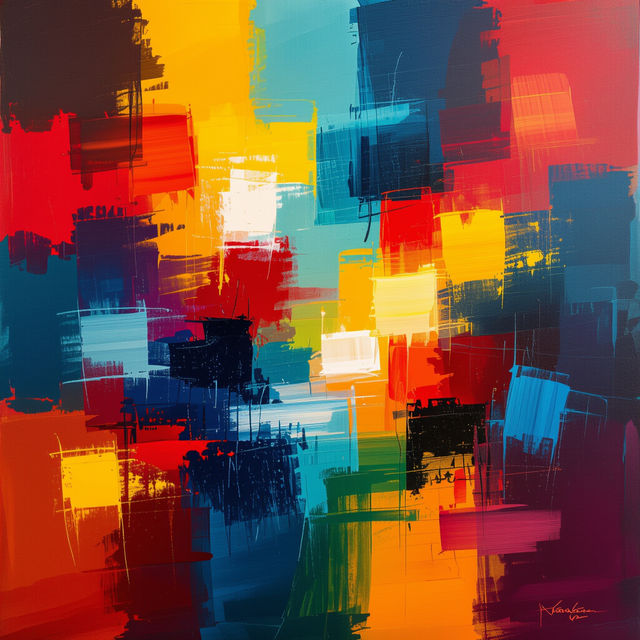
Hand Painted Wall Art
Explore a stunning collection of AI-generated hand painted wall art. Find unique pieces to elevate your space or create your own vibrant, artistic wall art with NightCafe.
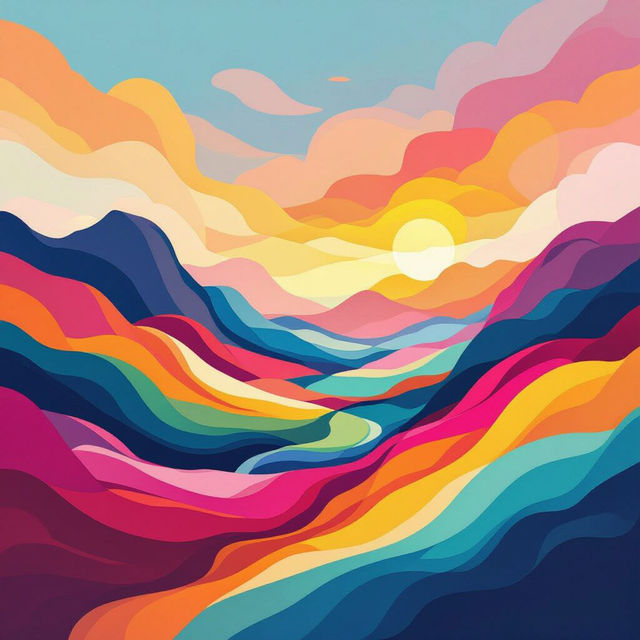
1080p HD Wallpapers
Explore a vast collection of breathtaking 1080p HD wallpapers. Find the perfect backdrop for your devices and easily create your own unique HD wallpapers with AI.
Frequently Asked Questions
Frequently Asked Questions about Clean Desktop Wallpaper
How do I create a clean desktop wallpaper that suits my minimalist style?
To create a minimalist wallpaper, focus your prompts on simple themes, limited color palettes, and uncluttered compositions. Keywords like 'minimalist', 'clean', 'simple', 'abstract', 'geometric', 'serene', 'nature', or 'zen' can be very effective. Experiment with different AI models and styles within NightCafe to see which best captures the minimalist aesthetic you're aiming for.
What makes these wallpapers 'clean' and minimalist?
These wallpapers are designed with a focus on simplicity and a lack of visual clutter. The AI generates designs that often feature calming colors, sparse elements, and clear compositions, creating a serene and organized digital environment that enhances focus and reduces distractions.
Can I use the AI-generated wallpapers for commercial purposes?
Yes, you are generally permitted to use the AI-generated wallpapers you create for commercial purposes, such as in your own projects or for branding. However, please always refer to our Terms of Service for the most up-to-date and specific usage rights and any attribution requirements.
What if I don't like the wallpaper I generated? Can I get a refund?
We understand that AI generation can sometimes lead to unexpected results. For information regarding refunds or credits, please consult our dedicated Refund Policy page, which outlines the process and conditions for such requests.
How can I ensure my wallpaper fits my specific monitor resolution?
When generating your wallpaper, look for aspect ratio or resolution settings within the AI creation tools. You can often specify common resolutions (like 1920x1080, 2560x1440, etc.) or aspect ratios (like 16:9) to ensure the generated image is a good fit for your screen. You may also be able to upscale or resize images after generation if needed.