

- Galleries
- Clown Drawing Gallery
Create a Clown Drawing With AI
Unleash your creativity with NightCafe's Clown Drawing generator. Transform your imagination into stunning, personalized clown art with ease. Browse clown drawings or create your own.

As seen in








Clown Drawing Gallery
A curated collection of AI-generated clown drawings, showcasing diverse styles and interpretations of the classic character, perfect for inspiration and creative exploration.


Didn't find what you were looking for? Create your own below!
Create your own Create a Clown Drawing With AI images
Discover the magic of Text to Image AI by creating your own unique images. Edit the prompt below to customize your creation.
No payment or credit card required.

Instant Clown Generation
Generate A Clown Drawing
Effortlessly craft your perfect Clown Drawing with our AI generator. Input your vision, select your style, and watch as our advanced algorithms bring your unique clown character to life in seconds. Perfect for artists, hobbyists, and anyone seeking clown-inspired creativity.
Create Your Clown Drawing
Step 1
Describe Your Vision
Describe your ideal clown! The more details you provide about the clown's appearance, mood, and setting, the better the AI can capture your vision. Consider specifying details like the clown's outfit, makeup, and any props they might be holding. You can also explore creating scary clowns!
Step 2
Generate Your Clown
Click the 'Generate' button and let the AI work its magic! In moments, you'll see your described clown drawing come to life. Experiment with different prompts and styles to discover unique and captivating results.
Step 3
Download & Share
Once you're happy with your clown drawing, download it and share it with the world! Show off your creation to friends, family, or the NightCafe community. You can also use your clown drawing for personal projects, social media, or even as inspiration for other art.

Nightmare Fuel
Creating Scary Clowns With A.i.
Dive into the darker side of clown imagery by Creating Scary Clowns with A.I. Explore unsettling designs and twisted visages with ease. Our platform allows you to generate an endless array of terrifying clowns, perfect for horror enthusiasts and artists seeking the macabre.
More Galleries
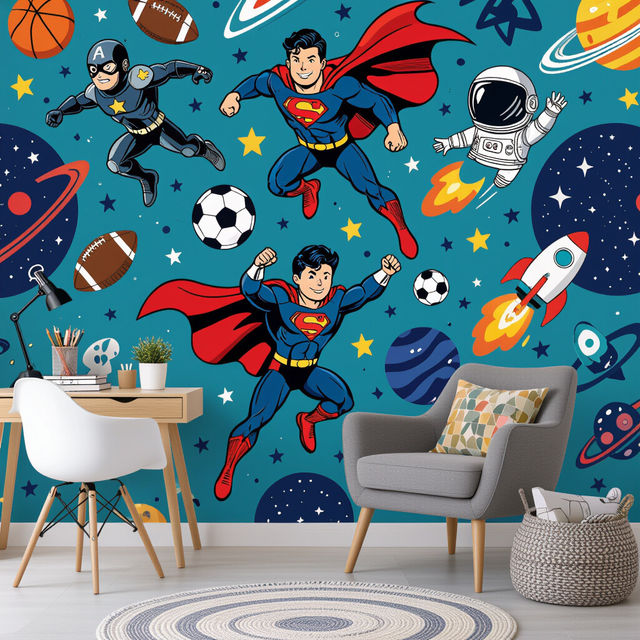
Cool Wallpaper For Boys
Explore our collection of cool wallpaper for boys. Find the perfect backdrop for their digital world. Browse through a variety of themes and styles to create a space they'll love.
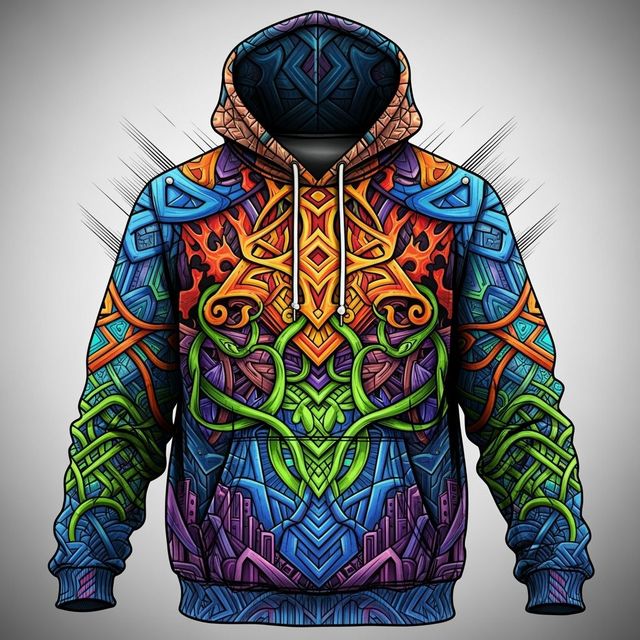
Create a Hoodie Drawing With AI
Design your unique Hoodie Drawing with NightCafe's AI generator. Whether you need a custom design, our tool brings your vision to life. Explore hoodie drawing examples or create your own.
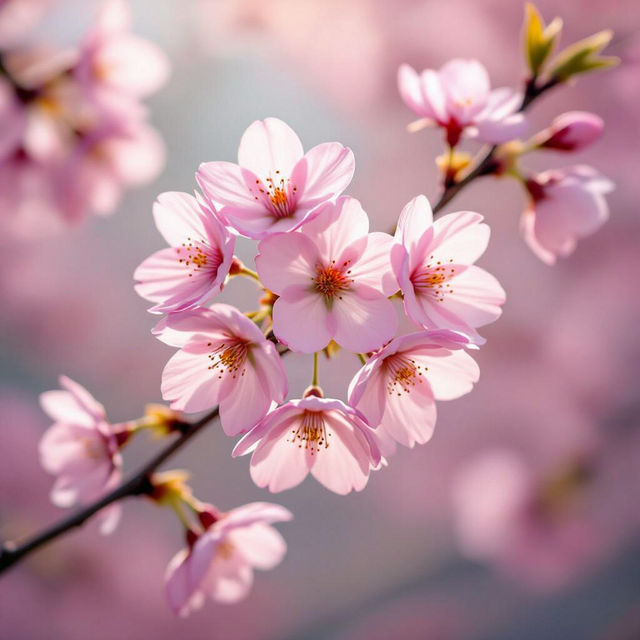
AI Pink Wallpaper Aesthetic Generator
Transform your screen with our AI Pink Wallpaper Aesthetic Generator. Create dreamy, soft, and stylish pink wallpapers that perfectly match your unique taste. Browse pink aesthetic wallpapers or create your own.
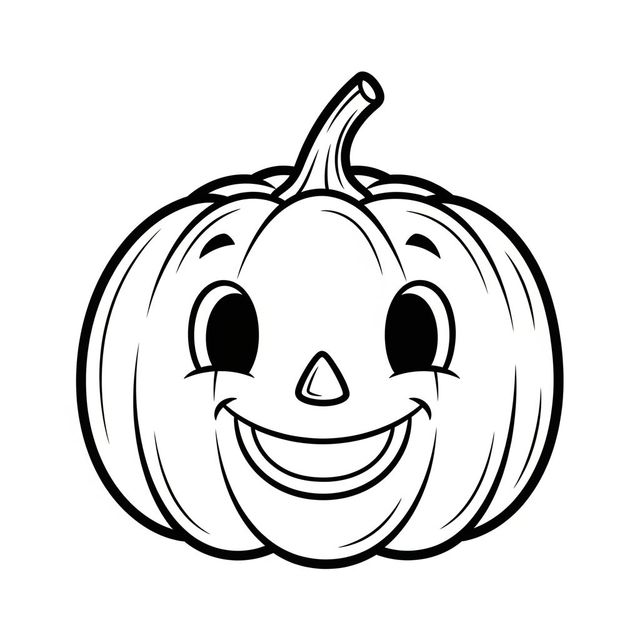
Easy Pumpkin Drawing with AI
Create a simple pumpkin drawing with AI. Whether you're looking for cute pumpkins or artistic designs, our AI Generator can bring your vision to life. Browse examples or create your own.
Frequently Asked Questions
Everything You Need to Know About Generating Clown Drawings with AI
What types of clown drawings can I create with the AI generator?
You can create a wide variety of clown drawings, from traditional circus clowns to more modern and even scary clown designs. Experiment with different prompts to explore various styles, colors, and moods.
How do I generate a scary clown drawing?
To generate a scary clown drawing, include keywords like 'scary,' 'horror,' 'twisted,' 'menacing,' or 'unsettling' in your prompt. You can also specify details like sharp teeth, dark eyes, or sinister makeup to enhance the terrifying effect. Experiment with different AI models to find the one that best suits your vision.
What details should I include in my prompt to get the best clown drawing results?
Be as specific as possible! Include details about the clown's appearance (e.g., makeup, costume, hair color), the setting or background, the desired art style (e.g., cartoon, realistic, abstract), and the overall mood or emotion you want to convey. The more information you provide, the better the AI can understand your vision.
Can I use the generated clown drawings for commercial purposes?
The commercial usage rights of AI-generated images depend on the specific AI model used and NightCafe's terms of service. Please refer to our Terms of Service for detailed information regarding commercial use and licensing.
What if I'm not happy with the first clown drawing generated? Can I make changes?
Yes! You can refine your prompt and regenerate the image multiple times. Experiment with different keywords, styles, and settings until you achieve the desired result. You can also use the 'Evolve' feature to make targeted changes to an existing image.