

- Galleries
- Colors From Image Artworks
Colors From Image
Explore vibrant art generated from existing images. Use the 'Colors From Image' feature to create unique visuals inspired by your favorite colors and photos. Transform your ideas into stunning AI art.

As seen in








Colors From Image Artworks
A diverse collection of AI-generated art, created using the 'Colors From Image' feature, showcasing how specific color palettes can inspire unique and beautiful visual creations.


Didn't find what you were looking for? Create your own below!
Create your own Colors From Image images
Discover the magic of Text to Image AI by creating your own unique images. Edit the prompt below to customize your creation.
No payment or credit card required.

Vibrant Art From Your Photos
AI-generated Art Based On Image Colors
Transform your cherished photos into breathtaking AI art using our 'Colors From Image' feature. This powerful tool extracts the essence of your images, translating their unique color palettes into stunning, original artworks. Explore the magic of seeing your memories reborn as unique digital creations.
Create Art from Your Colors
Step 1
Set Your Color Palette
To begin, upload an image or describe the colors and style you envision for your artwork in the prompt box. You can also use the 'Colors From Image' feature to extract a palette directly from a photo, guiding the AI to create a piece that perfectly matches your aesthetic.
Step 2
Generate Your Artwork
Once you have defined your colors and prompt, click the 'Generate' button. The AI will analyze your input and create a unique piece of art inspired by the colors and themes you've provided.
Step 3
Download & Share Your Masterpiece
After your artwork is generated, you can download it in high resolution or share it with our community. Showcase your color-inspired creations and discover new artistic possibilities!

Unlock Unique Color Palettes
Generate AI Art From An Image Color Palette
Leverage the 'Image Color Palette' feature to Generate AI Art from an Image Color Palette that speaks to you. Upload any image and let our AI distill its chromatic soul into a new artistic vision. Perfect for designers, artists, and anyone looking to create visually cohesive and inspired pieces.
More Galleries
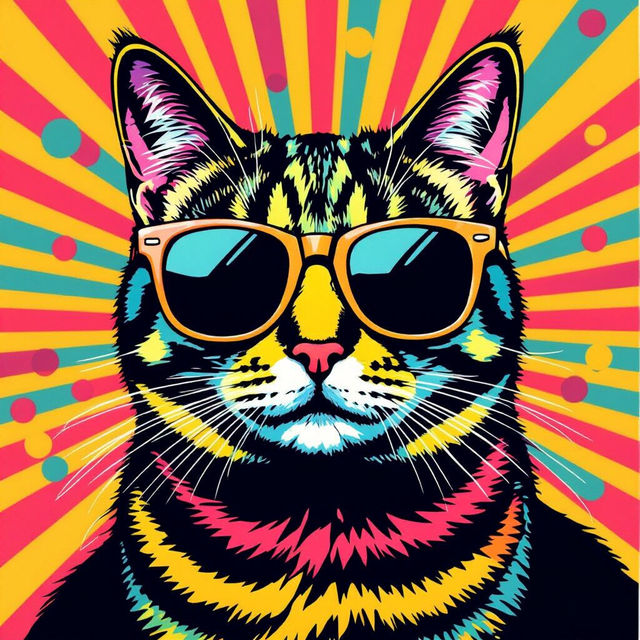
Pop Art - Made With AI
Discover a vibrant collection of AI-generated Pop Art examples. Get inspired by bold colors and iconic imagery, then create your own unique Pop Art pieces with NightCafe.
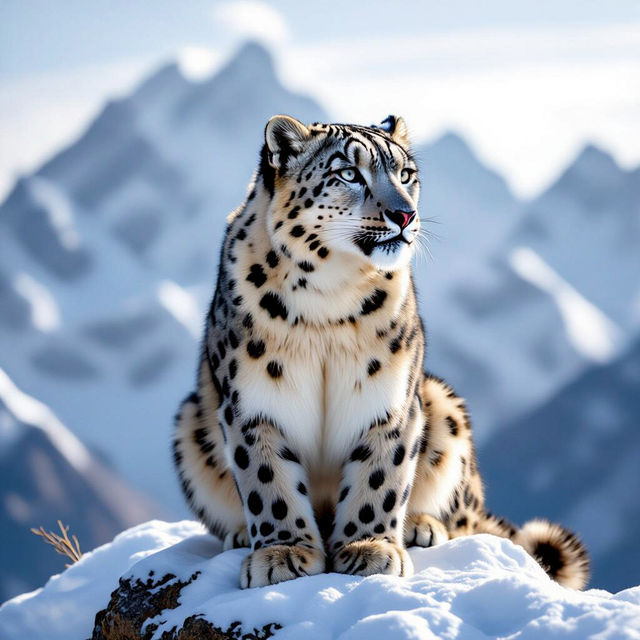
Snow Leopard Wallpaper
Explore breathtaking snow leopard wallpapers, perfect for your desktop or mobile. Generate your own unique snow leopard art with AI and bring the majesty of these elusive cats to your screen.
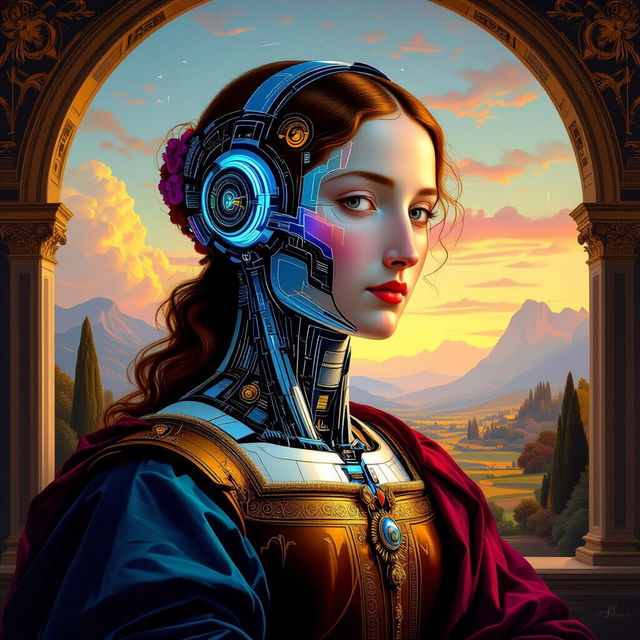
Art Masters Inspired by AI
Discover AI-generated art inspired by the techniques and styles of the Art Masters. Browse a unique collection or create your own masterpieces with NightCafe's AI.
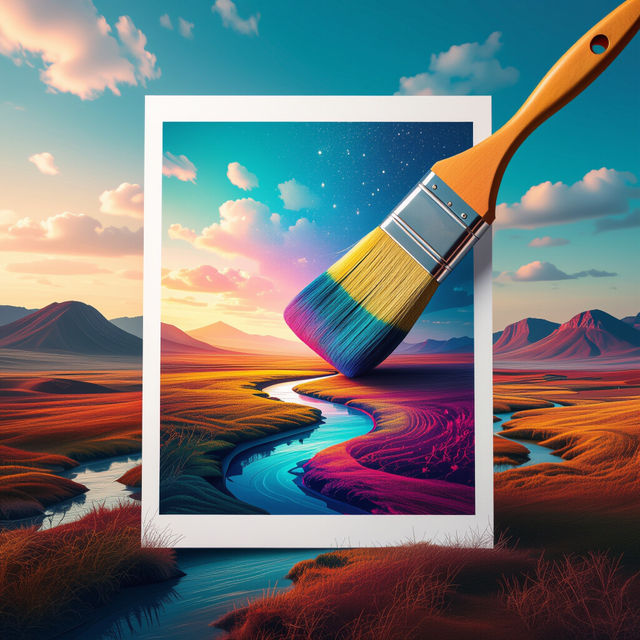
Image To Prompt AI Examples
Explore the power of Image To Prompt AI. See how AI interprets images to generate descriptive text prompts, perfect for creating unique AI art. Get inspired and start generating!
Frequently Asked Questions
Your Questions About Generating Art from Colors and Images, Answered
How does the 'Colors From Image' feature work?
The 'Colors From Image' feature analyzes your uploaded image to identify its dominant color palette. This extracted palette is then used as a guiding influence for the AI art generator, allowing it to create new artworks that are inspired by the colors and mood of your original photo.
Can I use any image to extract colors for AI art generation?
Yes, you can upload virtually any image to extract its color palette. Whether it's a photograph, a painting, or a digital graphic, the AI will distill its chromatic essence to inspire your new artwork. This makes it a versatile tool for artists and designers.
What makes this 'Colors From Image' generator unique compared to other AI art tools?
Our 'Colors From Image' generator offers a unique way to create AI art by focusing on the emotional and visual impact of color palettes. Instead of just text prompts, you're directly influencing the artwork's aesthetic by providing a specific set of colors derived from an image you love, leading to highly personalized and cohesive results.
How can I best use the 'Image Color Palette' feature for my design projects?
For design projects, use the 'Image Color Palette' feature to ensure visual consistency. Upload images that represent your brand's aesthetic or the mood of your project. The AI will then generate art that perfectly matches your desired color scheme, ideal for mood boards, branding elements, or unique graphic assets.