

- Galleries
- Computer Wallpaper Aesthetic Gallery
Generate Stunning Computer Wallpaper Aesthetic Art
Explore a vast gallery of computer wallpaper aesthetic art. Find inspiration and create your own unique digital art to personalize your desktop with AI.

As seen in








Computer Wallpaper Aesthetic Gallery
A curated collection of AI-generated computer wallpaper art, featuring a wide range of styles and themes to enhance your digital workspace.


Didn't find what you were looking for? Create your own below!
Create your own Generate Stunning Computer Wallpaper Aesthetic Art images
Discover the magic of Text to Image AI by creating your own unique images. Edit the prompt below to customize your creation.
No payment or credit card required.

Find Your Perfect Aesthetic
Discover Unique Computer Wallpaper Designs
Dive into a curated collection of stunning Computer Wallpaper Aesthetic designs, generated by cutting-edge AI. Whether you seek vibrant abstracts, serene landscapes, or futuristic cityscapes, our gallery offers endless inspiration to transform your digital space and personalize your desktop with unique, eye-catching art.
Create Your Perfect AI Desktop Background
Step 1
Describe Your Ideal Wallpaper
To begin, enter a detailed description of the desktop background you envision in the prompt box. Think about the style, colors, mood, and any specific elements you'd like to see, such as landscapes, abstract patterns, or futuristic scenes. The more descriptive you are, the better the AI can match your vision.
Step 2
Generate Your Custom Art
Once your prompt is ready, click the 'Generate' button. The AI will process your input and create a unique piece of digital art tailored to your description. You can then review the generated image.
Step 3
Download & Personalize Your Desktop
After the art is generated, you have the option to download it in high resolution to use as your desktop background. Feel free to share your creation with our community or generate more variations until you find the perfect fit for your screen!

Personalize Your Workspace
Generate AI Desktop Background Art For Your Screen
Effortlessly Generate AI Desktop Background Art that reflects your style. Our intuitive tools allow you to create custom visuals, from minimalist patterns to complex digital paintings, ensuring your screen is always a source of inspiration and a true extension of your personality. Elevate your daily computing experience.
More Galleries
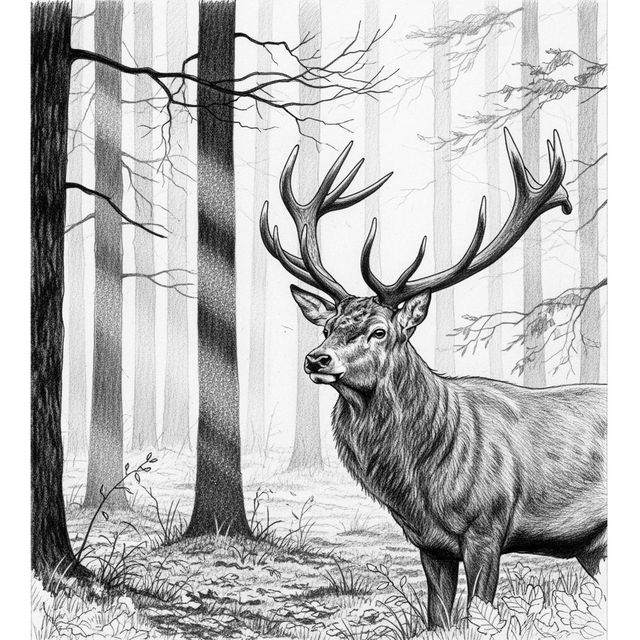
AI Deer Drawings Gallery
Explore a gallery of beautiful AI-generated deer drawings. Get inspired by unique styles and create your own enchanting deer artwork with NightCafe.
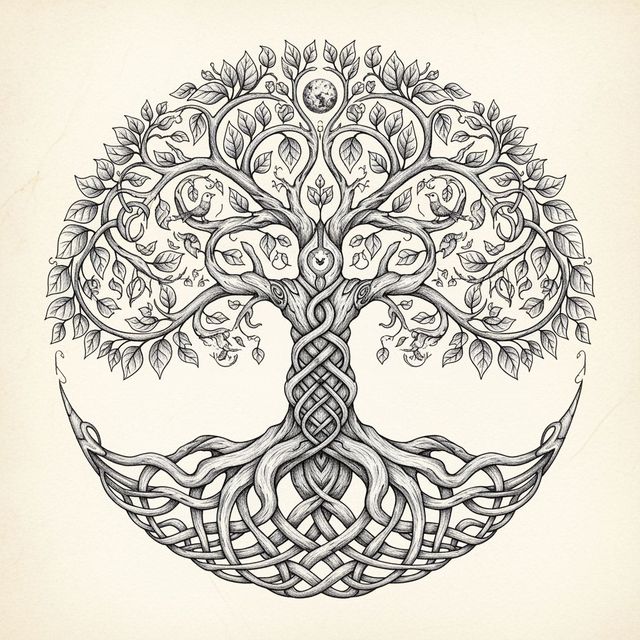
Explore AI-Generated Tree of Life Drawings
Discover stunning Tree of Life drawings created by AI. Get inspired by intricate designs and create your own unique Tree of Life art with NightCafe's AI tools.
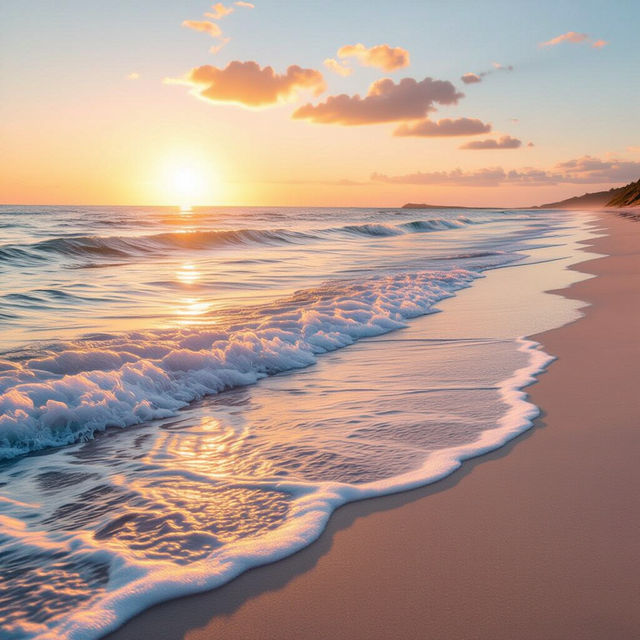
Stunning Beach Aesthetic Wallpapers Generated by AI
Explore a gallery of AI-generated beach aesthetic wallpapers. Find inspiration for your next desktop or mobile background, and easily create your own unique beach scenes.
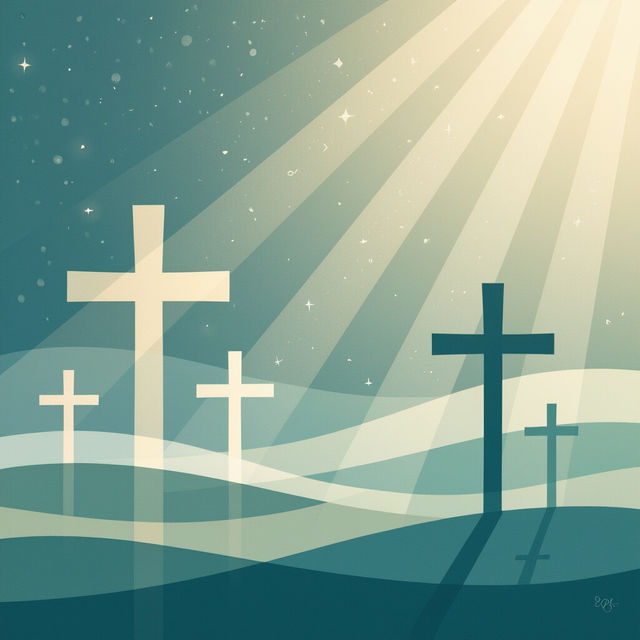
Aesthetic Christian Wallpaper Gallery
Discover and create stunning aesthetic Christian wallpaper. Browse inspiring designs and generate your own unique, faith-filled wallpapers to beautify your space.
Frequently Asked Questions
Your Questions About Generating AI Desktop Backgrounds, Answered
How can I generate AI art that looks good as a desktop wallpaper?
To create effective desktop wallpapers, focus your prompts on visual aesthetics that translate well to a screen. Think about resolution, aspect ratio (often 16:9 or similar widescreen formats), and the overall mood or theme you want for your desktop. Describe elements like 'vibrant colors,' 'serene landscape,' 'futuristic cityscape,' or 'abstract patterns' to guide the AI.
What kind of AI models are best for creating computer wallpaper art?
NightCafe offers various AI models, each with unique strengths. For detailed landscapes or complex scenes, Stable Diffusion or Imagen might be excellent choices. For more abstract or stylized aesthetics, Flux or other generative models could yield fantastic results. Experiment with different models to see which best fits your desired wallpaper style.
Can I use the AI-generated wallpapers I create for my personal desktop?
Absolutely! The art you generate is intended to personalize your digital space. You can download and set any AI art you create as your desktop background. Enjoy transforming your screen into a unique and inspiring visual experience.
How do I ensure my generated wallpaper art fits my screen resolution?
When generating your art, pay attention to the aspect ratio and resolution settings available. Many AI art generators allow you to specify dimensions or aspect ratios (like 16:9 for most monitors). You can also often upscale or refine the image after generation to achieve the best fit and clarity for your specific screen resolution.