

- Galleries
- AI-Generated Contrast Pictures
Contrast Pictures - Made With AI
Discover striking contrast pictures created with AI. Explore a gallery of high-contrast images and learn how to generate your own visually arresting art on NightCafe.

As seen in








AI-Generated Contrast Pictures
A curated collection of AI-generated images emphasizing dramatic contrast, offering visual inspiration and showcasing the power of opposing elements in art.


Didn't find what you were looking for? Create your own below!
Create your own Contrast Pictures - Made With AI images
Discover the magic of Text to Image AI by creating your own unique images. Edit the prompt below to customize your creation.
No payment or credit card required.

Visually Striking & Bold
Explore The Art Of Contrast
Dive into a world where light and shadow dance, and colors collide. Our gallery showcases breathtaking contrast pictures, meticulously generated by AI. Discover how dramatic juxtapositions can evoke powerful emotions and create unforgettable visual narratives, inspiring your own artistic journey.
Create Your Own Striking Contrast Art
Step 1
Describe Your Contrast Vision
Begin by entering a detailed prompt that describes the scene or concept you envision, focusing on elements that create strong visual contrast. Think about light vs. dark, opposing colors, or starkly different textures. Be as specific as possible to guide the AI in generating a high-contrast image.
Step 2
Generate Your Contrast Image
After crafting your prompt, click the 'Generate' button. The AI will then process your input and create a unique image that emphasizes the visual contrasts you've described. Watch as your ideas come to life!
Step 3
Download or Share Your Creation
Once your contrast image is ready, you can download it in your preferred resolution or share it with the NightCafe community. Inspire others with your visually arresting creations and explore what other users have generated!

Your Vision, Amplified
Generate AI Contrast Images With Nightcafe
Unlock the power to create your own stunning AI contrast images. With NightCafe's intuitive tools, you can generate AI contrast images that perfectly capture your desired mood and aesthetic. Experiment with different styles and models to bring your unique artistic visions to life with ease.
More Galleries
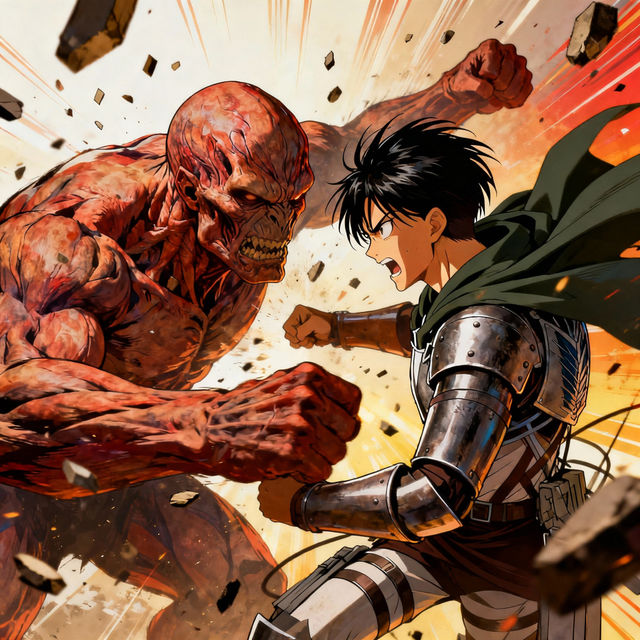
AOT Drawing
Discover a gallery of AOT drawings created with AI. Get inspired by Attack on Titan fan art and generate your own unique anime scenes and characters.
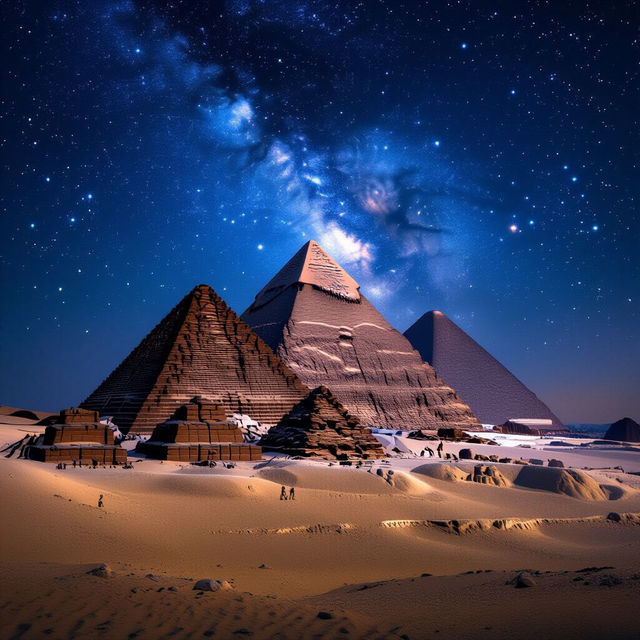
Ancient Egypt Pictures
Discover captivating Ancient Egypt pictures brought to life by AI. Browse historical scenes and iconic imagery, then create your own Egyptian-themed art on NightCafe.
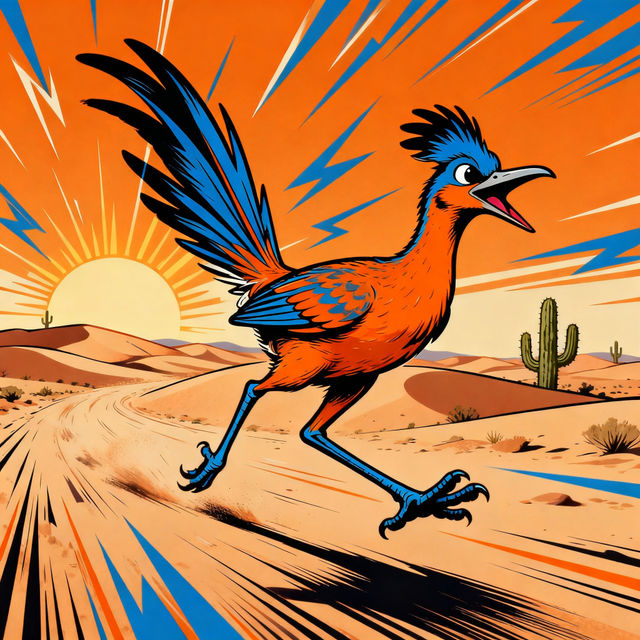
Road Runner Drawings - AI Generated
Explore a vibrant gallery of AI-generated Road Runner drawings. Get inspired by unique artistic styles and create your own cartoon character art with NightCafe.
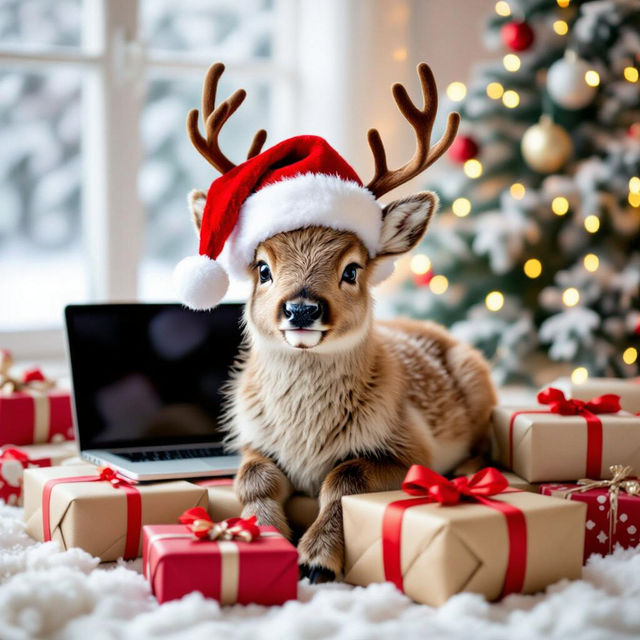
Cute Christmas Laptop Wallpapers
Deck the halls of your digital space with adorable Christmas laptop wallpapers. Discover festive, AI-generated designs perfect for your device. Create your own cute holiday backgrounds!
Frequently Asked Questions
Your Questions About Contrast Pictures, Answered
What makes a picture a 'contrast picture' in this gallery?
Contrast pictures are defined by the strong visual differences between elements within the artwork. This can manifest as stark differences in light and shadow (chiaroscuro), opposing colors (like complementary colors placed next to each other), or contrasting textures and shapes. The AI art in this gallery emphasizes these juxtapositions to create dramatic and visually arresting imagery.
How can I generate my own contrast pictures on NightCafe?
To generate your own contrast pictures, start by using descriptive keywords in your prompt that emphasize opposing elements. For example, try prompts like 'vibrant neon lights against a dark, rainy alley' or 'a single white feather on a black velvet background.' Experiment with different AI models available on NightCafe, as some may excel at rendering sharp contrasts and dramatic lighting more effectively than others. Adjusting parameters like 'stylize' or 'chaos' can also influence the level of contrast.
Can I use these AI-generated contrast pictures for my projects?
Yes, you can use the AI-generated contrast pictures created on NightCafe for your projects. Depending on your subscription and the specific credits used, you may be able to use them for personal or commercial purposes. Please refer to our Terms of Service for detailed information on image ownership and usage rights.
What styles or models are best for creating high-contrast art?
While many of NightCafe's models can produce contrast, styles that often lend themselves well to high contrast include 'cinematic lighting,' 'dramatic,' 'noir,' or 'surreal.' Models like Stable Diffusion and Flux can be particularly adept at handling strong lighting and color variations. Experimenting with prompts that include terms like 'chiaroscuro,' 'silhouette,' 'vivid,' and 'muted' can help guide the AI towards creating the desired level of contrast.