

- Galleries
- Picture to Drawing Gallery
Convert Picture to Drawing with AI
Easily convert any picture into a drawing using AI. Explore our gallery for inspiration and create your own unique artistic transformations on NightCafe.

As seen in








Picture to Drawing Gallery
A curated collection of images transformed from photos into various drawing styles using AI, showcasing artistic potential and creative possibilities.


Didn't find what you were looking for? Create your own below!
Create your own Convert Picture to Drawing with AI images
Discover the magic of Text to Image AI by creating your own unique images. Edit the prompt below to customize your creation.
No payment or credit card required.

Effortless Artistic Style
Transform Your Photos Into Drawings
Discover the magic of transforming your cherished photographs into stunning artistic drawings. Our AI makes it simple to convert a picture to a drawing, adding a unique, hand-crafted feel to your memories. Explore diverse artistic styles and breathe new life into your images with just a few clicks.
Transform Your Photos into Art
Step 1
Upload Your Image & Describe the Style
Start by uploading the picture you wish to transform. Then, in the prompt box, describe the artistic style you envision for your drawing. Be specific! For example, mention 'pencil sketch,' 'charcoal drawing,' 'watercolor painting,' or 'vintage illustration.' You can also add details about the mood or theme.
Step 2
Generate Your Artistic Drawing
Once your image is uploaded and your desired style is described in the prompt, click the "Generate" button. Our AI will then work its magic, converting your photograph into a unique drawing based on your specifications.
Step 3
Download & Share Your Creation
After the AI generates your drawing, you can download it in high-resolution to use in your projects. Feel free to share your transformed image with the NightCafe community or on social media to inspire others!

Creative Visual Storytelling
AI Photo To Sketch Converter For Unique Art
Elevate your visual projects with our advanced AI Photo to Sketch Converter. This tool is perfect for artists and creators seeking to generate unique art from existing images. Transform photos into expressive sketches that capture emotion and detail, making your creations stand out.
More Galleries
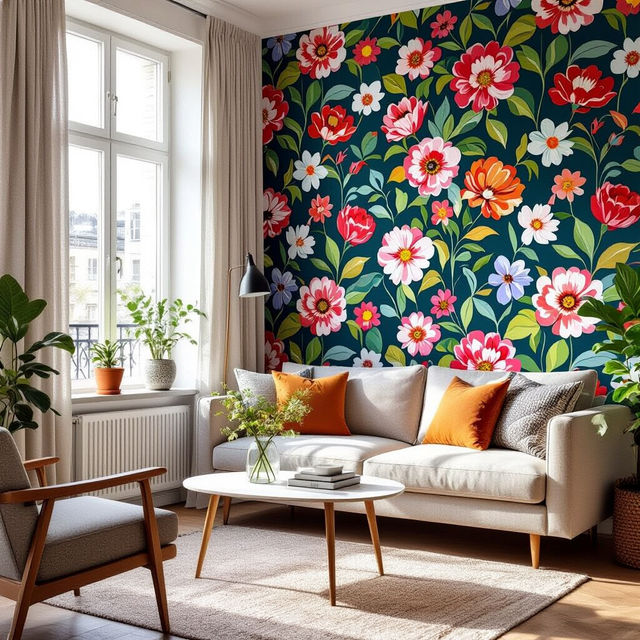
Temporary Wallpaper for Apartments
Discover creative and stylish temporary wallpaper solutions perfect for apartments. Browse AI-generated designs to easily refresh your space without permanent changes.
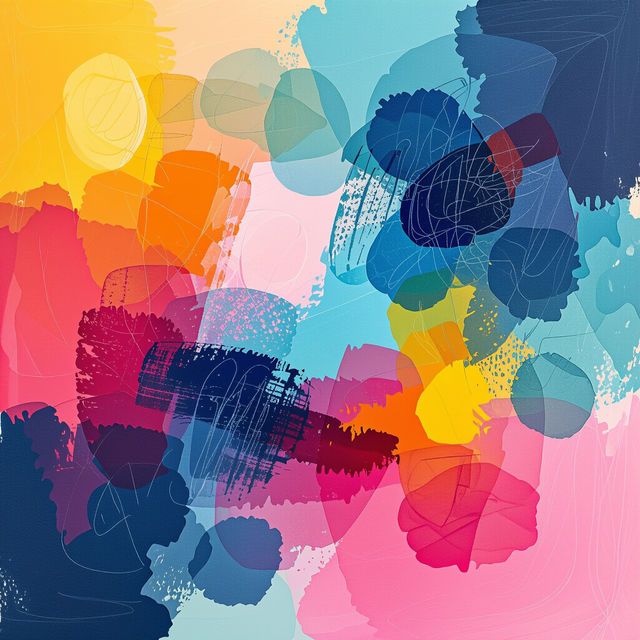
Define Medium In Art
Discover and define medium in art through a stunning AI-generated gallery. Explore diverse artistic styles and techniques. Create your own unique art pieces and expand your artistic vision.
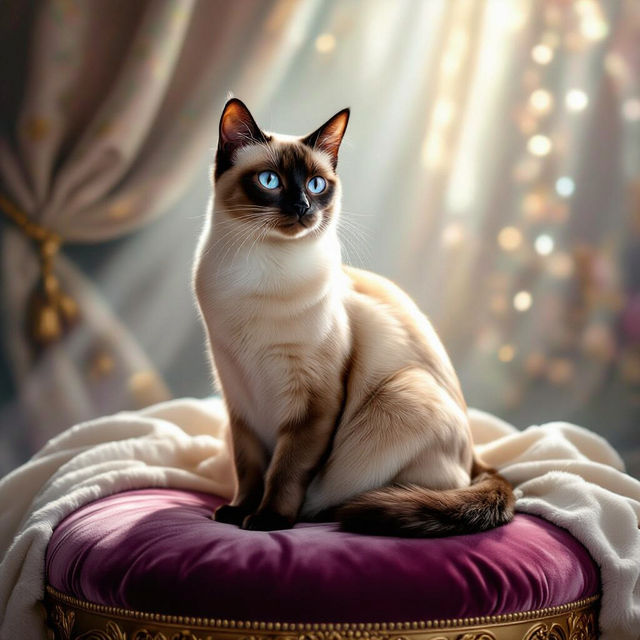
Pictures Of A Cat
Explore a purrfect collection of AI-generated pictures of a cat. Find inspiration or create your own unique feline art with NightCafe's easy-to-use AI tools.
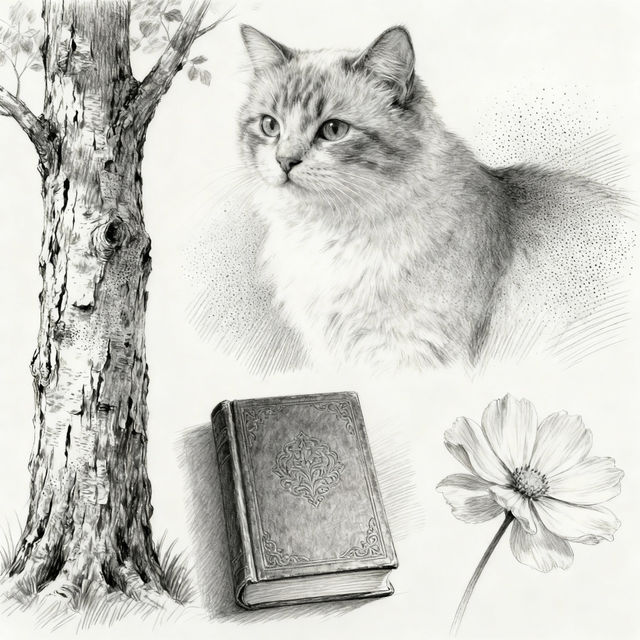
Easy Pencil Sketch Drawings - Made With AI
Explore a gallery of easy pencil sketch drawings created with AI. Perfect for artists seeking inspiration or wanting to quickly visualize ideas. Try creating your own!
Frequently Asked Questions
Your Questions About Converting Pictures to Drawings, Answered
How does the AI convert my picture into a drawing?
Our AI analyzes the key elements, colors, and textures of your original picture. It then applies various artistic filters and styles, mimicking different drawing techniques like sketching, charcoal, or watercolor, to create a unique artistic interpretation.
What types of pictures work best for converting into drawings?
Virtually any picture can be transformed! High-resolution images with clear subjects often yield the most detailed results. Portraits, landscapes, still life, and even abstract photos can be beautifully reimagined as drawings.
Can I choose the drawing style for my converted picture?
Yes! You can explore a variety of artistic styles available within our tool. Experiment with different options to find the perfect look, whether you prefer a classic pencil sketch, a vibrant colored pencil drawing, or a more abstract artistic rendering.
How can I get the best artistic drawing results from my photo?
Start with a clear, well-lit photograph. Consider the mood you want to convey and experiment with different drawing styles available. Sometimes, slightly adjusting the input photo or trying different prompts alongside your image can lead to unique and compelling artistic outcomes.
Are there any limitations on the size or format of the pictures I can upload?
You can upload most common image formats like JPG and PNG. While there isn't a strict size limit, larger, higher-resolution images generally provide more detail for the AI to work with, leading to potentially more intricate and impressive drawings.