

- Galleries
- Gaming Wallpapers for Boys
Cool Wallpapers For Boys Gaming
Explore a collection of cool wallpapers specifically for boys who love gaming. Find the perfect backdrop for your devices and then create your own unique gaming wallpapers with AI.

As seen in








Gaming Wallpapers for Boys
Discover a curated gallery of awesome AI-generated gaming wallpapers designed for boys. Perfect for customizing your screens with epic game-inspired art.


Didn't find what you were looking for? Create your own below!
Create your own Cool Wallpapers For Boys Gaming images
Discover the magic of Text to Image AI by creating your own unique images. Edit the prompt below to customize your creation.
No payment or credit card required.

Immerse Yourself In Gaming
Awesome Gaming Wallpapers For Boys
Dive into a curated selection of dynamic and visually stunning gaming wallpapers, perfect for any young gamer. From epic battle scenes to futuristic landscapes, find the ultimate backdrop that captures your passion. These Cool Wallpapers For Boys Gaming are designed to inspire and energize your gaming setup, making every session feel more intense and engaging.
Create Your Ultimate Gaming Wallpaper
Step 1
Describe Your Dream Wallpaper
Start by entering a detailed prompt describing the gaming scene, characters, or aesthetic you envision for your wallpaper. Be specific about colors, styles (e.g., futuristic, fantasy, pixel art), and any elements you want to include to guide the AI.
Step 2
Generate Your Custom Wallpaper
Once your prompt is ready, hit the 'Generate' button. The AI will process your request and create a unique gaming wallpaper based on your description. You can iterate by refining your prompt and generating again if needed.
Step 3
Download & Share Your Masterpiece
After the wallpaper is created, you can download it in high resolution to use on your devices. Feel free to share your amazing creation with the community or use it as inspiration for your next design!

Design Your Dream Background
Create Gaming Wallpaper AI Art With Nightcafe
Transform your gaming passion into unique digital art. With NightCafe's intuitive AI tools, you can Create Gaming Wallpaper AI Art with NightCafe. Experiment with different styles, themes, and elements to generate a personalized wallpaper that truly represents your gaming identity. It's your chance to design the ultimate gaming backdrop that no one else has.
More Galleries
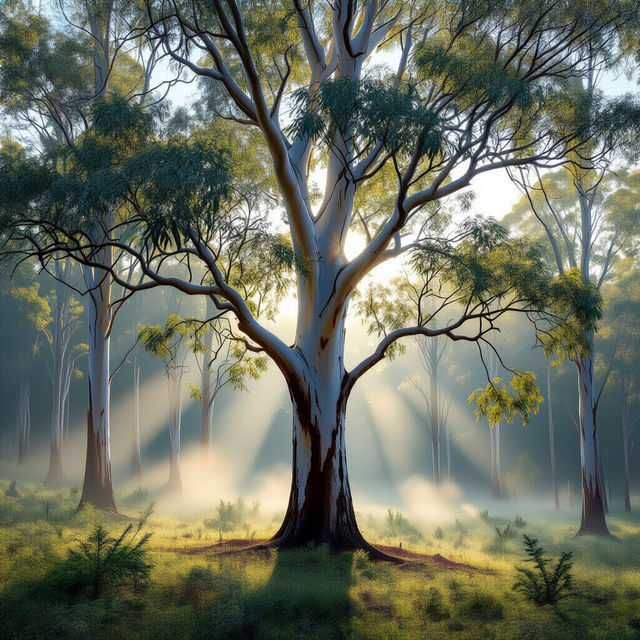
Eucalyptus Tree Images - AI Generated
Discover a diverse collection of AI-generated Eucalyptus tree images. Get inspired by unique artistic interpretations and create your own eucalyptus visuals with NightCafe.
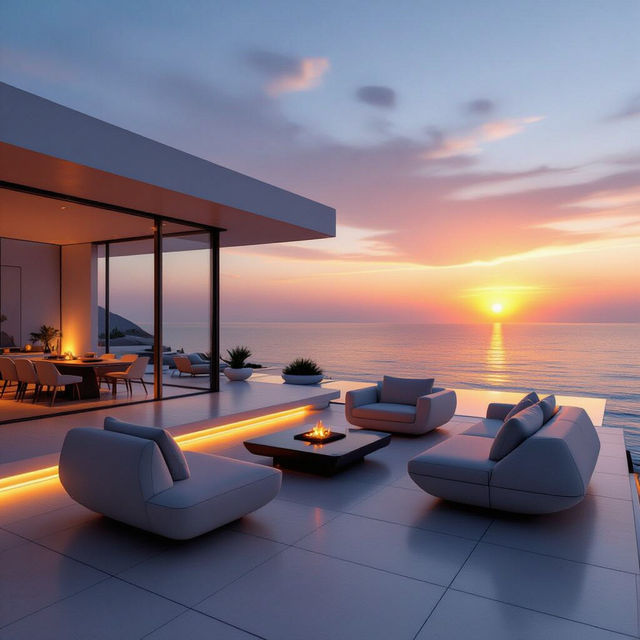
Images Of Decks
Explore a vast collection of AI-generated images of decks. Find inspiration for your next project or create your own unique deck designs with our advanced AI tools.
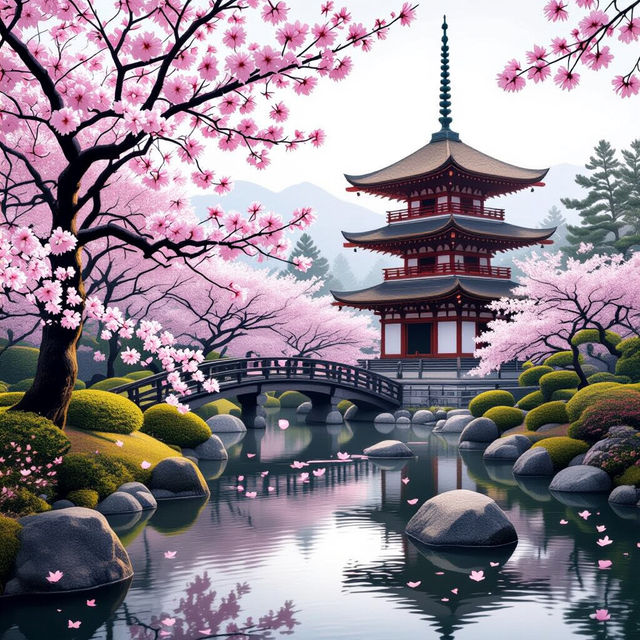
Japan Aesthetic Wallpapers - AI Generated
Discover unique Japan aesthetic wallpapers created by AI. Perfect for your desktop or mobile, these wallpapers capture the essence of Japanese art and culture.
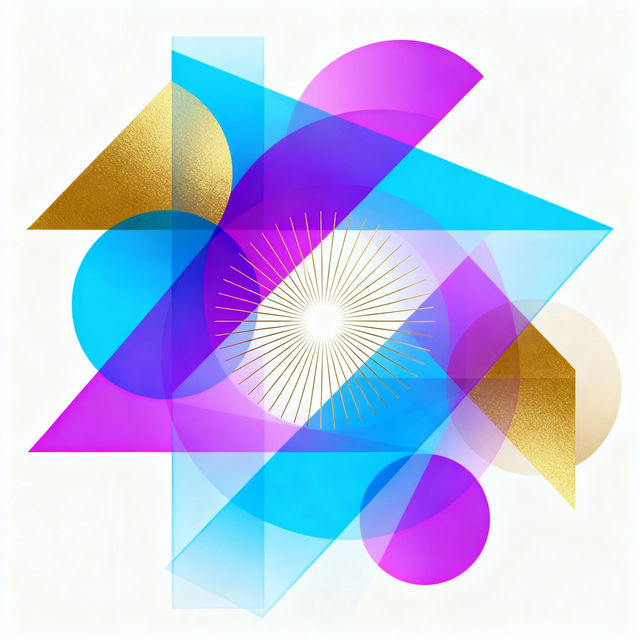
Vector Art Style Creations
Discover a vibrant gallery of art created in a distinct vector art style. Perfect for graphic design inspiration, explore unique AI-generated vector pieces and create your own.
Frequently Asked Questions
Frequently Asked Questions about Creating Your Own Gaming Wallpapers
How can I create a unique gaming wallpaper that reflects my style?
To create a unique gaming wallpaper, start by thinking about the games you love, your favorite characters, and the overall mood you want to convey. Use descriptive words in your prompt, like 'cyberpunk city at night,' 'epic fantasy battle,' or 'futuristic racing,' and specify desired styles such as 'anime,' 'photorealistic,' or 'pixel art.' Experiment with different AI models on NightCafe to see which generates results closest to your vision. You can also upload reference images to guide the AI.
What kind of gaming themes work best for AI-generated wallpapers?
Popular gaming themes for AI wallpapers include futuristic sci-fi, epic fantasy battles, retro arcade scenes, intense sports action, and abstract representations of gaming concepts. Consider your favorite game genres: whether it's first-person shooters, RPGs, strategy games, or puzzle games. Think about elements like neon lights, dragons, spaceships, sports equipment, or geometric patterns. The more specific you are, the better the AI can capture your desired theme.
Can I use the gaming wallpapers I create for my personal devices and social media?
Yes, the gaming wallpapers you create with NightCafe are intended for personal use on your devices, such as computers, phones, and tablets. You can also share them on social media platforms. For any commercial use, please refer to our Terms of Service for specific guidelines and attribution requirements.
What if the AI doesn't generate exactly what I imagined? How can I improve my results?
If your initial results aren't quite right, try refining your prompt. Add more specific details, adjust keywords, or try negative prompts (e.g., 'no text,' 'not blurry'). You can also experiment with different aspect ratios to ensure the wallpaper fits your screen. Changing the AI model or the 'style' preset can also lead to significantly different and potentially better outcomes. Don't be afraid to iterate and try multiple variations!