

- Galleries
- Picture Book Art Gallery
Create A Picture Book With AI
Easily create a picture book with stunning AI-generated illustrations. Browse our gallery for inspiration and bring your story to life with unique visuals.

As seen in








Picture Book Art Gallery
Explore a vibrant collection of AI-generated illustrations perfect for children's picture books. Spark your imagination and visualize your next story.


Didn't find what you were looking for? Create your own below!
Create your own Create A Picture Book With AI images
Discover the magic of Text to Image AI by creating your own unique images. Edit the prompt below to customize your creation.
No payment or credit card required.

Bring Stories To Life
AI-generated Picture Book Illustrations
Effortlessly transform your narrative into a visual masterpiece. Our AI art generator empowers you to create a picture book filled with unique, captivating illustrations. Explore diverse styles and find the perfect aesthetic to match your story's mood and characters, making your book truly one-of-a-kind.
Bring Your Storybook to Life!
Step 1
Describe Your Illustration
Start by describing the scene or character you envision for your picture book in the prompt box. Be as detailed as possible – think about the style (e.g., whimsical, realistic, watercolor), the mood, the colors, and any specific elements you want to include. The more descriptive you are, the better the AI can capture your vision.
Step 2
Generate Your Artwork
Once your prompt is ready, click the "Generate" button. Our AI will then work its magic, creating a unique illustration based on your text. You can generate multiple variations to find the perfect visual for your page.
Step 3
Download & Share Your Illustrations
After the illustration is generated, you can download it in high resolution to add to your picture book. Feel free to share your creations with others for inspiration or feedback, and continue generating more images to complete your story!

Visualize Your Imagination
Generate AI Illustrated Books From Your Stories
Don't just tell your story, show it! Our platform allows you to generate AI illustrated books, turning your written words into stunning visual narratives. Whether it's a fairy tale, an adventure, or an educational book, our AI helps you create compelling AI illustrated books that will enchant readers of all ages.
More Galleries
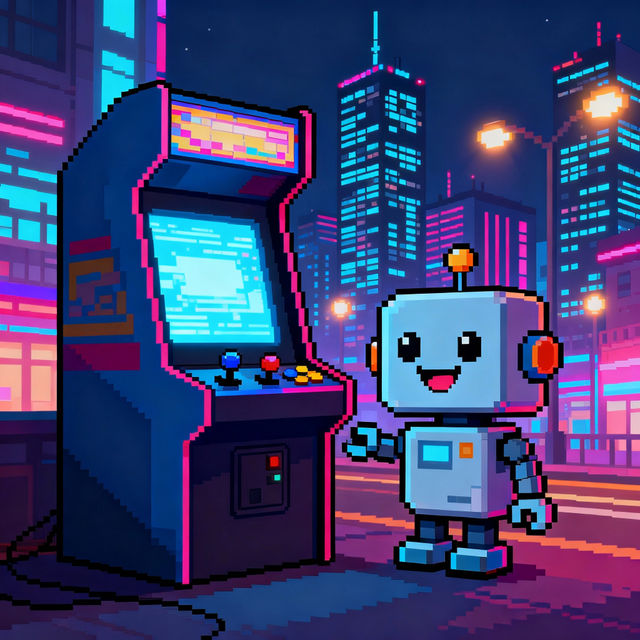
Easy Simple Pixel Art
Explore a gallery of easy simple pixel art. Perfect for games, icons, or just creative fun. Learn how to create your own unique pixel art with our AI tools.

Single Story Barndominium Floor Plans With Pictures
Discover inspiring single story barndominium floor plans with pictures. Visualize your dream home with unique AI-generated designs, perfect for modern living.
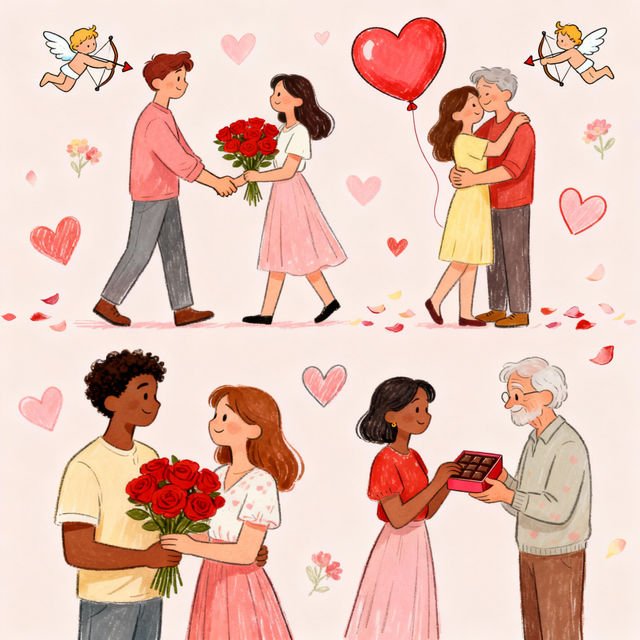
Happy Valentine's Day Drawings - AI Generated Art
Celebrate love with unique Happy Valentine's Day drawings generated by AI. Browse our gallery for inspiration and create your own heartfelt artwork to share.
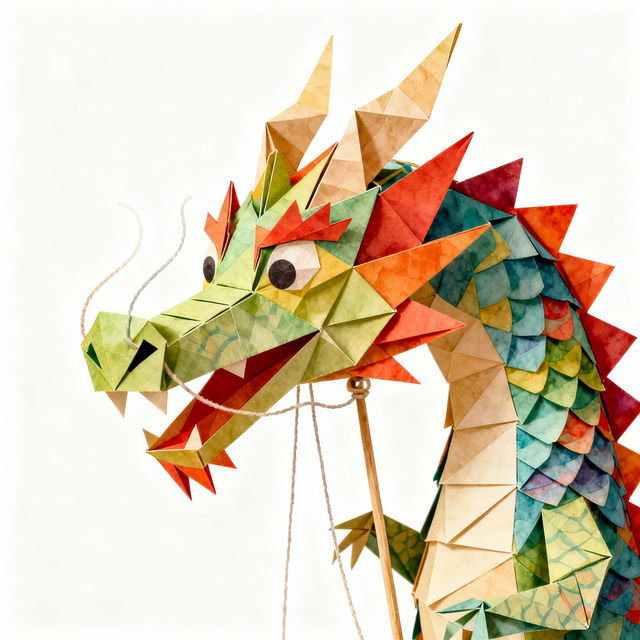
Drawing Paper Dragon Puppet Design Ideas
Explore unique drawing paper dragon puppet design ideas. Our AI generator offers inspiration for crafting imaginative and whimsical dragon puppets. Create your own designs today!
Frequently Asked Questions
Your Questions About Creating Picture Books with AI Answered
How can I ensure the AI illustrations match the mood and characters of my story?
To best match your story's mood and characters, be descriptive in your prompts. Use keywords related to the emotions you want to convey (e.g., 'joyful,' 'mysterious,' 'calm'), the age of your characters, their appearance, and the overall atmosphere of the scene. Experiment with different artistic styles within the generator to see which best captures the essence of your narrative.
Can I generate a series of illustrations that have a consistent style for my picture book?
Yes, consistency is key for a picture book! To achieve a consistent style, try using the same specific style keywords in all your prompts (e.g., 'watercolor illustration,' 'storybook art,' 'vintage cartoon style'). You can also experiment with using a specific seed number if the platform allows, which can help maintain visual coherence across multiple generations. Browsing the gallery for examples of consistent styles can also provide inspiration.
What are the best ways to get unique and captivating illustrations for my AI picture book?
For unique and captivating illustrations, focus on detailed and imaginative prompts. Combine unexpected elements, specify unique color palettes, and describe distinct visual textures. Don't be afraid to experiment with less common artistic styles or even invent your own descriptive terms. The more creative and specific your prompts are, the more distinct your AI-generated art will become.
How do I use the generated illustrations to create a complete picture book?
Once you have generated your desired illustrations, you can download them and use any digital art or desktop publishing software to assemble your picture book. Arrange the images alongside your text, paying attention to page layout and flow. Ensure your final layout guides the reader through the story visually and textually.