

- Galleries
- Pixel Art Showcase
Create Pixel Art
Dive into a vibrant gallery of AI-generated pixel art. Learn how to create your own unique pixel art pieces with NightCafe's powerful and intuitive AI tools.

As seen in








Pixel Art Showcase
Discover a curated collection of stunning pixel art, from classic scenes to modern interpretations, all generated by AI. Get inspired and start creating your own.


Didn't find what you were looking for? Create your own below!
Create your own Create Pixel Art images
Discover the magic of Text to Image AI by creating your own unique images. Edit the prompt below to customize your creation.
No payment or credit card required.

Dive Into Retro Aesthetics
Explore AI-generated Pixel Art
Discover a dazzling array of AI-generated pixel art, from nostalgic landscapes to futuristic cityscapes. Our advanced algorithms let you create pixel art that evokes classic video games and retro charm. Explore the possibilities and find inspiration for your next unique creation.
Craft Your Pixel Art Masterpiece
Step 1
Describe Your Pixel Art Vision
Begin by entering a detailed description of the pixel art you envision in the prompt box. Think about the style, theme, colors, and any specific elements you want to include. For example, try 'a retro pixel art cityscape at sunset' or 'a cute pixel art dragon guarding treasure'. The more descriptive you are, the better the AI can understand your vision.
Step 2
Generate Your Pixel Art
After crafting your prompt, click the "Generate" button. Our AI will process your description and create a unique pixel art image based on your input. Watch as your ideas come to life in a nostalgic, pixelated style!
Step 3
Download or Share Your Creation
Once your pixel art is generated, you have the option to download it in high resolution. You can also share your creation with the NightCafe community to inspire others and receive feedback. Celebrate your pixel art success!

Craft Your Digital Masterpiece
Use An AI Pixel Art Generator To Create Unique Images
Transform your ideas into stunning pixel art with our intuitive AI tools. Whether you're designing characters, backgrounds, or abstract pieces, our pixel art generator empowers you to create unique images effortlessly. Unleash your creativity and bring your pixelated visions to life.
More Galleries
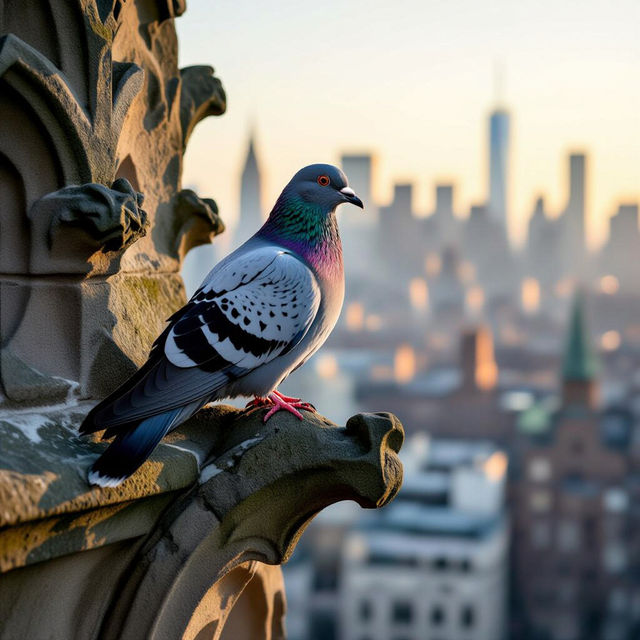
Pictures of Pigeons - AI Generated
Discover captivating pictures of pigeons created by AI. Browse our gallery for inspiration or generate your own unique pigeon images with NightCafe's AI art tools.
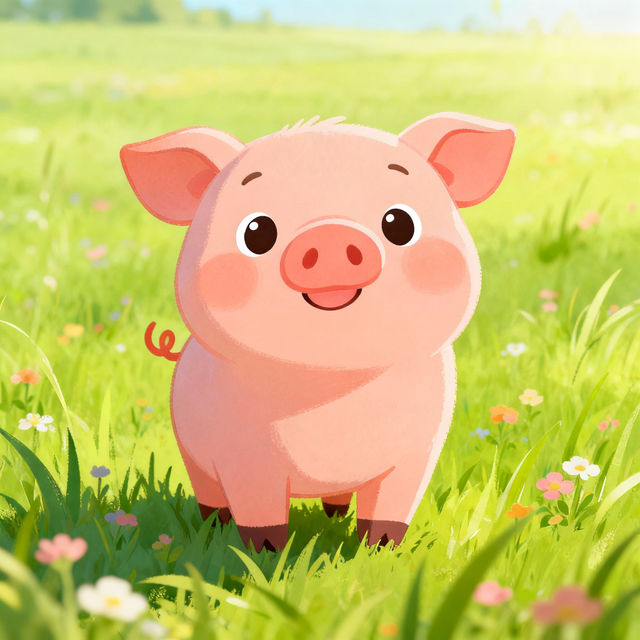
Pig Drawing For Kids
Explore adorable AI-generated pig drawings perfect for kids. Learn how to draw a pig with simple, step-by-step inspiration from our gallery. Create your own charming pig art today!
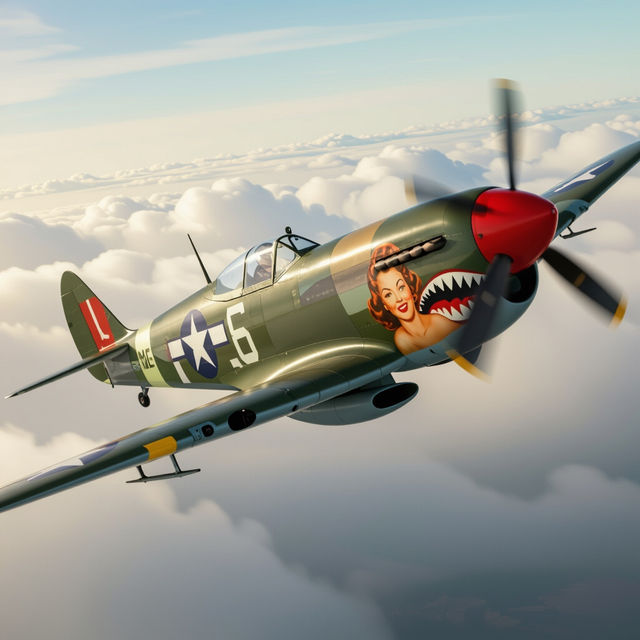
Nose Art WW2
Discover a stunning collection of WW2 nose art. Get inspired by historical designs and create your own vintage aircraft art with our AI generator.

Pictures of Windows - Made With AI
Discover unique AI-generated pictures of windows, showcasing diverse scenes and artistic styles. Find inspiration or create your own window views with NightCafe's AI.
Frequently Asked Questions
Your Questions About AI Pixel Art, Answered
How can I create pixel art that looks like classic video games?
To achieve a classic video game aesthetic, focus your prompts on descriptive terms like '8-bit', '16-bit', 'retro game', 'NES style', or 'SNES style'. You can also specify elements commonly found in those eras, such as 'chunky pixels', 'limited color palette', and 'sprite sheet' to guide the AI.
What are the best prompt techniques for generating unique pixel art characters or environments?
For unique characters, describe their key features, clothing, and any specific poses or expressions. For environments, detail the setting, time of day, and architectural style. Adding artistic influences like 'by [famous pixel artist name]' or specifying a color palette can further enhance uniqueness.
Can I use the generated pixel art for my own projects, like indie games or websites?
Yes, the pixel art you create with NightCafe can be used for your personal and commercial projects, including indie games, websites, and more. Please refer to our Terms of Service for detailed usage rights and attribution requirements.
What makes NightCafe's Pixel Art Generator different from other pixel art tools?
NightCafe's Pixel Art Generator leverages advanced AI models trained on vast datasets, allowing for a wide range of styles and complexities. Our intuitive interface and diverse model options provide greater flexibility and creative control compared to traditional pixel art software, while still enabling the distinct pixelated look.