

- Galleries
- AI-Generated SVG Art
Create SVG From Image
Easily create SVG from your images. Explore a gallery of AI-generated SVGs and learn how to convert your own photos and graphics into scalable vector art.

As seen in








AI-Generated SVG Art
Discover a diverse collection of SVG images created by AI. Perfect for designers and developers seeking unique vector assets for their projects.


Didn't find what you were looking for? Create your own below!
Create your own Create SVG From Image images
Discover the magic of Text to Image AI by creating your own unique images. Edit the prompt below to customize your creation.
No payment or credit card required.

Endless Artistic Possibilities
Transform Images Into Scalable Vector Graphics
Dive into a world where your photos and sketches are reborn as crisp, scalable vector graphics. Our advanced AI empowers you to effortlessly Create SVG From Image, opening doors to unlimited design potential for logos, icons, and illustrations. Explore the gallery to see how simple it is to convert your vision into clean, scalable vector art.
Create Stunning SVGs in 3 Simple Steps
Step 1
Input Your Image or Prompt
Upload your image or provide a descriptive text prompt. Be as specific as possible about the style, colors, and elements you want in your vector art to help the AI understand your vision.
Step 2
Generate Your Vector Art
Click the 'Generate SVG' button. Our AI will process your input and create a unique, scalable vector graphic based on your specifications.
Step 3
Download & Share Your Creation
Once your SVG is ready, you can download it in a high-quality format or share it with the community. Use your new vector art for logos, illustrations, icons, and more!

Your Vision, Vectorized
Generate Vector Images From Your Photos
Unleash the power of our vector image generator to transform everyday photos into stunning vector art. Whether you're aiming for a minimalist icon or a complex illustration, our AI makes it simple to Generate Vector Images from Your Photos. Discover how easily you can convert your personal images into versatile, high-quality vector formats perfect for any project.
More Galleries
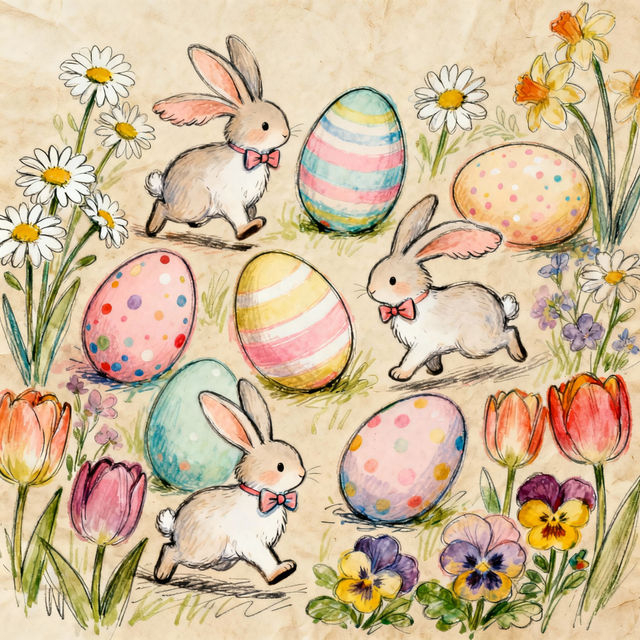
Easter Drawings
Explore a delightful collection of AI-generated Easter drawings. Perfect for inspiration, greeting cards, or unique holiday decorations. Create your own festive drawings with NightCafe.
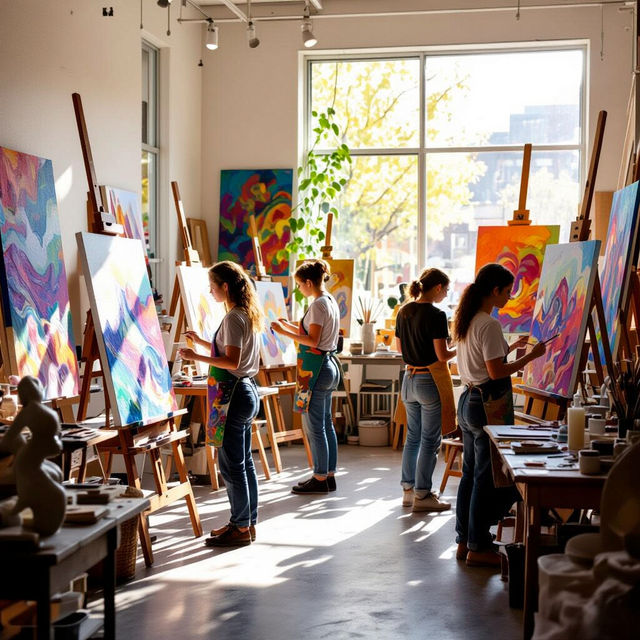
Art Classes Denver
Discover a vibrant selection of AI-generated art, inspired by the creativity found in Denver's art scene. Find inspiration for your next masterpiece or unique art classes in Denver.
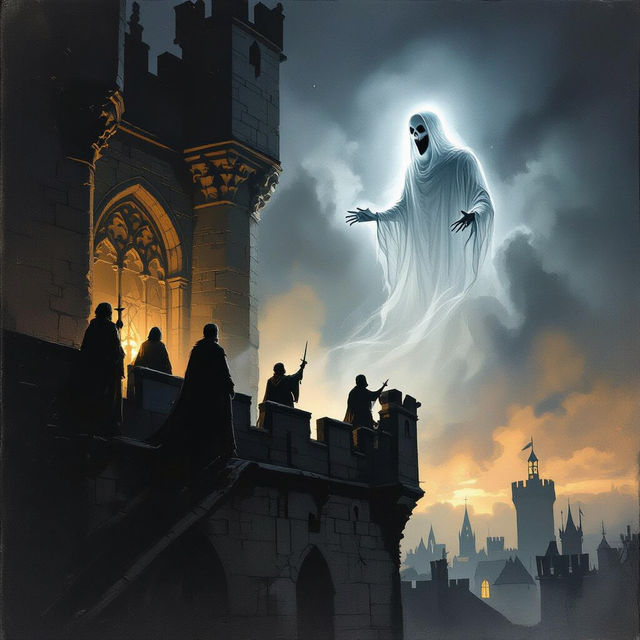
Shakespeare Images
Explore a collection of unique Shakespeare images brought to life by AI. Get inspired by iconic scenes and characters, then create your own theatrical masterpieces with NightCafe.
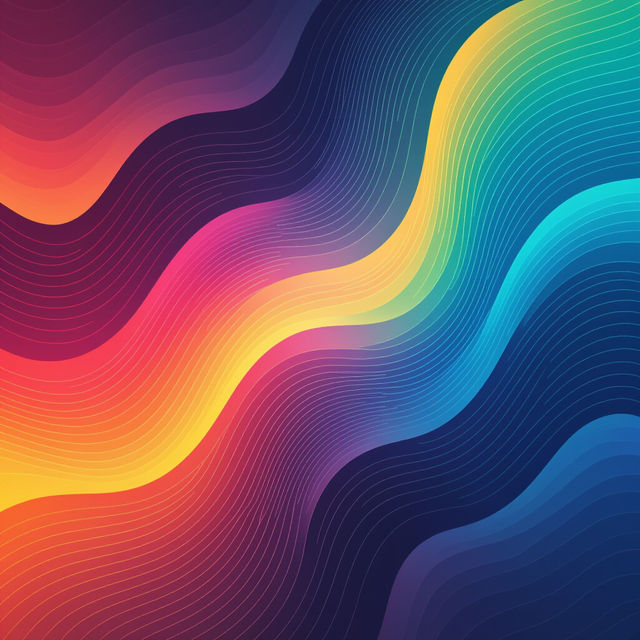
Website Hero Images - AI Generated
Discover a gallery of AI-generated website hero images. Get inspired by unique designs and easily create captivating hero images for your website to make a strong first impression.
Frequently Asked Questions
Your Questions About Creating SVG from Images, Answered
What is an SVG and why would I want to create one from my image?
SVG stands for Scalable Vector Graphics. Unlike pixel-based images (like JPEGs or PNGs), SVGs are made of mathematical paths, meaning they can be scaled infinitely without losing quality. This makes them perfect for logos, icons, illustrations, and any design that needs to look sharp on various screen sizes or be printed at different dimensions. Our AI generator makes it easy to convert your existing photos and graphics into this versatile format.
How does the AI convert my image into an SVG?
Our AI analyzes the key features, shapes, and colors within your uploaded image. It then intelligently traces these elements to create clean, scalable vector paths. The process simplifies complex details into a vector format, making your original image suitable for applications requiring sharp lines and scalability.
What types of images work best for converting to SVG?
Images with clear lines, distinct shapes, and solid color areas tend to convert best. This includes logos, icons, simple illustrations, sketches, and even some photographs with strong contrast. Images with very fine details, gradients, or complex textures might require more refinement after the initial conversion.
Can I edit the SVGs generated by the AI?
Yes, the SVGs generated by our AI are fully scalable vector graphics. This means you can open them in vector editing software (like Adobe Illustrator, Inkscape, or Affinity Designer) and modify paths, colors, shapes, and text to further customize your design.
What are the main benefits of using the SVG From Image generator?
The primary benefit is the ability to transform your existing raster images (like JPEGs or PNGs) into infinitely scalable vector art. This process is automated by AI, saving you significant time and effort compared to manual tracing. You gain versatile, high-quality vector graphics suitable for web design, printing, branding, and more, all from your own images.