

- Galleries
- Charming Cute Dog Drawing Tutorials Gallery
Cute Dog Drawing
Create charming Cute Dog Drawing tutorials with AI. Unleash your inner artist and learn to draw adorable dogs with ease. Explore our gallery and start creating your own Cute Dog Drawing today!

As seen in








Charming Cute Dog Drawing Tutorials Gallery
A delightful collection of AI-generated Cute Dog Drawing tutorials, showcasing various breeds and styles to inspire artists of all skill levels. Learn to capture the charm of your favorite pups!


Didn't find what you were looking for? Create your own below!
Create your own Cute Dog Drawing images
Discover the magic of Text to Image AI by creating your own unique images. Edit the prompt below to customize your creation.
No payment or credit card required.

Easy And Adorable
Cute Dog Drawing
Create your own Cute Dog Drawing using our AI-powered tutorials. Learn the basics of dog anatomy, proportions, and expressions with Charming Cute Dog Drawing Tutorials. Transform simple shapes into lovable canine characters, perfect for sharing or personal enjoyment.
Create Cute Dog Drawings with AI
Step 1
Input Your Vision
Start by entering a detailed prompt describing the cute dog drawing you envision. Include specifics like breed, pose, expression, and art style to guide the AI. The more details, the better the result!
Step 2
Generate Your Drawing
After crafting your perfect prompt, click the 'Generate' button. Our AI will then transform your words into a charming dog drawing, ready for your enjoyment.
Step 3
Share Your Artwork
Once your cute dog drawing is generated, you can download it for personal use or share it with friends and family. Spread the cuteness and inspire others to create their own adorable artwork!

Limitless Creativity
Design Fluffy Puppies With AI
Design Fluffy Puppies with AI and bring your imagination to life! Craft the perfect digital companion with customizable fur, adorable features, and playful poses. Our tools make it easy to Design Fluffy Puppies with AI, even without prior drawing experience.
More Galleries
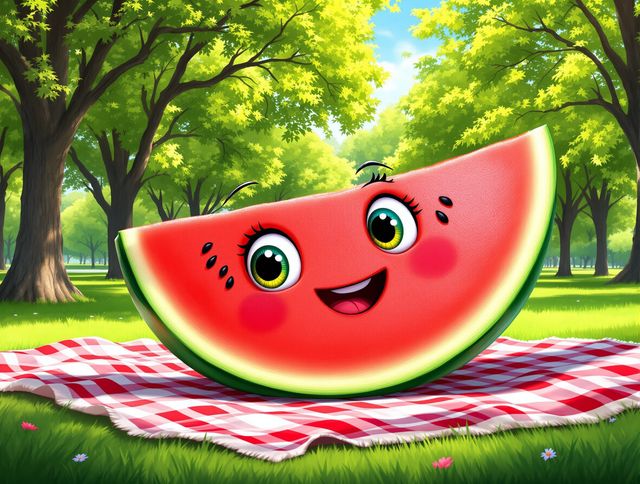
Watermelon Drawing & Tutorials
Explore our Fun Watermelon Drawing & Tutorials gallery! Perfect for all skill levels, these Watermelon Drawing tutorials offer creative inspiration and step-by-step guidance to create your own vibrant fruit art.

Cute Cat Wallpaper
Explore our Adorable Cute Cat Wallpaper Collections and find the purr-fect background for your devices! These Cute Cat Wallpapers capture the charm and playfulness of feline friends.
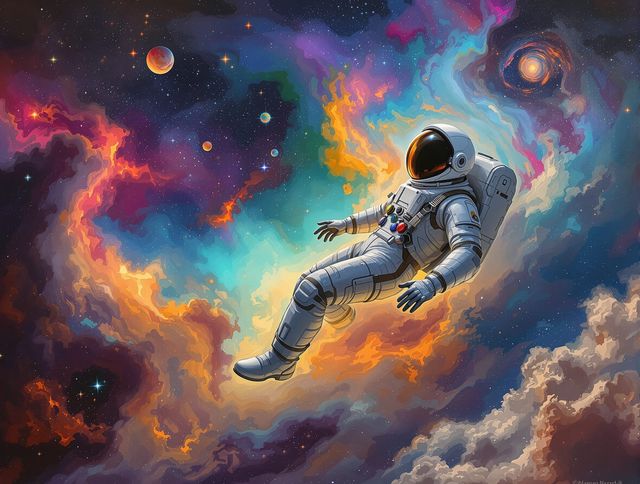
Astronaut Drawing & Art
Explore the cosmos with our Astronaut Drawing & Art gallery! Discover creative astronaut drawing tutorials and space art to fuel your artistic journey. Unleash your imagination with stunning AI-generated visuals.
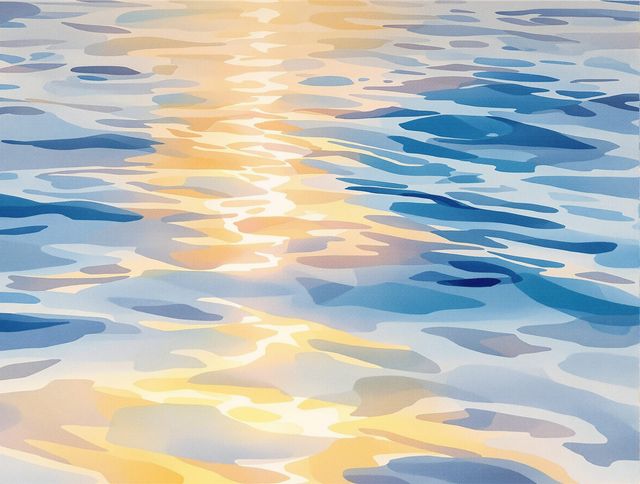
Water Drawing & Sketches
Explore the art of Water Drawing with our relaxing tutorials and stunning sketches. Discover techniques to create beautiful Water Drawing & Sketches that capture the serene essence of water.
Frequently Asked Questions
Frequently Asked Questions About Creating Cute Dog Drawings with AI
How can AI help me learn to draw cute dogs?
Our AI-powered tutorials simplify the process of drawing adorable dogs. They guide you through the fundamentals of dog anatomy, proportions, and expressions, enabling you to create charming canine characters even without prior drawing experience. You can use the AI to generate image examples, and then use those as a base for your own drawings, or just create unique images of cute dogs!
What customization options are available for designing fluffy puppies with AI?
Yes! You can customize various aspects of your dog drawings, including fur texture, facial features, poses, and even the overall art style. Experiment with different prompts and settings to achieve the perfect look for your fluffy puppy creation. NightCafe offers a range of AI models, such as Stable Diffusion and Imagen, each with unique strengths that you can leverage.
What are some tips for writing effective prompts for cute dog drawings?
To get the best results, start with clear and descriptive prompts. Specify the breed, pose, expression, and art style you envision. For example, "a fluffy corgi puppy sitting, happy expression, watercolor style" is a great starting point. Experiment with different keywords and phrases to refine your results. You can also use negative prompts to exclude unwanted elements.
Can I use the AI-generated dog drawings for personal or commercial purposes?
Absolutely! You can use your AI-generated dog drawings for personal enjoyment, sharing on social media, or even as inspiration for other creative projects. However, please be aware of the terms of service regarding commercial use and attribution. Consider crediting NightCafe when sharing your creations.
What should I do if I'm not happy with the AI-generated dog drawings?
If you're not satisfied with the initial results, try adjusting your prompts, experimenting with different AI models, or refining the settings. You can also use image editing tools to make further adjustments to the generated images. If you encounter technical issues, please refer to our help center or contact our support team for assistance.