

- Galleries
- Gallery of Cute Easy Drawings
Cute Easy Drawings - Made With AI
Explore a delightful gallery of cute easy drawings, perfect for beginners. Learn how to create charming illustrations step by step with AI.

As seen in








Gallery of Cute Easy Drawings
Discover a charming collection of simple, cute drawings created by AI. Perfect for inspiration or learning how to draw easy, adorable subjects.


Didn't find what you were looking for? Create your own below!
Create your own Cute Easy Drawings - Made With AI images
Discover the magic of Text to Image AI by creating your own unique images. Edit the prompt below to customize your creation.
No payment or credit card required.

Effortless Artistic Growth
Learn To Draw Cute Things Step By Step
Embark on your artistic journey with our 'Cute Easy Drawings Step By Step' guide. Our AI breaks down complex illustrations into simple, manageable steps, making it easy for anyone to create charming art. Discover the joy of drawing with clear, intuitive tutorials designed for beginners.
Create Your Own Cute Drawings
Step 1
Describe Your Drawing Idea
Start by describing the cute character or scene you want to draw in the prompt box. Be specific about its features, pose, and the overall style you're aiming for. For example, 'a fluffy kitten wearing a tiny hat, sitting on a cloud, cartoon style.'
Step 2
Generate Your Cute Drawing
After entering your prompt, click the 'Generate' button. Our AI will interpret your description and create a unique, easy-to-follow drawing based on your input.
Step 3
Download & Share Your Art
Once your drawing is ready, you can download it to use in your projects or share it with our community. You can also use it as inspiration for your own hand-drawn creations!

Unlock Your Creative Potential
AI Drawing Tutorials For Adorable Illustrations
Dive into our collection of AI Drawing Tutorials, expertly crafted to help you create adorable illustrations. Whether you're aiming for playful characters or sweet scenes, these AI-guided lessons make learning fun and accessible, transforming your creative vision into delightful artwork.
More Galleries
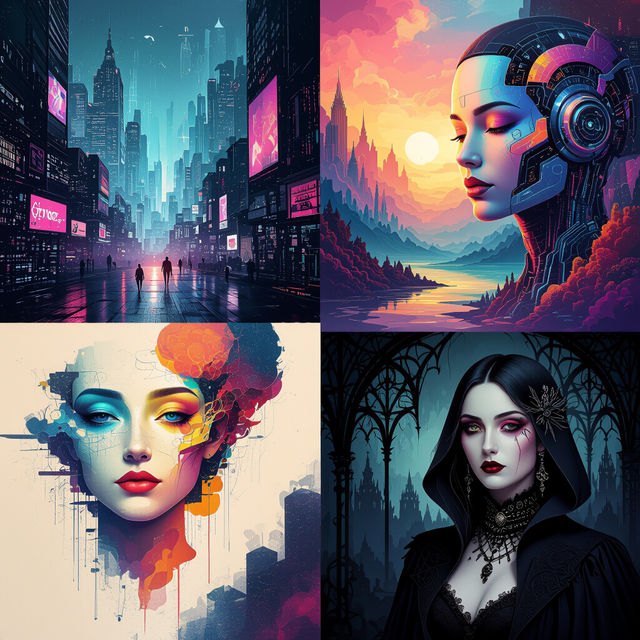
Explore Diverse AI Art Styles
Explore a vast array of AI art styles. Discover unique styles for your AI creations and learn how to generate stunning art using different artistic approaches on NightCafe.

Wallpaper For Renters
Discover unique AI-generated wallpaper designs perfect for renters. Easily create temporary, stylish wall coverings that won't damage walls, ideal for personalizing any rented space.
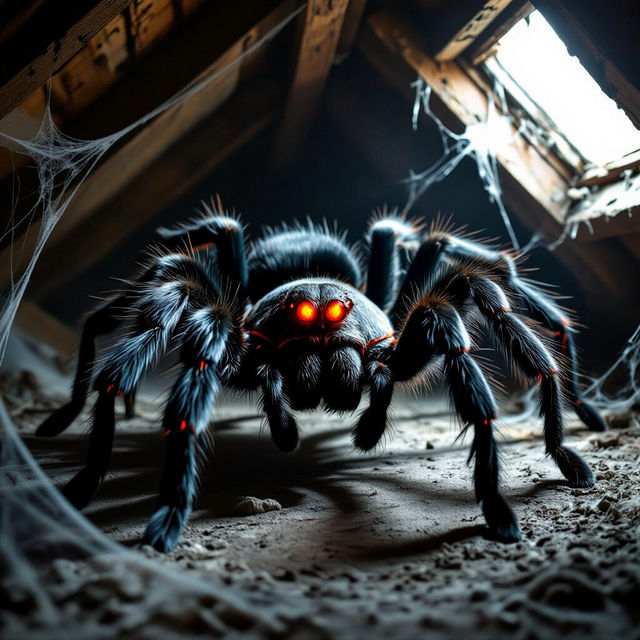
Scary Spider Pictures - Made With AI
Discover a collection of chillingly realistic scary spider pictures. Perfect for Halloween or horror enthusiasts, create your own nightmare fuel with our AI image generator.

Lysosomes Drawing
Explore a gallery of AI-generated lysosomes drawings. Perfect for educational purposes or scientific visualization, these images bring cellular biology to life. Create your own unique lysosome art.
Frequently Asked Questions
Your Questions About Cute Easy Drawings, Answered!
I'm a complete beginner. How does this gallery help me draw cute things easily?
This gallery is designed specifically for beginners! Our AI breaks down the process of creating cute illustrations into simple, step-by-step tutorials. We focus on easy-to-follow instructions that guide you through each stage, making drawing enjoyable and accessible even if you've never drawn before.
What kind of 'cute easy drawings' can I expect to learn to create?
You can expect to learn how to create a variety of charming and adorable illustrations. This includes playful characters, sweet scenes, and simple objects, all rendered in an easy-to-understand style. The focus is on creating delightful artwork with minimal complexity.
How does the AI assist in the drawing process in these tutorials?
The AI acts as your guide, simplifying complex illustration techniques into manageable steps. It helps in visualizing the drawing process, suggesting elements, and ensuring that the final result is consistently cute and easy to achieve. Think of it as a patient art tutor helping you along the way.
Do I need any special software or drawing tools to follow these tutorials?
While the AI generates the examples, the tutorials are designed to guide your own creative process. Basic drawing tools like paper and pencil, or a simple digital drawing app, are sufficient to follow along and practice the techniques shown. The focus is on the artistic concepts and steps, not on complex software.