

- Galleries
- Cute Flower Drawings Gallery
Cute Flower Drawings - Made With AI
Discover charming and whimsical cute flower drawings created by AI. Get inspired by these delightful illustrations and create your own unique floral art with NightCafe.

As seen in








Cute Flower Drawings Gallery
A curated gallery of AI-generated cute flower drawings, perfect for adding a touch of sweetness and charm to any project.


Didn't find what you were looking for? Create your own below!
Create your own Cute Flower Drawings - Made With AI images
Discover the magic of Text to Image AI by creating your own unique images. Edit the prompt below to customize your creation.
No payment or credit card required.

Whimsical And Charming Designs
Explore Adorable Flower Illustrations
Dive into a garden of delightful AI-generated illustrations. Our gallery showcases a vibrant collection of cute flower drawings, perfect for adding a touch of sweetness to any project. From playful daisies to elegant roses, each piece is a unique creation, ready to inspire your next artistic endeavor. Explore the charm and find your perfect floral muse.
Create Your Own Cute Flower Drawings
Step 1
Describe Your Floral Vision
Start by describing the cute flower drawing you envision in the prompt box. Be specific about the type of flowers, colors, style (e.g., watercolor, cartoon, sketch), and any background elements you'd like. The more detail you provide, the better the AI can capture your idea!
Step 2
Generate Your Artwork
After crafting your prompt, click the "Generate" button. Our AI will then work its magic, transforming your description into a unique and adorable flower drawing. You can generate multiple variations to find the perfect fit.
Step 3
Download & Share Your Masterpiece
Once you're happy with your generated flower drawing, you can easily download it in high resolution for your projects. Feel free to share your delightful creation with the community and inspire others!

Your Creative Floral Partner
Generate AI Flower Art With Nightcafe
Unleash your imagination and generate your own unique AI flower art with NightCafe. Our powerful tools make it easy to create charming floral designs that are perfect for cards, decorations, or personal expression. Simply input your ideas and watch as our AI brings your vision to life, offering endless possibilities for cute and captivating floral creations.
More Galleries
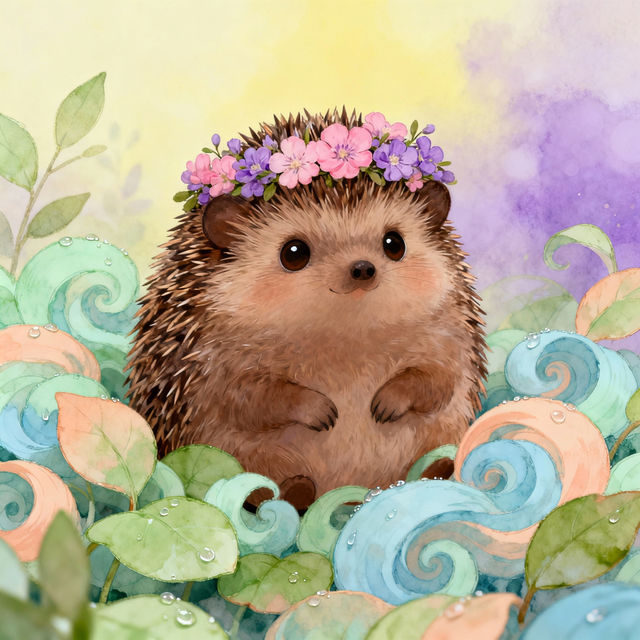
Cute Hedgehog Drawings - Made With AI
Discover charming AI-generated cute hedgehog drawings. Perfect for art lovers, children's books, or just a dose of adorable. Create your own unique hedgehog art with NightCafe.

Fantasy Football Profile Pictures
Generate eye-catching fantasy football profile pictures with AI. Explore a gallery of unique avatars and create your own perfect team representation. Stand out this season!
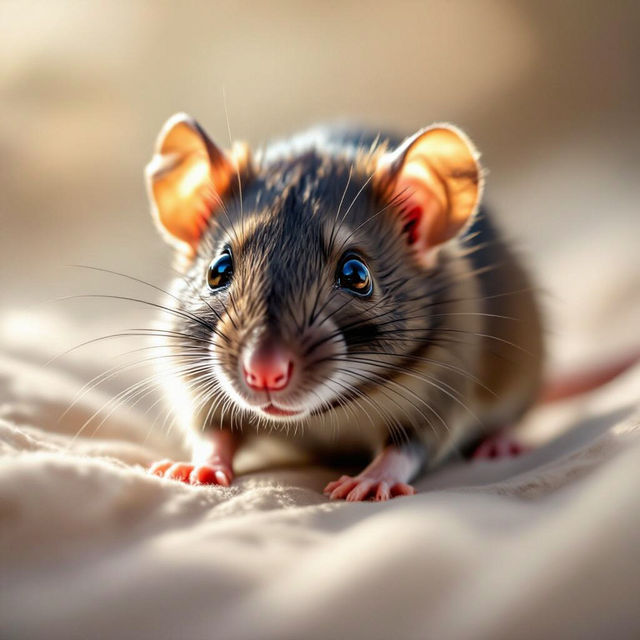
AI Rat Pictures
Explore a gallery of unique AI-generated rat pictures. Discover creative rat art and illustrations, perfect for inspiration or unique digital creations. Generate your own rat art today!
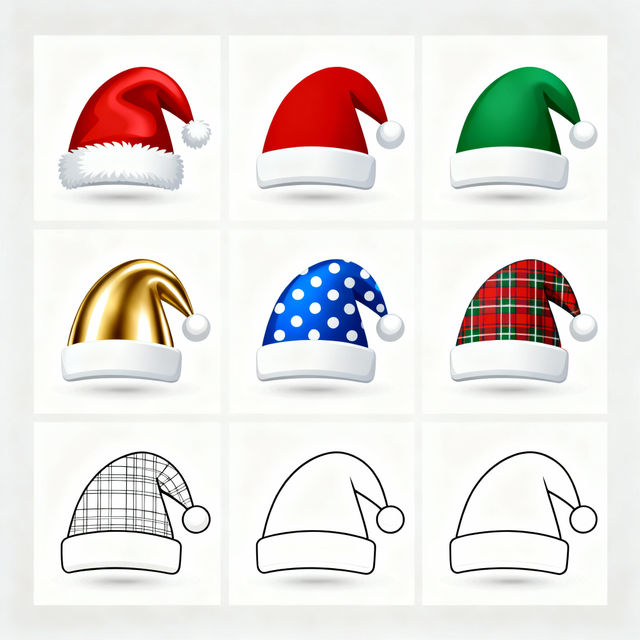
Santa Hat Clip Art - Made With AI
Discover a delightful collection of Santa Hat Clip Art! Perfect for holiday designs, these AI-generated images add a festive touch to any project. Create your own unique Christmas clip art.
Frequently Asked Questions
Your Questions About Cute Flower Drawings Answered
How can I generate my own cute flower drawings with NightCafe?
To create your own cute flower drawings, start by entering a descriptive prompt into our AI art generator. For example, you could try 'a cute cartoon daisy with big eyes' or 'whimsical watercolor wildflowers in a meadow.' Experiment with different keywords related to style (e.g., 'illustration,' 'sketch,' 'vector art'), mood (e.g., 'cheerful,' 'dreamy'), and specific flower types to achieve the desired look. You can also utilize negative prompts to exclude elements you don't want.
What makes these flower drawings 'cute'?
The 'cuteness' in these AI-generated drawings often comes from stylistic choices like simplified shapes, bright or pastel color palettes, exaggerated features (like large eyes or round petals), and a generally cheerful or whimsical aesthetic. Our AI models can interpret these stylistic cues from your prompts, allowing you to generate illustrations that evoke feelings of charm and sweetness.
Can I use these AI-generated cute flower drawings for my projects?
Yes, you can use the AI-generated cute flower drawings you create for a variety of personal and commercial projects, subject to NightCafe's Terms of Service. This includes using them for digital art, crafts, decorations, social media, and more. Remember to check our Terms of Service for specific usage guidelines and attribution requirements.
What if my generated flower drawing isn't exactly what I envisioned?
AI art generation involves experimentation. If your first attempt isn't perfect, try refining your prompt. Add more specific details, adjust the style keywords, or try a different AI model. You can also use features like 'Variations' or 'Upscale' on existing creations to explore different possibilities based on an image you like. Don't be afraid to iterate and explore different prompts!