

- Galleries
- Cute Ghost Drawings Gallery
Create a Cute Ghost Drawing with AI
Create charming and adorable ghost drawings with NightCafe's AI-powered generator. Perfect for adding a touch of whimsy to any project, our tool makes it easy to design your own cute ghost drawing. Browse examples or create your own.

As seen in








Cute Ghost Drawings Gallery
Explore a delightful collection of AI-generated cute ghost drawings. These images showcase a variety of styles and creative interpretations, perfect for sparking your imagination.


Didn't find what you were looking for? Create your own below!
Create your own Create a Cute Ghost Drawing with AI images
Discover the magic of Text to Image AI by creating your own unique images. Edit the prompt below to customize your creation.
No payment or credit card required.

Instant Ghost Art
AI-generated Cute Ghost Drawings
Craft adorable and unique ghost drawings in seconds with our AI-powered generator. Perfect for invitations, social media, or adding a playful touch to your website. Simply input your preferences and watch as a charming Cute Ghost Drawing appears, ready to bring a smile to everyone's face.
How to Generate Your Cute Ghost Drawing
Step 1
Describe Your Ghostly Vision
Start by typing a detailed description of the cute ghost you envision into the prompt box. Specify the style, colors, and any unique features you'd like your ghost to have. The more details you provide, the better the AI can capture your vision!
Step 2
Generate Your Adorable Ghost
Once you're happy with your prompt, click the 'Generate' button. Our AI will then work its magic, transforming your words into a delightful and unique ghost drawing.
Step 3
Download and Share Your Ghost
Once your cute ghost drawing is ready, you can download it in high resolution to use in your projects. Don't forget to share your creation with the NightCafe community and spread the ghostly cheer!

Endless Design Possibilities
Design Friendly Specters For Spooky Fun
Unleash your creativity and Design Friendly Specters for Spooky Fun with our intuitive AI tool. Experiment with different styles, colors, and poses to create the perfect ghost character for your project. Ideal for children's books, Halloween decorations, or adding a lighthearted touch to any spooky theme.
More Galleries
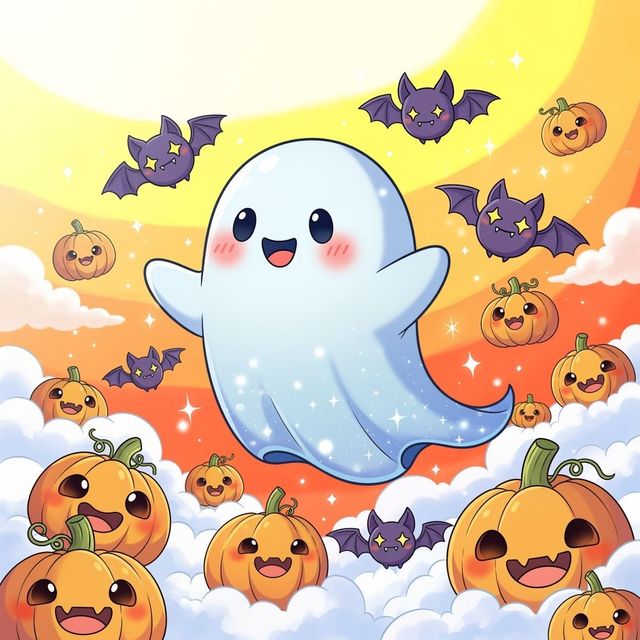
Create Cute Halloween Drawings with AI
Create spooky and adorable art with our AI Cute Halloween Drawings generator. Perfect for festive decorations, cards, or social media. Explore cute Halloween drawings now!
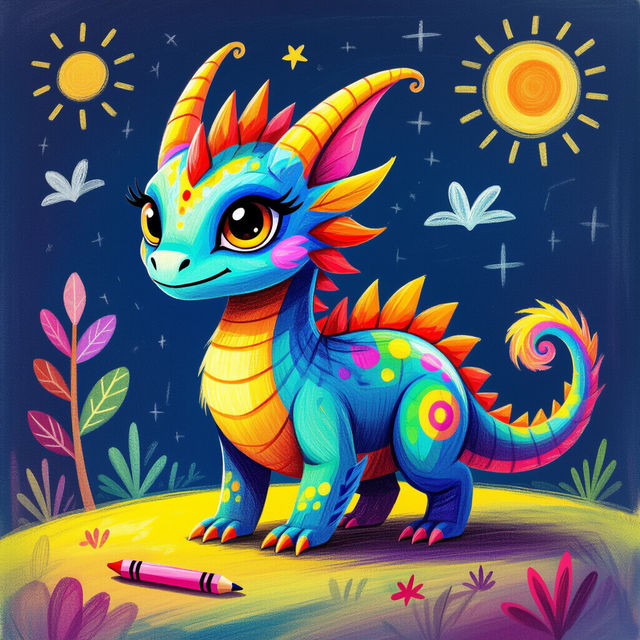
Turn Kids Drawing into AI Art
Transform your child's imagination into stunning AI art with NightCafe's AI Generator. Simply upload a kids drawing and watch as our AI brings it to life. Browse our gallery or start creating your own AI masterpieces today!
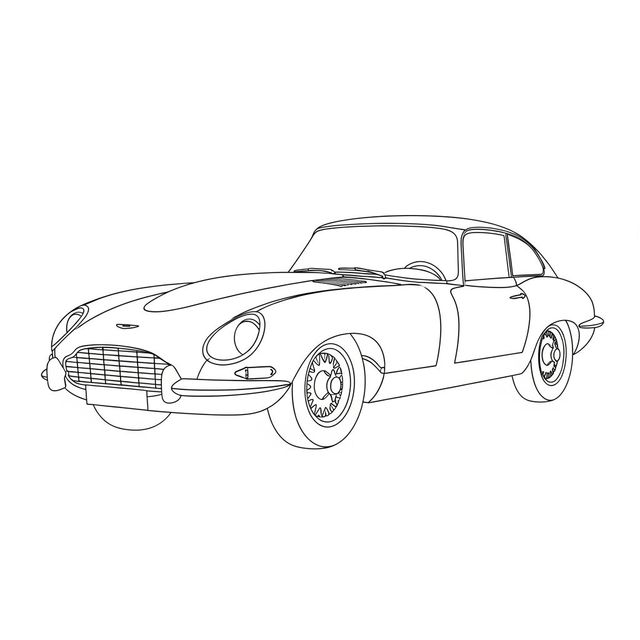
Create a Car Drawing Easy With AI
Looking for a car drawing easy to make? Use NightCafe Creator to generate car drawings for any purpose. Learn how to create your own AI car drawings for free.
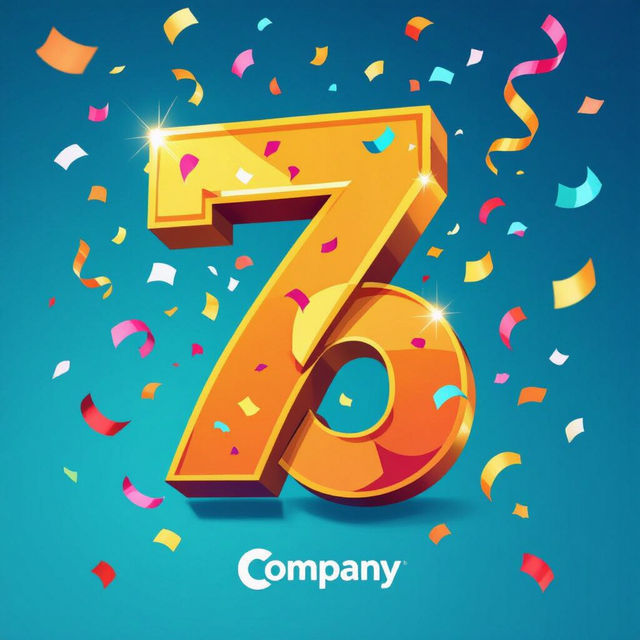
Create Heartfelt Work Anniversary Images with AI
Celebrate milestones with our AI Work Anniversary Image Generator. Create personalized and memorable images to honor your colleagues' dedication and achievements. Browse examples or generate your own.
Frequently Asked Questions
Everything You Need to Know About Generating Cute Ghost Drawings with AI
What kind of ghost drawings can I create with this AI generator?
You can generate a wide variety of cute ghost drawings! Experiment with different styles like cartoonish, minimalist, or even watercolor. Specify details in your prompt such as the ghost's expression (happy, surprised, friendly), pose (floating, waving), and environment (haunted house, graveyard, rainbow background) to achieve your desired look.
What kind of customization options are available for my AI-generated ghost drawing?
NightCafe's AI tools offer considerable customization. While the specific options depend on the model you select, you can generally influence the style, color palette, composition, and level of detail through your text prompt. You can also use image prompts to guide the AI towards a specific visual direction. For more advanced control, explore inpainting and other editing features after the initial generation.
Can I use the AI-generated cute ghost drawings for commercial purposes?
Yes, you can generally use your AI-generated ghost drawings for commercial purposes, such as in children's books, Halloween decorations, or on your website. Always review our terms of service to ensure compliance with the licensing of the AI model used and any NightCafe policies regarding commercial use.
What are some tips for writing effective prompts to generate the best cute ghost drawings?
Be specific and descriptive in your prompts. Use keywords like 'cute,' 'friendly,' 'adorable,' and 'charming' to emphasize the desired aesthetic. Include details about the ghost's appearance (e.g., 'round ghost with big eyes,' 'ghost wearing a bow'), the art style (e.g., 'watercolor illustration,' 'vector art'), and the overall mood (e.g., 'playful,' 'whimsical'). Experiment with different combinations of keywords to see what works best.
What if I'm not happy with the first AI-generated image? How can I improve it?
Don't worry! Refining your prompt is key. Analyze what you like and dislike about the initial result, and adjust your prompt accordingly. Try adding more specific details, experimenting with different art styles, or using negative prompts to exclude unwanted elements. You can also use NightCafe's editing tools to make further adjustments to the generated image. Consider using a higher number of iterations for more refined results.